iPhone 版テンプレート
iA Writer for iOS では、テンプレートを使って Preview や Print での文書の見た目を細かく整えられます。フォント、余白、行間などをコントロールできます。
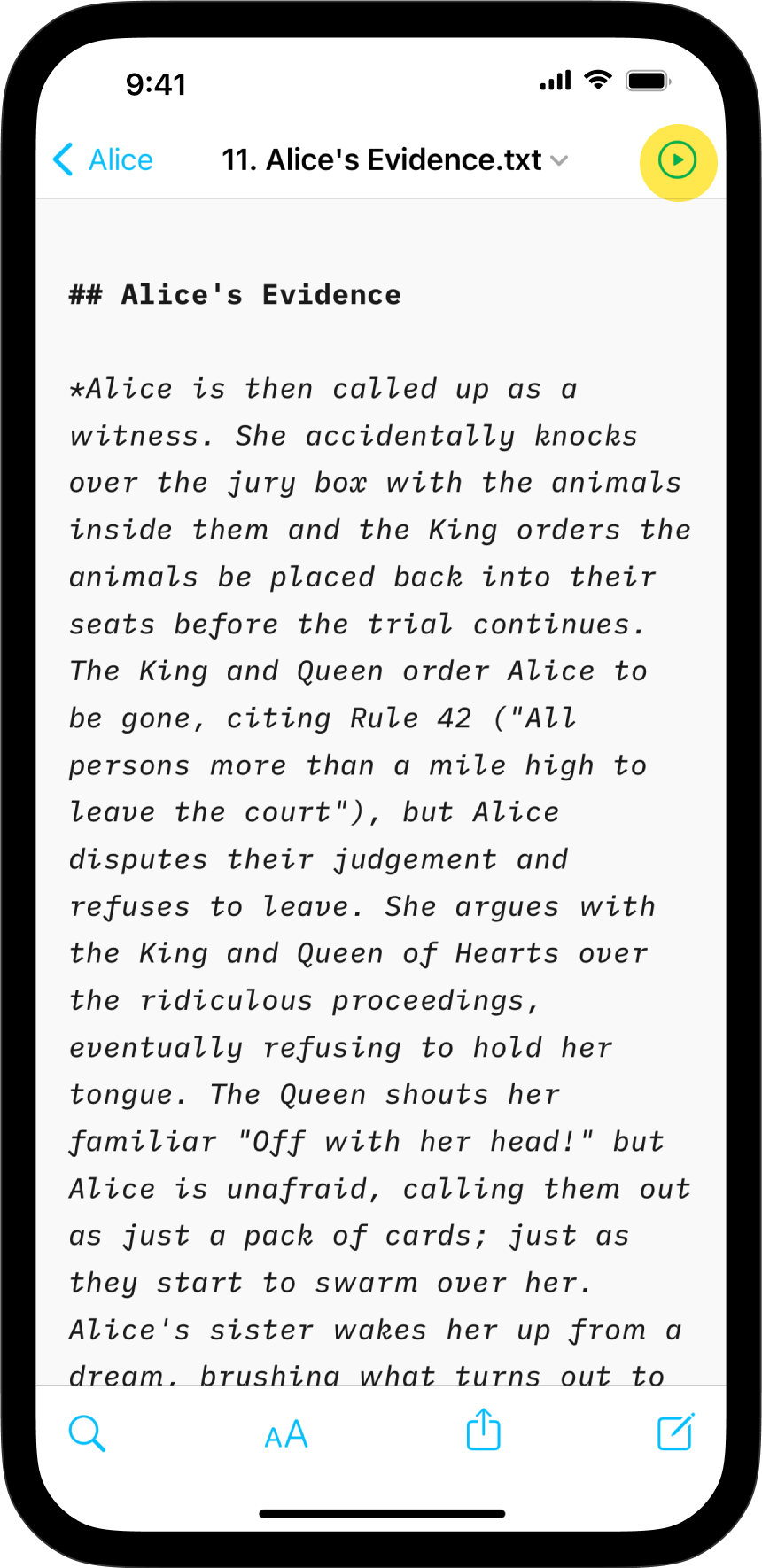
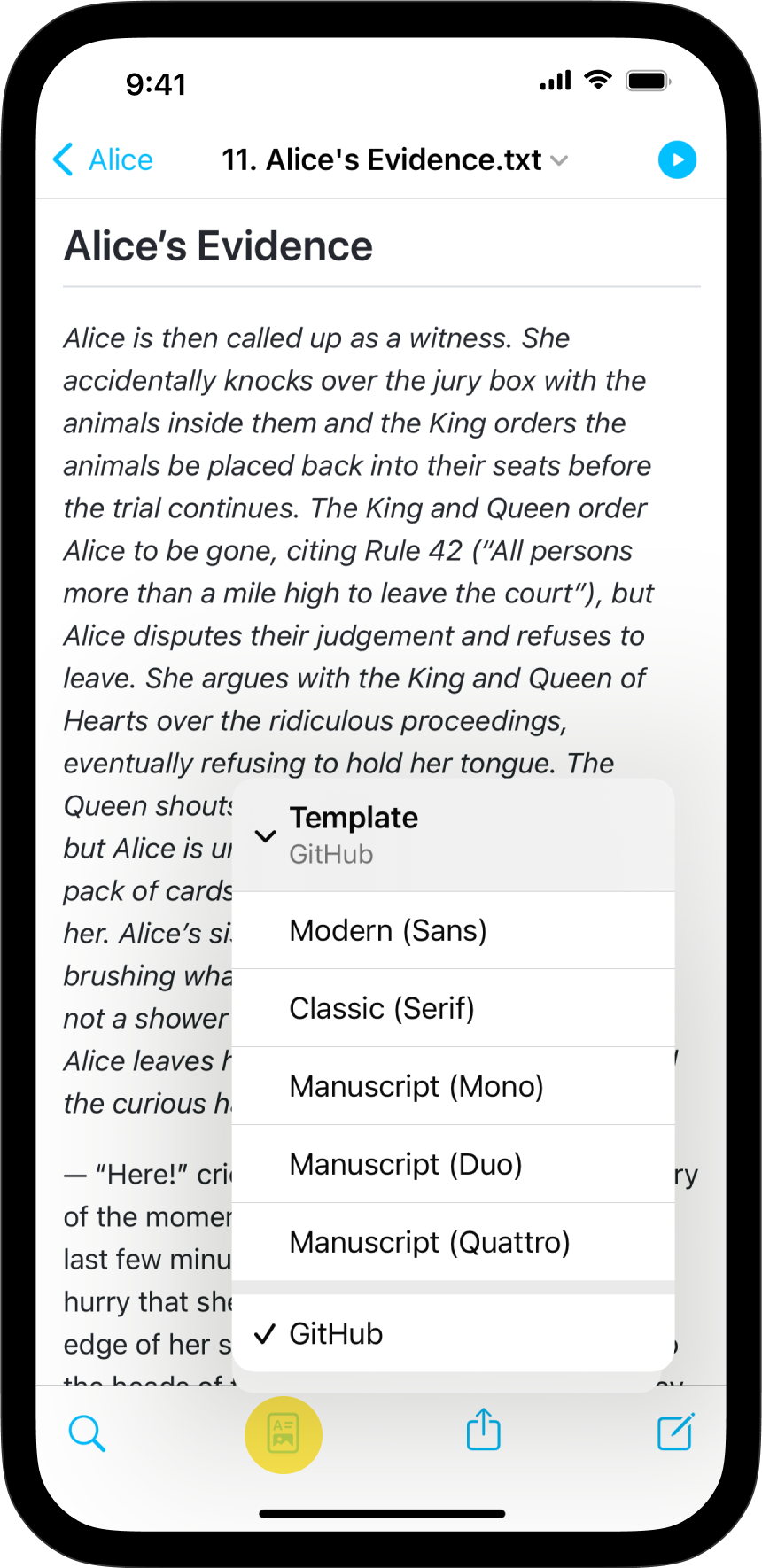
テンプレートは Preview で、左から 2 番目のアイコンをタップして Template を選ぶことで切り替えられます。
標準テンプレート
iA Writer には 5 つの標準テンプレートが付属しています。
- Modern (Sans)
- Classic (Serif)
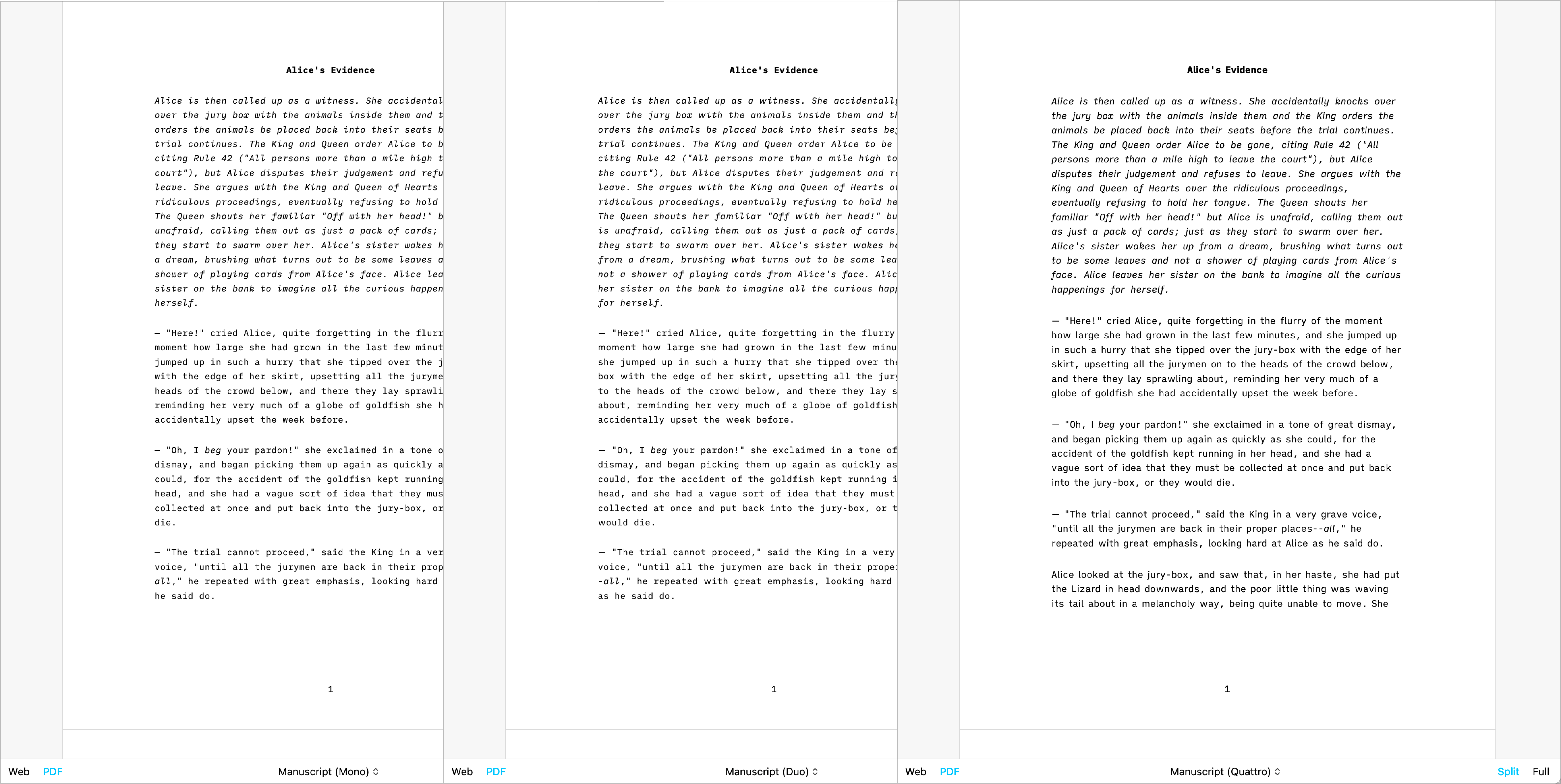
- Manuscript (Mono)
- Manuscript (Duo)
- Manuscript (Quattro)
- Github
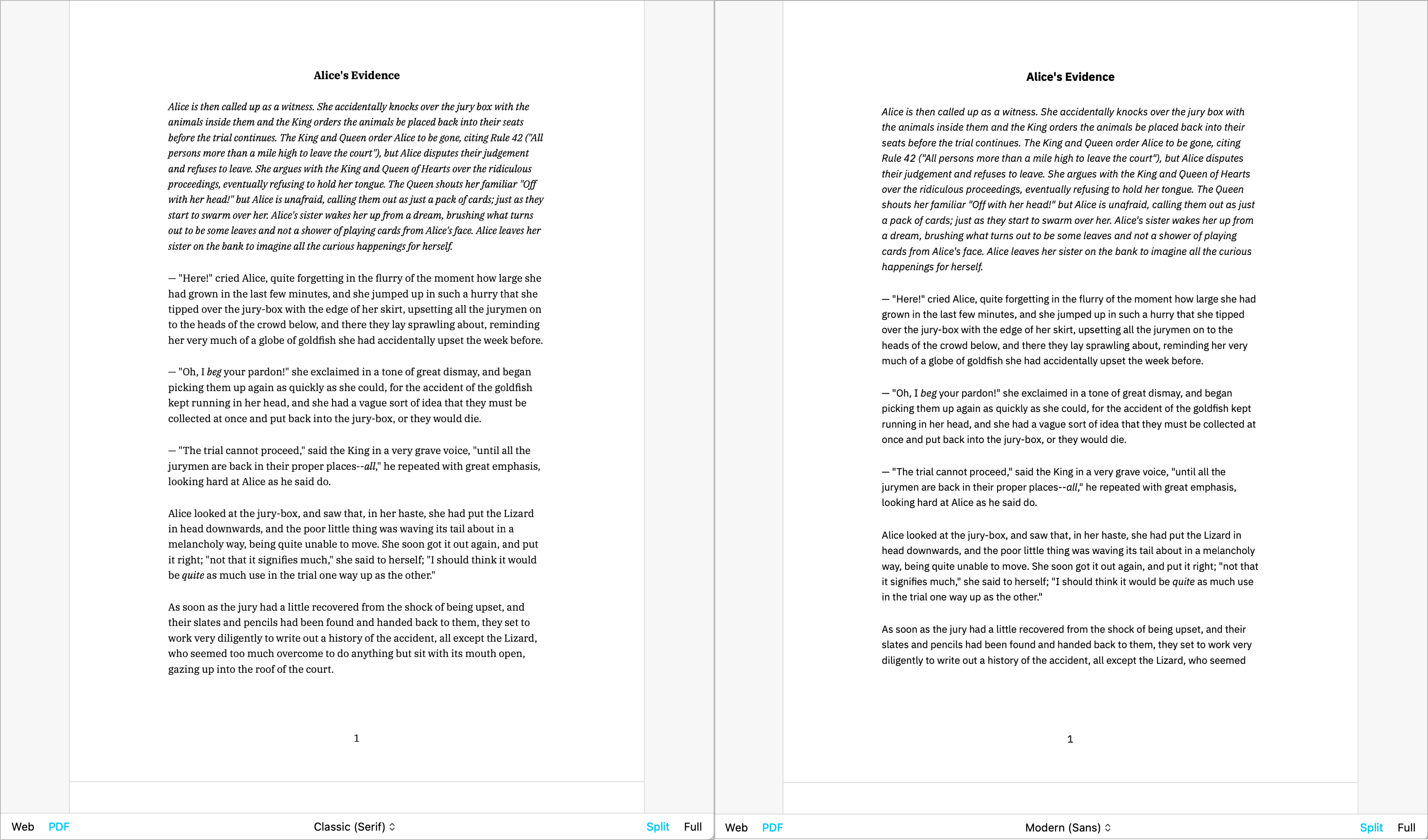
テンプレートは Preview で確認できます。Web モードや PDF モードで表示することもできます。以下は PDF モードでの簡単な一覧です。
Classic | Modern
Mono | Duo | Quattro
GitHub
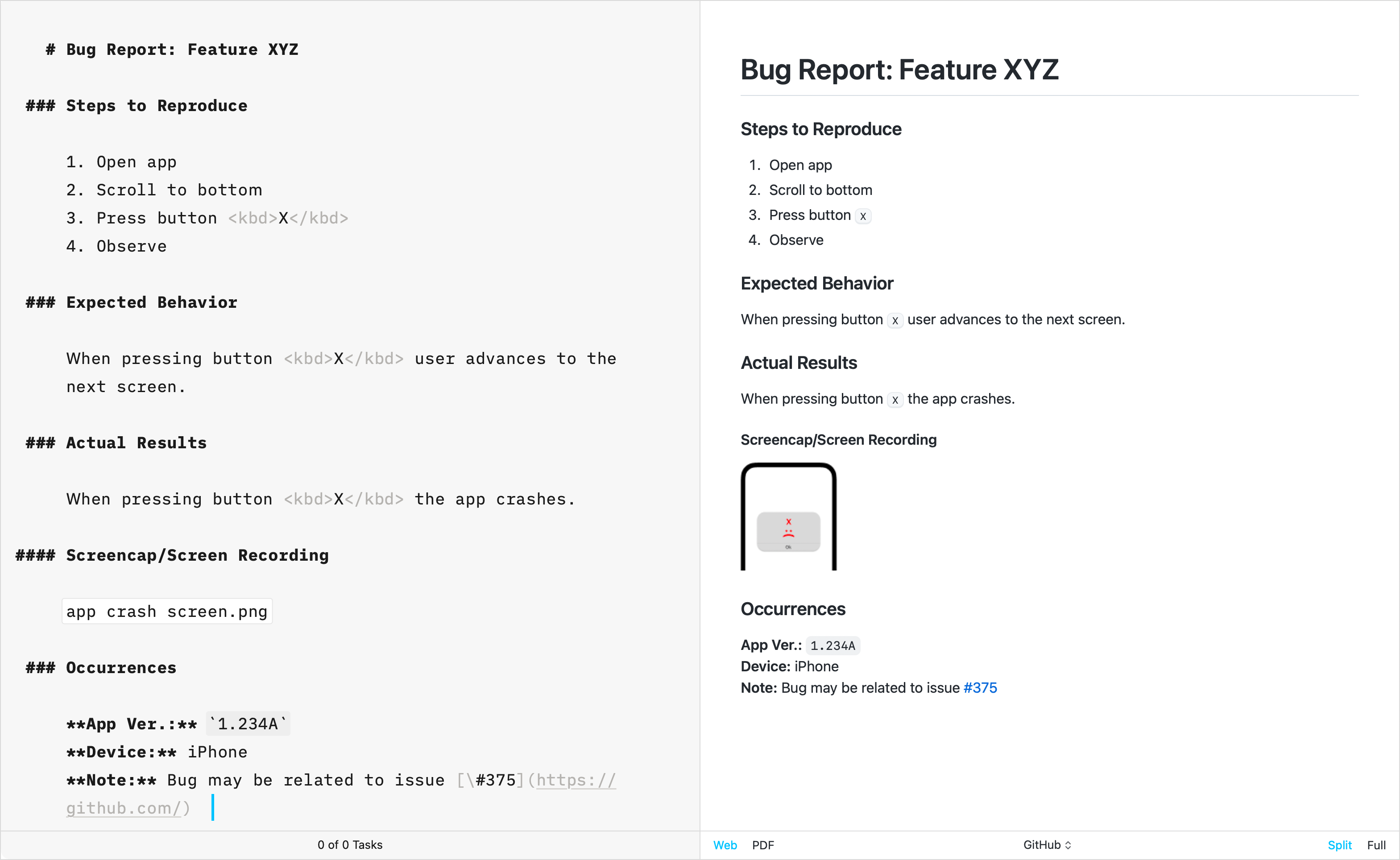
GitHub テンプレートは、テクニカルライティングに特化している点で他の標準テンプレートとは一線を画しています。GitHub の CSS をそのまま再現して作られており、このテンプレートは、創作向けに使われる Default Template 設定(見出し番号やフッターなど)をサポートしていません。
追加テンプレート
長年にわたり、iA Writer チームは追加テンプレートも開発してきました。各テンプレートは個別にダウンロードして iA Writer にインストールできます。
Helvetica
シンプルで、クリーン | Download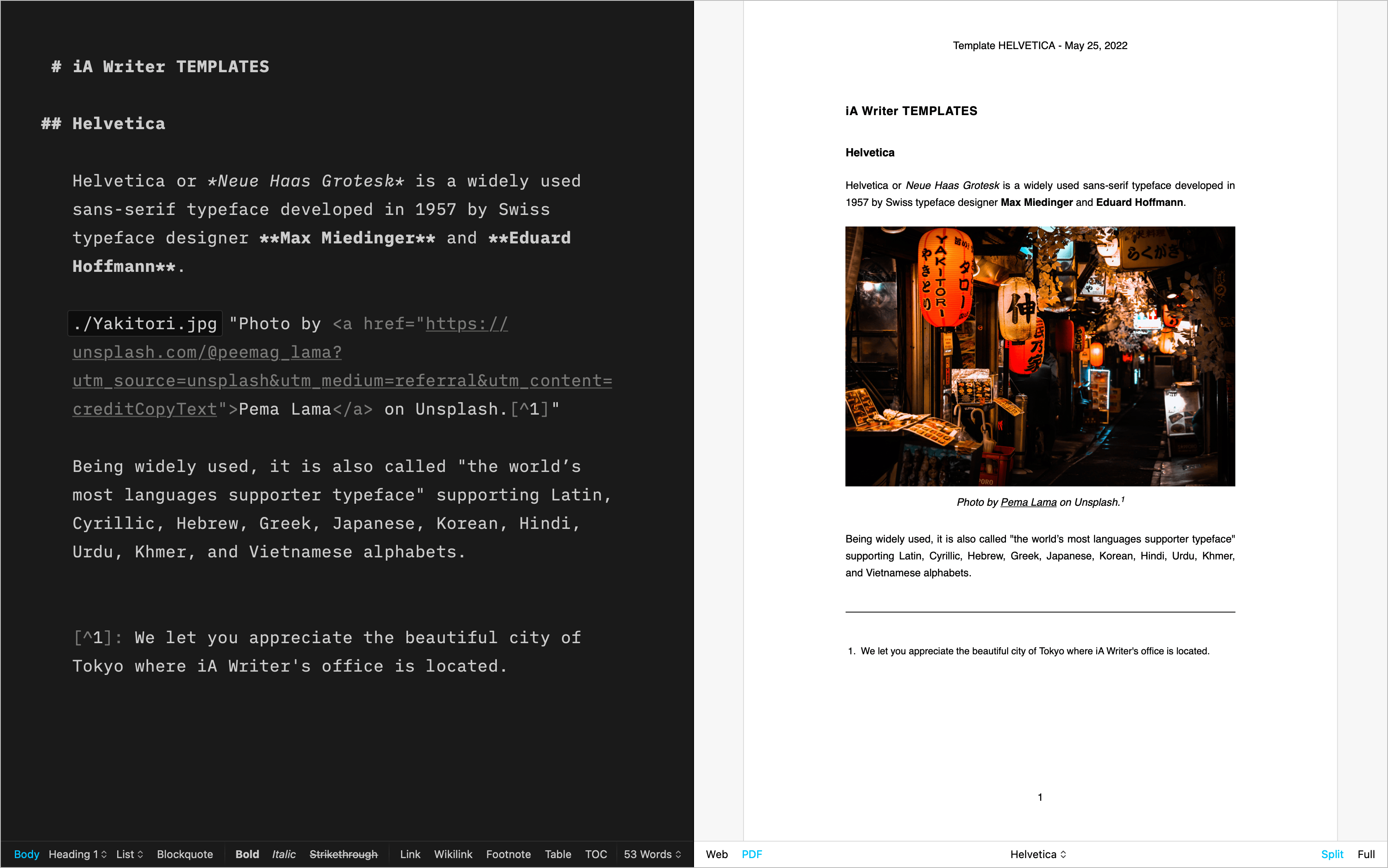
Palatino
散文に合うクラシックな書体 | Download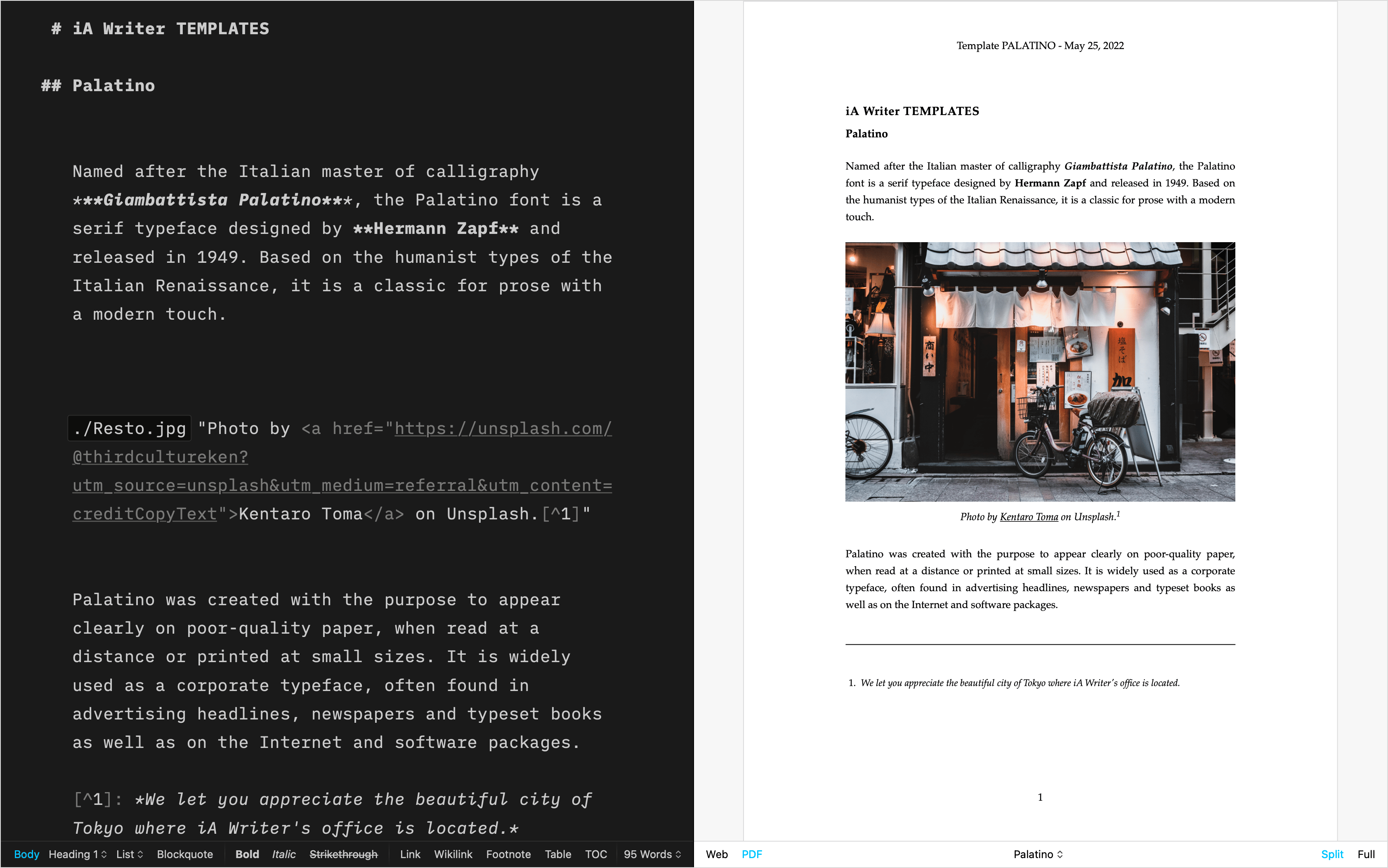
Academic MLA
学術文書向け | Download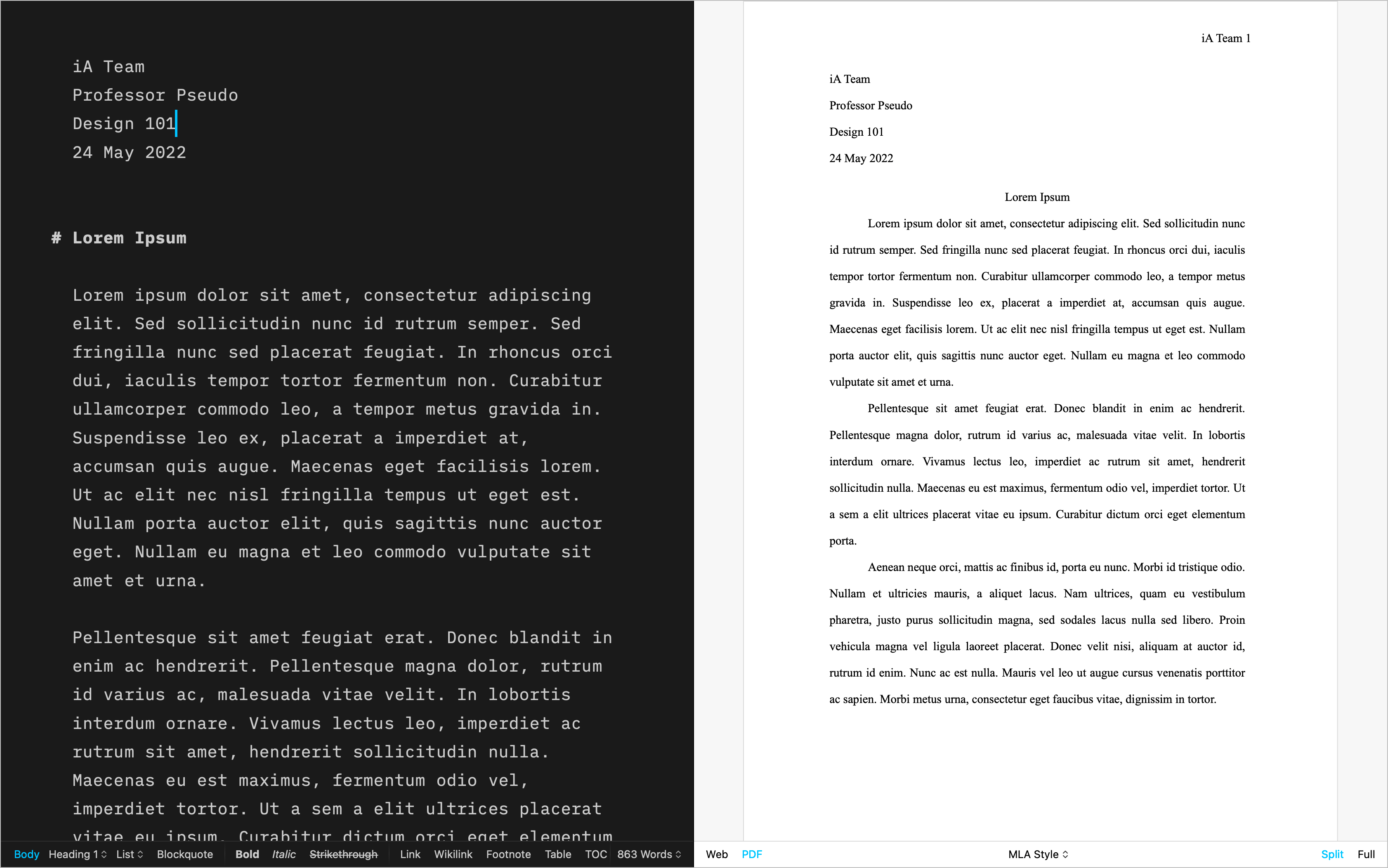
Letter
美しい手紙のために | Download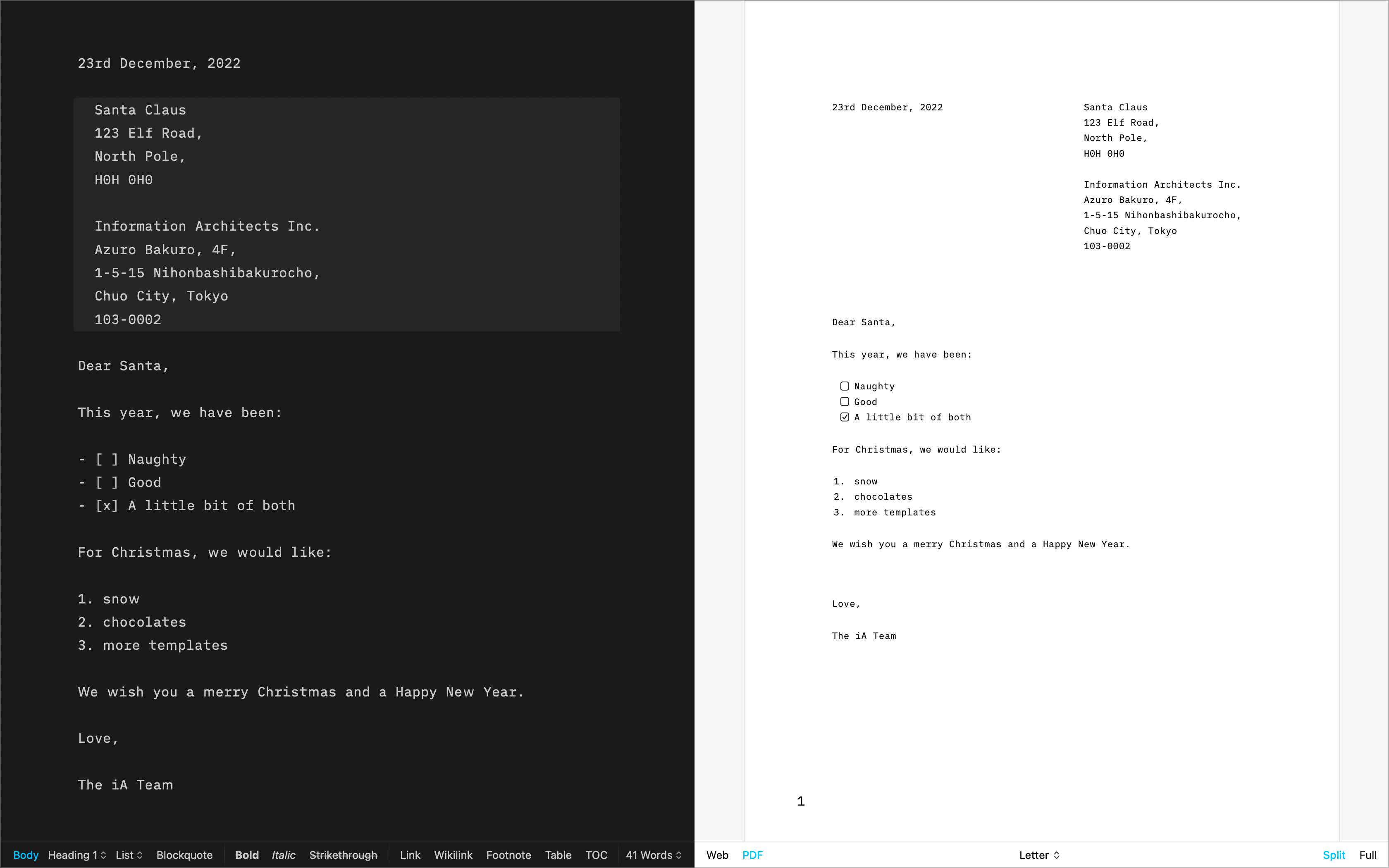
Fountain
脚本用テンプレート | Download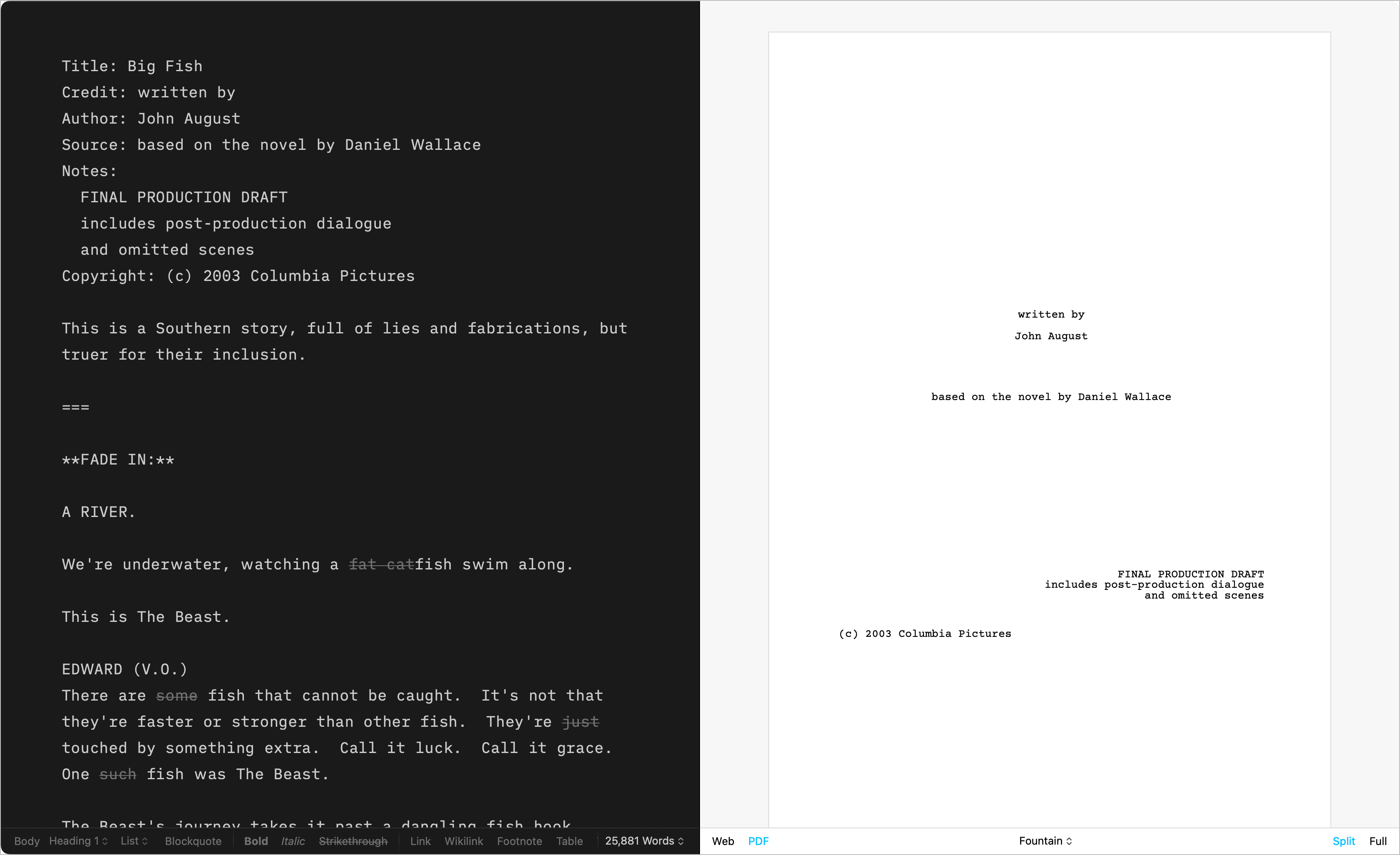
Chess
棋譜を記録するためのテンプレート | Download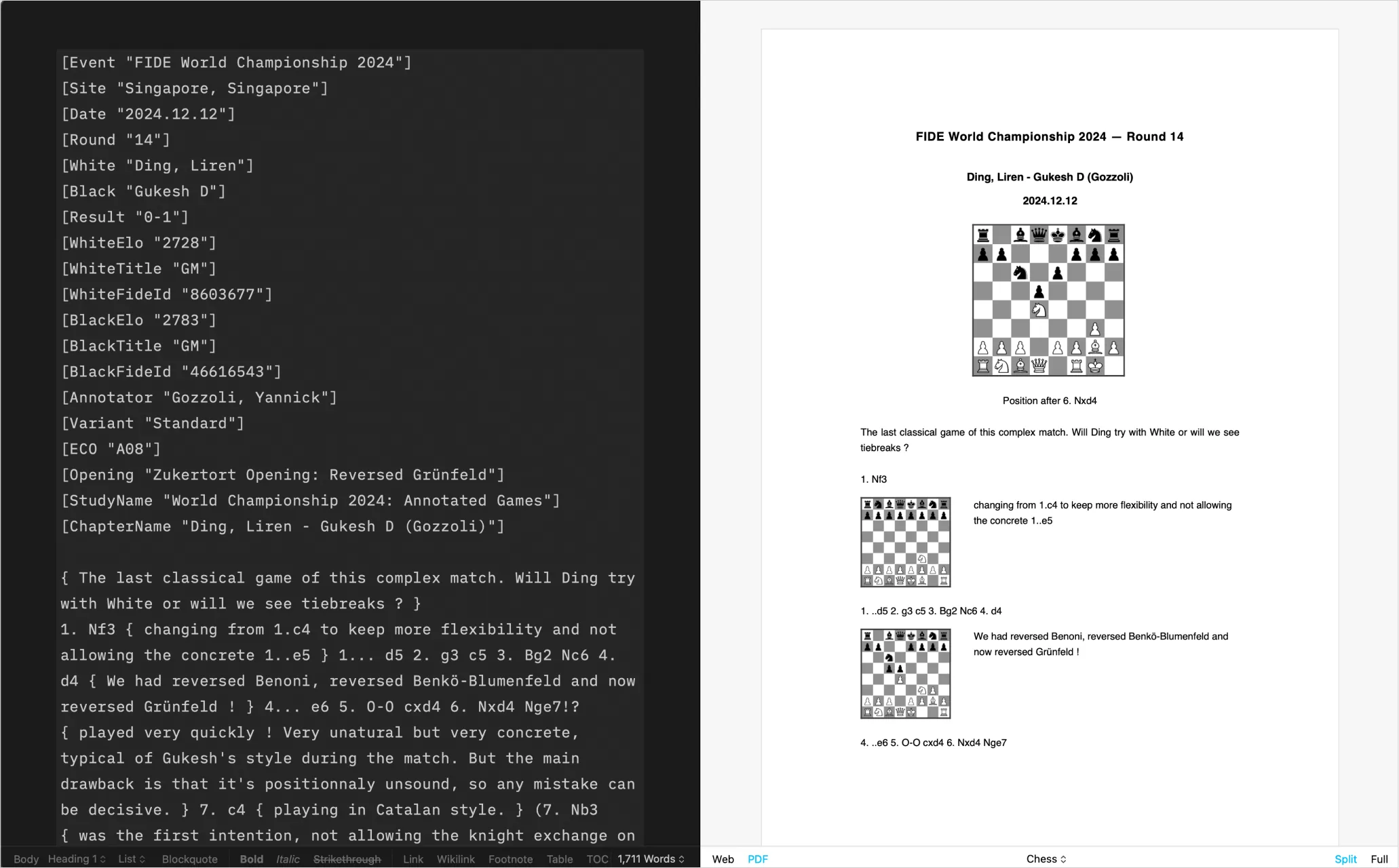
自作テンプレート
CSS と HTML を使った DIY | Learn more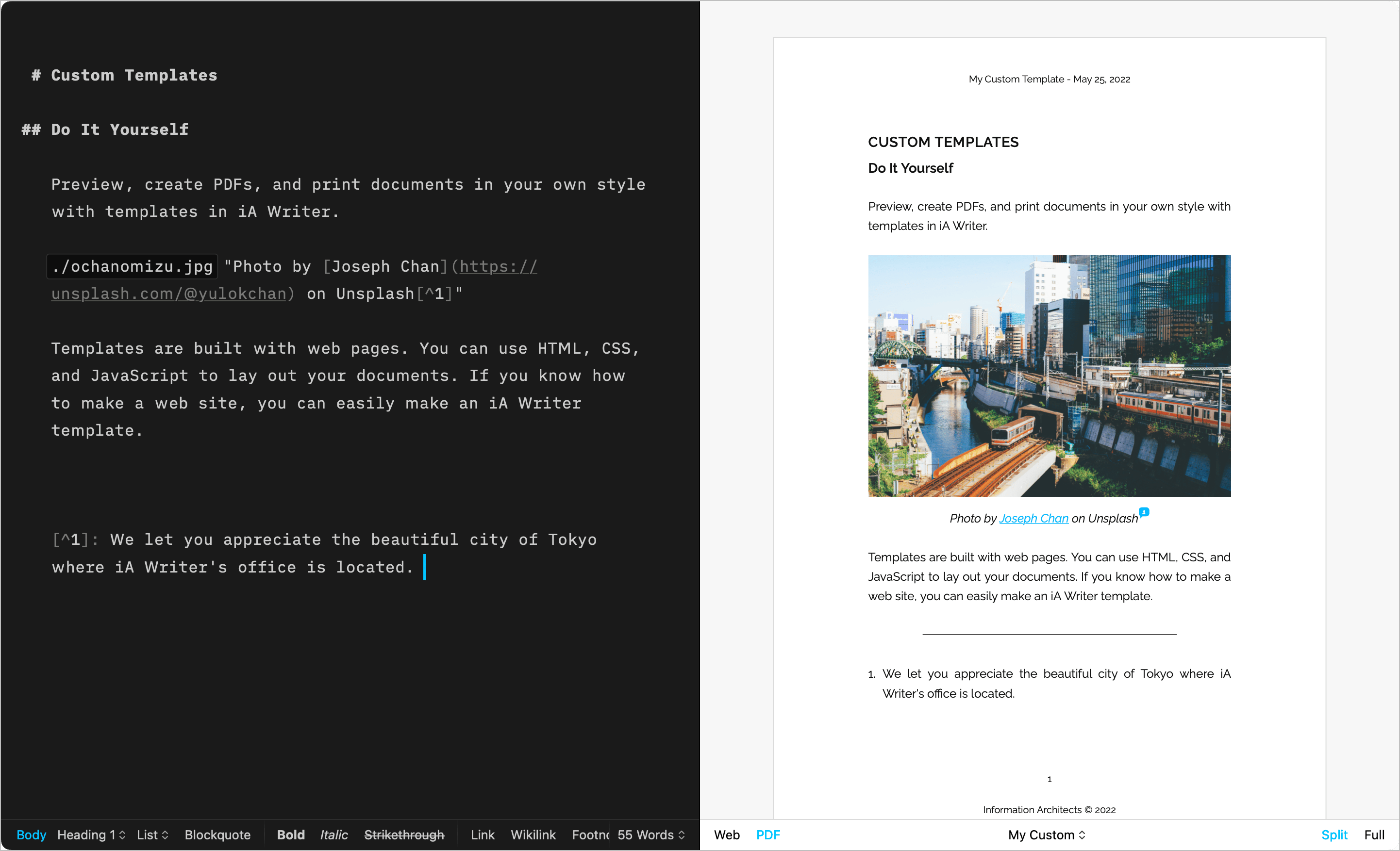
テンプレートのインストール
iOS で追加テンプレートをインストールするには、次の手順に従ってください。
- Settings/⚙️ → Templates → Custom Templates を開く
- Get More Templates をタップする
- すると Web サイトの Downloads ページが開きます
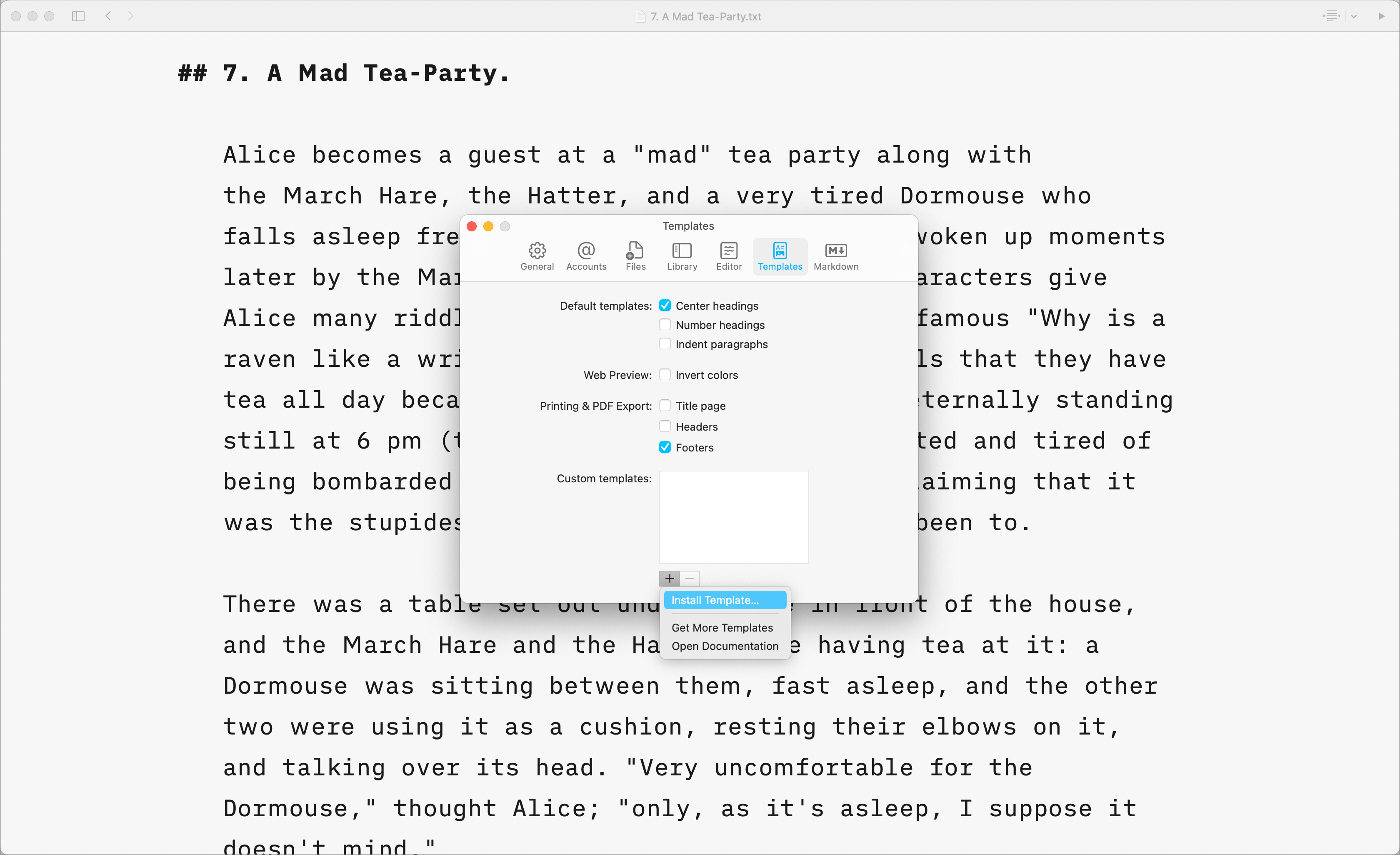
Note: テンプレートはダウンロード後に iA Writer に渡して使います。必要に応じて、アプリ内から削除したり再ダウンロードできます。
カスタムテンプレート
CSS、HTML、JS に慣れているユーザーは、自分の好みに合わせたカスタムテンプレートを作成できます。
詳しくは、専用ページの カスタムテンプレート をご覧ください。
また、文書内に HTML の style ブロックを追加して、選択中のテンプレートの CSS の一部を上書きすることもできます。以下の例では、コードブロックが PDF レンダリング時のフォントサイズを変更しています。
<style>
  @media print {
    body {
      font-size: 25pt;
    }
  }
</style>
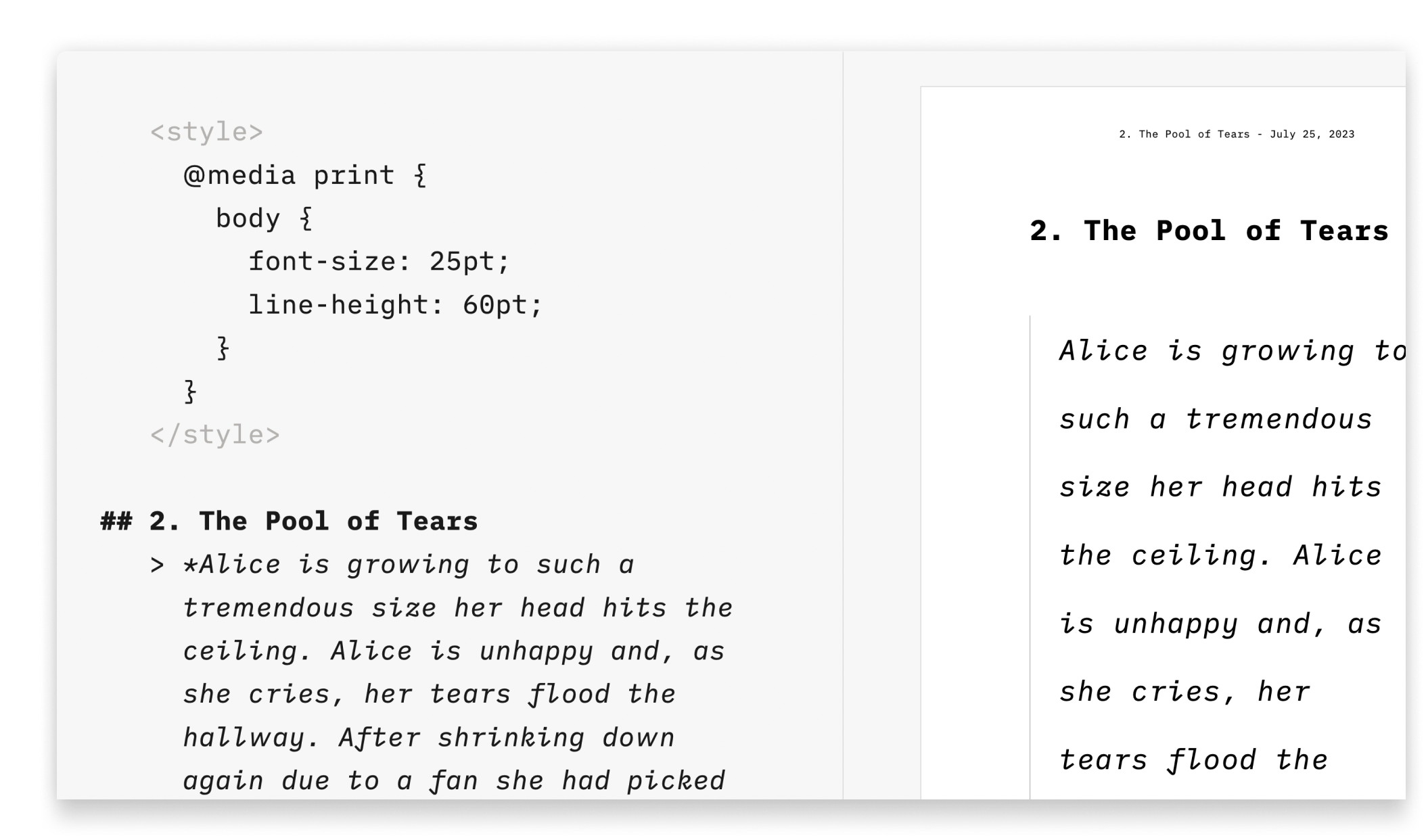
この方法は、コードに慣れていない人や、テンプレートを作らずに少しだけ見た目を変えたい人(たとえばフォントサイズや色を変えたい場合)に向いています。
Preview で Web Inspector を有効にすると、どのコードや CSS クラスを対象にすればよいか確認できます。