Windows 版テンプレート
iA Writer for Windows では、テンプレートを使って Preview や Print での文書の見た目を細かく整えられます。フォント、余白、行間などをコントロールできます。
テンプレートは次の場所から切り替えられます。
- Preview のツールバー
- Menu → View → Template

標準テンプレート
iA Writer には 6 つの標準テンプレートが付属しています。
- Modern (Sans)
- Classic (Serif)
- Manuscript (Mono)
- Manuscript (Duo)
- Manuscript (Quattro)
- Github
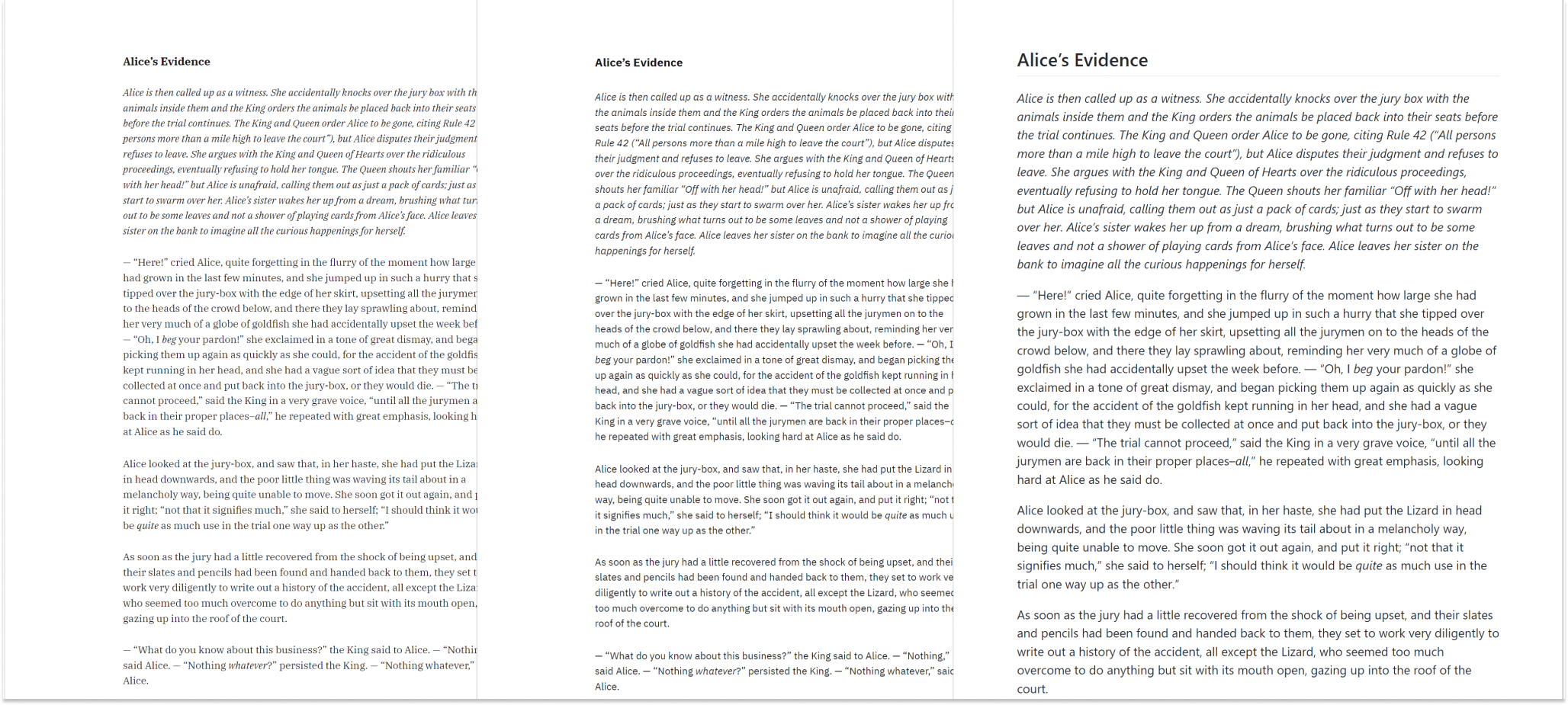
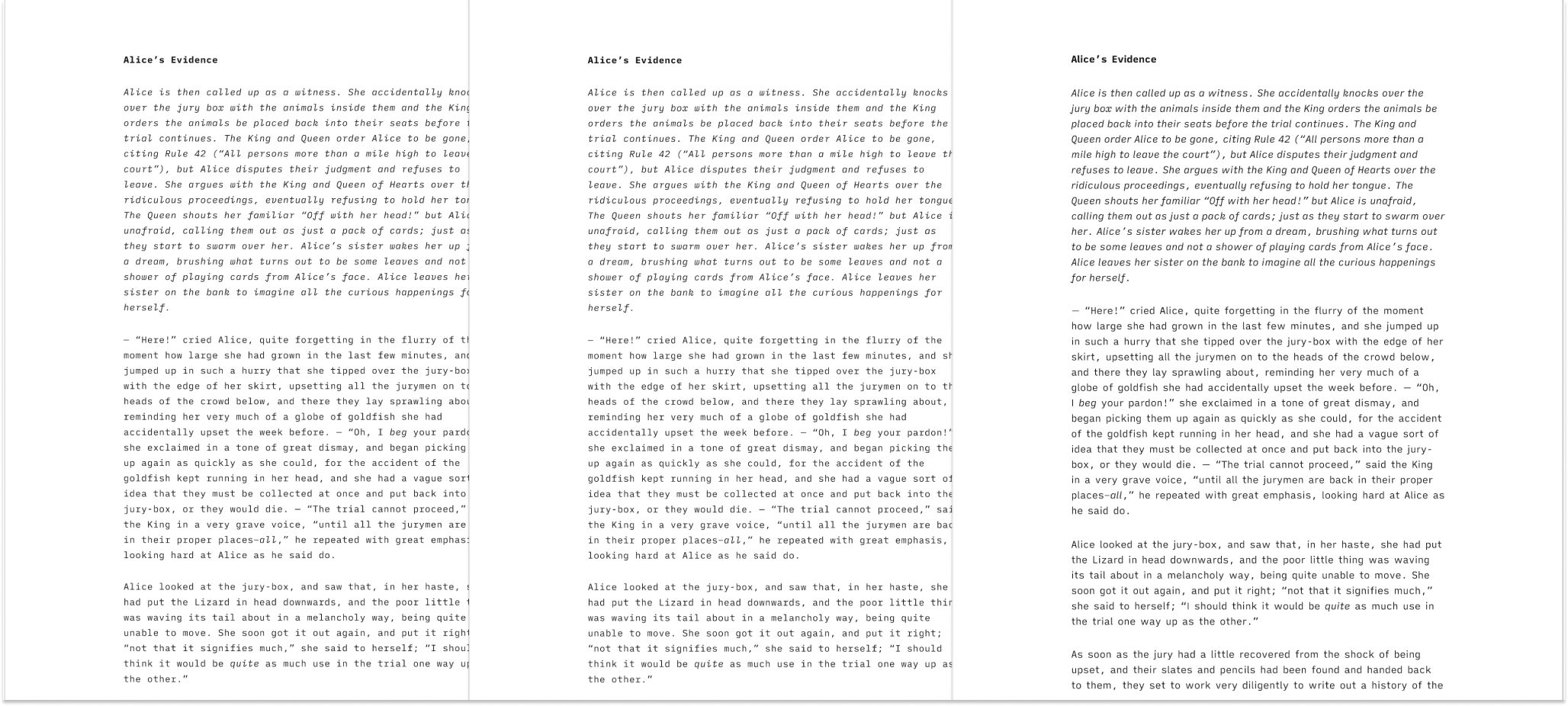
テンプレートは Preview で確認できます。以下は PDF モードで並べて見たときの一覧です。
Classic | Modern | GitHub
Mono | Duo | Quattro
GitHub
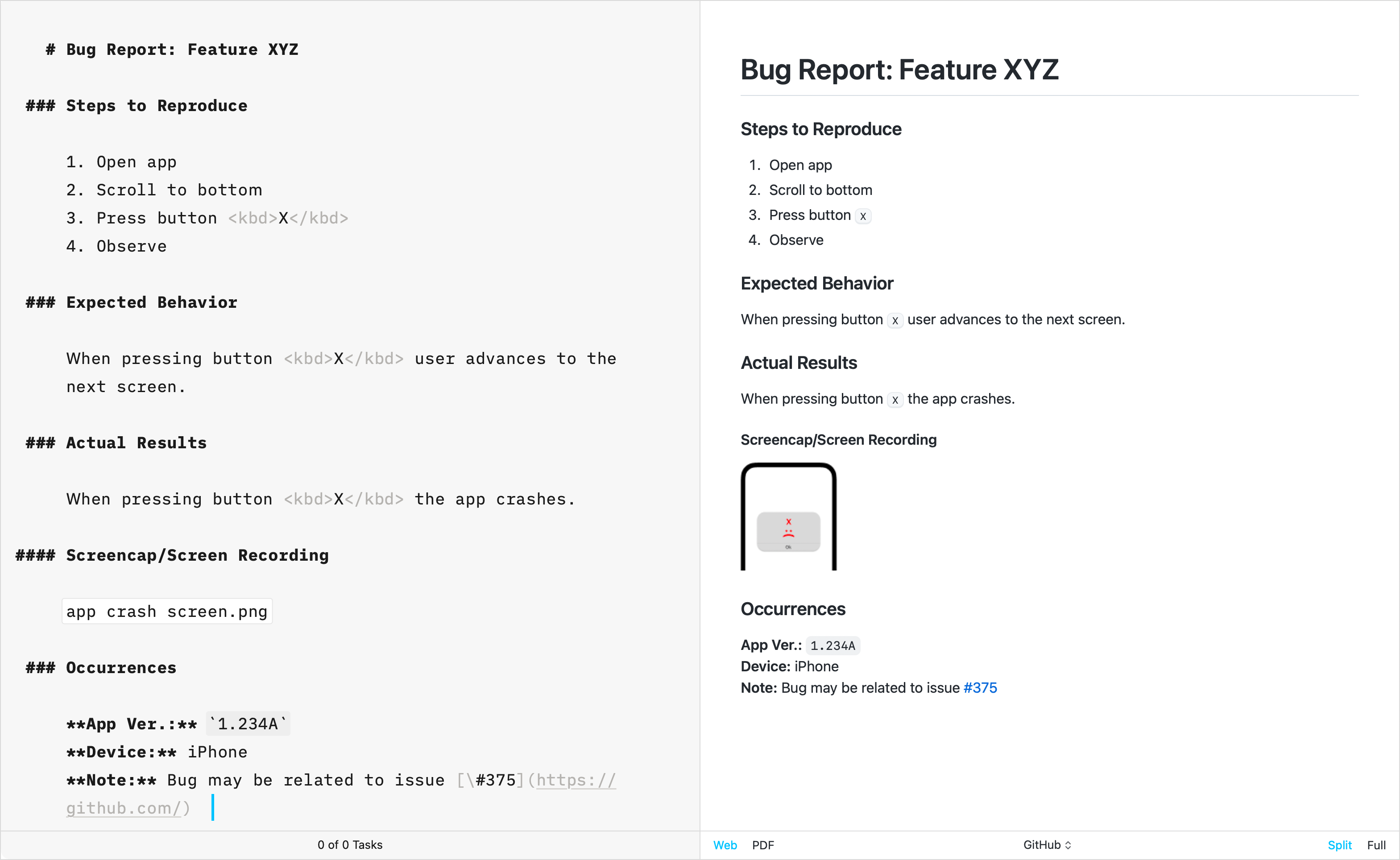
GitHub テンプレートは、テクニカルライティングに特化している点で他の標準テンプレートとは一線を画しています。GitHub の CSS をそのまま再現して作られており、このテンプレートは、創作向けに使われる Default Template 設定(見出し番号やフッターなど)をサポートしていません。
追加テンプレート
長年にわたり、iA Writer チームは追加テンプレートも開発してきました。各テンプレートは個別にダウンロードして iA Writer にインストールできます。
Helvetica
シンプルで、クリーン | Download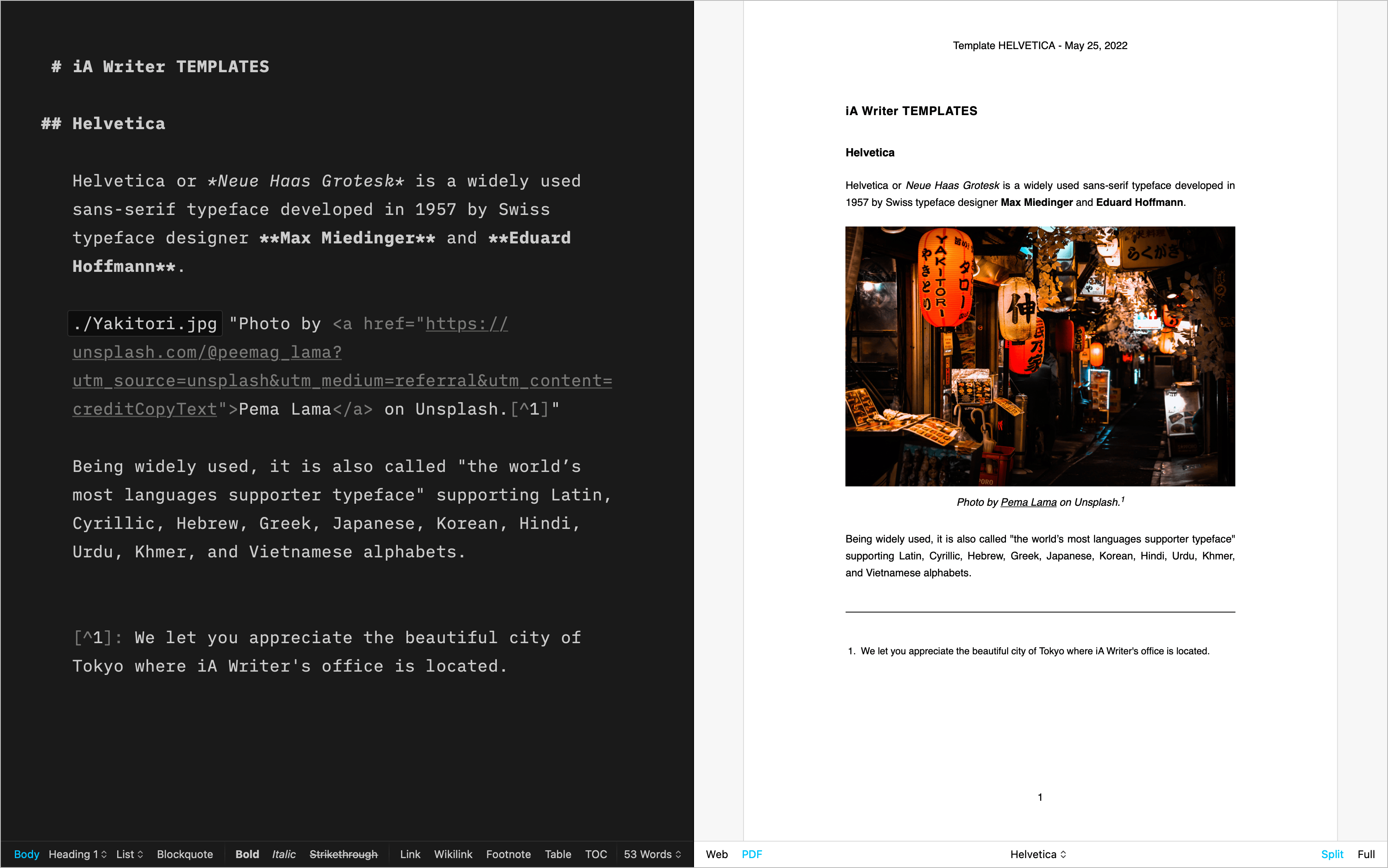
Palatino
散文に合うクラシックな書体 | Download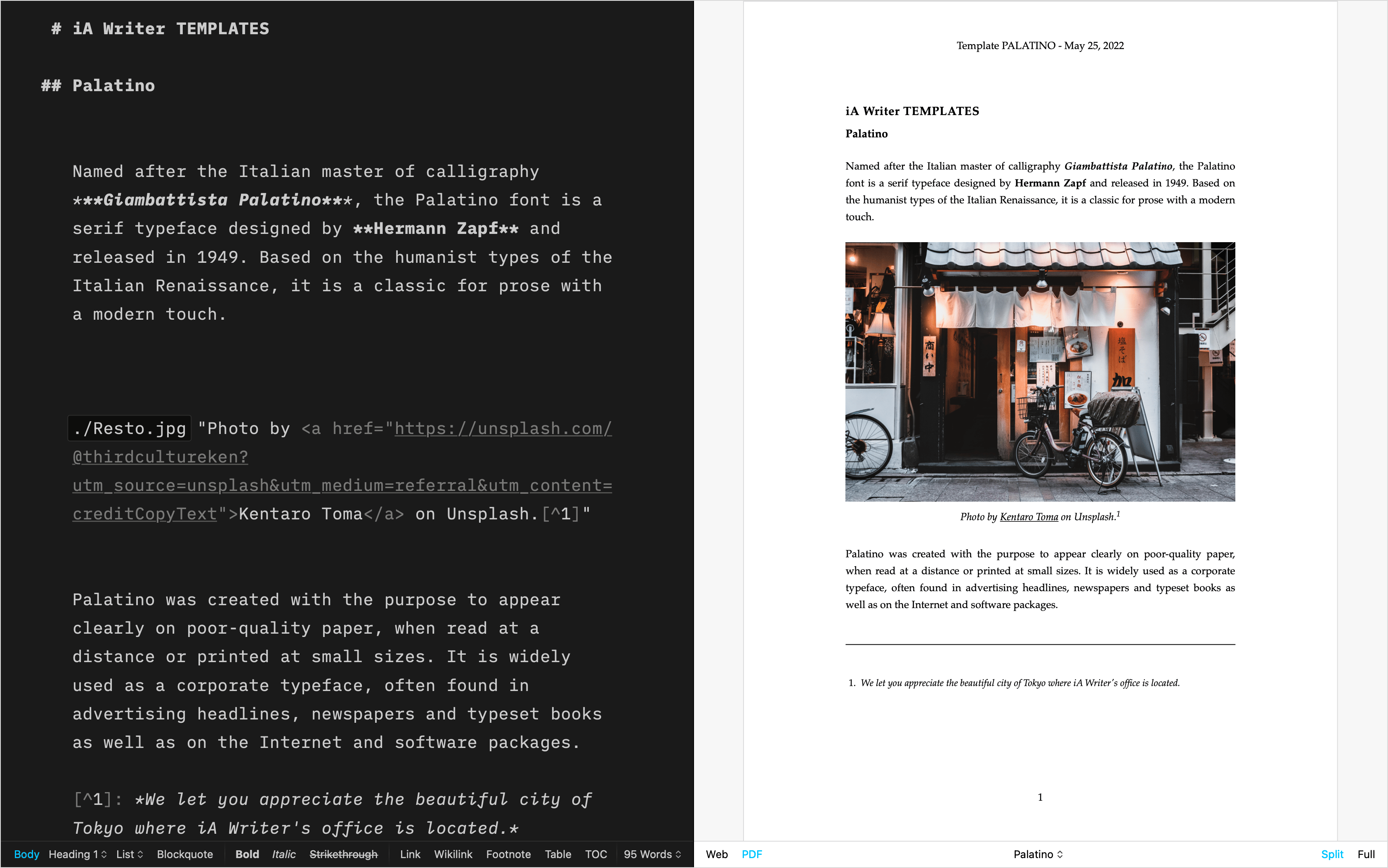
Letter
美しい手紙のために | Download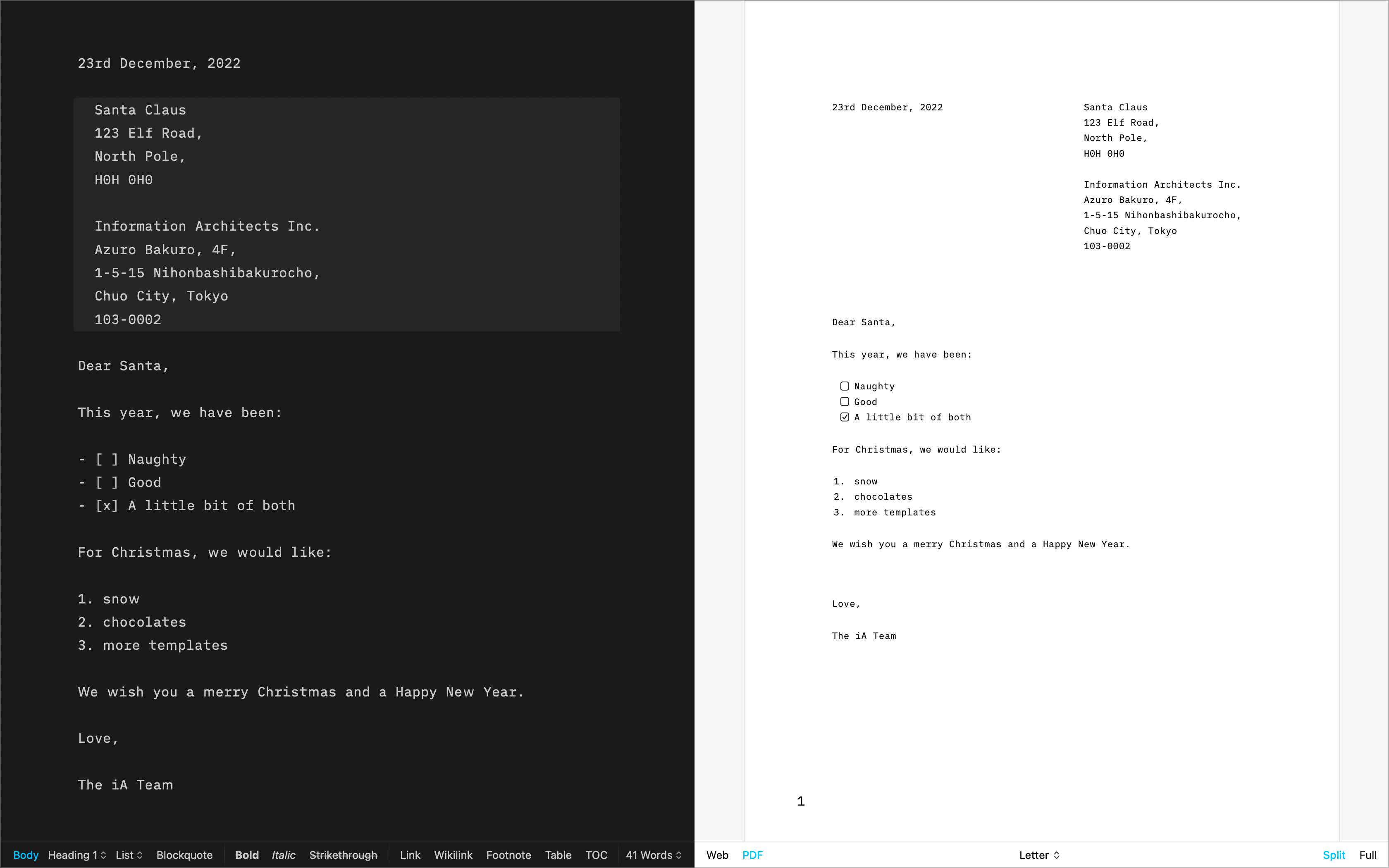
Fountain
脚本用テンプレート | Download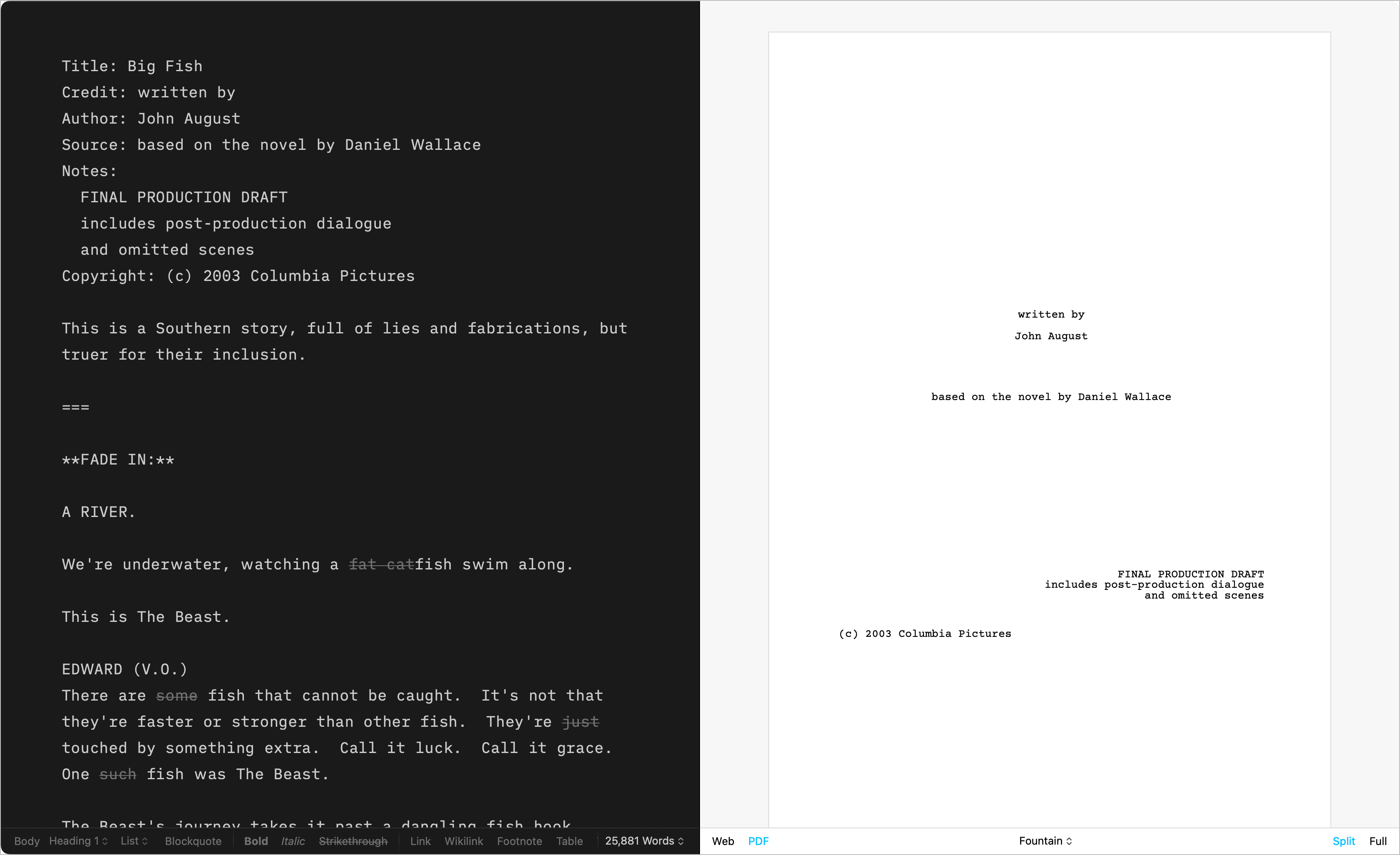
Chess
棋譜を記録するためのテンプレート | Download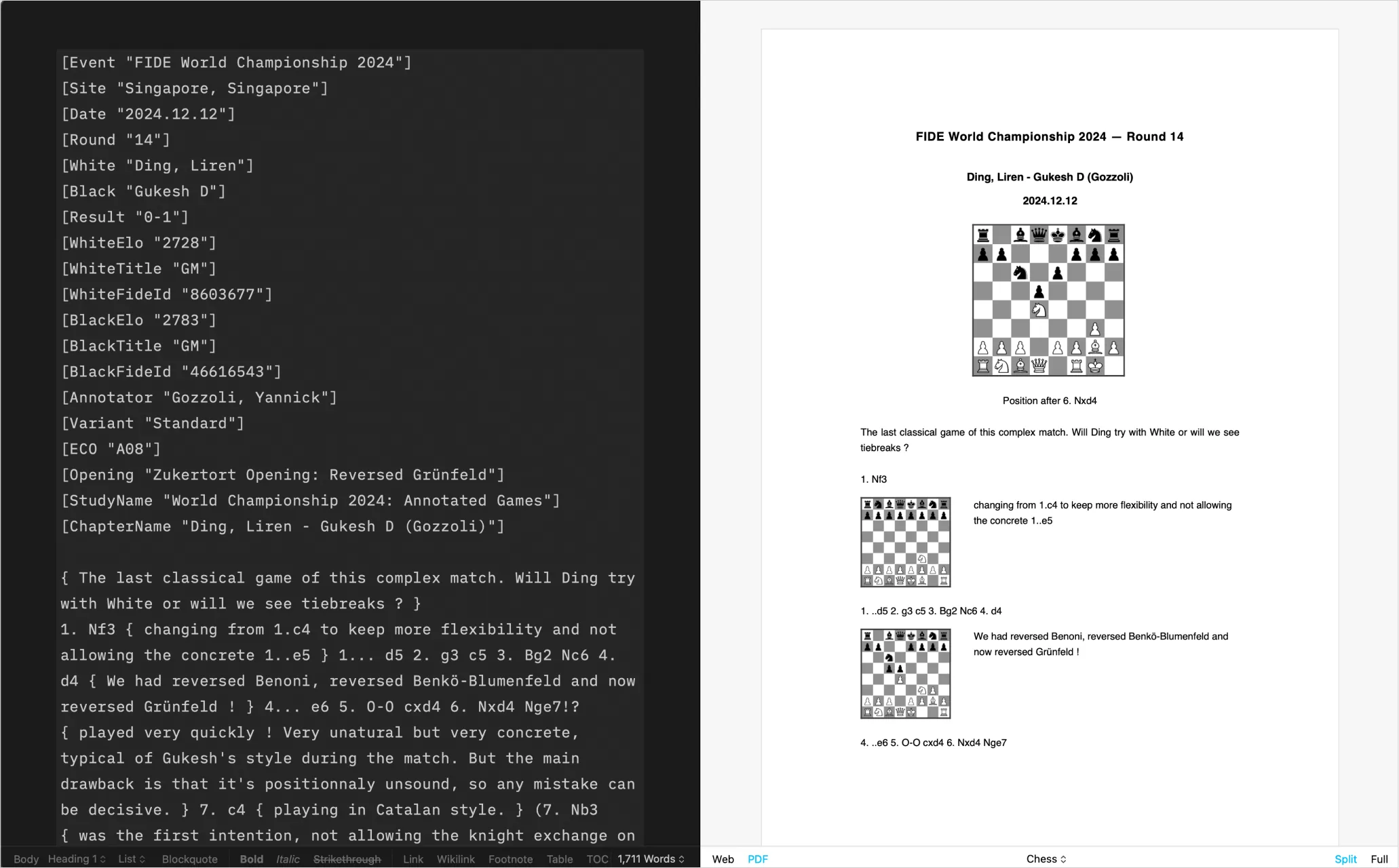
自作テンプレート
CSS と HTML を使った DIY | Learn more
テンプレートのインストール
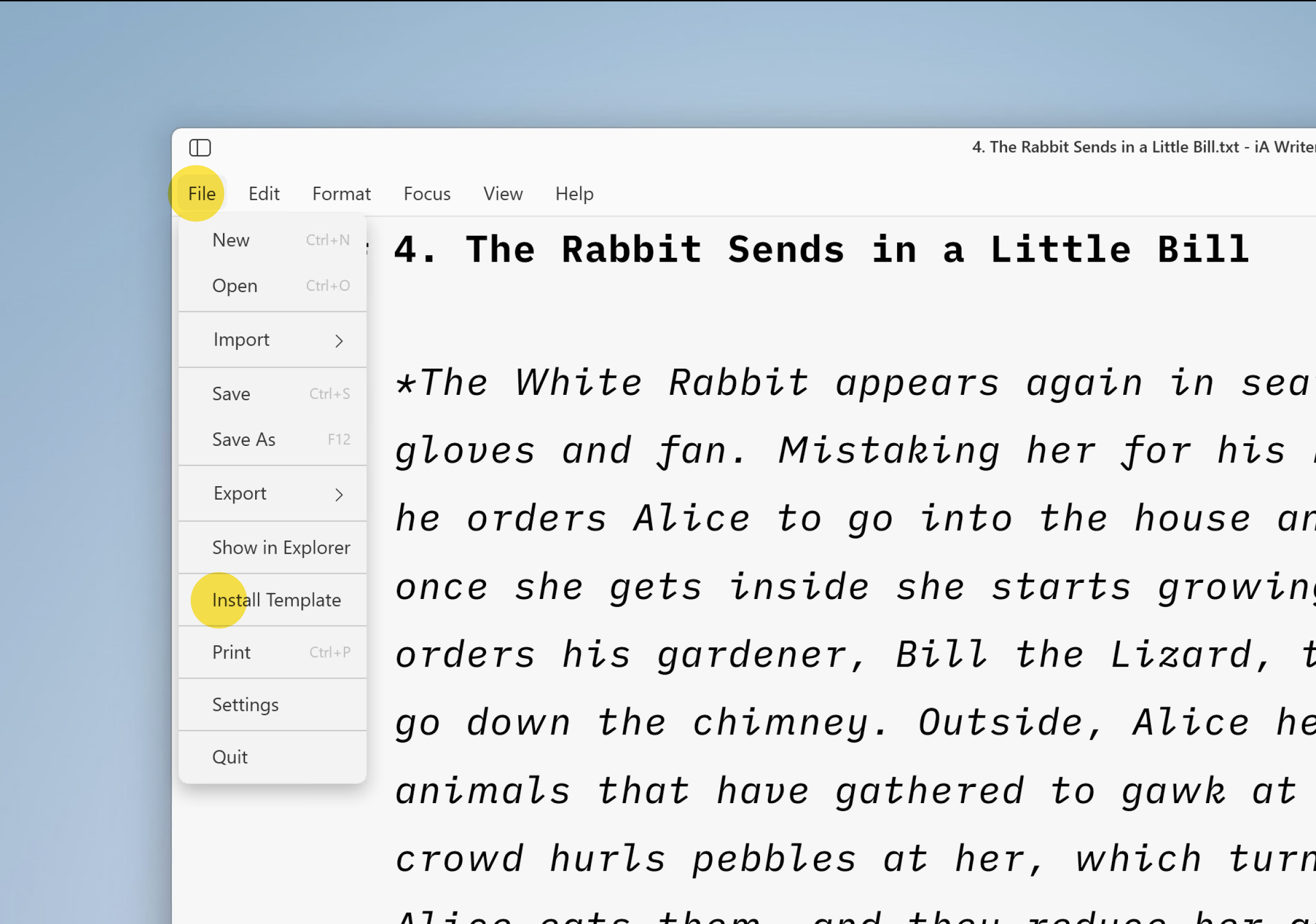
Windows (v1.2+) で追加テンプレートをインストールするには、次の手順に従ってください。
- テンプレートをダウンロードする
- 必要に応じて
.iatemplateファイルをiatemplate.zipに圧縮する - iA Writer で File → Install Template → ‘TemplateName.iatemplate.zip’ ファイルを選ぶ
カスタムテンプレート
CSS、HTML、JS に慣れているユーザーは、自分の好みに合わせたカスタムテンプレートを作成できます。
詳しくは、専用ページの カスタムテンプレート をご覧ください。
選択したテンプレートの CSS の一部は、文書内に HTML の style ブロックを追加して上書きすることもできます。この方法は、フォントサイズやフォントカラーなど、少しだけ変更したい人に向いています。
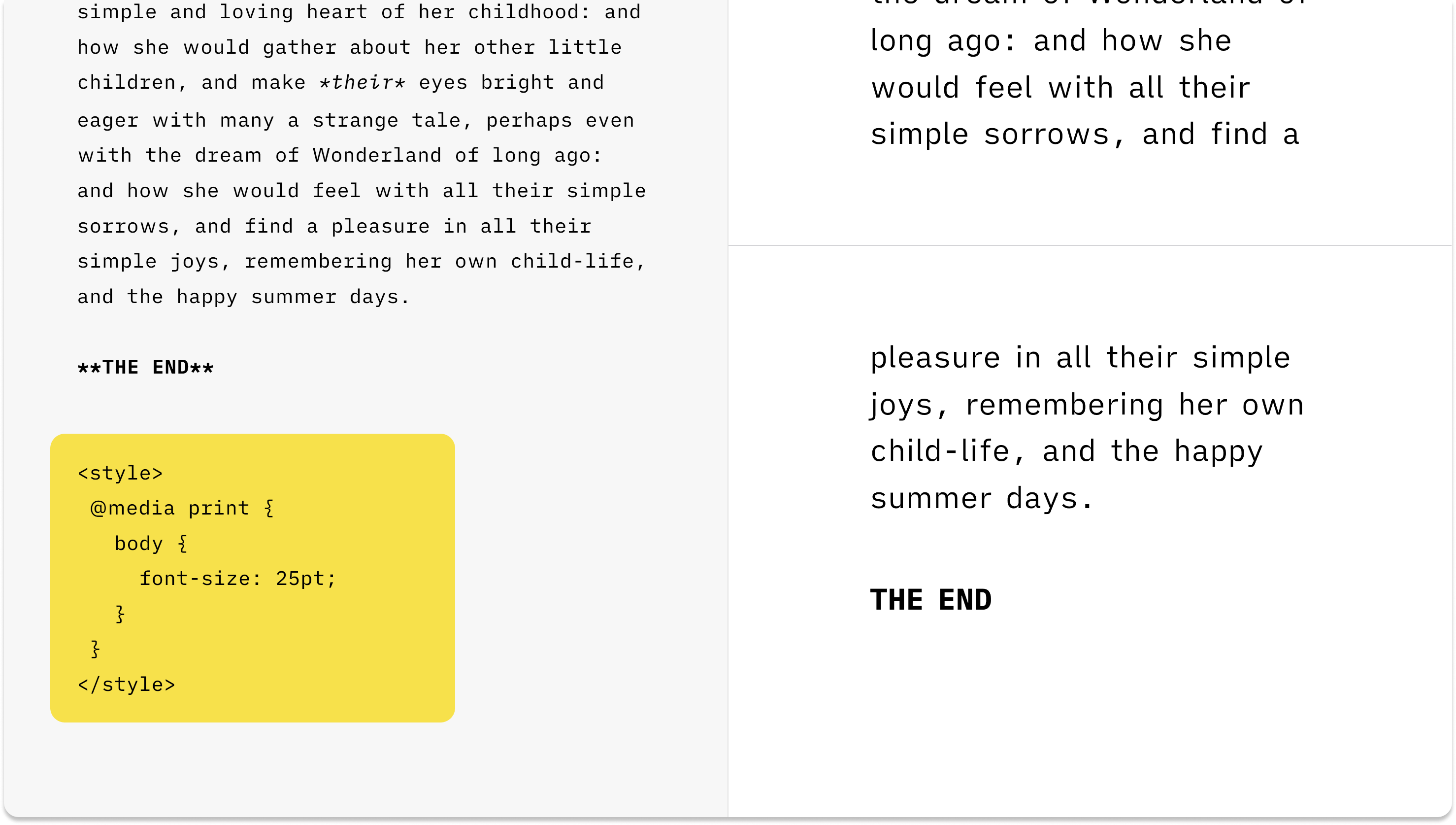
Preview で対象にしたいコードや CSS クラスは、Web Inspector in Preview を有効にすると確認できます。