When we released iA Presenter two years ago, we treated it like software in a box. You had to enter a license code to start using the app, or to manage your subscription on the web.
License codes are easy to lose and hard to manage. As Presenter grew, more support time went into finding, verifying, and resending codes. At the same time, we prepared releases for iPad and iPhone. The App Store does not support license codes at all.
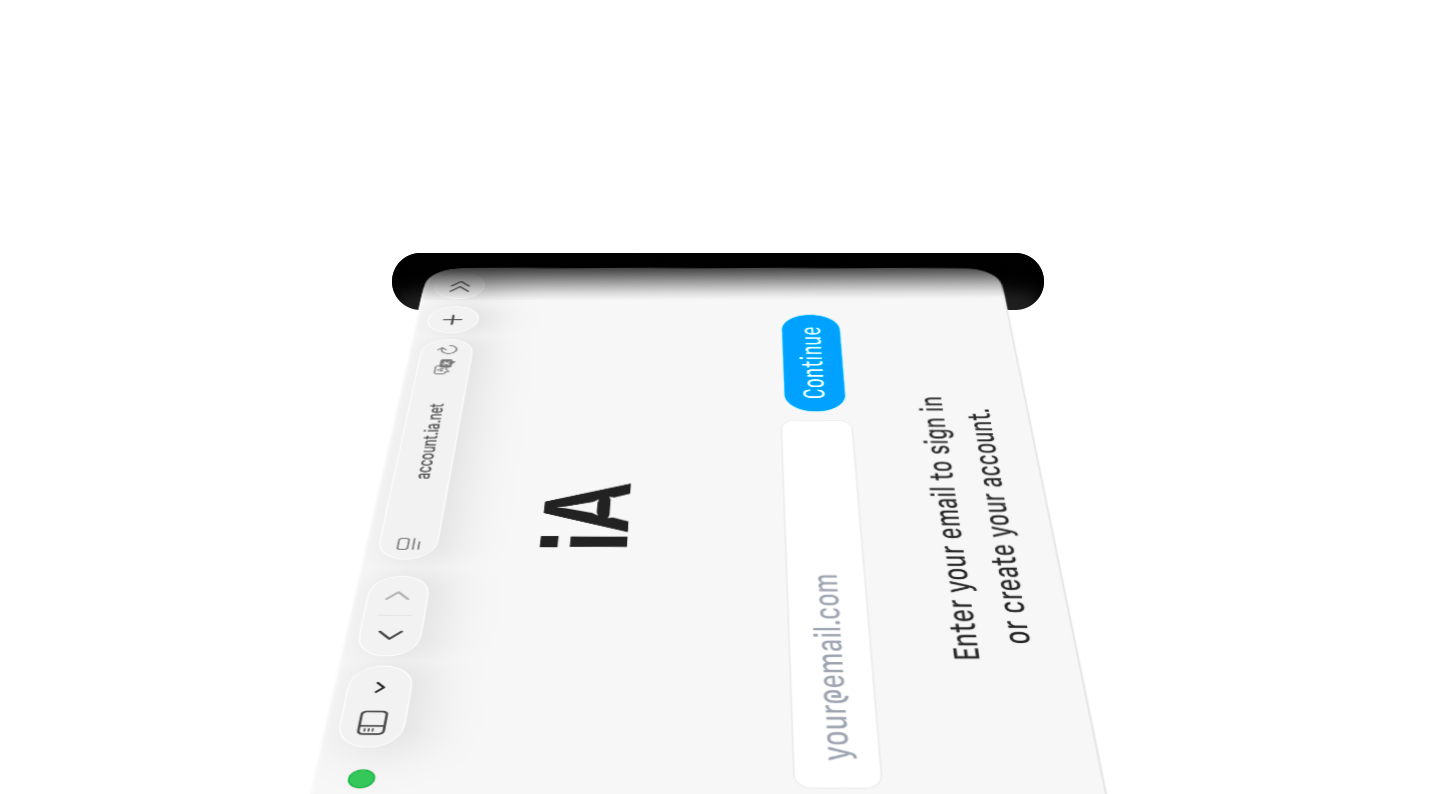
Because of this, we are moving iA Presenter to iA Account. Signing in is simple. Enter your email address. We’ll send you a six-digit one-time code. Enter it and you are signed in. Your account is synced to all your Apple devices using iCloud Keychain.
iA Account is available today for everyone who buys Presenter directly from iA. If you are already using Presenter, we’ll send an email to remind you what address you used to purchase your license. Older versions of Presenter will stop accepting license codes soon. To keep using the app, install the latest update.
Next year, we will add iA Account to the App Store versions of all our apps. This will let you try our iPad and iPhone apps before you buy, allow us to offer education discounts, and remove barriers to using our apps on managed Macs in companies and schools. And it will let us ship new features, reduce support friction, and make our apps work seamlessly together.
Existing purchases will carry over to iA Account automatically. With one account, you will be able to manage all iA apps in one place, whether you bought them on the App Store or directly from us.