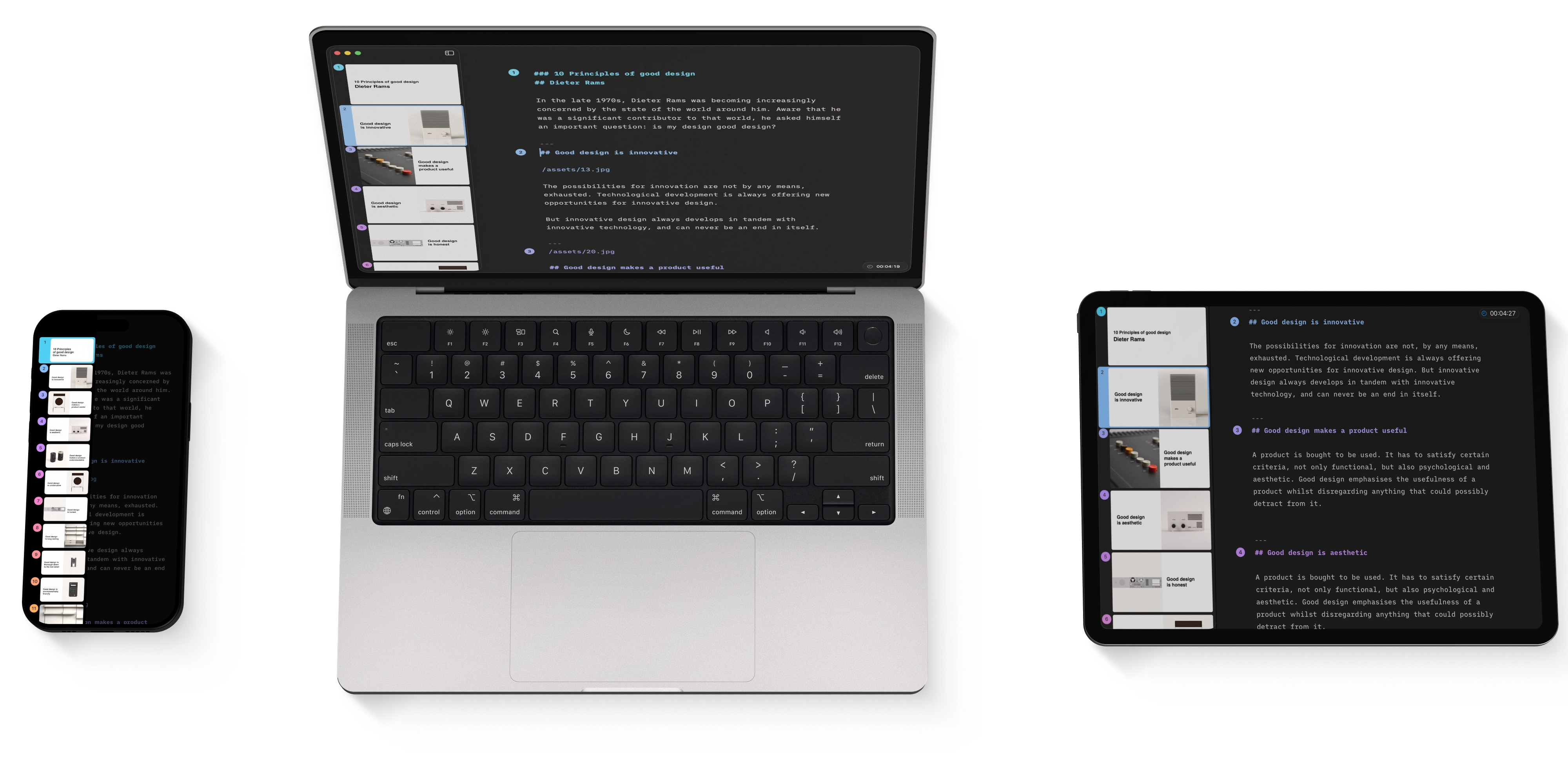
Design iPad
Presenter helps you create presentations quickly without worrying about the design, giving you more time to focus on telling a good story. But a little tweaking never hurt, so head over to the Design menu to customize your layout.
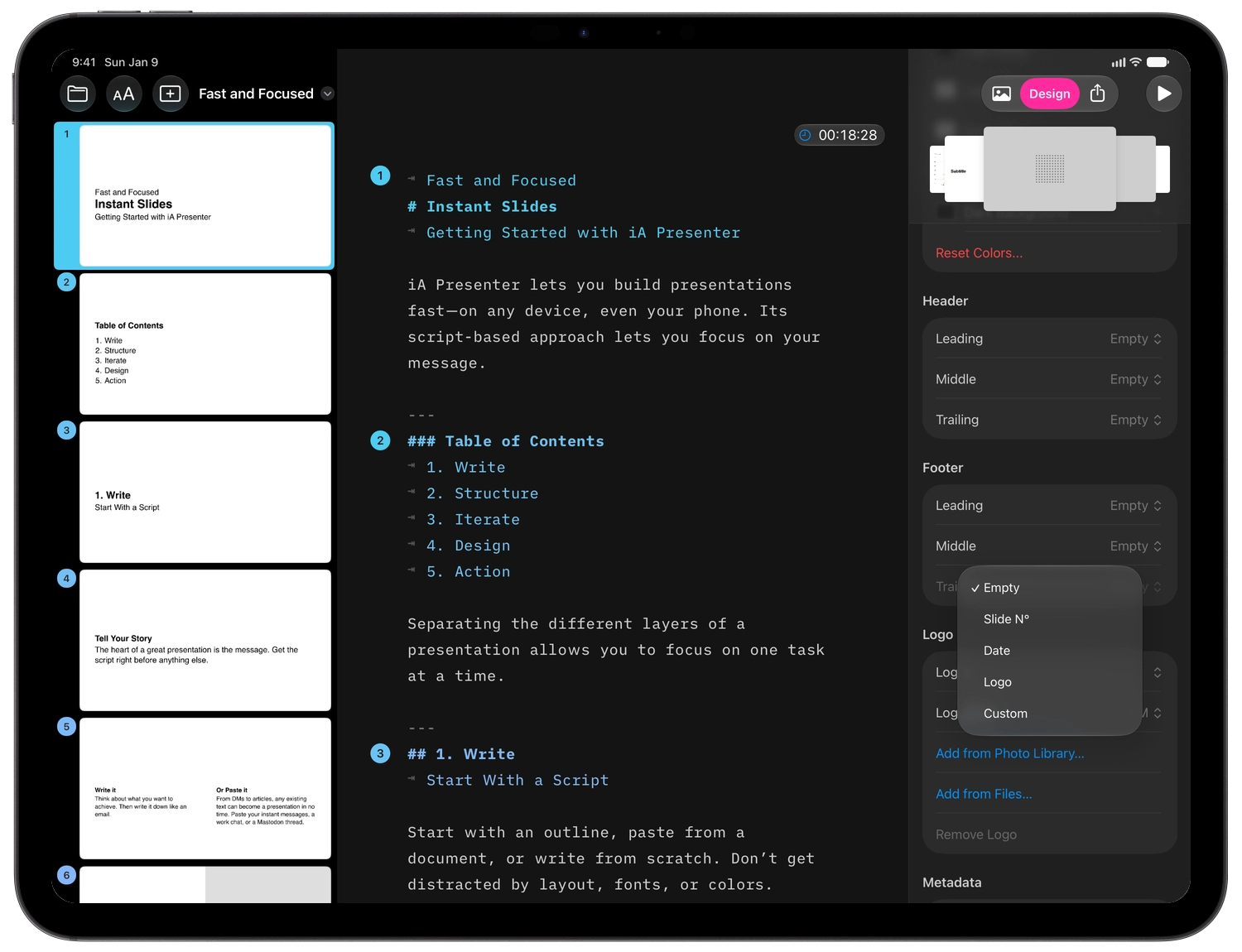
Tap the Design button on the right side of the toolbar, then select a theme for your Presentation—and watch how it instantly updates your slides. Presenter comes with a range of built-in Themes, made by our design team.
You can further customize your selected theme by changing its fonts and colors, adding a header, footer, or your company’s logo. Note that by changing these settings you only modify the design for your current presentation, not the template itself.
If you want to reuse the same theme with those modified settings, you can do so by creating a custom theme using CSS and HTML. Here’s how you can do that: Custom Themes.
Design
7-Day Free Trial
Download now.
No credit card required.