Social Media iPhone
iA Presenter comes with two slide layouts that work perfectly with social media platforms, such as LinkedIn, TikTok, and Instagram.
First, select the right slide layout. Head to Settings → Presentation → Layout → Fixed Aspect Ratio or adjust it from the share panel.
Choose either the Portrait 4:5 or Square 1:1 format, depending on the platform’s requirements.
Next, export your slides either as images or PDF, depending on the platform’s requirements.
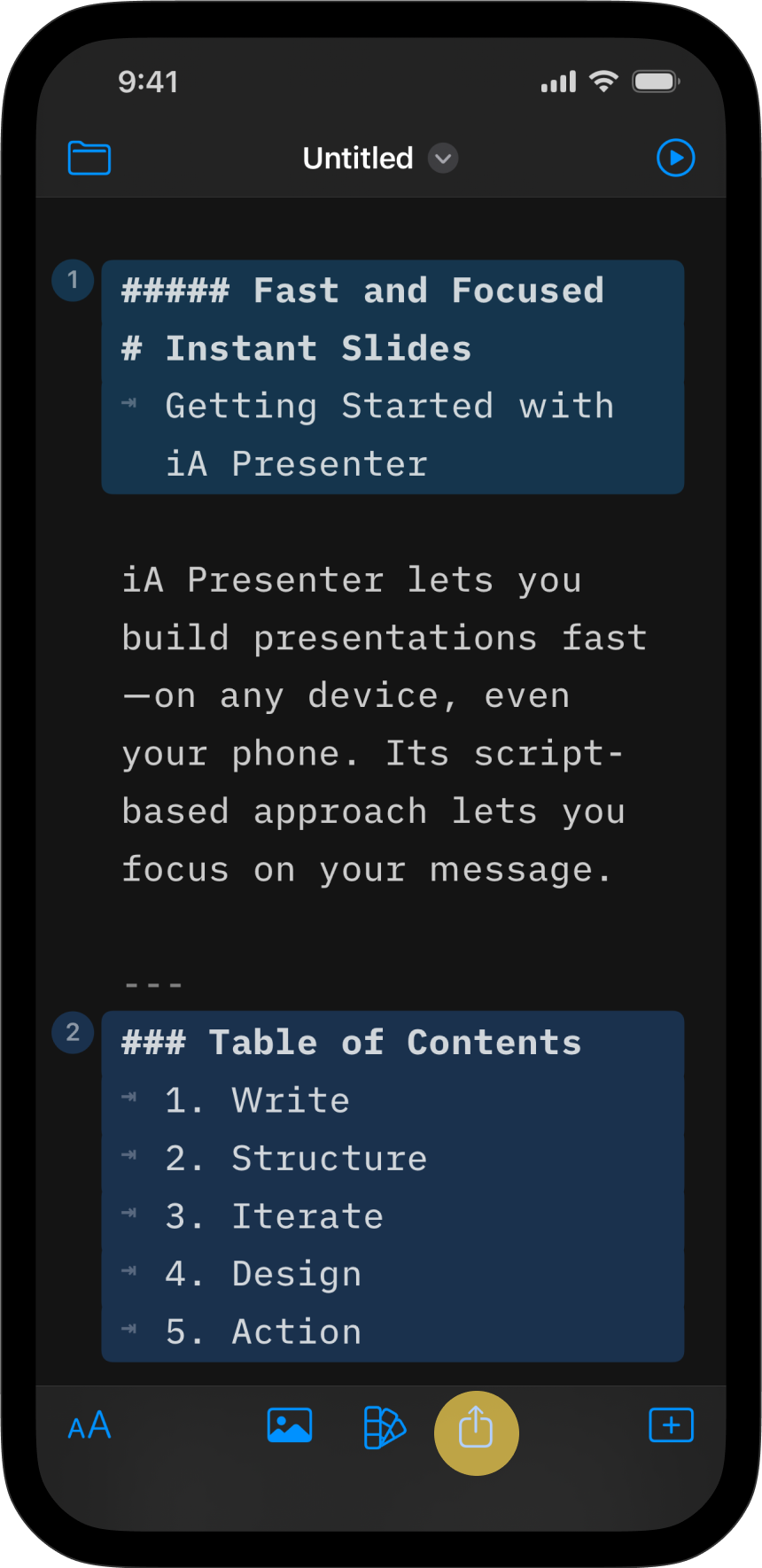


Image Galleries
To create an image gallery, start by selecting a slide layout (Portrait or Square), then select the Images export option. Here’s a step-by-step guide that shows you how to prepare an image gallery for LinkedIn. The screenshots show Presenter for Mac and LinkedIn in a desktop browser. On iPhone, set the aspect ratio and export as described above; the LinkedIn app may use different labels.


Follow the same process to export images for TikTok, Instagram, Mastodon, and other social networks.
LinkedIn Slideshows
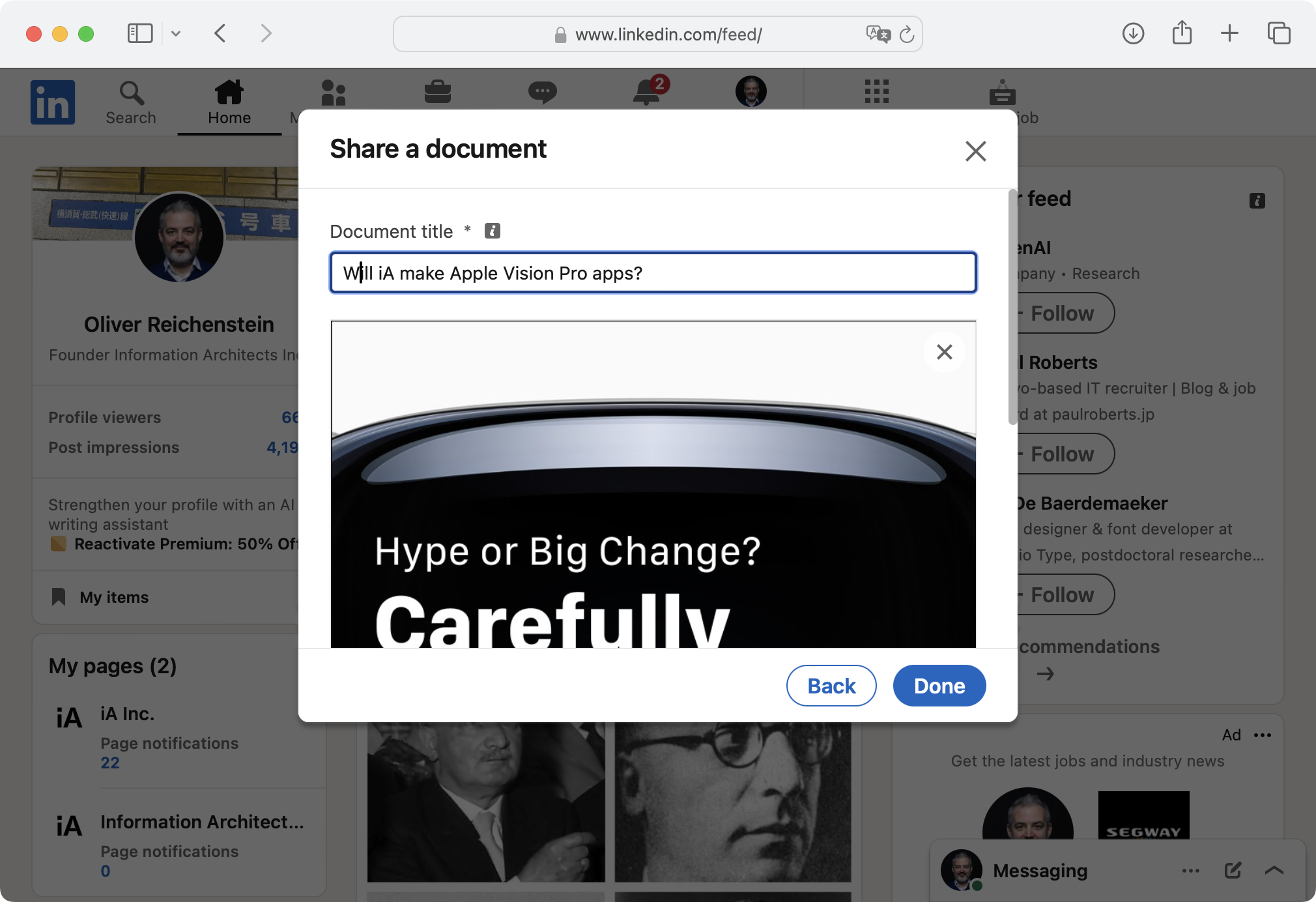
On LinkedIn you can also import a PDF as a slideshow. Start by setting the slide format (Square 1:1 works best). Then export it as a PDF with the 1 Slide, Borderless layout. It’s the only PDF layout whose pages follow your slide format; the others use paper-sized pages. Upload the PDF as a document, and LinkedIn will automatically generate a slideshow from it.
Here’s an overview of the process, again shown with Presenter for Mac and LinkedIn in a desktop browser:




💡 Slideshows on LinkedIn may need a bit more text than your regular presentation because the latter has both spoken text and a visual track. That means you may need to show some parts of your speech on the slides. However, keep the slide text to a minimum to keep your readers interested.
Social Media
7-Day Free Trial
Download now.
No credit card required.
Mac
No credit card required