Shortcuts
Presenter comes with some keyboard shortcuts—learning just a few of them can help you put together presentations even faster.
On iPadOS devices with connected keyboards, you can press and hold ⌘ button at any time to see all available keyboard shortcuts for current screen.

iA Presenter Shortcuts
| Shortcut | Action |
|---|---|
| ⌘B | Bold text |
| ⌘I | Italic |
| ⌘/ | Comment |
| ⌥⌘U | Strikethrough |
| ⇧⌘U | Highlight |
| ⌃⌘K | Footnote |
| ⌘K | Link |
| ⇧⌘L | Ordered list |
| ⌘L | Unordered list |
| ⌥ ⌘L | Task list |
| ⌘> | Blockquote |
| ⇧⌘- | Slide break |
| ⌘1 | Title |
| ⌘2 | Subtitle |
| ⌘3 | Heading |
| ⌘4 | Subheading |
| ⌘J | Inline code |
| ⇧⌘J | Code Block |
| ⇥ | Body text |
Edit Shortcuts
| Shortcut | Action |
|---|---|
| ⌘Z | Undo Typing |
| ⌘C | Copy |
| ⌘V | Paste |
| ⌥ ⇧⌘V | Paste and Match Style |
| ⌘A | Select All |
| 🌐︎D | Dictation |
| 🌐︎E | Emoji |
| ⌘W | Close presentation |
Story
Editor
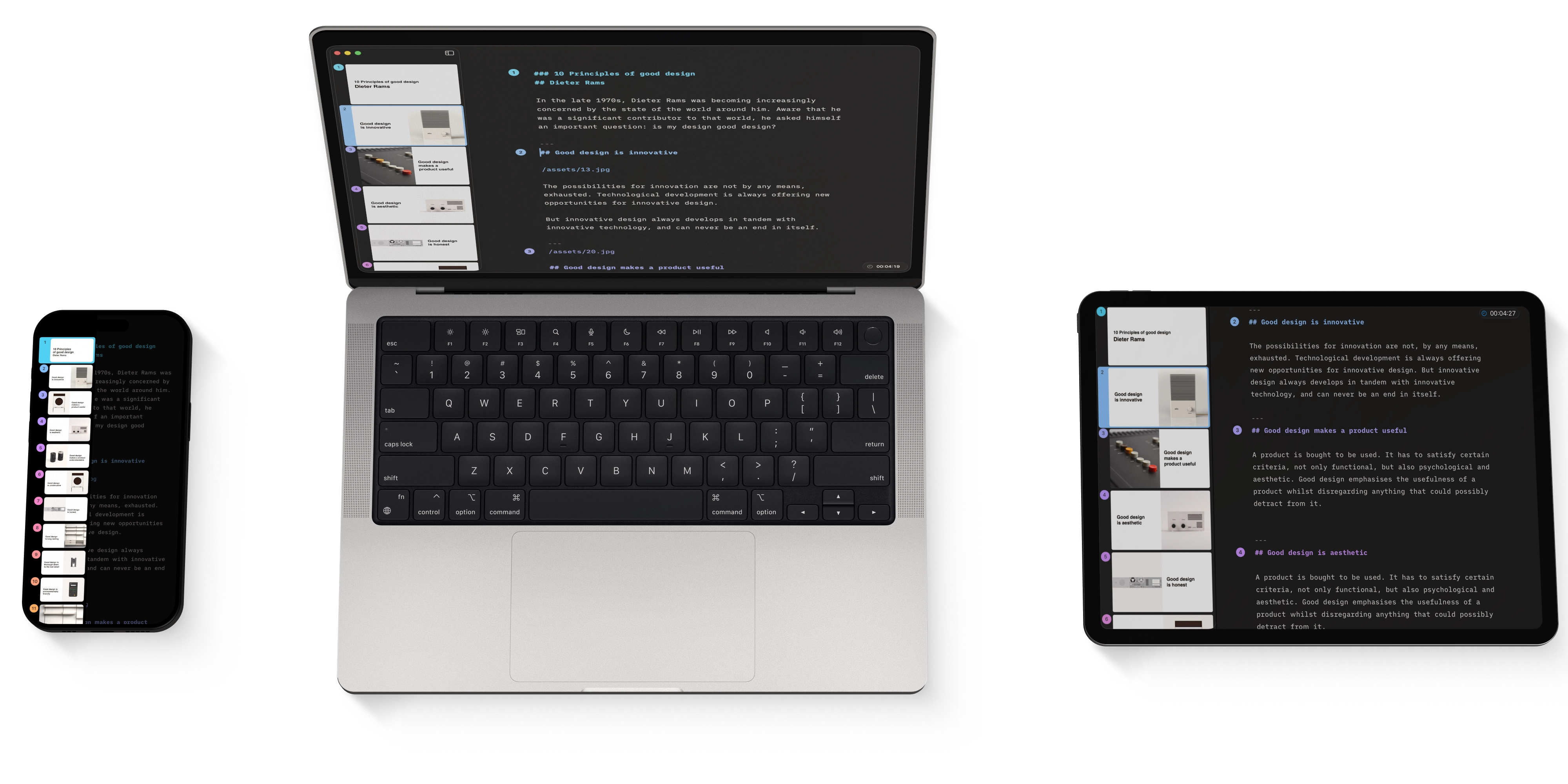
The Editor is where you’ll write your narrative, add visuals, and turn your content into slides.
The Thumbnails
Preview, reorder, duplicate or delete your slides.
Import
Turn an existing Markdown text into a presentation in seconds.
Tables and Charts
Create tables and charts directly in Presenter. Focused, readable, and ready to present without extra tools.
Backups And Recovery
Lost your progress in a presentation? Wishing you hadn't deleted that slide? No worries!
7-Day Free Trial
Download now.
No credit card required.
Mac
No credit card required