Presentation Mode
Use Presentation Mode to visualize, practice and deliver your presentation while checking your notes and seeing a preview of your slides.
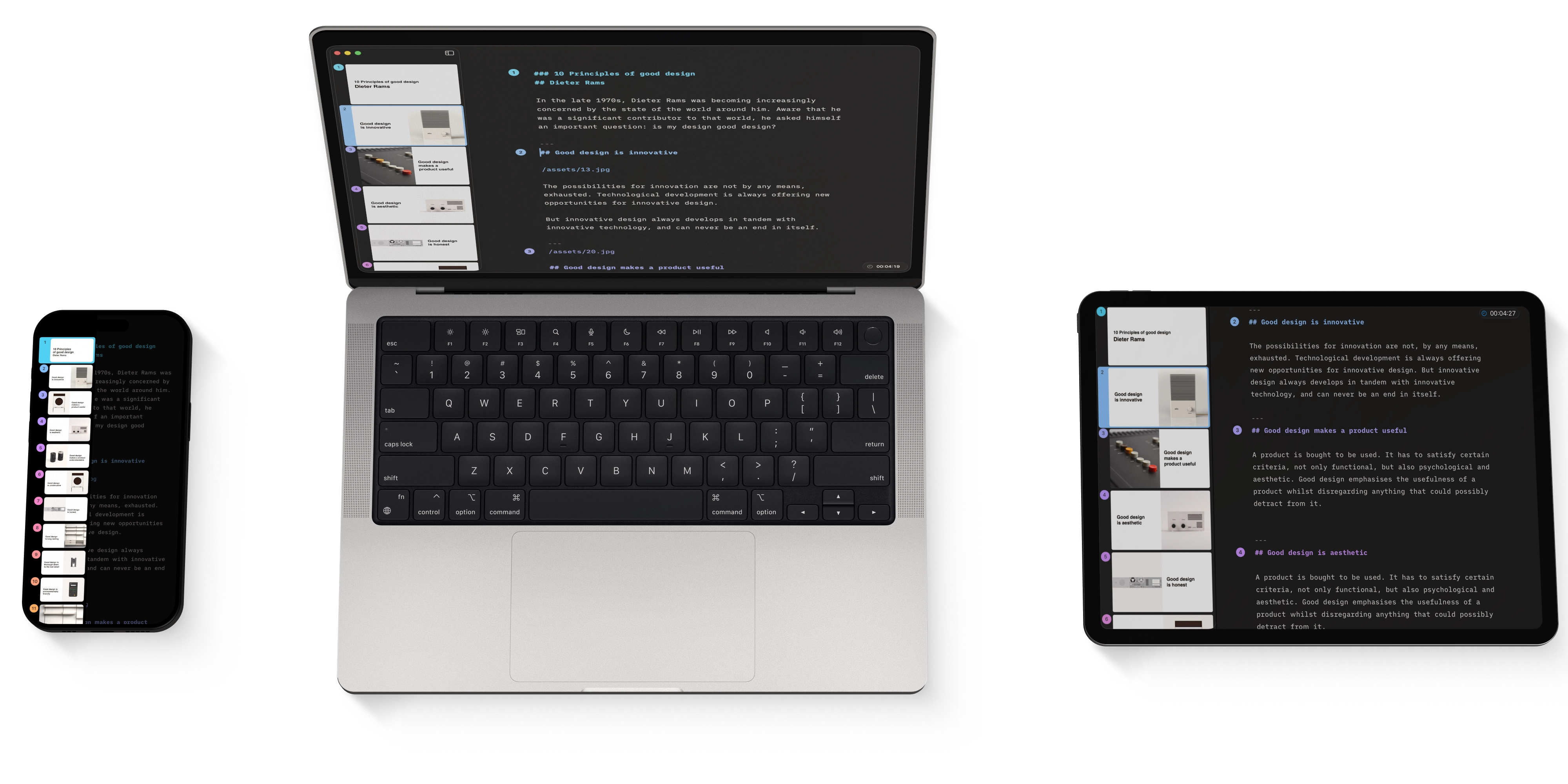
Also known as the teleprompter, Presentation Mode is the second primary interface in iA Presenter, alongside the Editor. This is where you practice your speech and deliver it during the actual presentation. The teleprompter is like a safety net that shows your notes on top of your slides.

Finding Presentation Mode
To run Presentation Mode, press the play ▶️ button on the top-right of the Title bar. To stop the presentation and go back to the Editor, click on the top-right stop ⏹ button.

To see how long you’ve been presenting, turn on Show Timer in Settings → Presentation. The timer appears at the top of the screen. To reset it, tap the timer, then tap Reset.
Scroll up and down to navigate through the slides, or use the navigation arrows on the bottom toolbar.
You can toggle the speaker notes on or off from the top-left corner of the title bar or by tapping on the slide. If there are multiple notes on one slide, they’ll be split into sections, indicated by three dots …. Swipe from right to left to view the rest of your notes.

💡 Enabling speaker notes in Presentation Mode will not make them visible to your audience.
Presentation Settings
Go to Settings to customize your video controls or adjust the slide display ratio. From here, you can also show or hide the timer.
To change Settings, go to the Files → Settings → Presentation.


Action
Navigate Your Slides
Use either your mouse, keyboard, or remote controller and learn how to customize the navigation keys.
Presenting Online
Use Presenter with third-party software such as Zoom, Loom, or Google Meet for an online Presentation.
Presenting Onsite
How to use Presenter in a face-to-face situation with projectors or smart TVs.
Export
Share your presentation to your audience as Markdown, PDF, HTML, PPTX or Images.
Sharing
With Sharing you can publish your presentation as a temporary static site and share its link with your audience.
Social Media
A detailed walkthrough on exporting and sharing your presentation on social networks.
7-Day Free Trial
Download now.
No credit card required.
Mac
No credit card required