iA Writer
The Original Focused Writing App
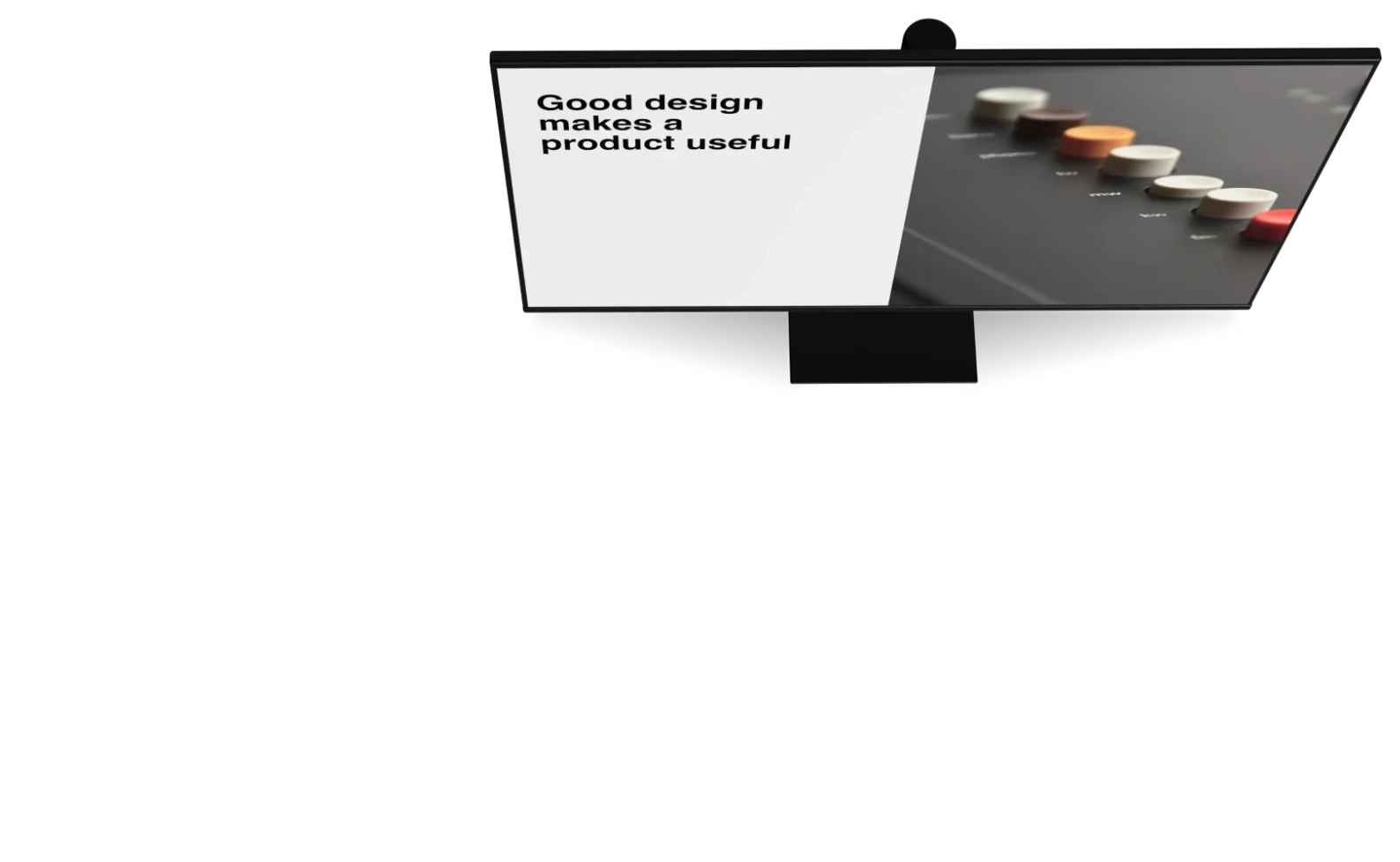
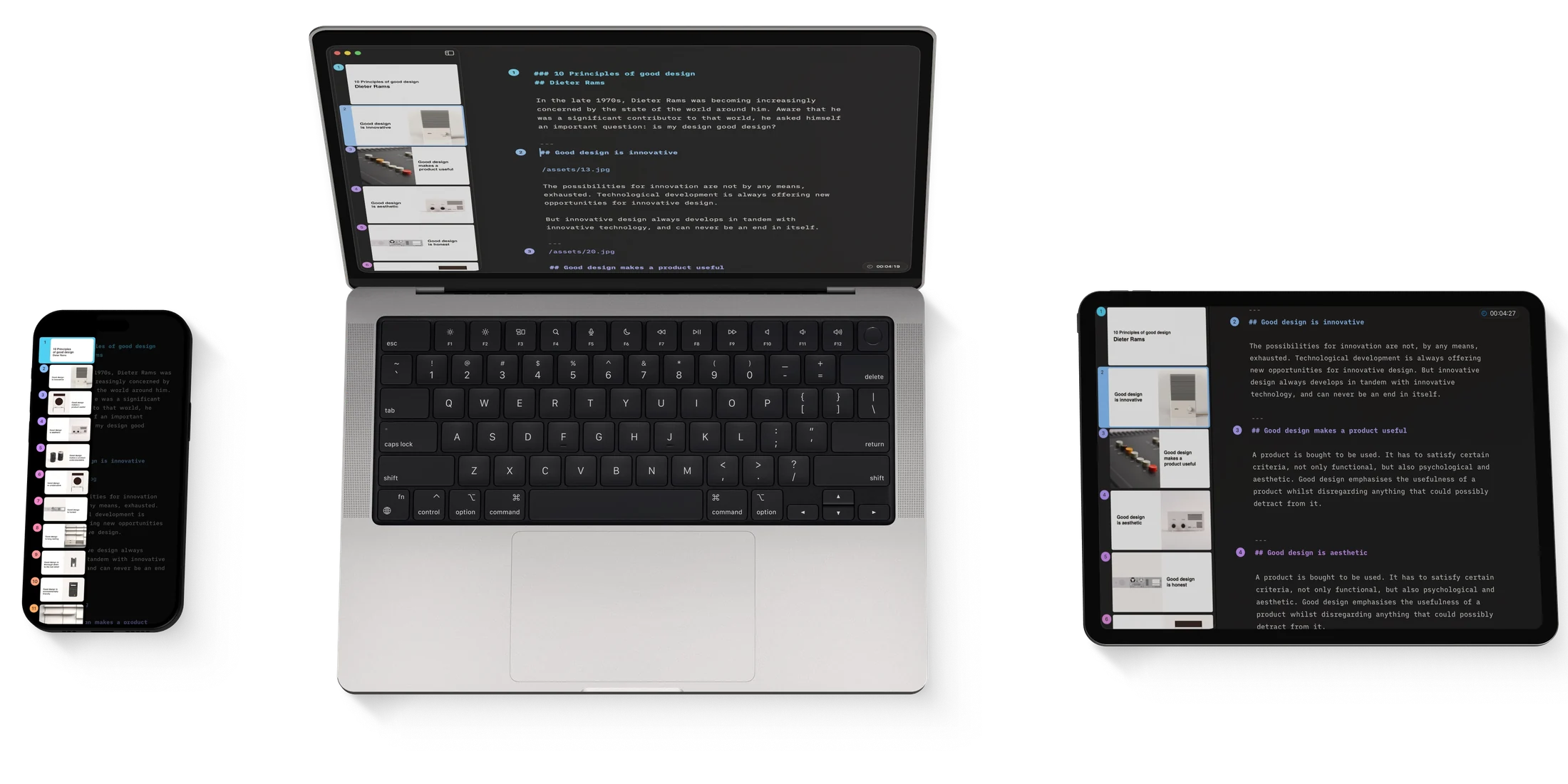
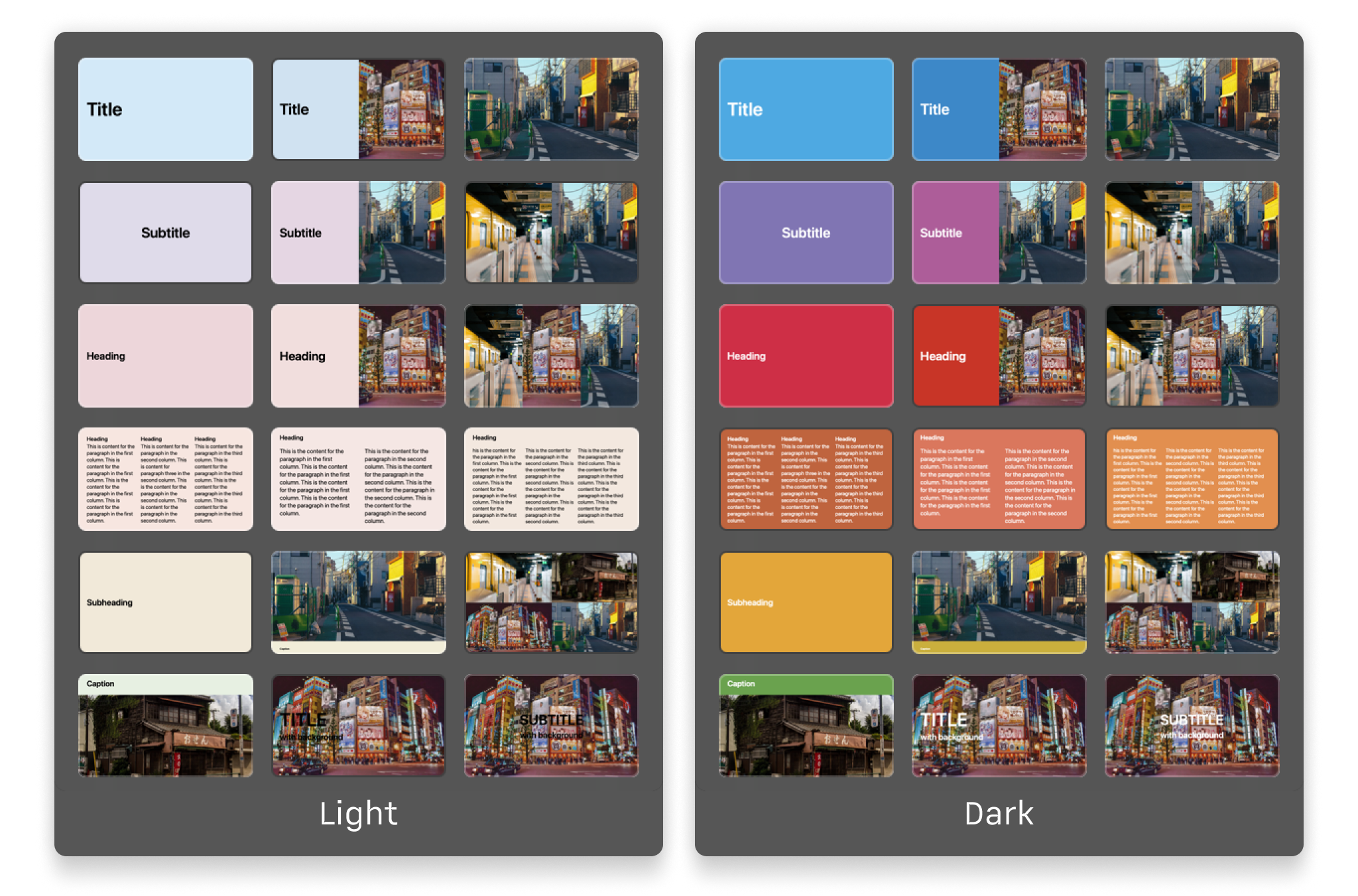
iA Presenter comes with a set of built-in, ready-to-use themes that look great on any display and aspect ratio.
Presenter themes capture the distinctive design characteristics associated with renowned cities like Tokyo, Paris, New York, and Copenhagen, but also some famous typefaces.
To try different themes, open the Design menu by tapping the Design button in the center of the toolbar. Swipe to the top to enlarge it if needed, tap the Theme dropdown menu, and select a theme.
Tip
Any custom themes you added will appear at the bottom of this list.
All themes come in light and dark versions, which you can change via the Design menu → Colors → Appearance.




Premium
Premium is a line of new, high-quality templates, with Garamond being the first. Garamond is included with every Presenter license for free.

Most themes are named after cities, which opens up possibilities for even more creativity. Imagine crafting a unique Harajuku custom theme inspired by the vibrant design elements of Tokyo, or a Montmartre theme that captures the artistic style of Paris.

Select a theme and slightly tweak it from the Design Menu

Add your text and images, and Presenter picks the right layout for you.

Adding images to your presentations is as simple as a drag and drop.

Learn how to link to YouTube and add local videos to your presentation.

For those comfortable with coding, build a custom theme from scratch with HTML and CSS.