Templates
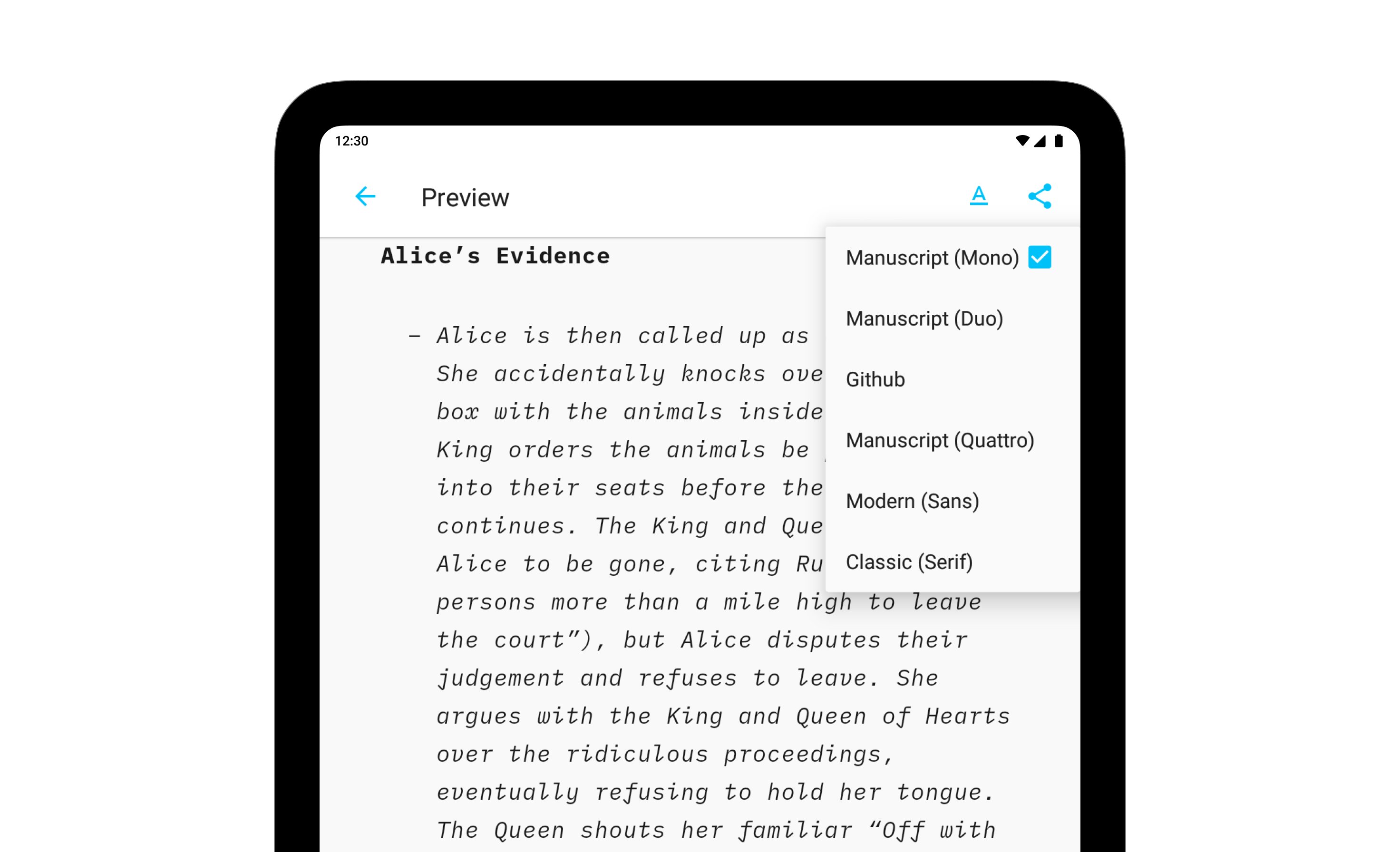
Preview, create PDFs, and print documents in your own style with templates in iA Writer for Android.
The templates determine the style of your text in Preview and Print with elements such as the fonts, the margins, the line height, etc…
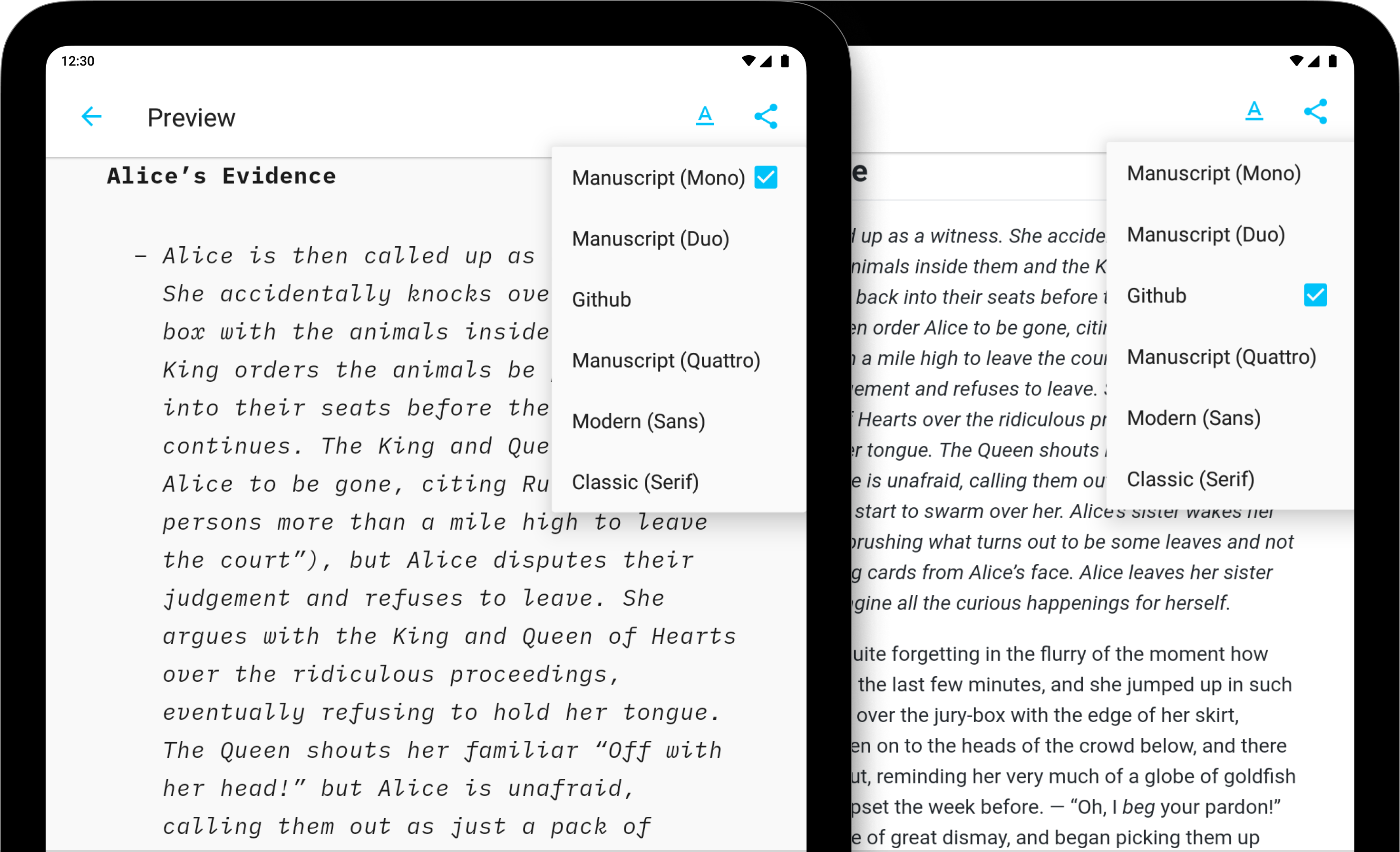
Available Templates
iA Writer comes with 6 built-in templates:
- Modern (Sans)
- Classic (Serif)
- Manuscript (Mono)
- Manuscript (Duo)
- Manuscript (Quattro)
- Github
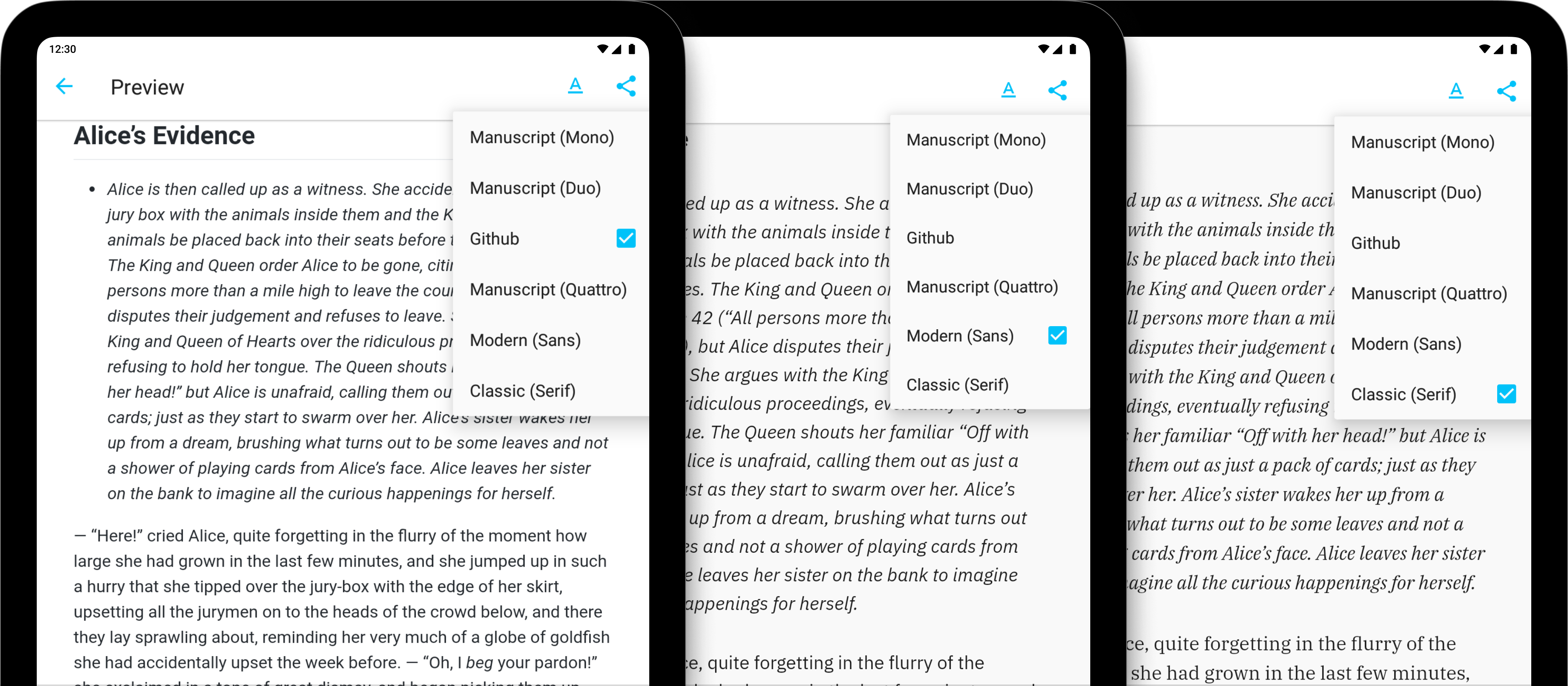
Templates are visible from Preview. Here is a quick peek at each of them side by side:
Mono | Duo | Quattro
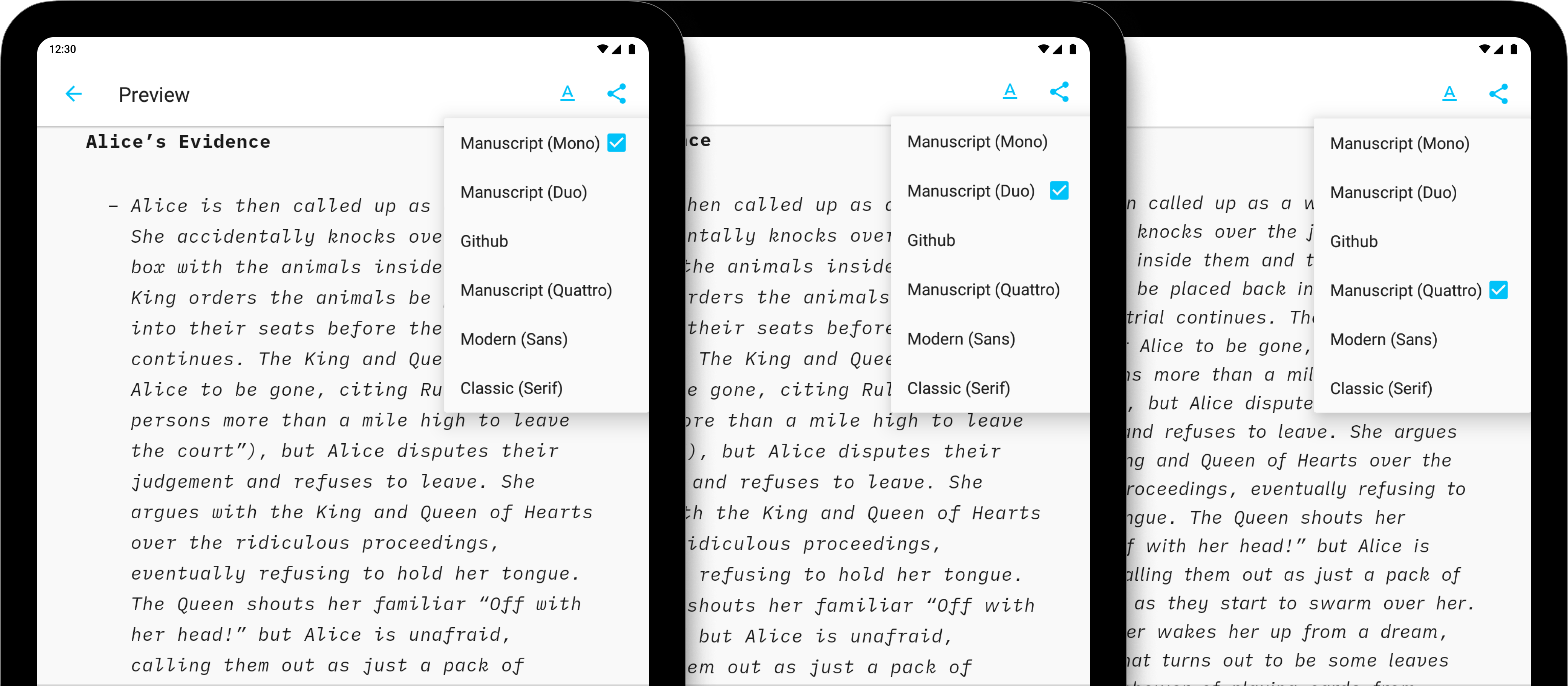
GitHub | Modern | Classic
Modifying Templates
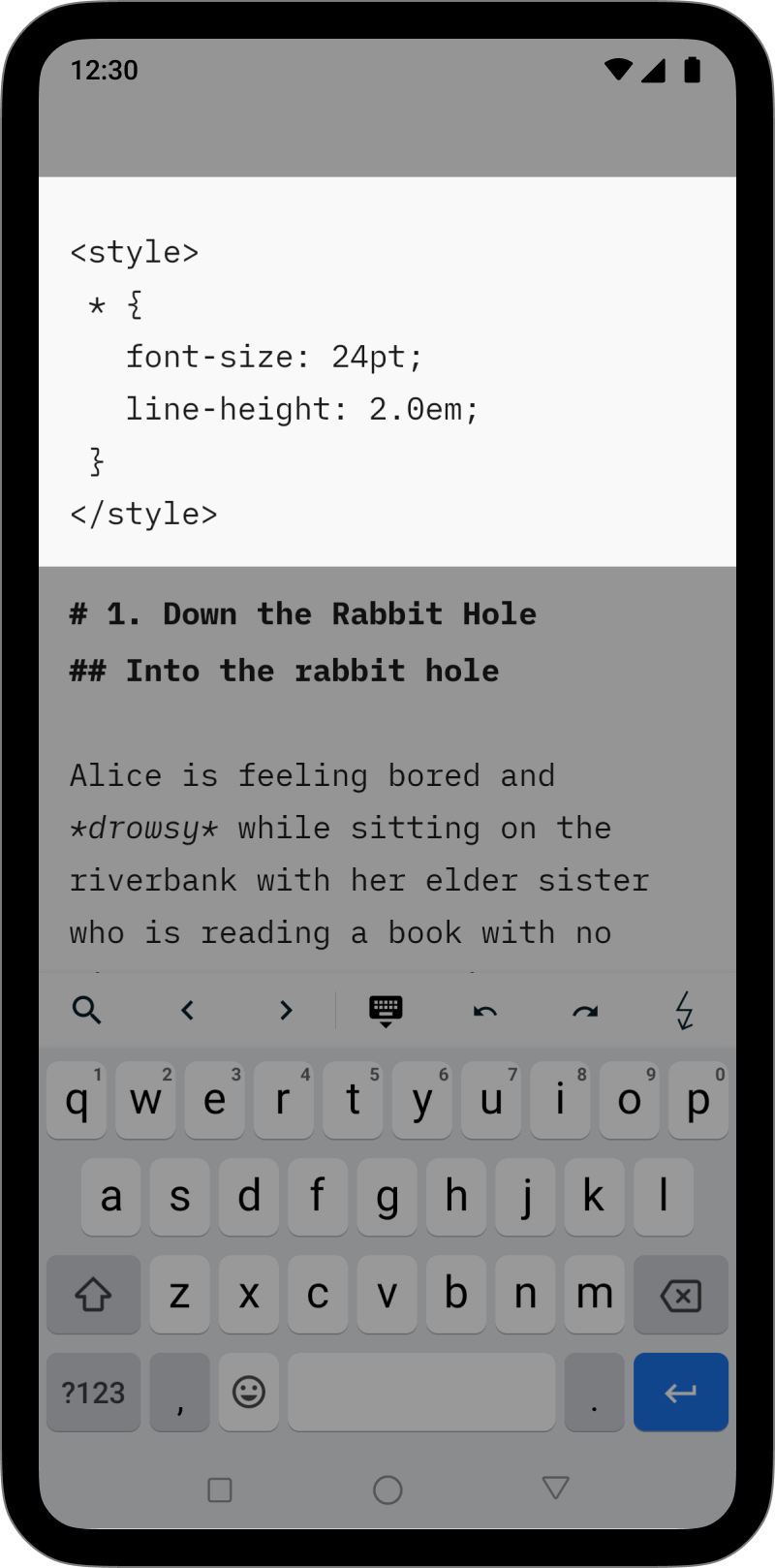
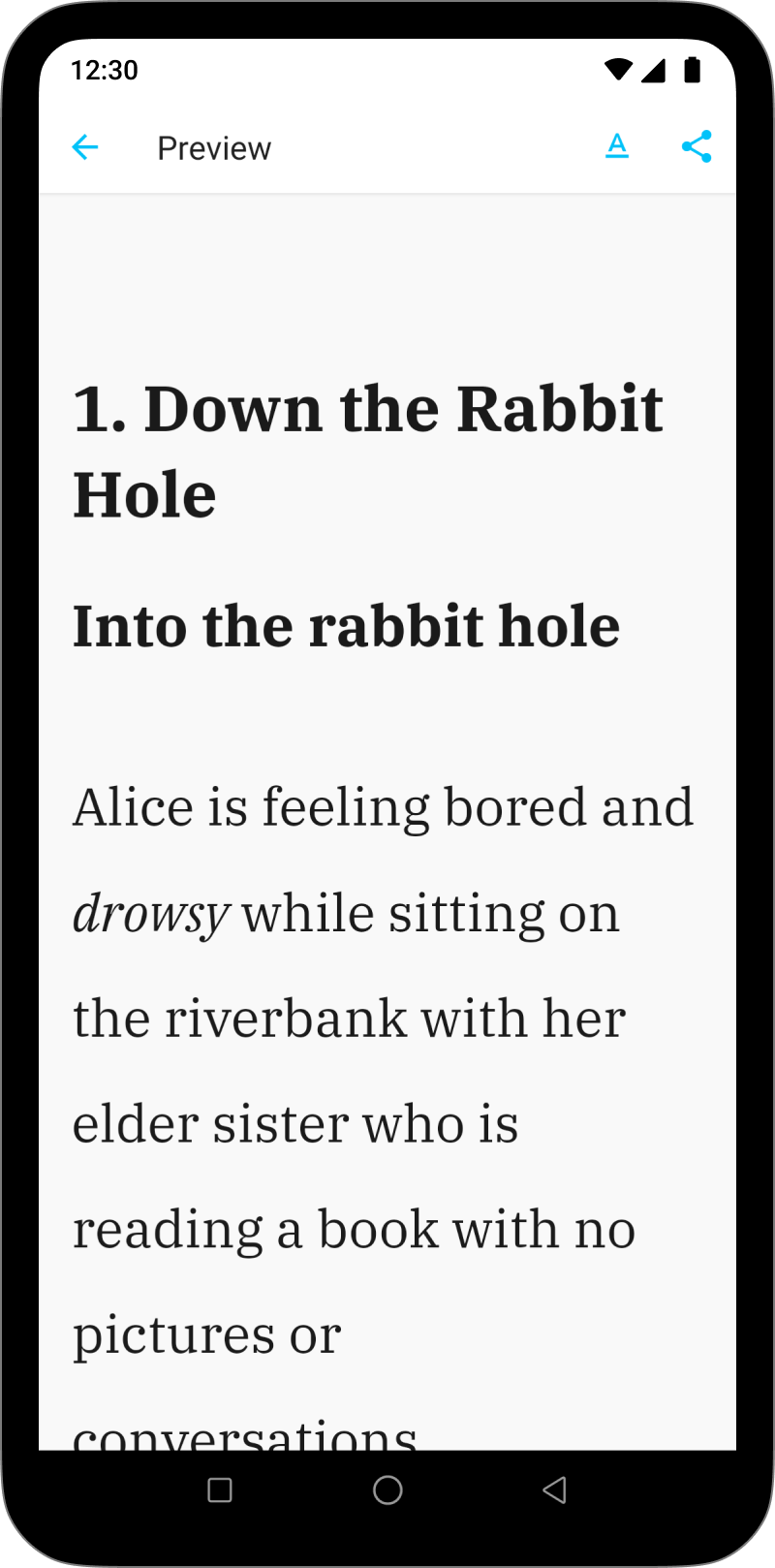
It is possible to override some of the CSS for a selected template by adding an HTML style block in your document. This solution is great for users who want to add just a few changes (font size or font color for example).
In the example below, the code block modifies the font size in PDF rendering:
<style>
  @media print {
    body {
      font-size: 25pt;
    }
  }
</style>
This style block can be inserted anywhere within your document, but we recommend to place it at the top of the file for easier access.
 Preview
Modify the Preview
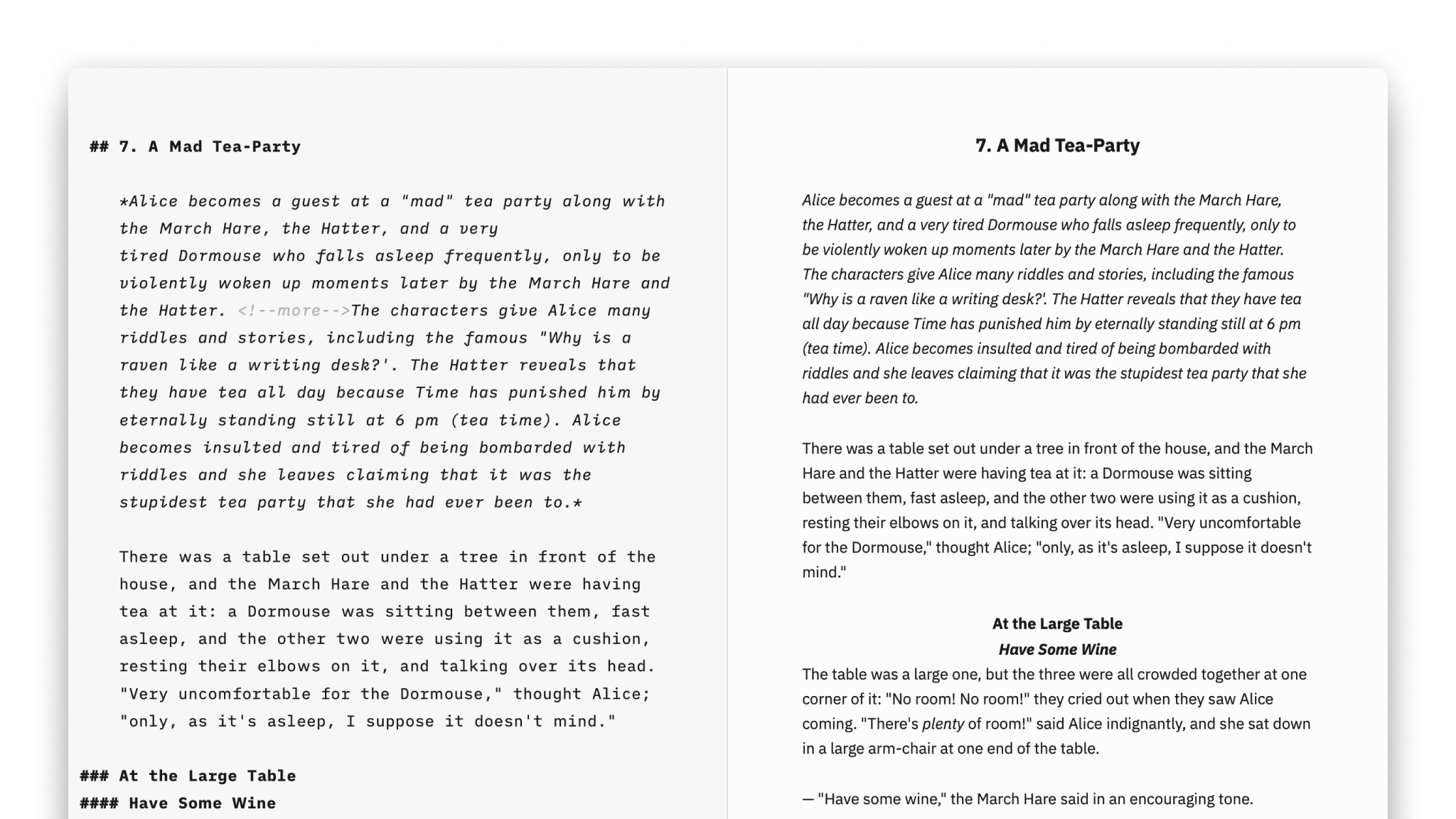
To see your formatted text and to change its look, open Preview.
Export, Share, Print
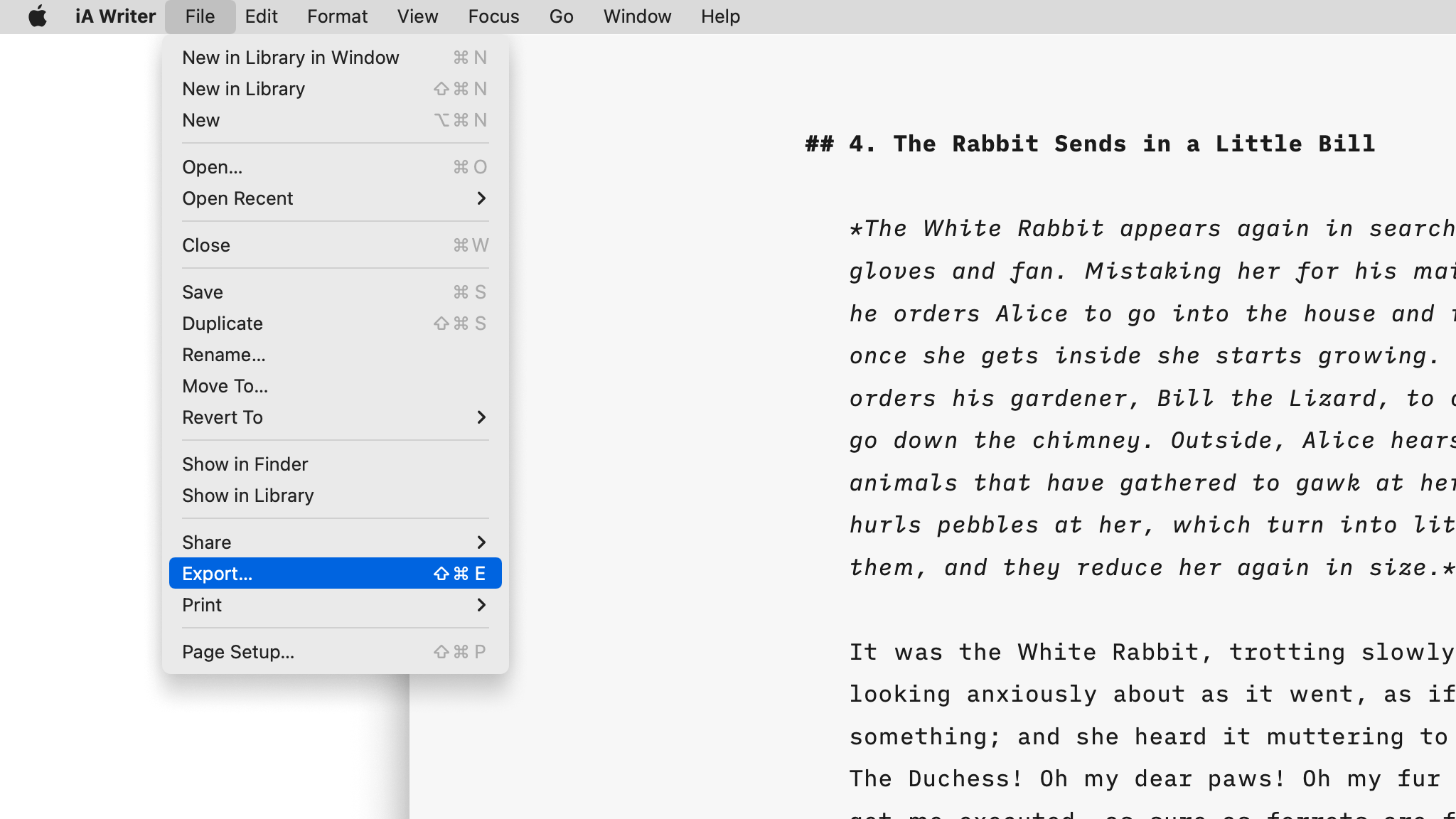
Learn how to export, share and print your iA Writer documents.
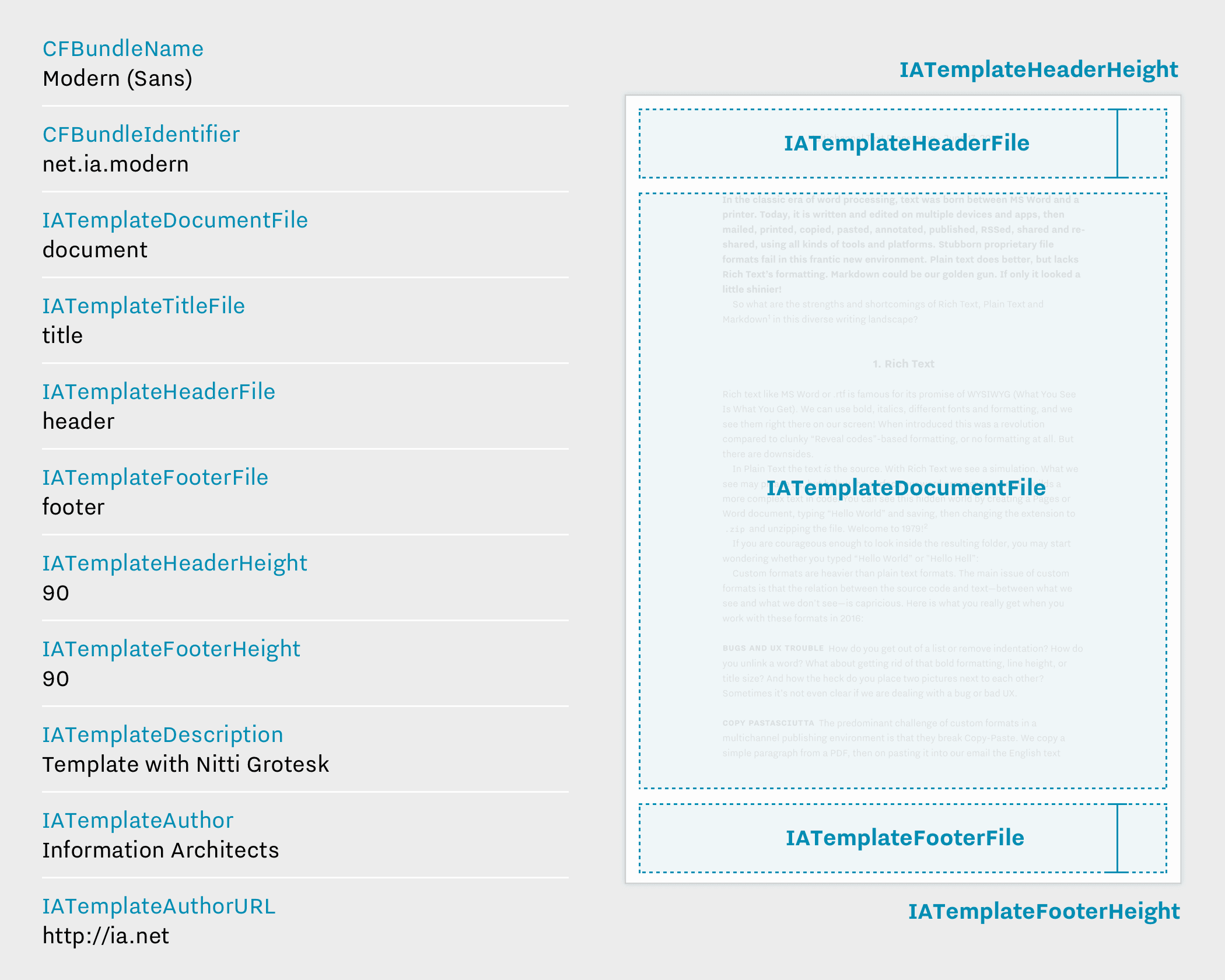
Custom Templates
Create iA Writer templates in your own style.

Blog
How to to draft blog posts before uploading them to your website.


