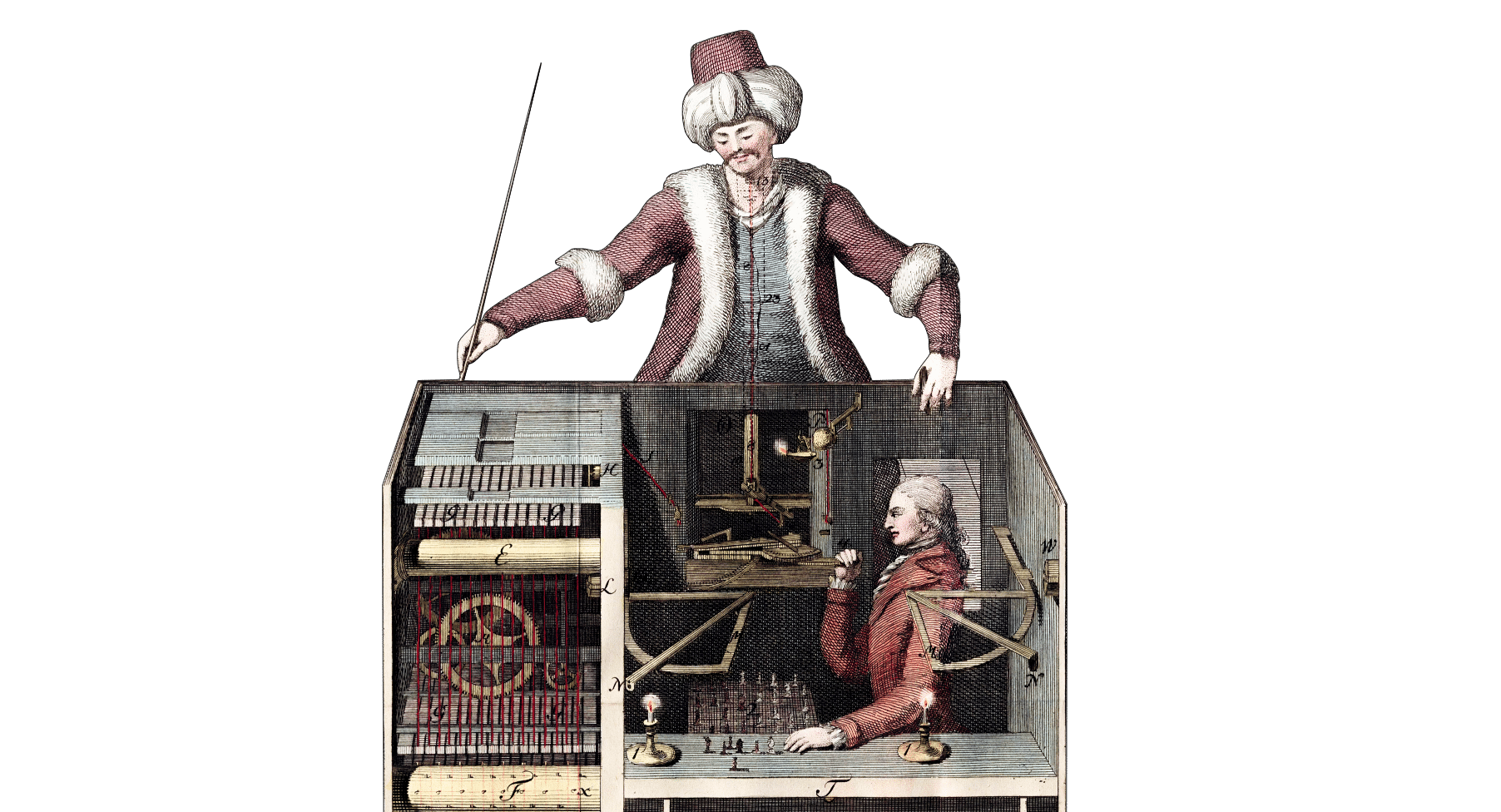
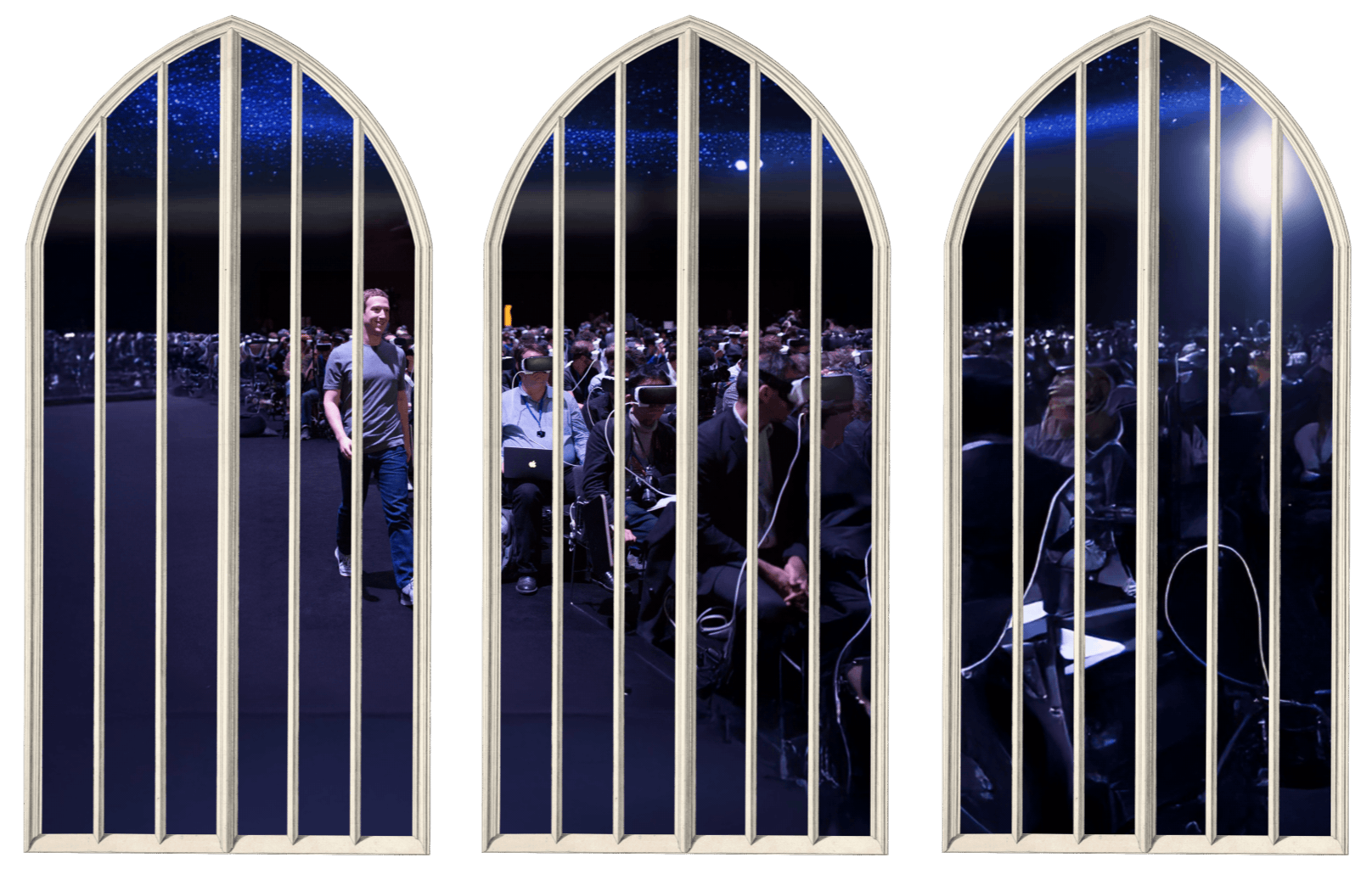
Europe runs on American IT infrastructure. Under the new US administration, Europe’s digital dependency has moved from convenience to vulnerability. Microsoft Office has become the symbolic starting point for change. Doing this right will require more than changing to open source. The economic opportunity is not a new logo from a cheaper vendor. It is replacing an obsolete model of work.
While US trade disputes focus on cars, steel, and agricultural goods, the critical imbalance for Europe lies in software.1 Economically and politically, US high tech makes Europe look like the loser that Twitter portrays it as on a daily basis. Europe’s digital dependency on the United States has quietly become a geopolitical risk.2 The tariff wars did not create that vulnerability. They exposed it. If that infrastructure were ever used as a political weapon, the consequences would be devastating.
In 2026, this scenario is no longer that far-fetched. The US economy needs Europe buying its tech. One year without EU income would be very difficult. But Europe completely depends on US tech to function. Even a temporary disruption to core US platforms would severely disrupt European administration, logistics, and finance. With the rise of AI technologies, the dependency will only increase.3
Across Europe, governments are asking: “How can we decrease our dependency on American infrastructure?” One of the first symbolic targets of the European IT independence movements is Microsoft Office. The plan is to replace it with an open-source clone of the old classic. Is that realistic? What exactly would replace it? And how would it be done?
Getting Out of MS Office
The Escape Plan
Europe has few digital assets it can leverage in retaliation.4 If push came to shove, the continent would have to scramble toward Linux and open-source software. An overnight shift would be completely unrealistic.
To reduce that risk, governments are looking for which software modules could be replaced sooner rather than later. What can be replaced without collapsing the system? The leading candidate currently is Microsoft Office with its dominant global market share.
Germany has announced plans to move parts of its public administration away from Microsoft. France promotes “cloud sovereignty” initiatives to reduce reliance on US hyperscalers. The European Commission speaks openly about digital strategic autonomy.
Why is Everyone Against Office?
For example: The Swiss Military
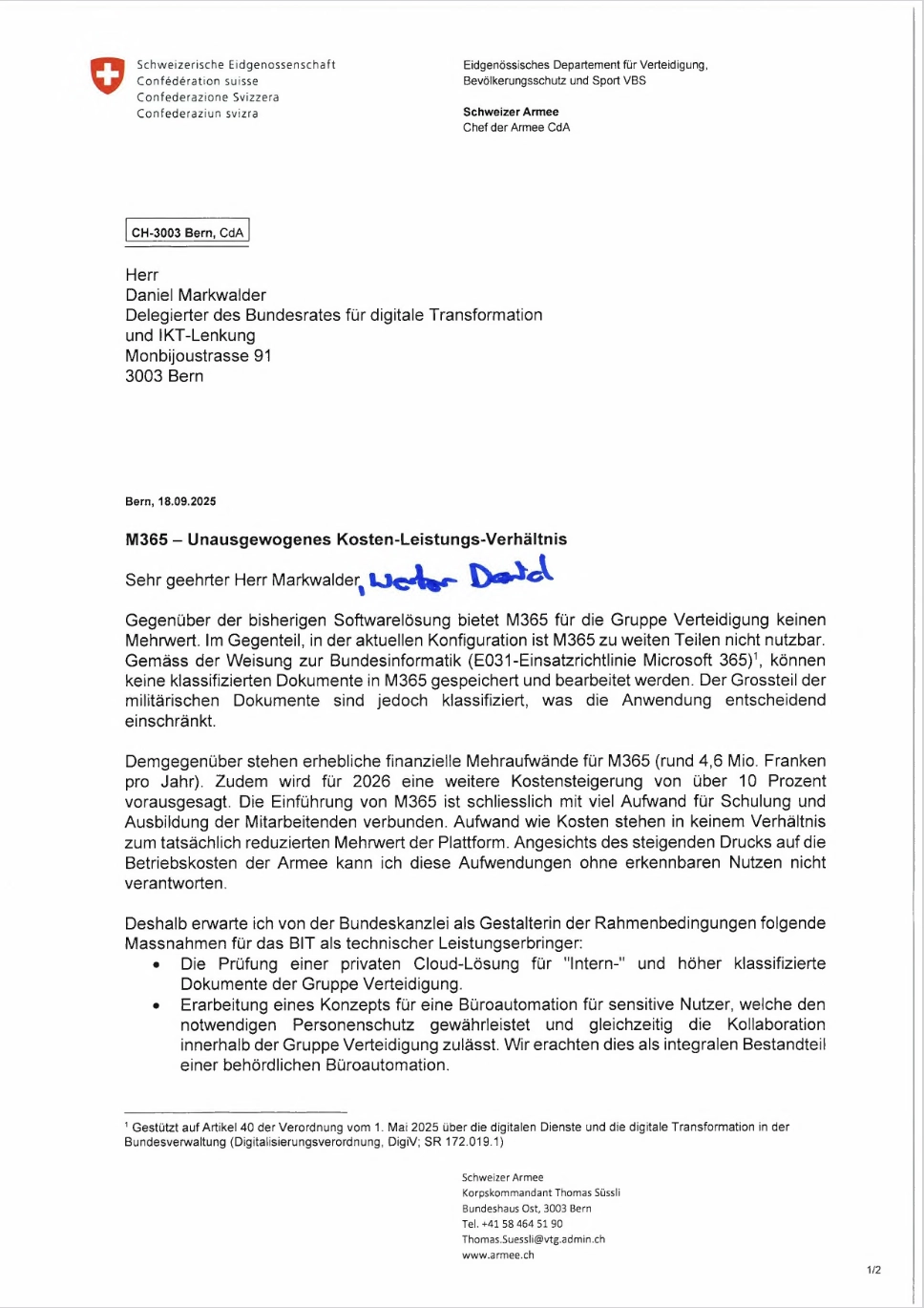
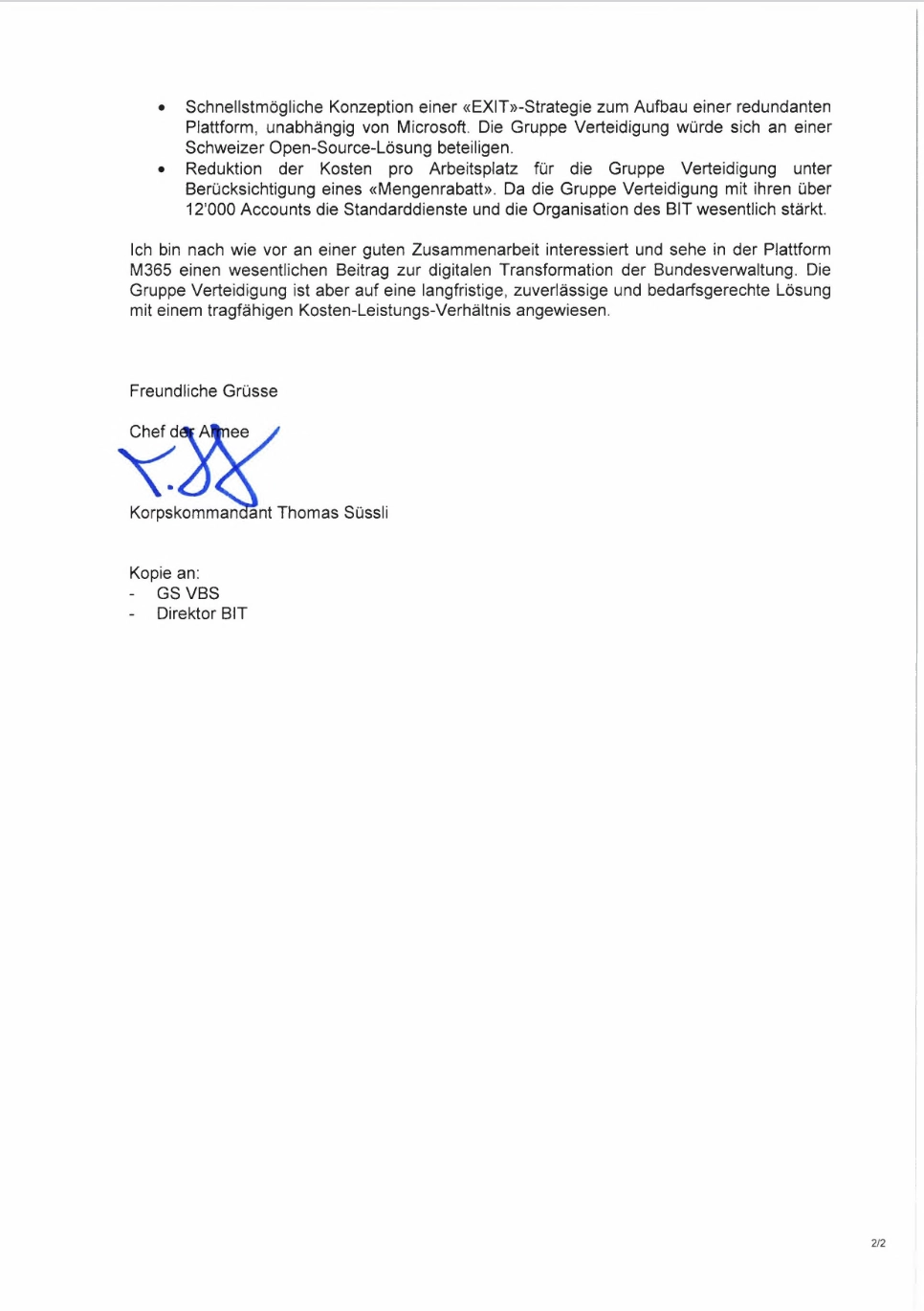
In an era of geopolitical uncertainty, the Swiss Army doesn’t want Microsoft Office 365. In Switzerland, Microsoft Office was quickly singled out because of its compromising cloud dependency. Being chained to the cloud, sending military data to Redmond and Washington raises serious data sovereignty concerns.5
And since Microsoft has injected AI everywhere, Swiss Army men and women do not just need to question if the orders are shared (or sold?) to a potential enemy, but whether they have been really thought through by a responsible Lieutenant, generated on a server in Texas. The Austrian Army has already moved to LibreOffice.6
For the military, both the cloud dependency and the many opaque AI hooks are serious concerns. But the reason why Office has become Europe’s IT top divorce candidate must have a psychological correlate.
Cost
In spite of being used everywhere by everyone, in 2026, Microsoft Office somehow feels more replaceable than Windows, iPhone, Android, Oracle, S3, or Google Workspace. Replacing operating systems and backend tech is expensive and painful. Apps feel replaceable. And Office? Would you really miss it? Getting rid of it might actually save much more money than the yearly fees.
There are free open-source alternatives like LibreOffice, Open Office, and Nextcloud. They are not better,7 but given how buggy, time-consuming, and nerve-wracking Office is, they can’t be dramatically worse either. Or can they?8
Efficiency
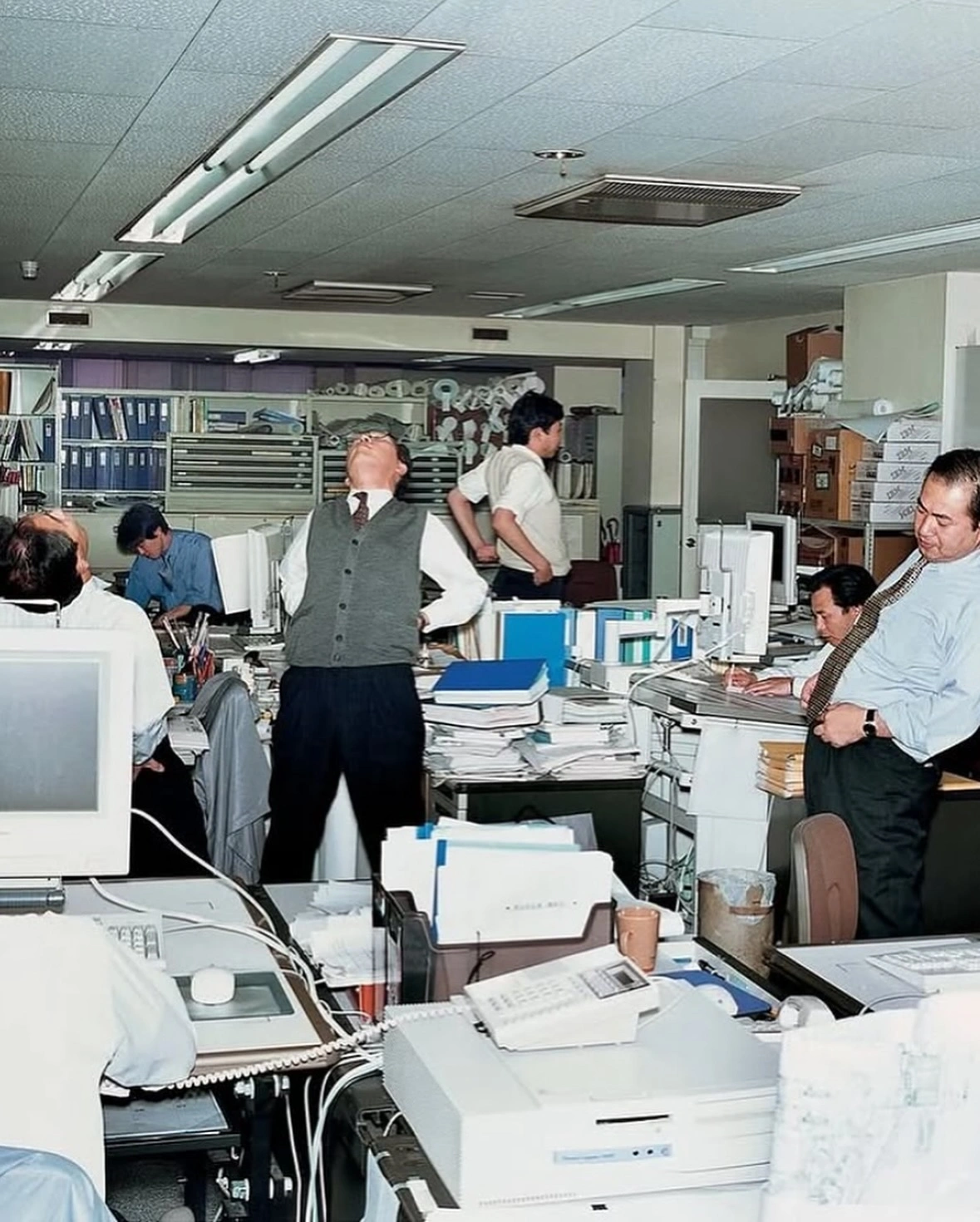
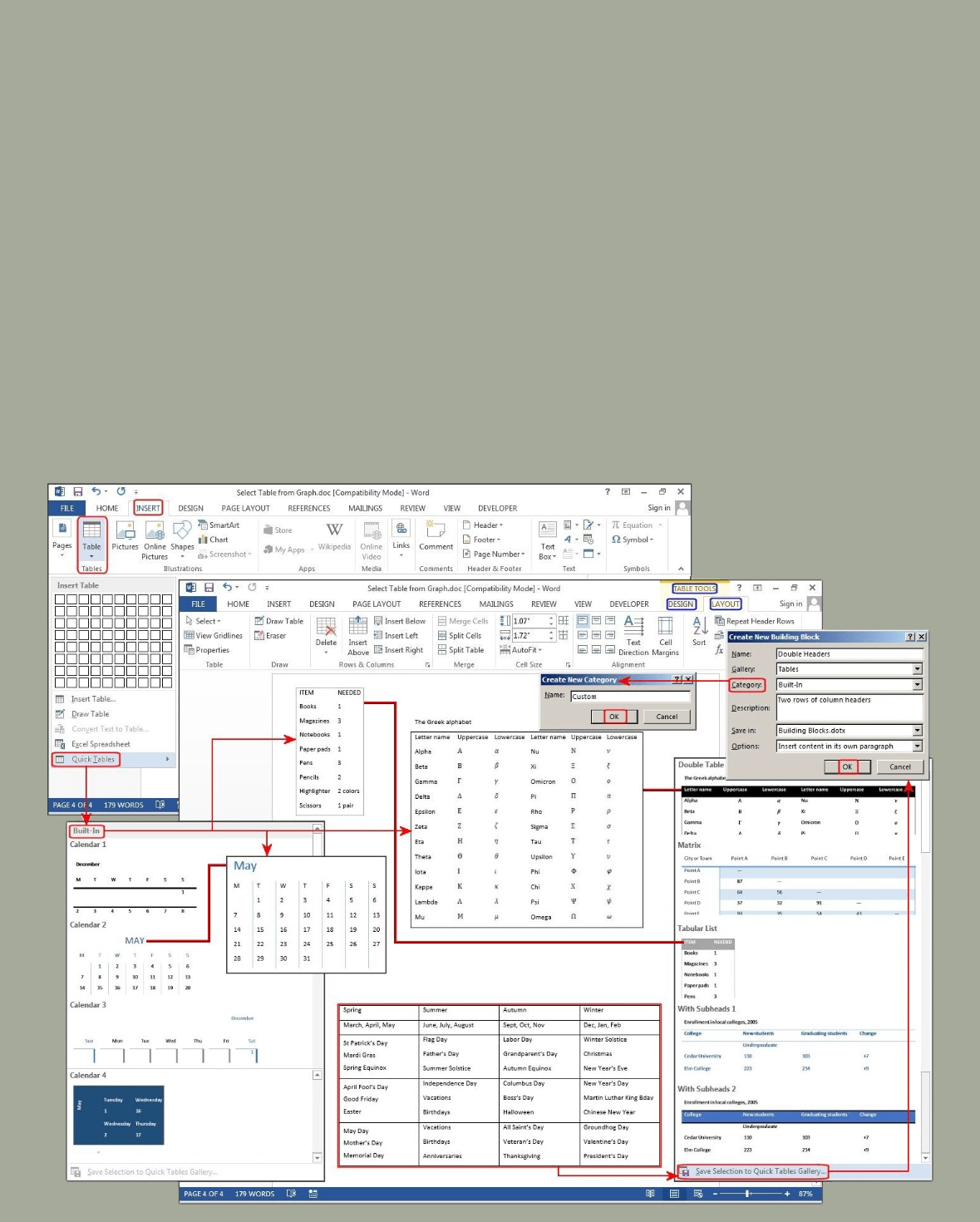
On a weekly basis, office employees spend nine hours in Email, eight hours in Word, seven hours in PowerPoint, and seven hours in Excel.9 They produce 111 emails, five Word documents, two presentations, and three spreadsheets. Formatting consumes enormous time (up to 40% in PowerPoint) to make them “look right”—and they still end up largely off-brand: Roughly 50% of MS Office documents are not brand compliant.10 So, how many more years do we need to work like this:
Expired Work Model
Producing paper documents, checkered spreadsheets, and plastic slide decks solved a business need in the 1980s. Today, print matters are a minor concern.
Compare Office documents to email and chat. On a weekly basis, the average office worker produces five Word documents, three Excel sheets, and two PowerPoint presentations. Meanwhile, they write over one hundred emails.
Statistically, chat and email are dozens of times more efficient than Word—and roughly one hundred times more efficient than PowerPoint. Is what we write in email less important than what we write in Word or PowerPoint? Not necessarily. Chat and email are more efficient because they make us think about what we want to say—not how we format it.
- When we write a Word document, we focus on how it looks on a piece of paper.
- When we build a slide deck, we spend hours searching for templates and assets.
- When we write an email, we focus on what we want to say.
- When we write a chat message, we focus on the discussion.
Employees spend a large share of their time inside Microsoft Office. Yet hardly anyone enjoys using it.
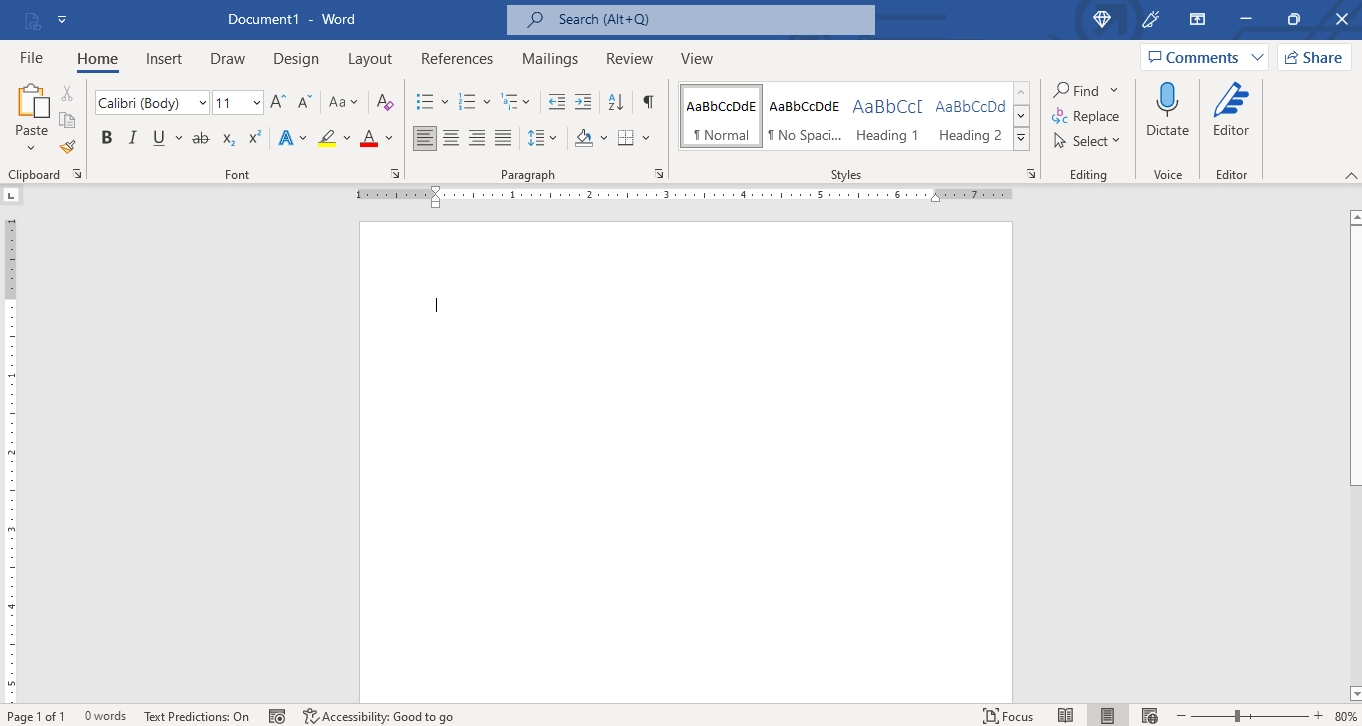

In short: Psychologically, Office is an obvious target because hardly anyone really enjoys working in it. Some may disagree, but in spite of its gigantic market share and iconic stand, it absorbs significant time and cognitive energy. Much of it is spent on formatting rather than thinking. And if, after all, you still somehow “like” Microsoft products, ask yourself: Do I really want to work inside a 1980s document model indefinitely?
Microsoft aka Macro Data Refinement
Dead Metaphors
Fewer and fewer office workflows lead to physical documents, packed in paper files, stored in metal folders. And yet we all still use their metaphorical cousins. In today’s context, a lot of the old office vocabulary has shifted its meaning from physical to digital. Like that strange symbol formerly known as the “floppy disk”. As metaphors of a long-gone world, they still cast a subtle spell.
In a mobile, multi-screen, cross-time-zone work environment, files float in the cloud and constantly change shape and owner. The Microsoft Office model still anchors its core architecture in static paper formats: the ruler, line height, margins, page numbers, as if they still really mattered.
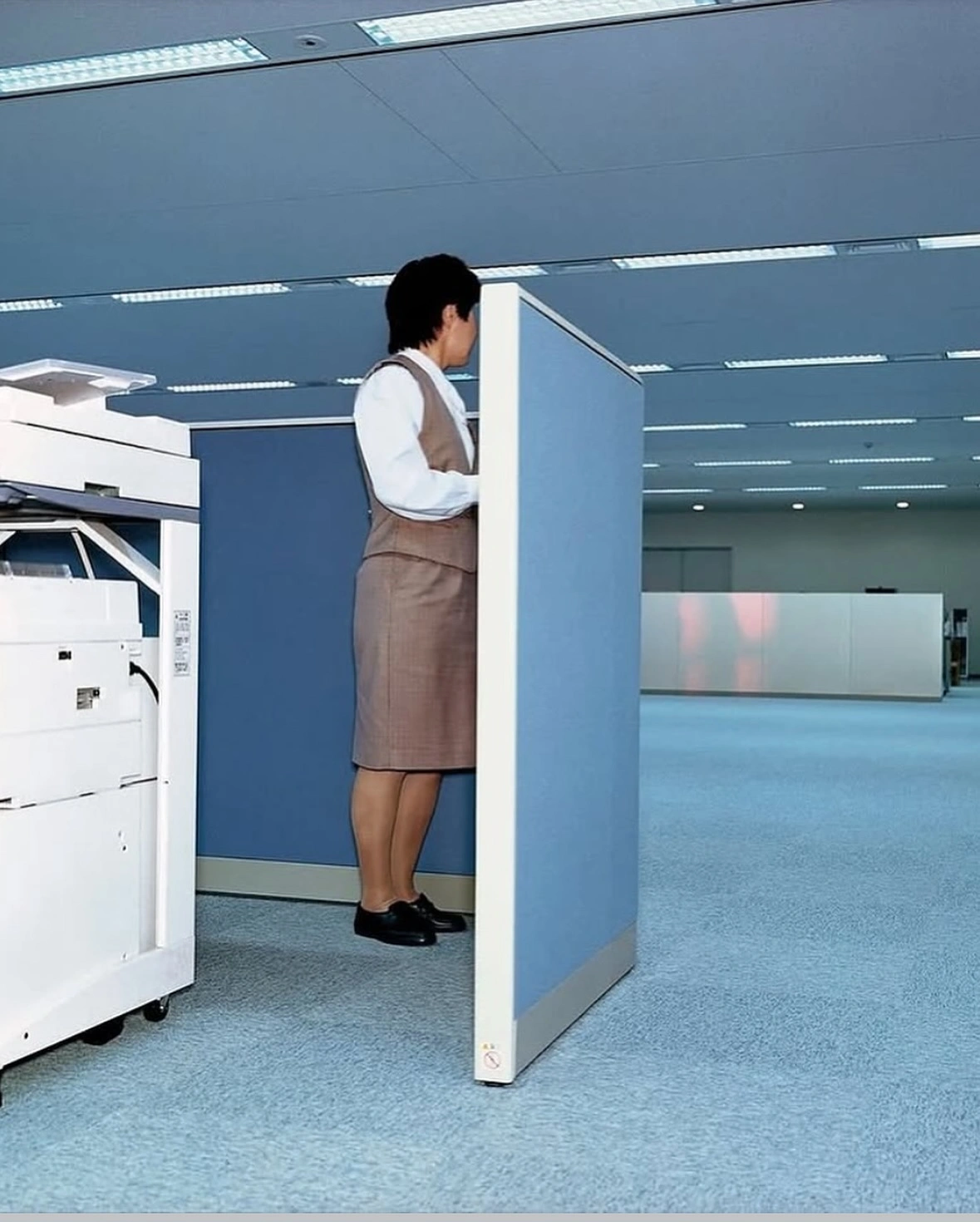
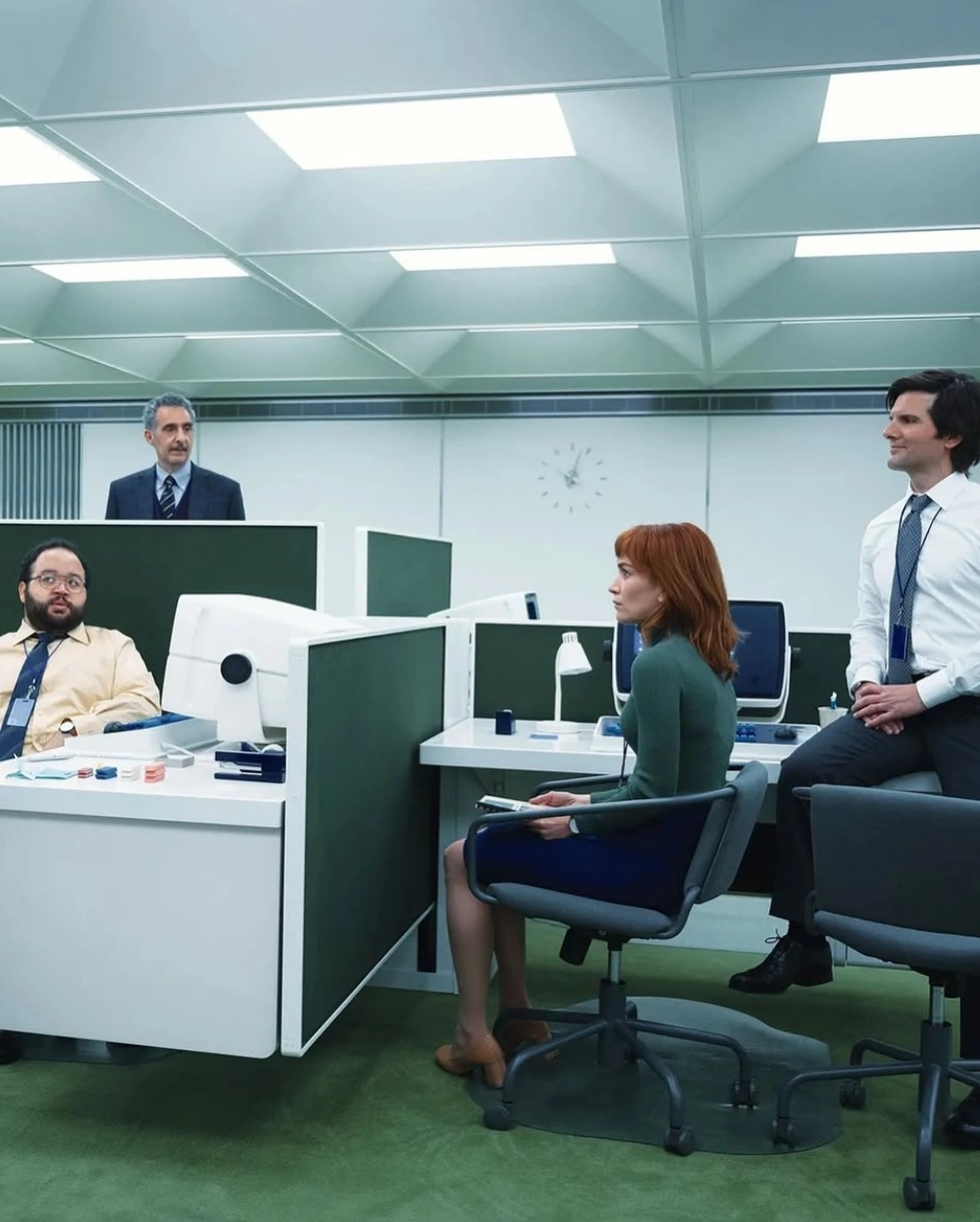
Working in Office apps, we are trapped in an old world that ceased to exist decades ago. Like the office in Severance, the office embedded in Microsoft Office is fetishized: margins, borders, and page numbers are treated as signals of authority rather than remnants of a paper era.11
So why does everyone, including our kids at school, still use it?
Severance illustrates something so familiar that it’s hard both to recognize and hard to ignore: Fluorescent light. Endless hallways. Ritualized procedures. People performing point-and-click tasks on screens whose purpose they cannot fully explain. And everyone behaves as if the system were natural. It’s both weirdly old and claustrophobically on brand. Sounds familiar? Severance beautifully illustrates how it feels using Microsoft Office all day long, in 2026.
At Lumon, they circle and click numbers whose meaning they cannot see. In Office, we click and circle numbers whose basis we hardly question. A spreadsheet cell feels objective. A chart feels authoritative. The grid replaces doubt. The format replaces understanding. The brand identity makes it right.
We daily open “documents.” We struggle with bullet lists, adjust line heights, and fight with textboxes. We format pages as if they were destined for printers and filing cabinets. We behave as if the final goal of knowledge work were a properly aligned A4 or US Letter sheet. We click aimlessly to make some higher authority visible.
Like the employees in Severance, we do not question the architecture. We adapt to it. The office model embedded in Microsoft Office is hierarchical, paper-bound, and authority-driven. It assumes that thinking culminates in a formatted artifact. This model made sense in 1995. It does not make sense in 2026.
Most of our work is iterative, collaborative, networked, and dynamic. Decisions happen in chat. Coordination happens in shared documents. Alignment happens across time zones. Yet our primary productivity tools still treat work as the production of printable pages.
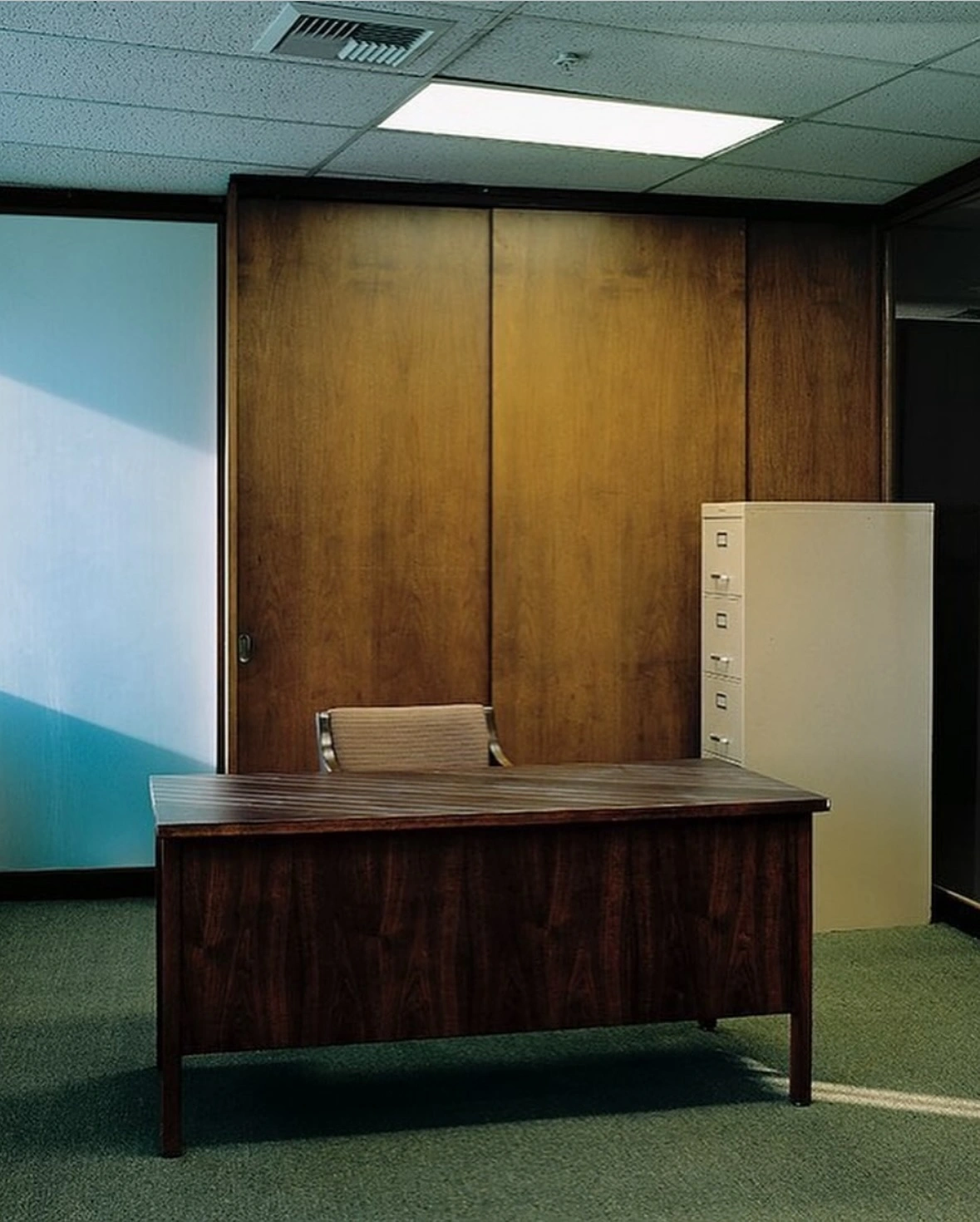
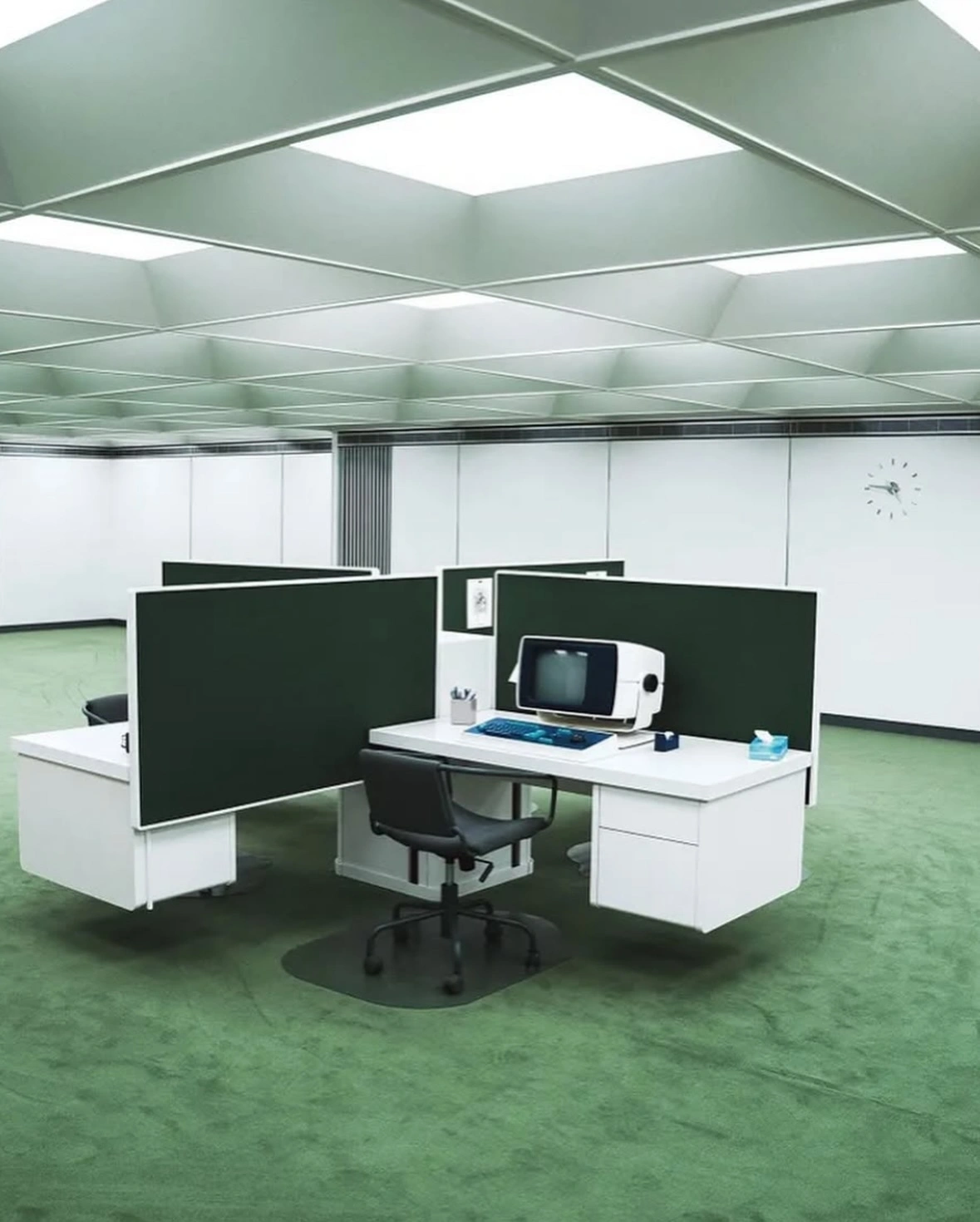
We are stuck with Microsoft Office because we never questioned its fundamental logic. When schools began treating Office proficiency as a prerequisite for adult life, instead of focusing on writing and thinking, we reached peak absurdity. Microsoft Office at school makes sure that we abolish the only hope to break with the ancient Office theatre: A youth that asks: “Why do I need to care about paper formats, headers, footers, page numbers, and rulers, when I read stuff on my phone?”
Like the employees in Severance, we no longer see how strange the system is. Formatting feels normal. Page numbers feel necessary. Rulers feel inevitable. Hunting for the latest logo or adjusting line height feels important. The absurd has become routine. That is the real dependency.
Putting AI in all of its products is 2026’s version of the Emperor’s New Clothes. Microsoft’s WYSIWYG architecture was not designed for machine-readable, structured AI workflows. Retrofitting AI into layout-first systems creates more friction. To get ready for the future, Microsoft would have to rearchitect their whole Office suite and move to structured text.
Replace Office, But Not with a Clone
The Risk of Failure
Europe is discussing replacing Microsoft Office with OpenOffice. On paper, that sounds like it’s at least worth a try. In reality, changing to a much cheaper supplier instead of changing the system rarely improves the situation.
Replacing Office with any clone cements the idea that we need the model it is based on. But we don’t. We work differently now. Our tools need to adjust to our needs. We shouldn’t adjust our tasks to our tools.
Replacing a bad system with a fragile clone is a recipe for disaster. What is worse than having to work in Microsoft Office? Having to go back to Microsoft Office. That’s not just humiliating. It will make the overdue initiative to move beyond the obsolete custom formatting infatuation even harder.
For thirty years, Word, Excel, and PowerPoint have shaped how people work. Employees have stopped complaining because they can’t imagine that business works without the Office theater. Lists need to refuse to indent. Files must come in a format. Apps need to crash. Documents need to corrupt data. Formats need to be bloated.
The Only Thing We Hate More Than Bad Software Is New Software
Why worry that Office will come back? This is not the first time Germans tried to break out of Microsoft’s embrace.
In 2017, after years of debate, Munich’s leadership voted to migrate back to Microsoft Windows. The decision was framed as a move toward efficiency and standardization, reflecting deeper management and political challenges.12
Studio Linux thinks that the challenge was change management. Yeah. Change management is always difficult. Change management for apps that people have used for 5, 10, 20, 30, 40 years is a complete nightmare.
Usable is not what is well designed, but what we are used to. Office is slow. It is heavy. Its file structure is absurdly complex. But it is familiar. We think this is how things must be because trying something new feels more painful than dragging the old thing along.
We do not dislike bad software as much as we dislike changing our behavior. Microsoft Office’s flaws are fundamental and recurring. Those flaws are expected. They are familiar. They are part of the brand. Office may be bad, but we know the pain—and we know the workarounds.
We may resent Word and PowerPoint, but we know their quirks. We know where the bodies are buried. Swap it for something that looks similar but behaves differently, and resistance hardens. Replacing Office with a clone risks deepening our Microsoft Office Stockholm Syndrome.
If Europe wants change, it cannot simply recreate the same model under a different logo. It must move beyond the document-and-format architecture altogether. What we need is a contemporary, dynamic, simple model.
Focus
At work, the 20th century ended long before it did in global politics. No matter how much AI Microsoft integrates, Office is built on a collaboration model designed for printed documents.
If Europe wants to prepare for digital conflicts, it should not just swap vendors. It should leave obsolete work models behind. The smartest way to strengthen digital independence is not replacing bad software with wobbly clones. It is making work meaningful and enjoyable. Europe does not need a European Microsoft.
Europe, and not just Europe, needs a post-Office model of writing, calculating, and presenting.
The best way to weaken a dependency is to stop relying on outdated systems in the first place. Good technology moves from raw to complex to simple. It’s time to move from the complex Office to a simpler solution. So, how about plain text? Imagine writing and presentation software where all you do is think about what you want to say. The app makes sure that it looks on brand. Yes. That is not just possible. It exists already. But adapting it will require a change of habit, not just a change of vendor.

-
The EU runs a goods surplus with the United States, but the US runs a substantial surplus in services, a category that includes digital services, cloud infrastructure, intellectual property, and software licensing. Beyond cross-border trade, much of Europe’s IT spending flows to US-headquartered firms operating through European subsidiaries. A large share is booked as intra-firm services and IP charges, which blurs the true scale of dependency in headline trade figures. Major US technology companies generate well over $2 trillion in annual revenue globally. Europe’s largest pure-play software and platform firms are an order of magnitude smaller. According to Gartner, European organizations are projected to spend about $1.4 trillion on IT in 2026. In platform software, cloud infrastructure, and AI systems, the imbalance is structural. ↩︎
-
From operating systems to databases, web servers, and native apps; from government offices to corporate security systems, from schools to the military, most of Europe runs on US tech. ↩︎
-
In 2026, the largest US tech firms have signaled roughly $650 billion in planned capital expenditures tied to AI infrastructure and cloud systems. Source: Yahoo Finance. The EU Commission and partners are aiming to mobilize up to €200 billion for AI investment, but so far, all major AI contenders are in the US. Source: Europa.EU. ↩︎
-
The notable exception is ASML, the Dutch manufacturer of extreme ultraviolet lithography machines essential for advanced semiconductor production. But ASML is a global supplier embedded in complex supply chains, and unlikely to position itself as a geopolitical instrument. In the United States, large technology now align, formally or informally, with national strategic priorities. Europe’s digital landscape is fragmented across jurisdictions, languages, and regulatory regimes. That fragmentation makes coordinated technological leverage close to impossible. ↩︎
-
“Chief of the Armed Forces Thomas Süssli opposes the use of Microsoft Office 365 in the Swiss Armed Forces. In a letter to the Federal Chancellery, he calls for a halt to the introduction and the creation of a separate IT infrastructure for confidential data. As the ‘Republik’ reports, Süssli considers the Microsoft cloud to be unsuitable for military purposes. The reason: around 90 percent of army documents are classified as ‘internal’ or ‘secret’. According to the federal government’s IT guidelines, such data may not be stored in the Microsoft cloud, or only to a limited extent. This means that the software is ‘largely unusable’ for the army, according to the letter.” Source: Die Republik via Bluenews ↩︎
-
Almost nobody in politics talks about the new, better way of writing and presenting. 7) Plaintext solutions with markup-based workflows and structured content systems, web-native collaborative tools, separation of content and layout, plain text publishing pipelines. The actual strategic leap would be: not replacing Office with LibreOffice, but replacing the document model entirely. But governments are conservative. They replace vendors, not paradigms. ↩︎
-
The alternatives are 1) LibreOffice: The most realistic open-source alternative, backed by The Document Foundation (Germany-based). Already used in parts of public administration. Weakness: compatibility friction, UX familiarity issues. But this usually still involves Microsoft interoperability. Technically interesting, politically sensitive. This is the default political answer. 2) Apache Open Office: Legacy fork, slow development. Not considered serious by most IT professionals anymore. Mostly symbolic, not strategic. 3) OnlyOffice: Russian origin, EU-hosted deployments possible. Strong MS format compatibility. Often paired with Nextcloud. 4) Nextcloud + OnlyOffice / Collabora: German-based, self-hostable. Promoted in sovereignty discussions. 5) OVHcloud + productivity layer: France pushes “Cloud de confiance”, data residency guarantees. 6) Linux + LibreOffice (Full Stack Replacement): The radical move. Migrate public sector desktops to Linux, use LibreOffice with self-hosting everything. This has been attempted (Munich example). Results: Mixed. Often reversed. ↩︎
-
Source: Empowersuite ↩︎
-
Somewhat overly precise, Empowersuite measured that the design conformity of Word documents at 49%. The design conformity of PowerPoint documents was a little bit higher at 51%. Source: Empowersuite ↩︎
-
The New Yorker described Severance as critiquing the fetishization of the office, where sterile corporate spaces feel strangely compelling and nostalgic even as they embody alienation — exactly because they blur old and new aesthetics. The New Yorker ↩︎
-
The learning: “1. Change management is key. You can’t just switch software—you have to bring people along for the journey. 2. Digital sovereignty takes persistence. True independence from vendors is a long-term cultural shift, not a one-off migration. 3. Hybrid approaches can bridge the gap. Open-source foundations combined with pragmatic interoperability often ease transitions.
4. Open source is about community. Success depends on collaboration between IT teams, educators, governments, and citizens.” Source: Studio Linux (https://studiolinux.com/posts/the-munich-linux-saga/) ↩︎