Localization iPhone
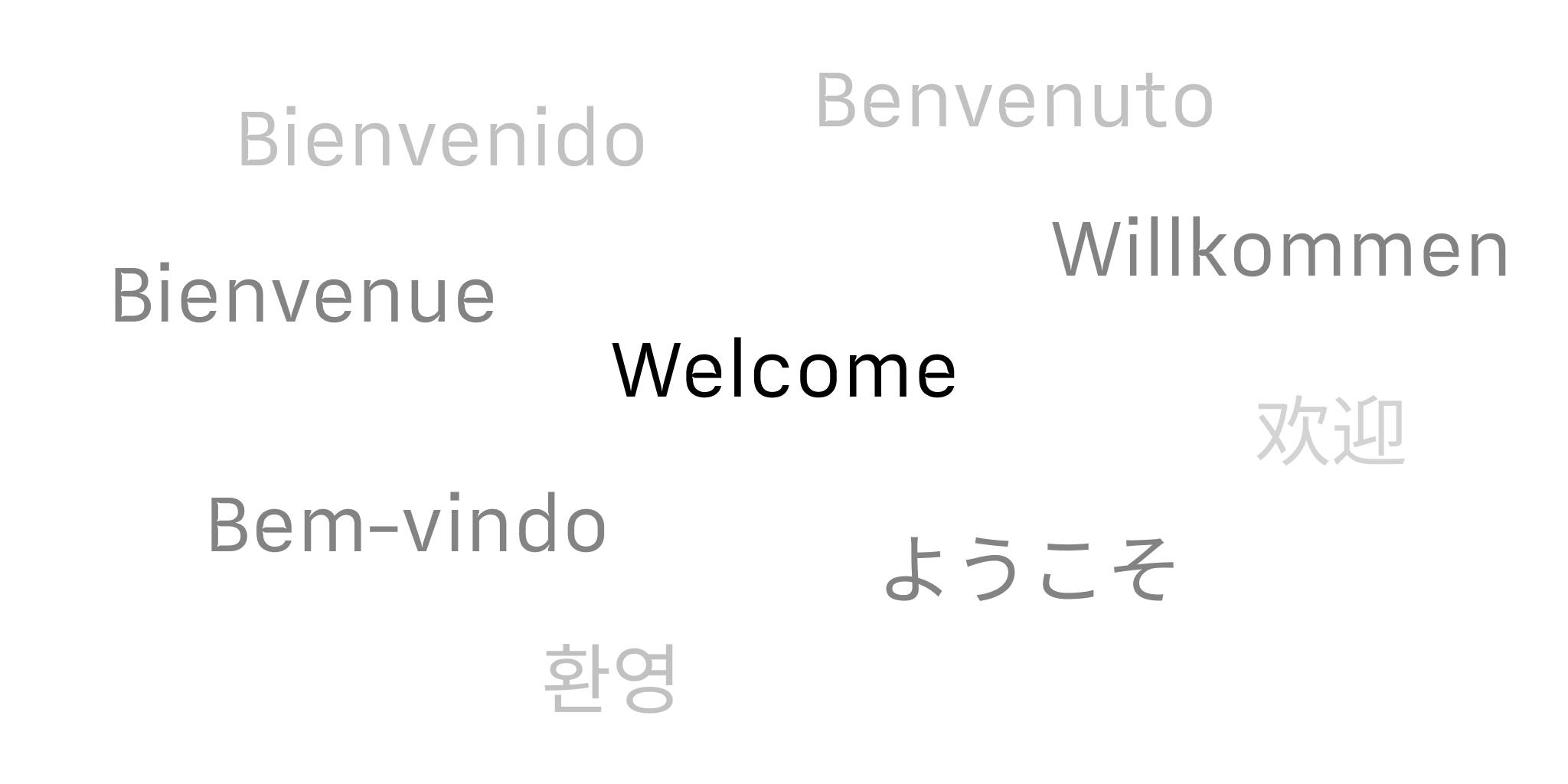
Language availability of iA Writer varies across platforms and features. Below is a detailed breakthrough for iOS.
Menus & Interface
The languages in which you can customize the app’s interface –also known as “localization”– include:
En |
English | English |
De |
Deutsch | German |
Jp |
日本語 | Japanese |
Fr |
Français | French |
Es |
Español | Spanish |
It |
Italiano | Italian |
Ru |
Pусский | Russian |
Zh |
简体中文 | Chinese, Simplified |
Zh-Hant |
繁體中文 | Chinese, Traditional |
Kr |
한국인 | Korean |
Pt |
Português | Portuguese |
iA Writer will automatically use the system settings, but you can designate a different language for the app.
To do so, go to your iOS Settings: System Settings → iA Writer → Language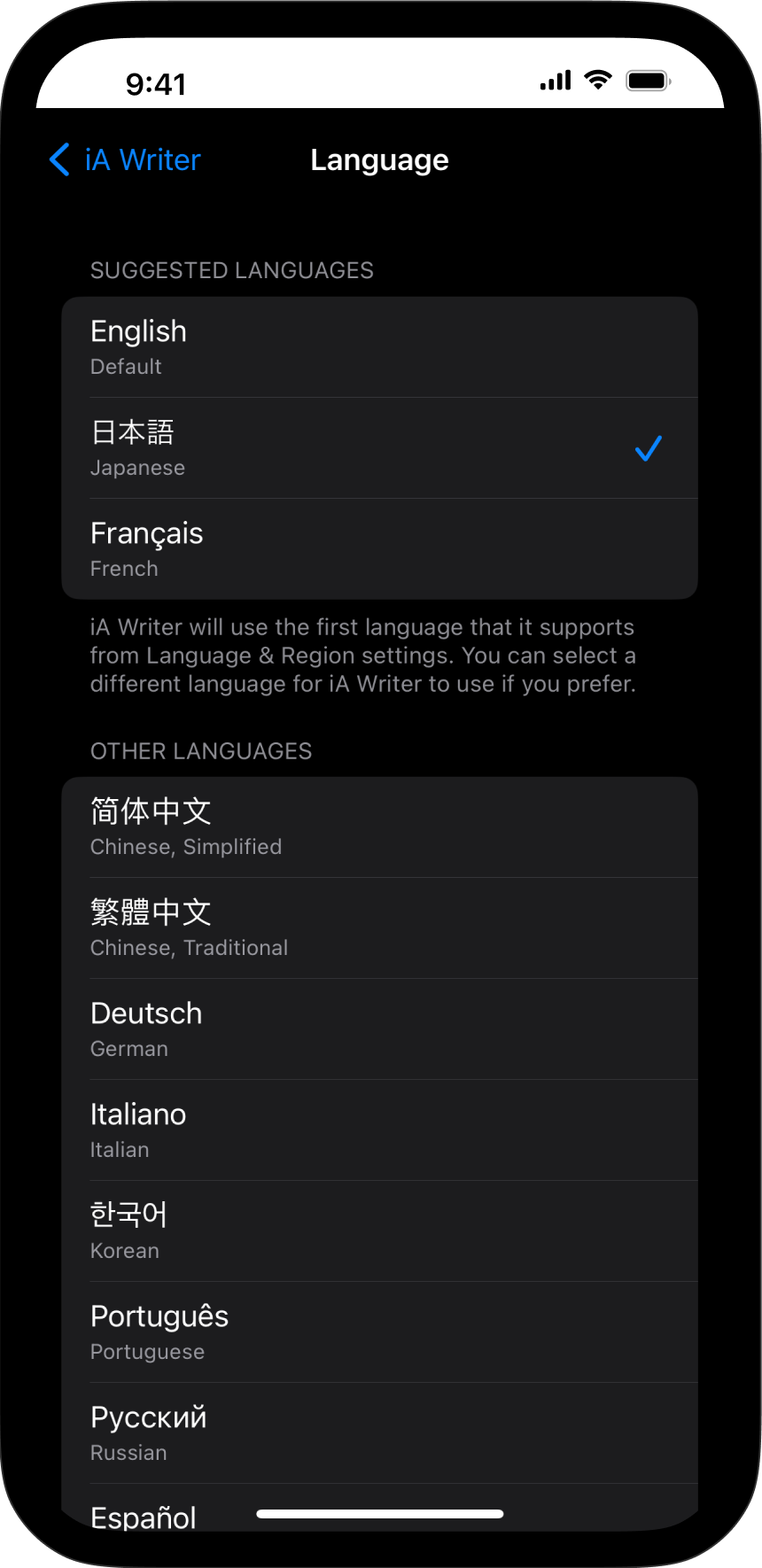
Spelling, Autocorrect, and Grammar
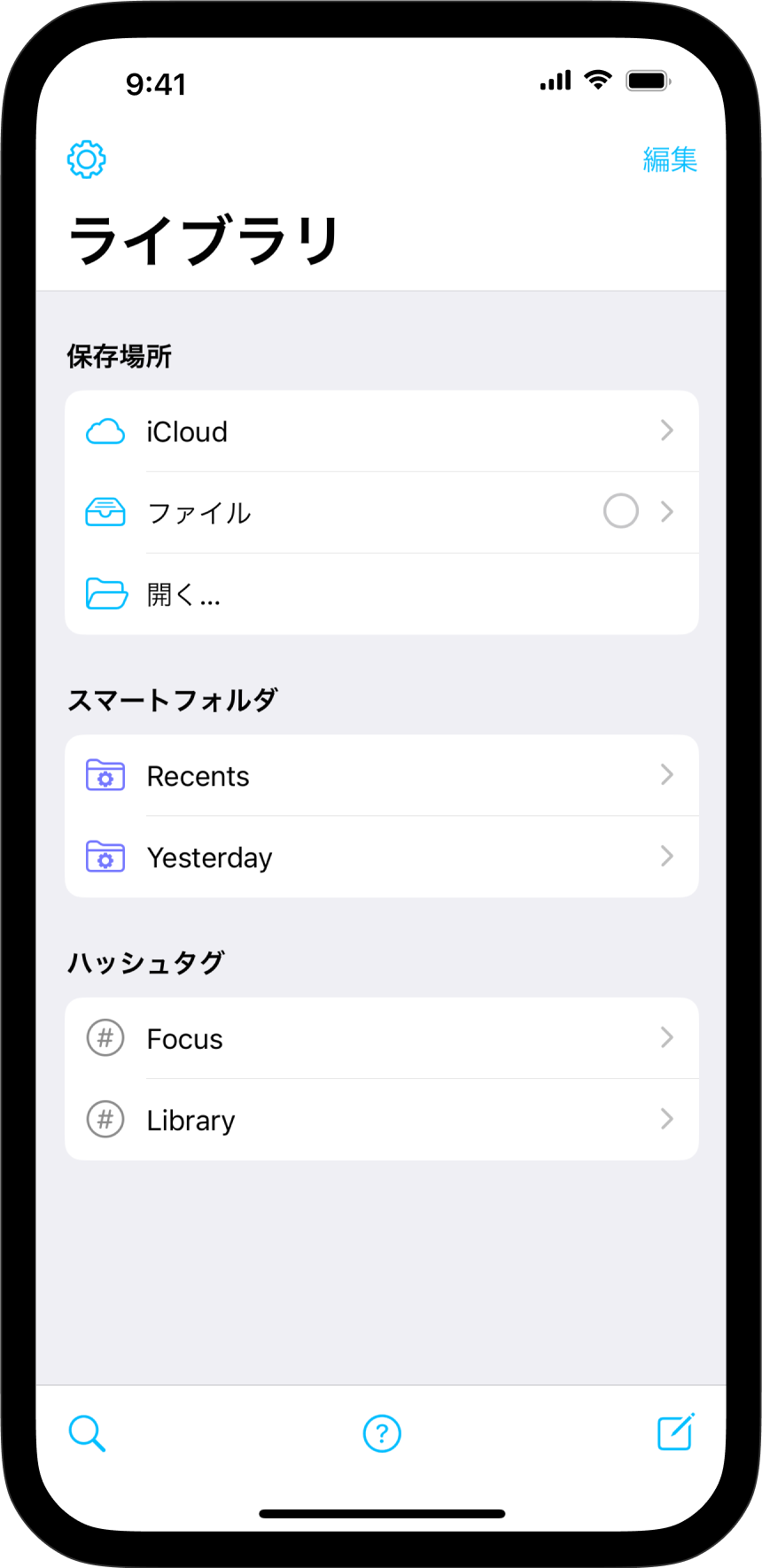
iA Writer will automatically use the system settings defined in Language & Region. Here as well, you can designate a different language for the app (see above).
💡 Presence of 3rd party spelling and grammar tools/ plugins (i.e. Antidote, Grammarly) may impair the functionality of system options. If you notice an issue with spell check, try first to deactivate tools such as Grammarly.
Syntax Highlight
Syntax Highlight provides a structured view of your document. It helps in improving your writing style by using different colors to highlight various parts of speech.
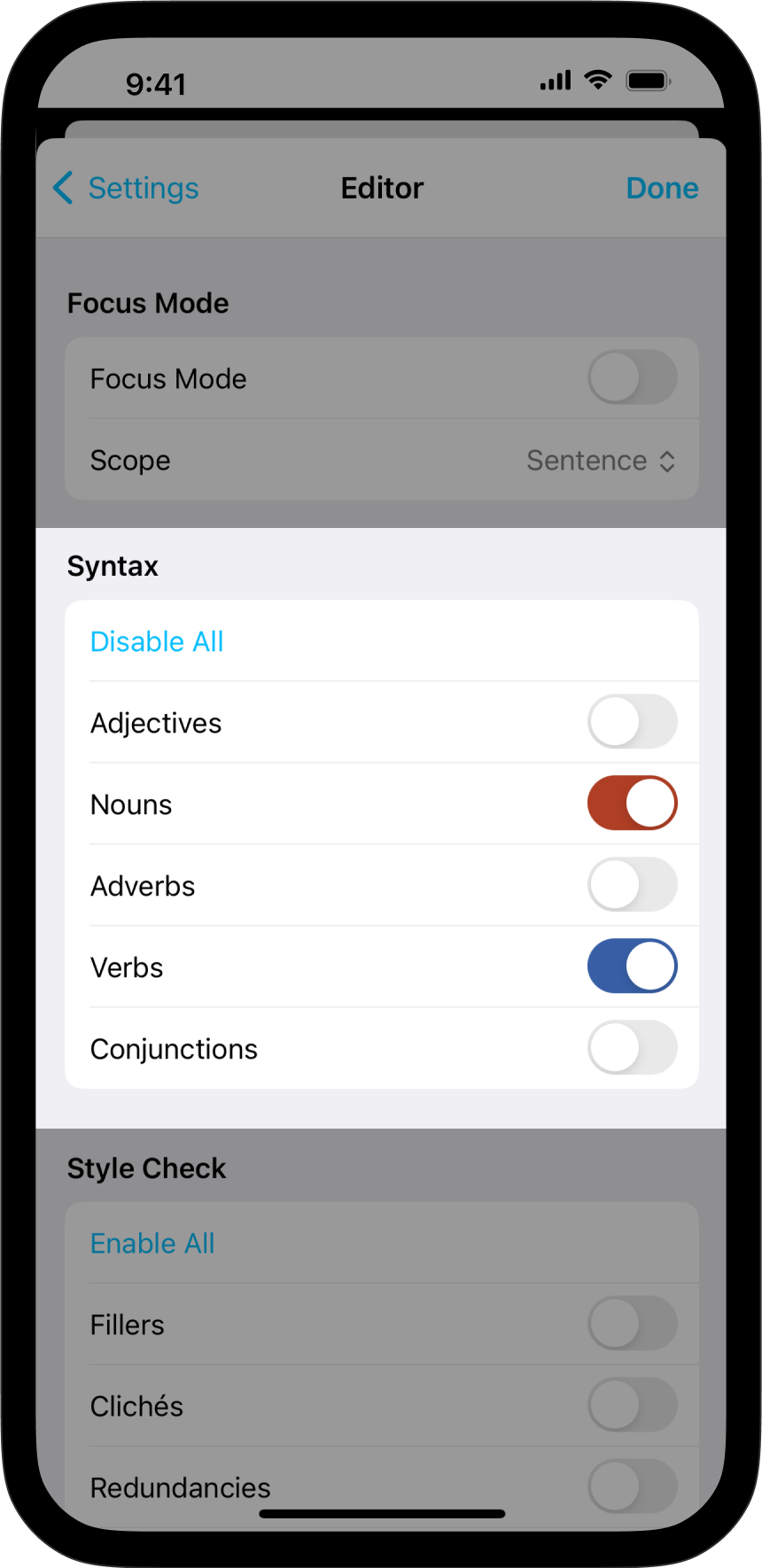
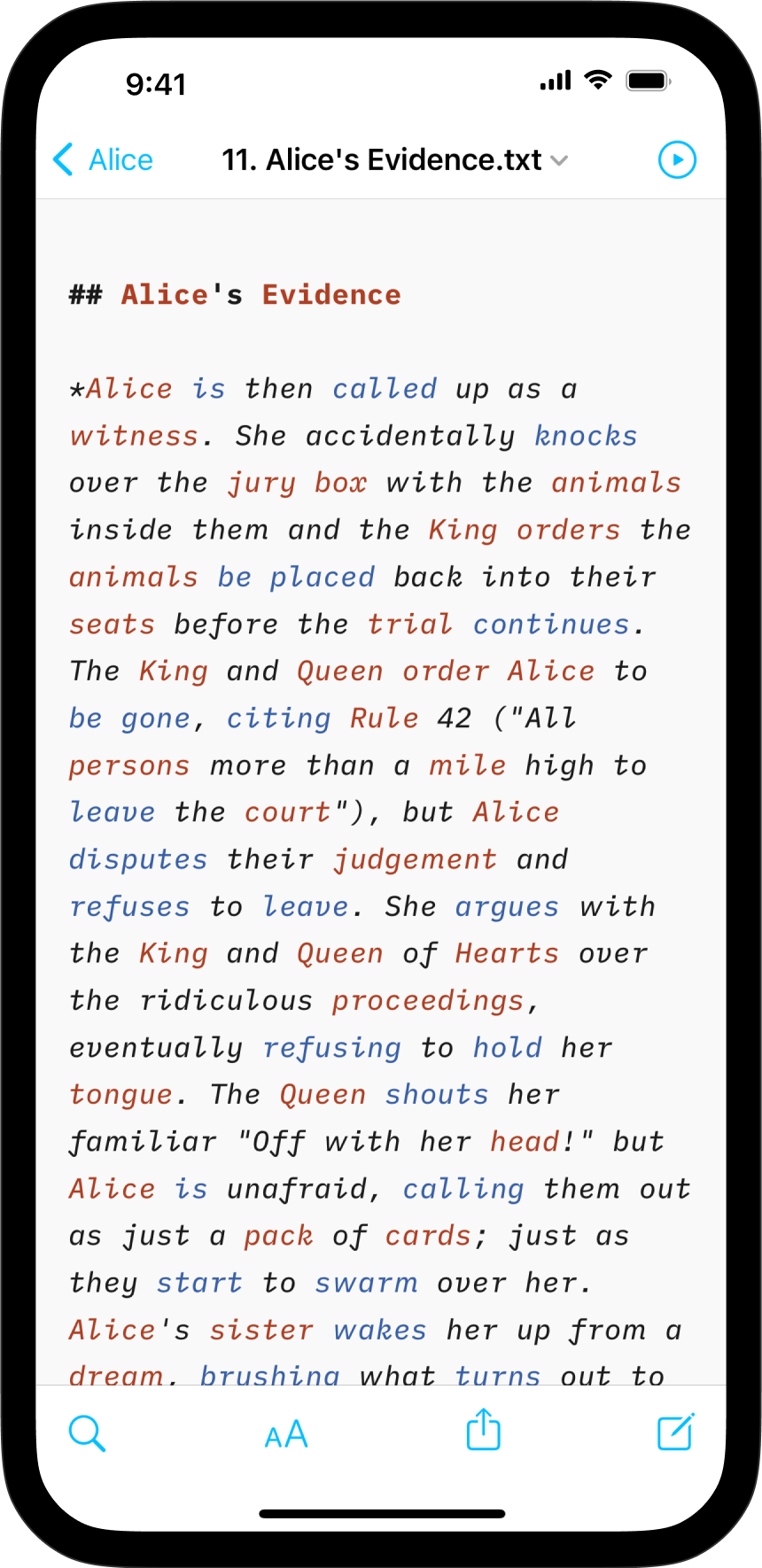
Supported languages for Syntax Highlight :
En |
English | English |
De |
Deutsch | German |
Fr |
Français | French |
Es |
Español | Spanish |
It |
Italiano | Italian |
Ru |
Pусский | Russian |
Style Check
Style Check acts as your personal editor-in-chief, detecting redundancies, clichés, and filler words as you type.


Supported languages for Style Check :
En |
English | English |
De |
Deutsch | German |
Fr |
Français | French |
Es |
Español | Spanish |
 Languages

