iA Presenter
Turn Text Into Slides
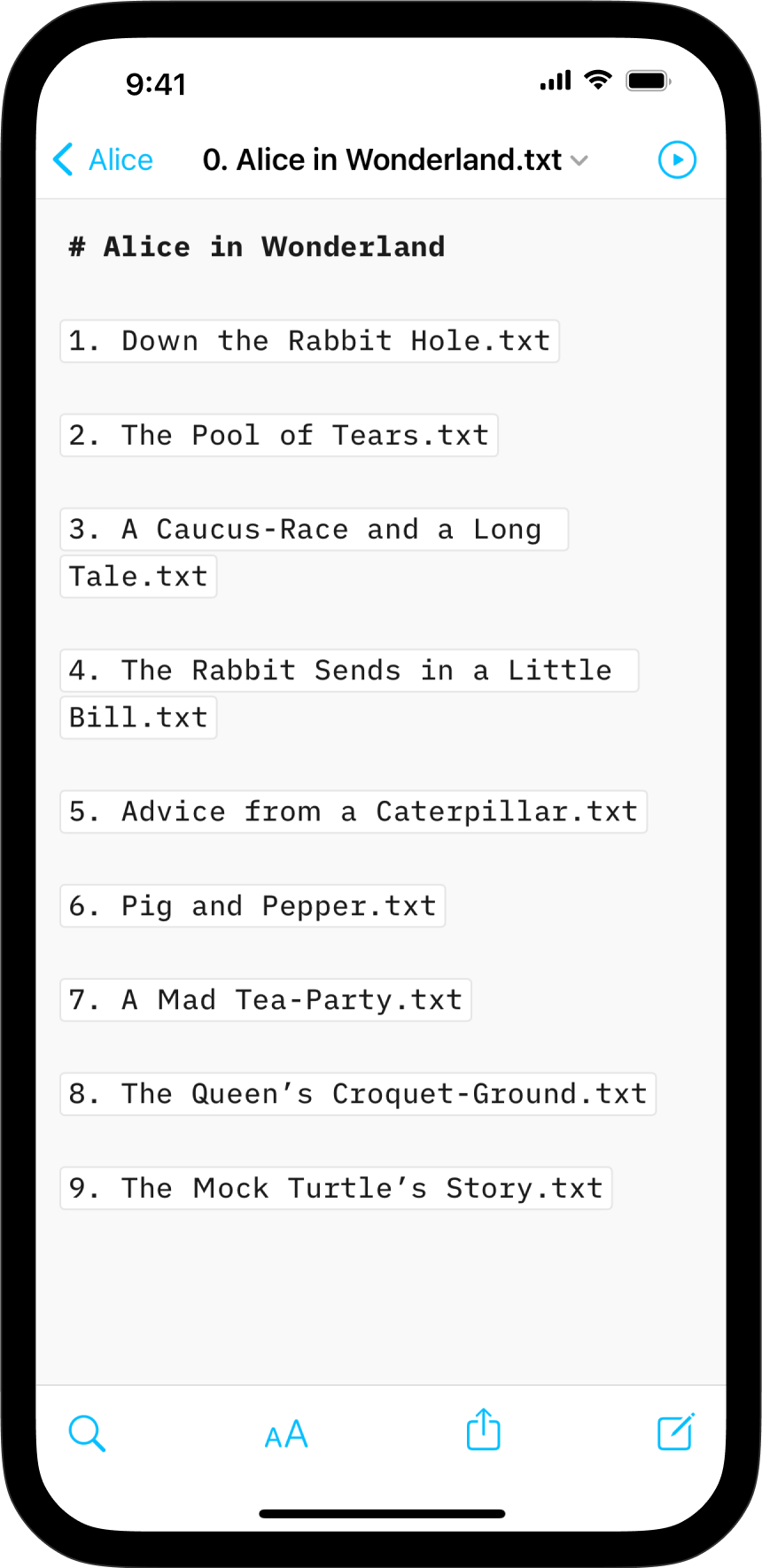
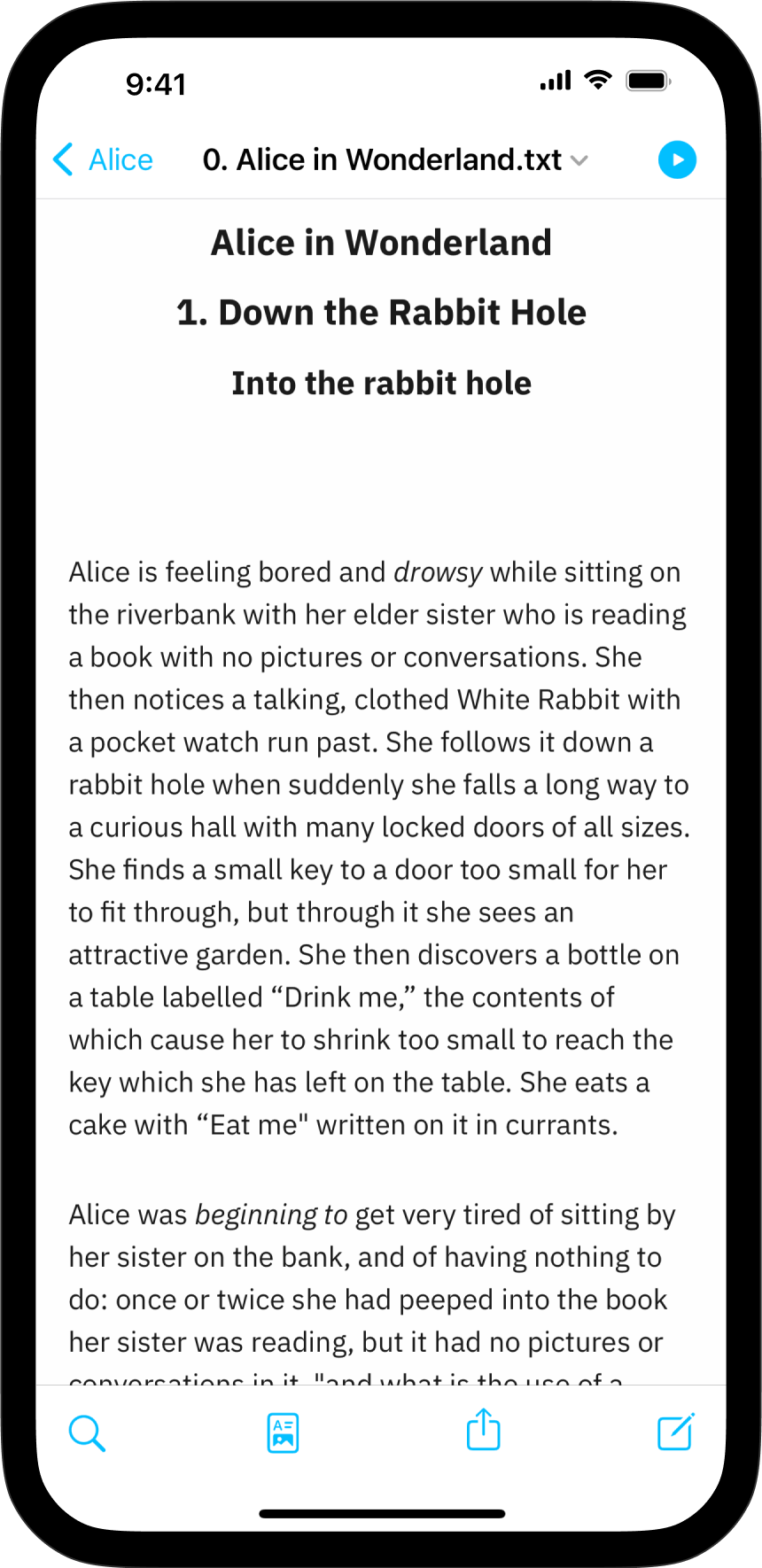
On iPhone, effortlessly insert images, text files, code, or CSV tables into your documents with Content Blocks.
Besides the integration of elements into your file this feature also offers an excellent document management solution alongside the Table of Content or Library options like Favorites, Smart Folders, or Hashtags.
Content Blocks are popular with writers who need to compile the chapters of a book into a single document.
John Gruber, one of the inventors of Markdown, remarked that image syntax was his biggest mistake with Markdown, and mentioned an alternative:
My best idea for good Markdown img syntax would be to just paste in a URL ending in .jpg/.png/.gif etc.
Looking for a syntax for file transclusion, we landed on what we call Content Blocks.
The Content Blocks feature was added to Writer a few years ago, if you want to know more about our journey with this, feel free to check our blog post from that time: iA Writer 4.
You have two ways to embed files in your document as Content Blocks. In both cases, the same principles should be followed:
Tap the Add Content Block button in the Command Palette to embed a file from your library in the current document.
A small pop window will appear with a selection of files, click on the targeted one.


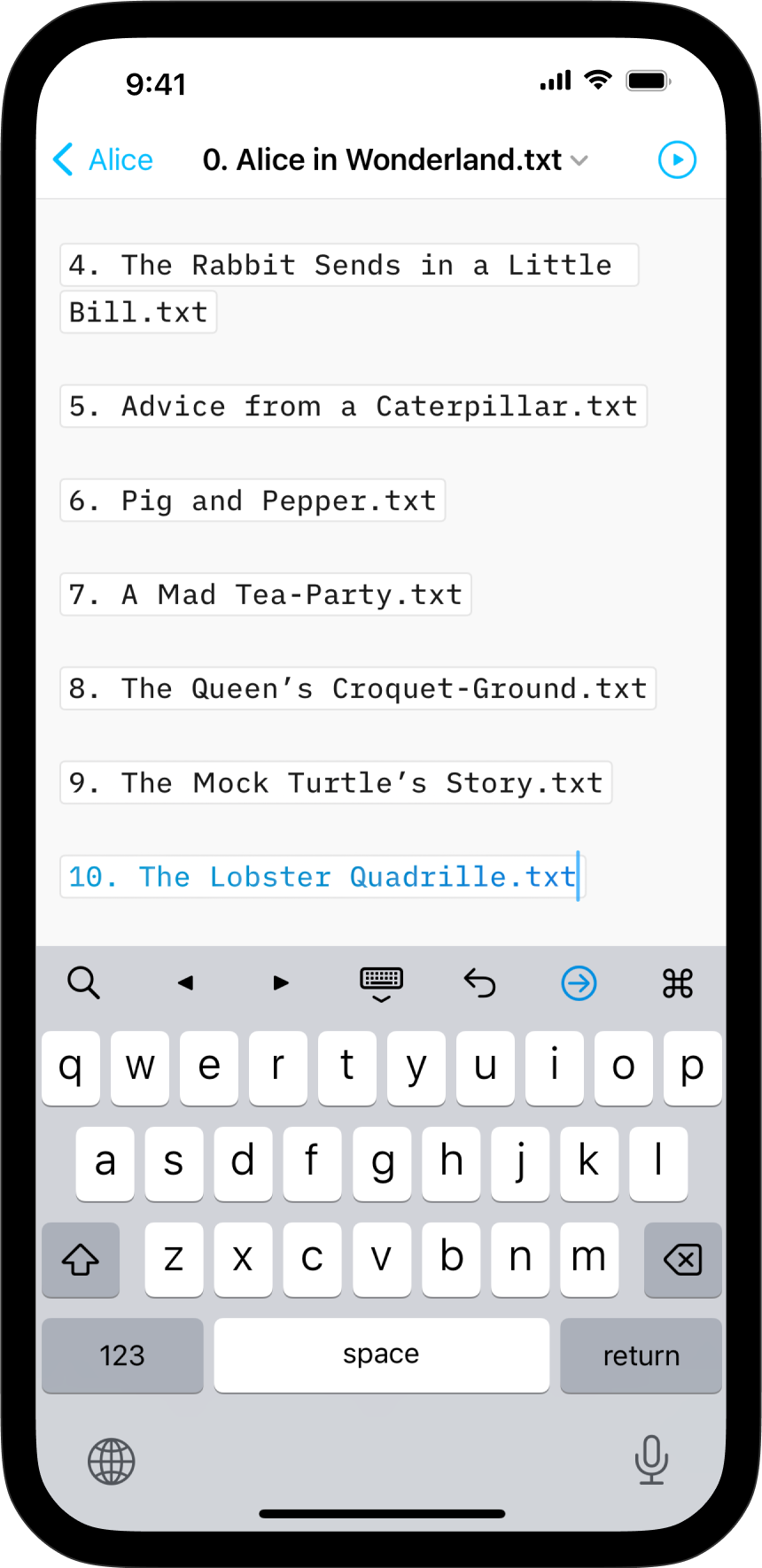
You can manually type the path of the file to embed in your target document. Be sure to respect the proper syntax, as below:
Section.txt "Section"
Balance Sheet.csv 'Finances'
images/Structure.jpg (Data Flow)
Tip
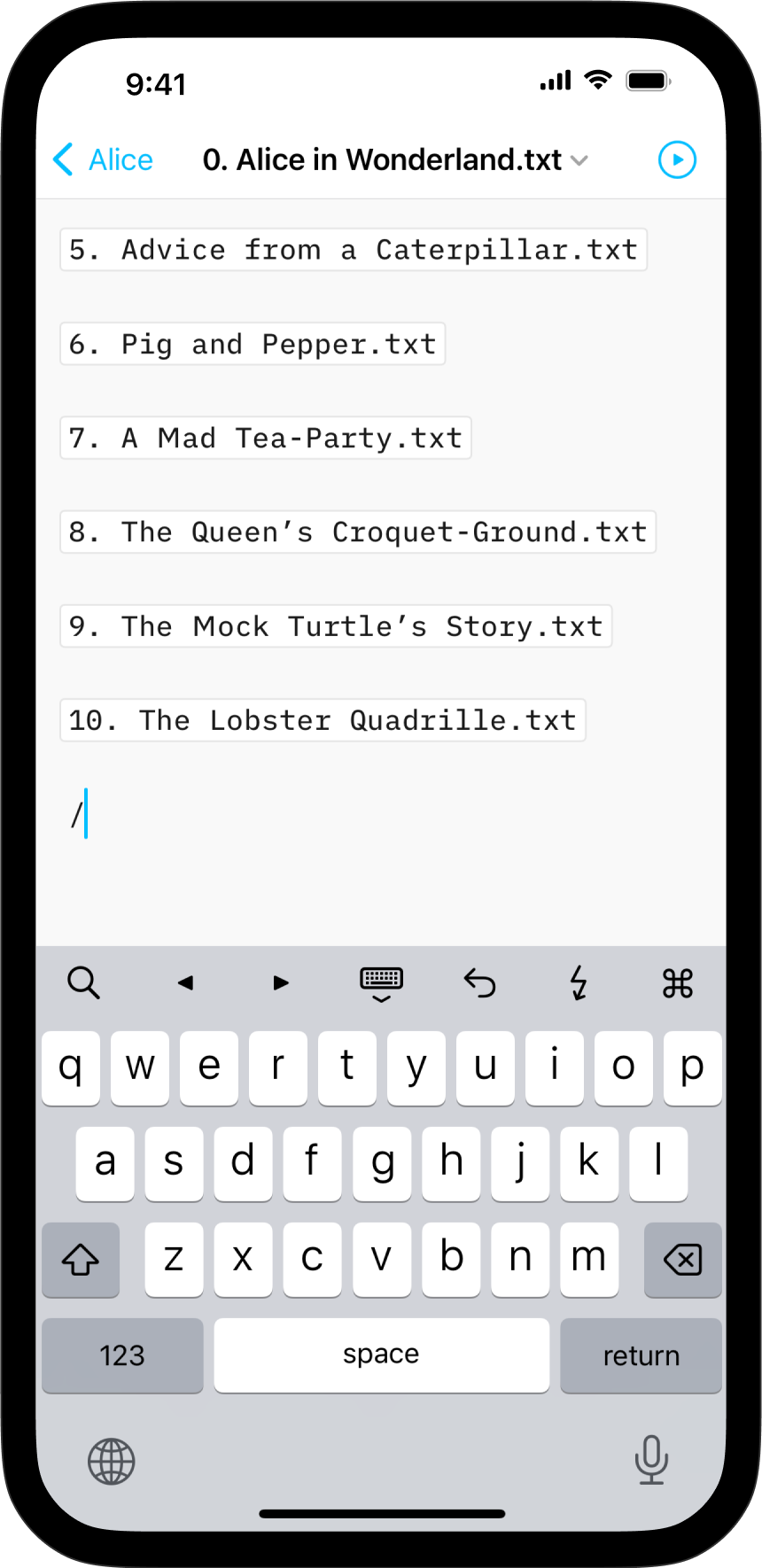
Autocomplete will help find and add Content Blocks for you. To trigger autocomplete:
/
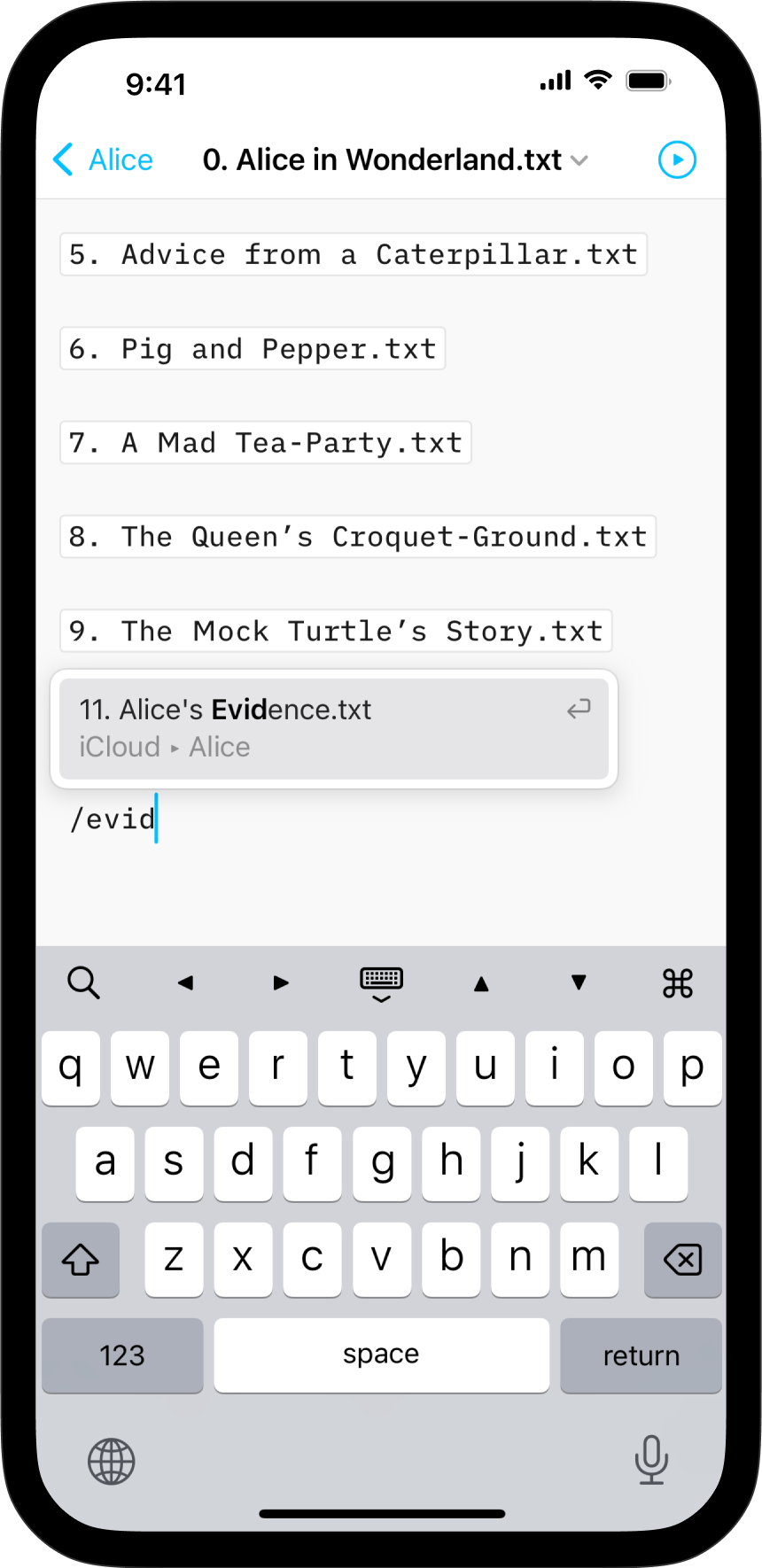
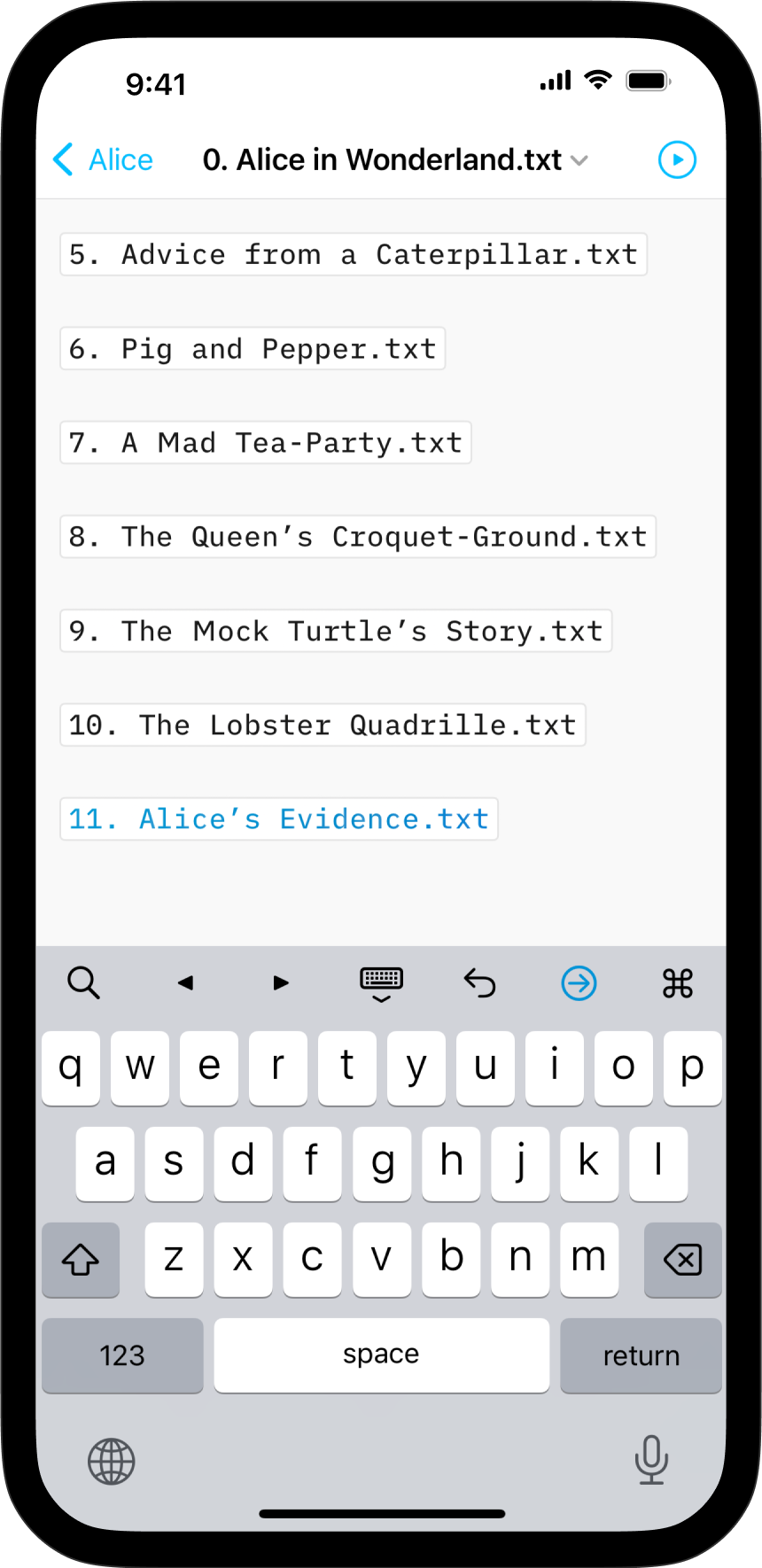
These embedded files are rendered in the Preview and will be included in documents exported to HTML, PDF, Markdown and Microsoft Word.
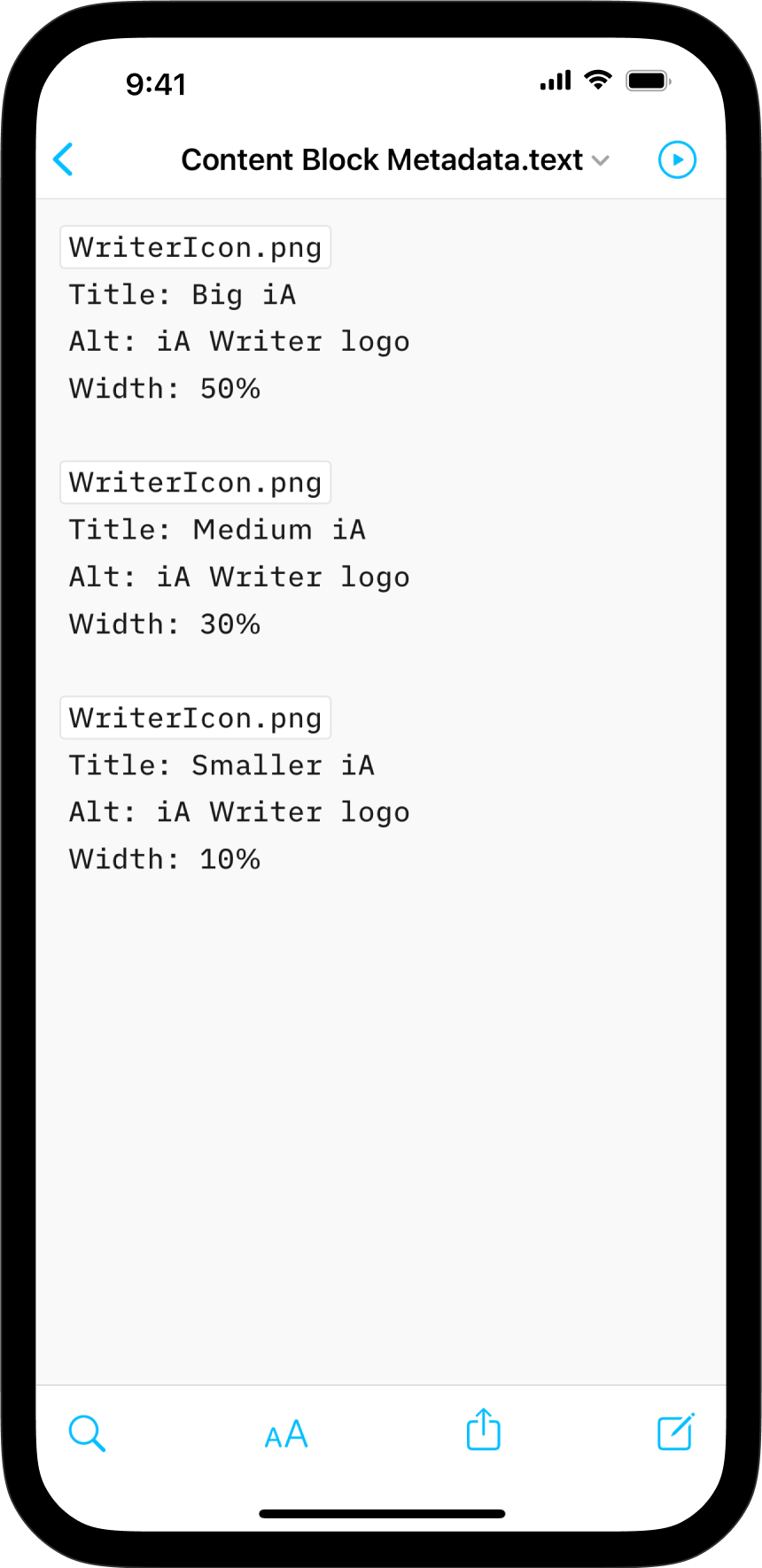
You can add metadata to your content blocks, which is especially useful for images if you want to set a custom width or add alt text. Learn more about using Metadata.


Folders, favorites, hashtags and more: discover all the ways to organize your documents in iA Writer.

Create, search and navigate through your documents in the Library.

Connect, browse, and rediscover your writing.

Having access to your documents on multiple devices makes life easier.

Navigate long documents by their headings: the Document Outline on Mac, iPhone and iPad, and the Dynamic Outline and Folding on Windows.