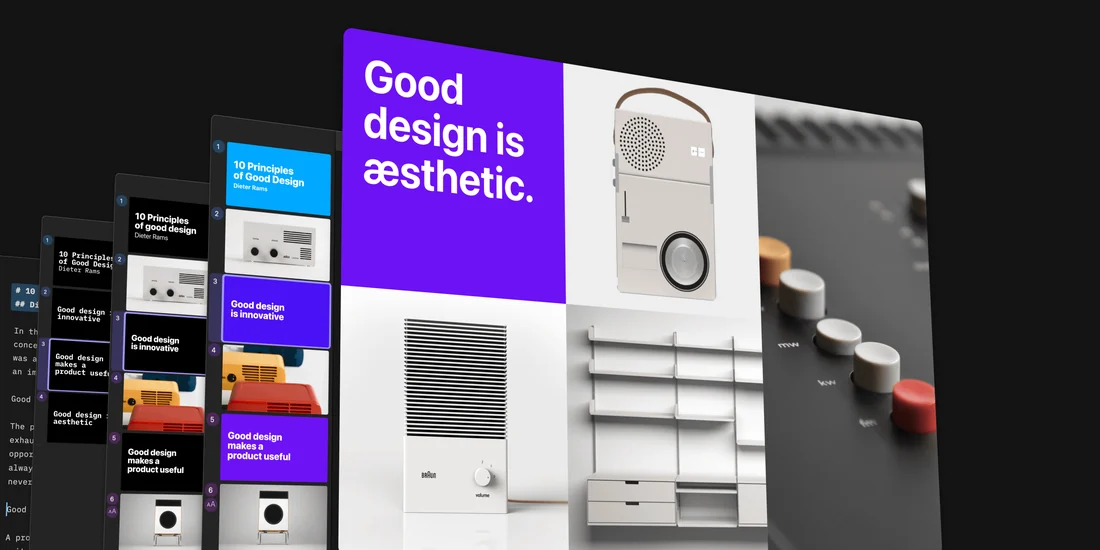
iA Presenter
Turn Text Into Slides
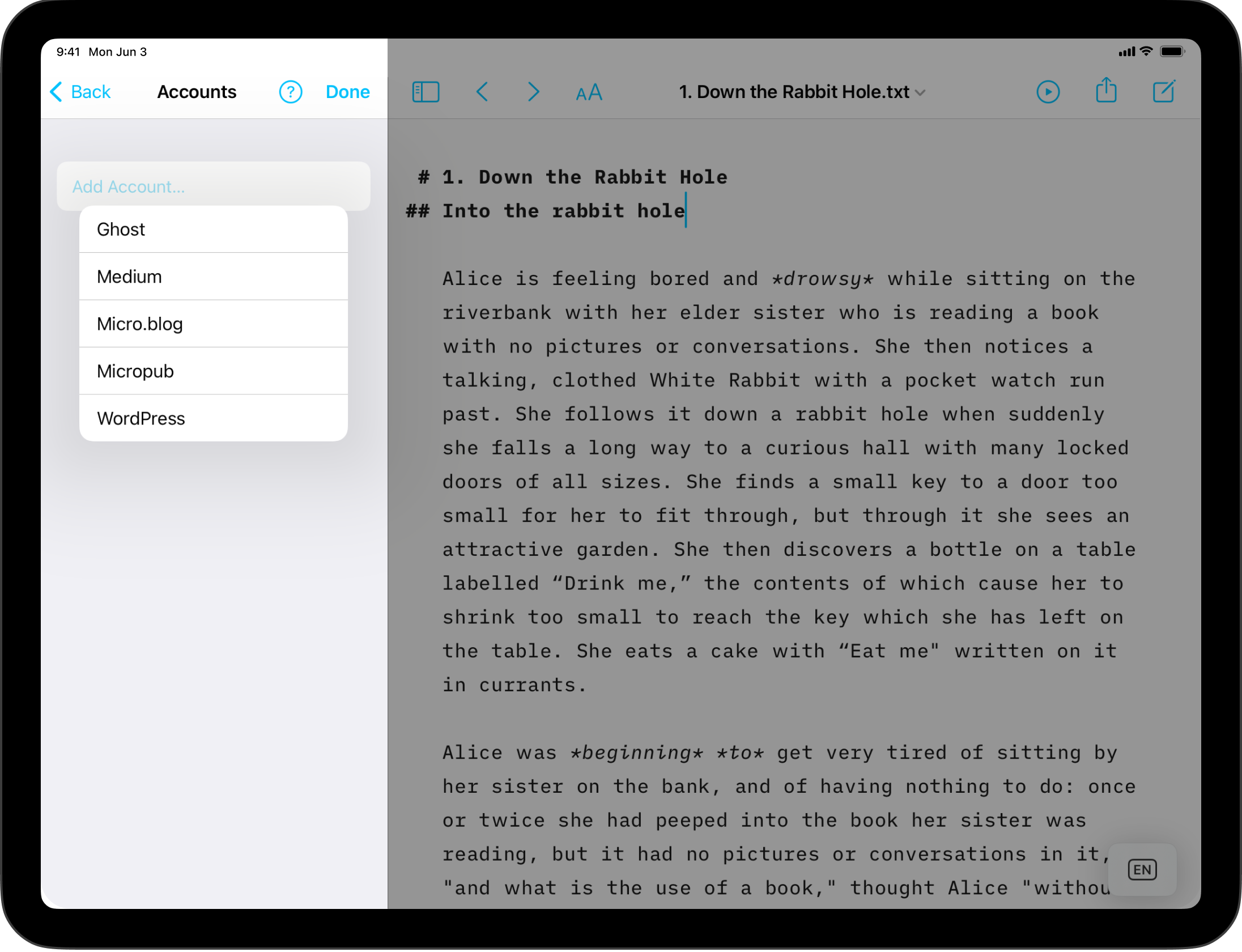
iA Writer for iPadOS allows you to share drafts directly from the app to various blogging platforms.
We currently provide this option for WordPress, Ghost, Micro.blog, and Micropub, and for Medium accounts you added before Medium stopped issuing API tokens.
Medium no longer issues new integration tokens for its API (Medium Help Center), so you can’t add a new Medium account to iA Writer.
If you already added a Medium account with a token, it keeps working. You’ll find it in Settings → Publishing.
iA Writer supports a variety of WordPress setups:
To add a WordPress account, follow the authorization flow in: Settings → Publishing → Add Account → WordPress
Enter your account email in: Settings → Publishing → Add Account → Micro.blog, then open the sign-in link sent to you by Micro.blog.
Enter your website URL, then follow authorization flow, or enter access token manually in: Settings → Publishing → Add Account → Micropub
Once you have added your blogging account(s) to iA Writer, you can start publishing your drafts directly from our app.
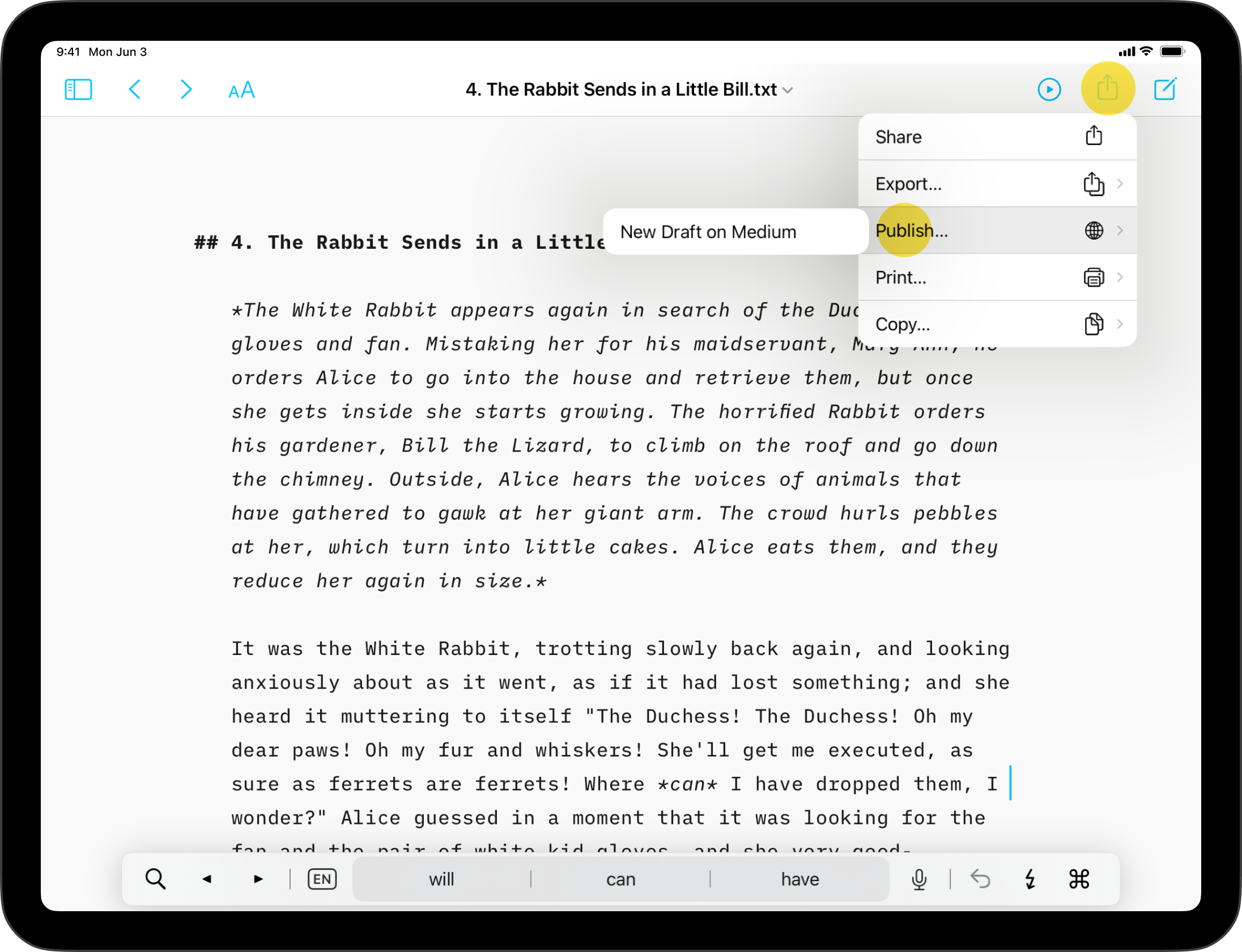
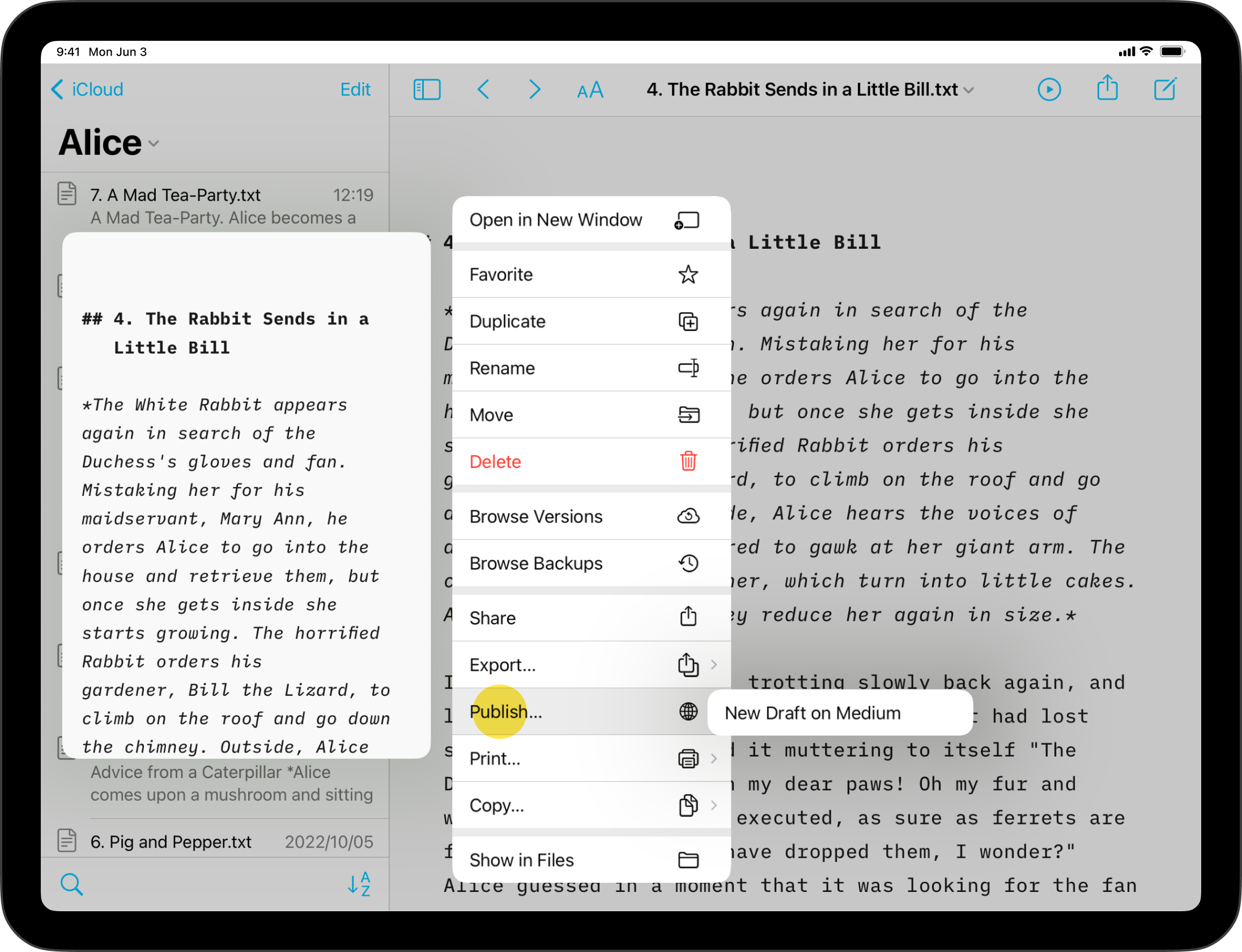
The Publish option now appears under Export in the Editor and Preview. If you don’t see it, set up your account again.
You can publish in two ways:
iA Writer will create a new draft and open it in your browser every time you share a blog post.

To see your formatted text and to change its look, open Preview.

Learn how to export, share and print your iA Writer documents.

Preview, create PDFs, and print documents with iA Writer's templates.

Create iA Writer templates in your own style.