Templates
Preview, create PDFs, and print documents in your own style with templates in iA Writer for iPadOS.
The templates determine the style of your text in Preview and Print with elements such as the fonts, the margins, the line height, etc…
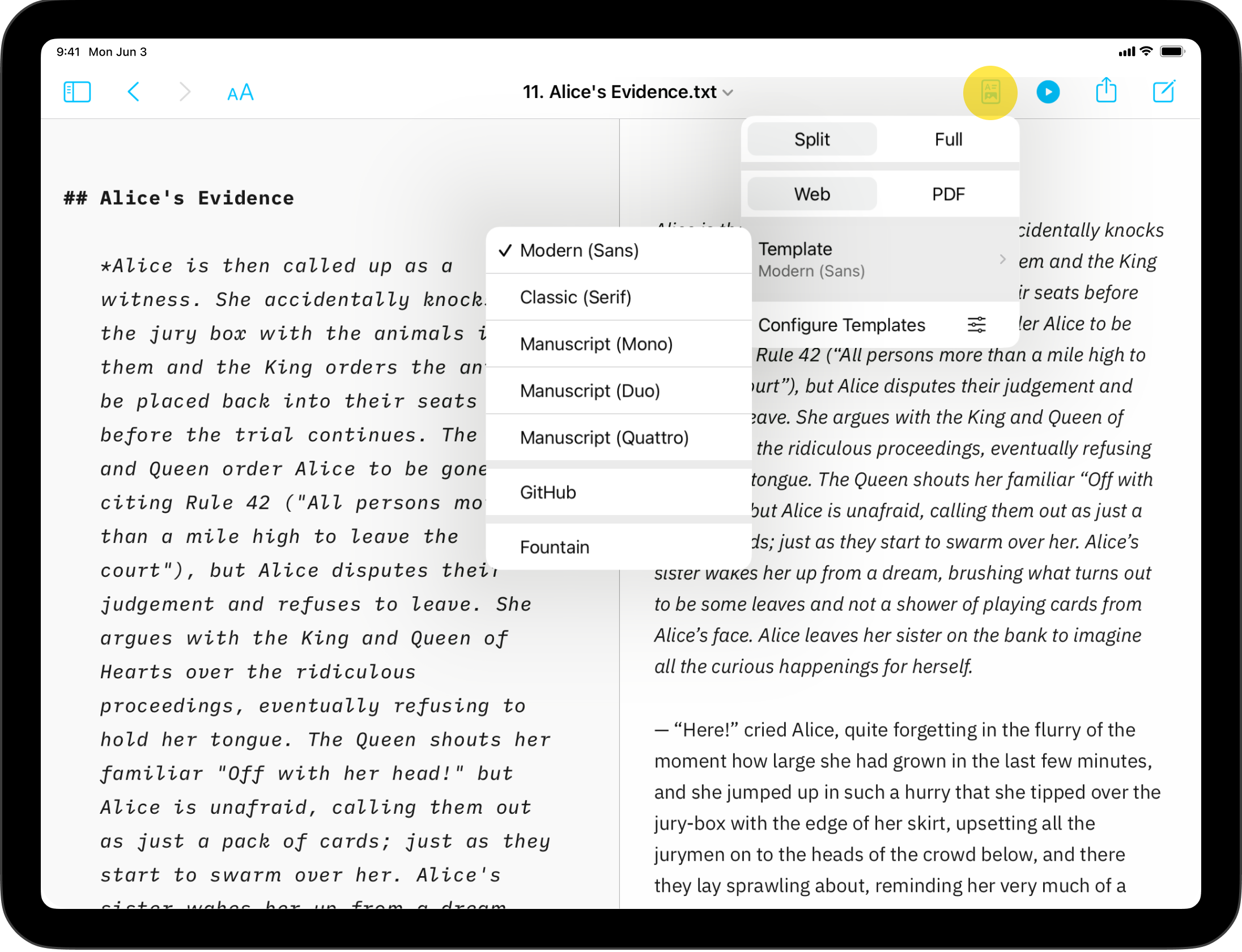
You can switch templates from Preview by clicking on the first icon from the left and selecting Template.
Built-in Templates
iA Writer comes with 5 built-in templates:
- Modern (Sans)
- Classic (Serif)
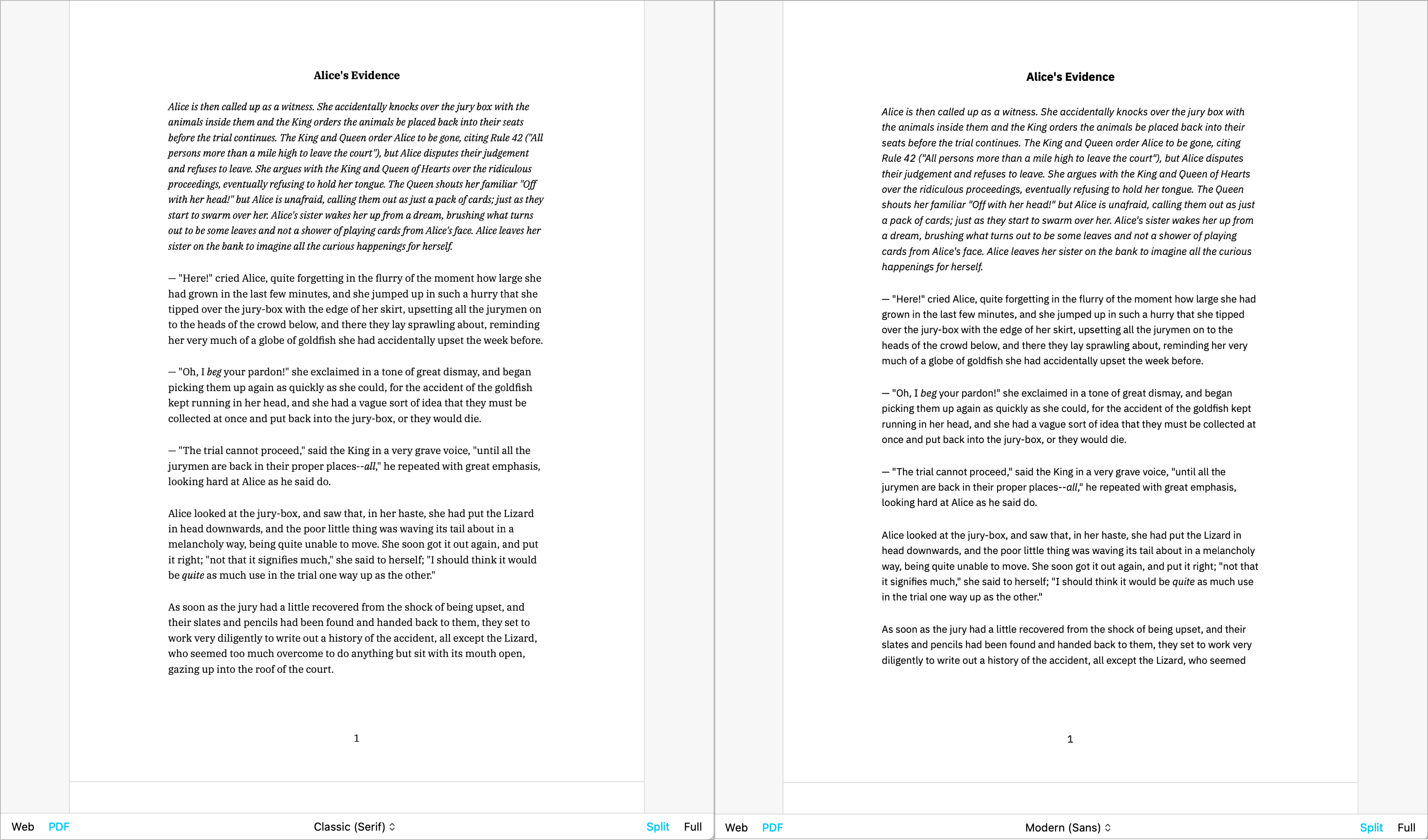
- Manuscript (Mono)
- Manuscript (Duo)
- Manuscript (Quattro)
- Github
You can display them in Web mode or PDF mode. Here is a quick peek of each of them side by side in PDF mode:
Classic | Modern
Mono | Duo | Quattro
GitHub
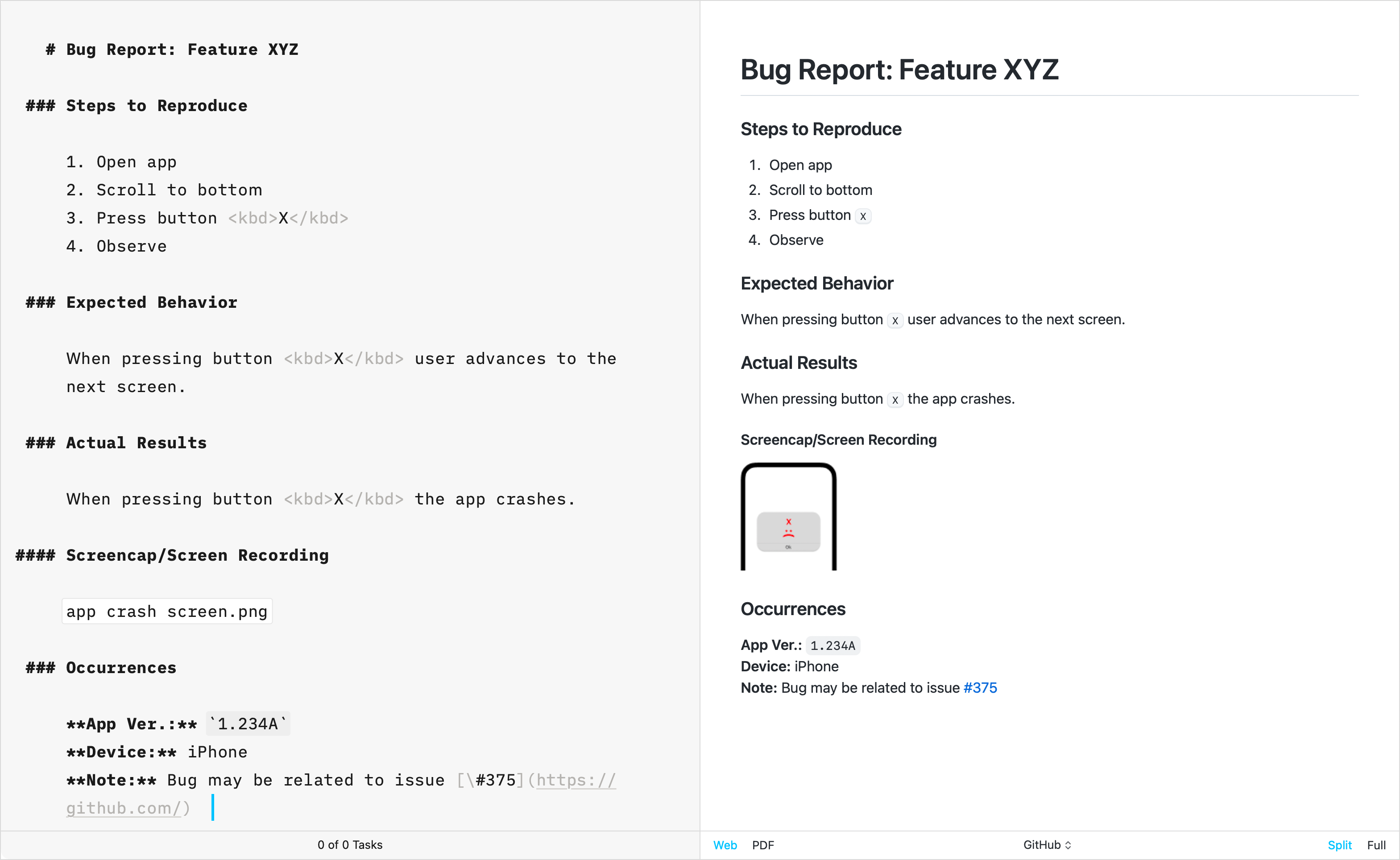
The GitHub template stands apart from other built-in templates due to its primary focus on technical writing. Crafted by directly replicating GitHub’s CSS, this template does not support the Default Template Settings (such as Number heading, footer…) typically used for creative writing.
Additional Templates
Over the years, the iA Writer team has developed extra templates. You can individually download and install each of them in iA Writer.
Helvetica
Simple, Clean | Download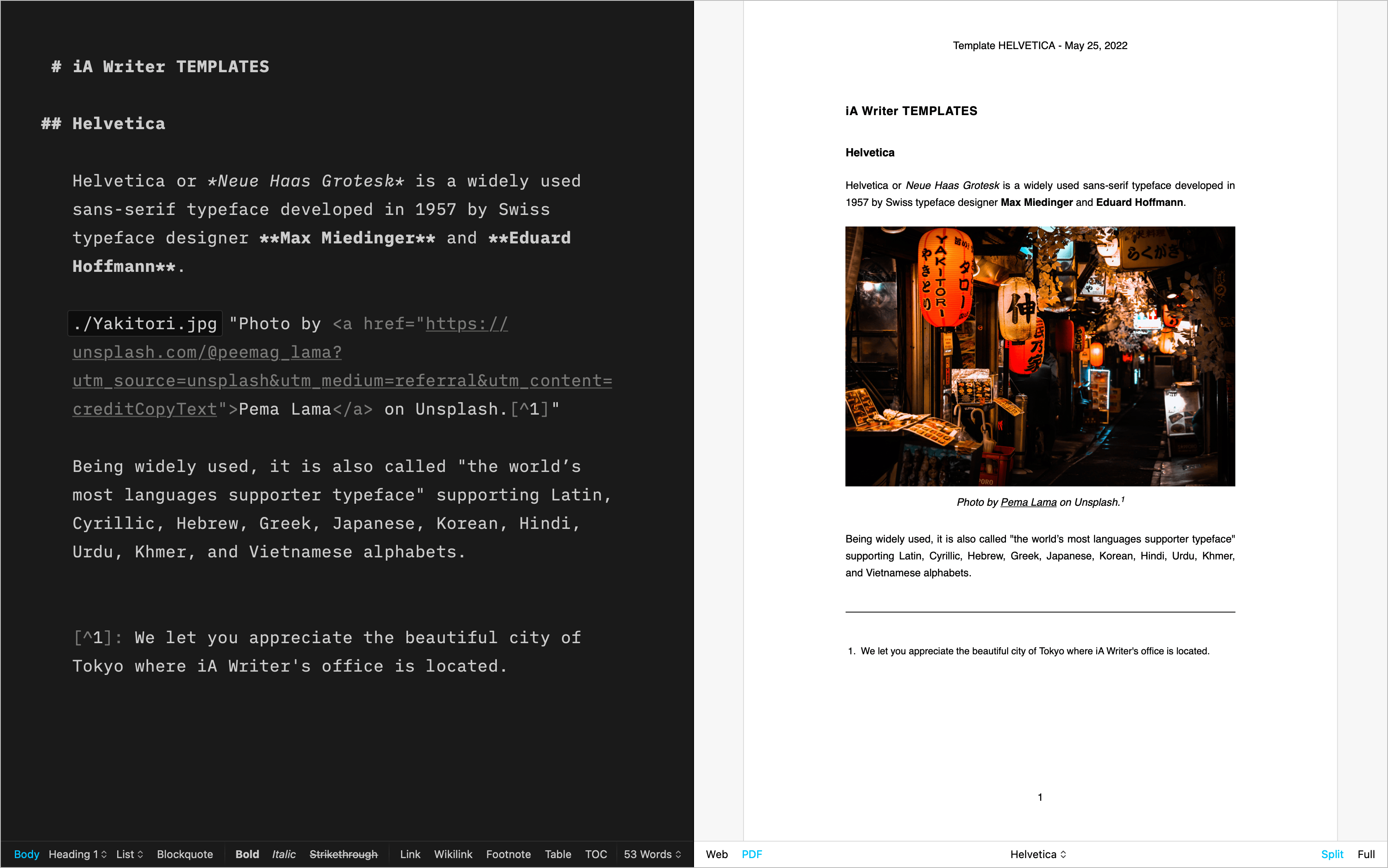
Palatino
A classic for prose | Download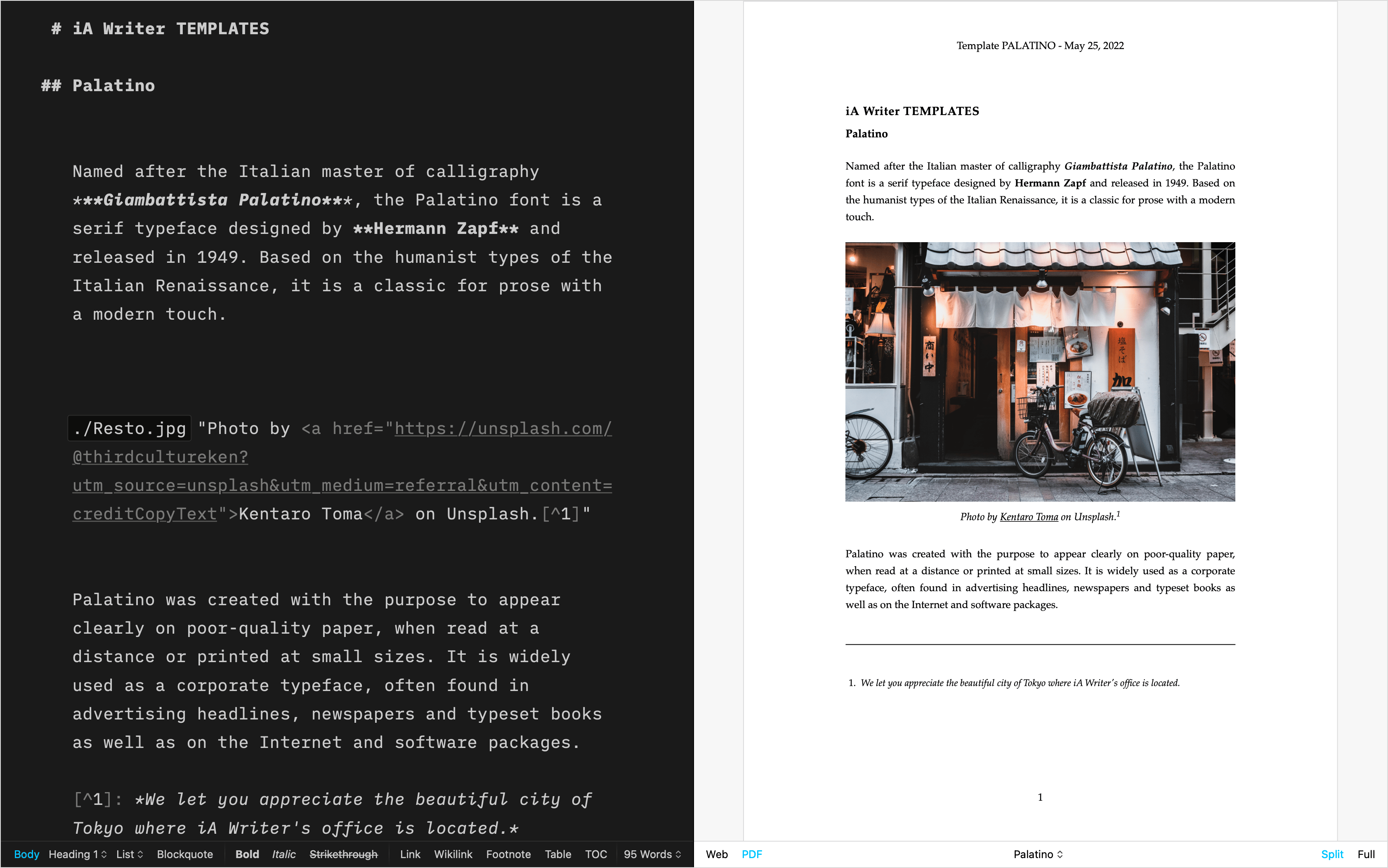
Academic MLA
For academic writing | Download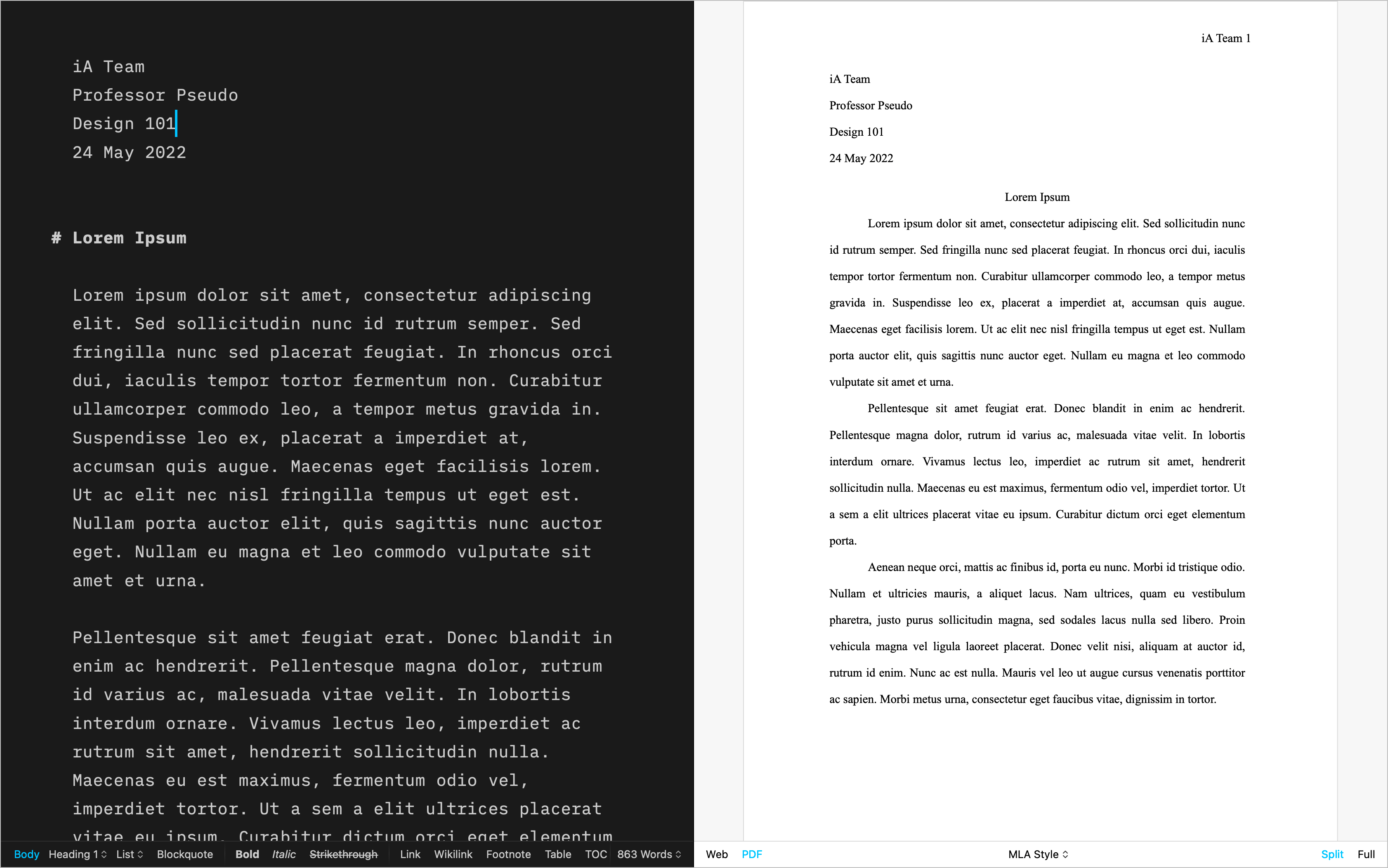
Letter
For beautiful correspondence | Download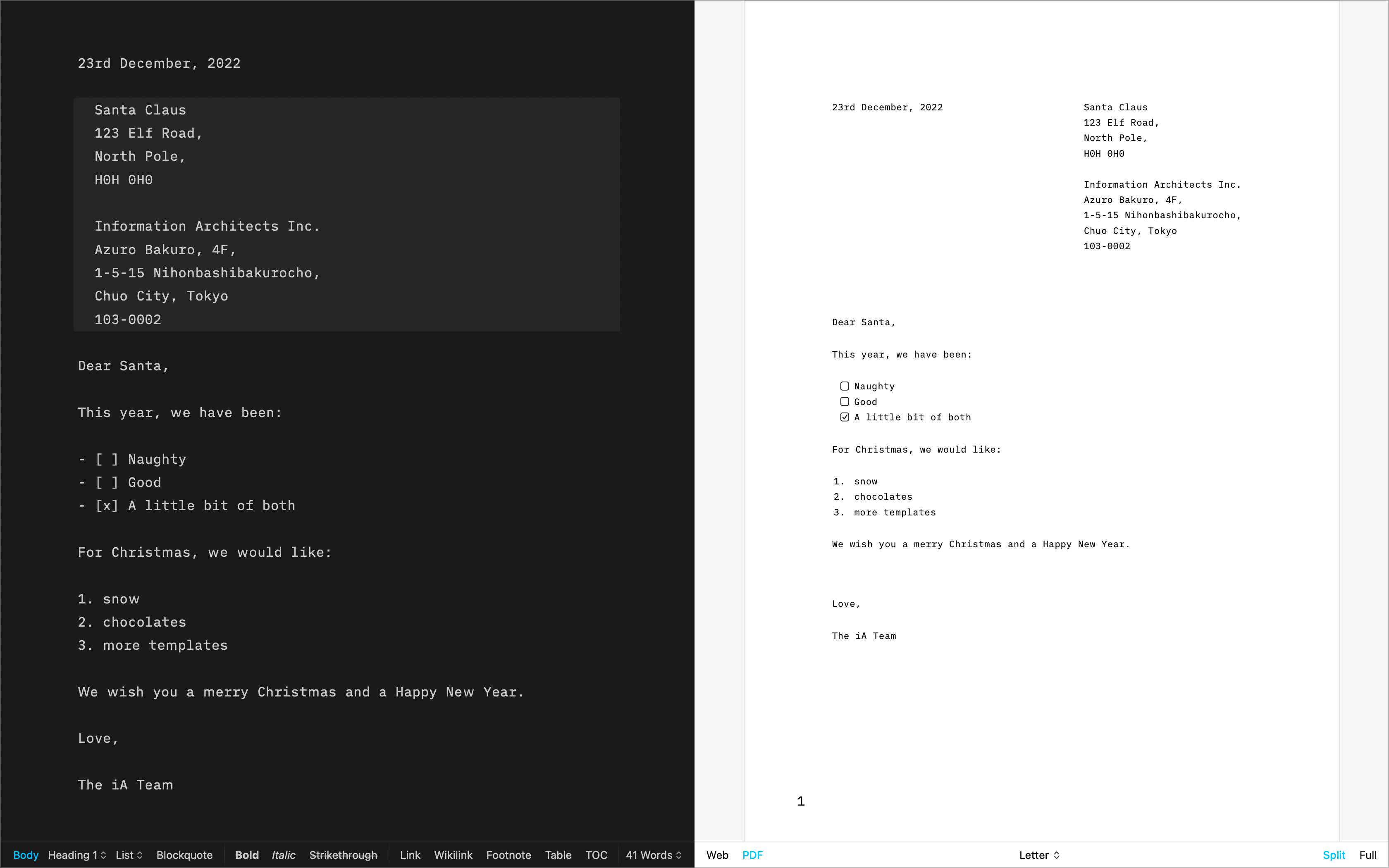
Fountain
The template for screenwriting | Download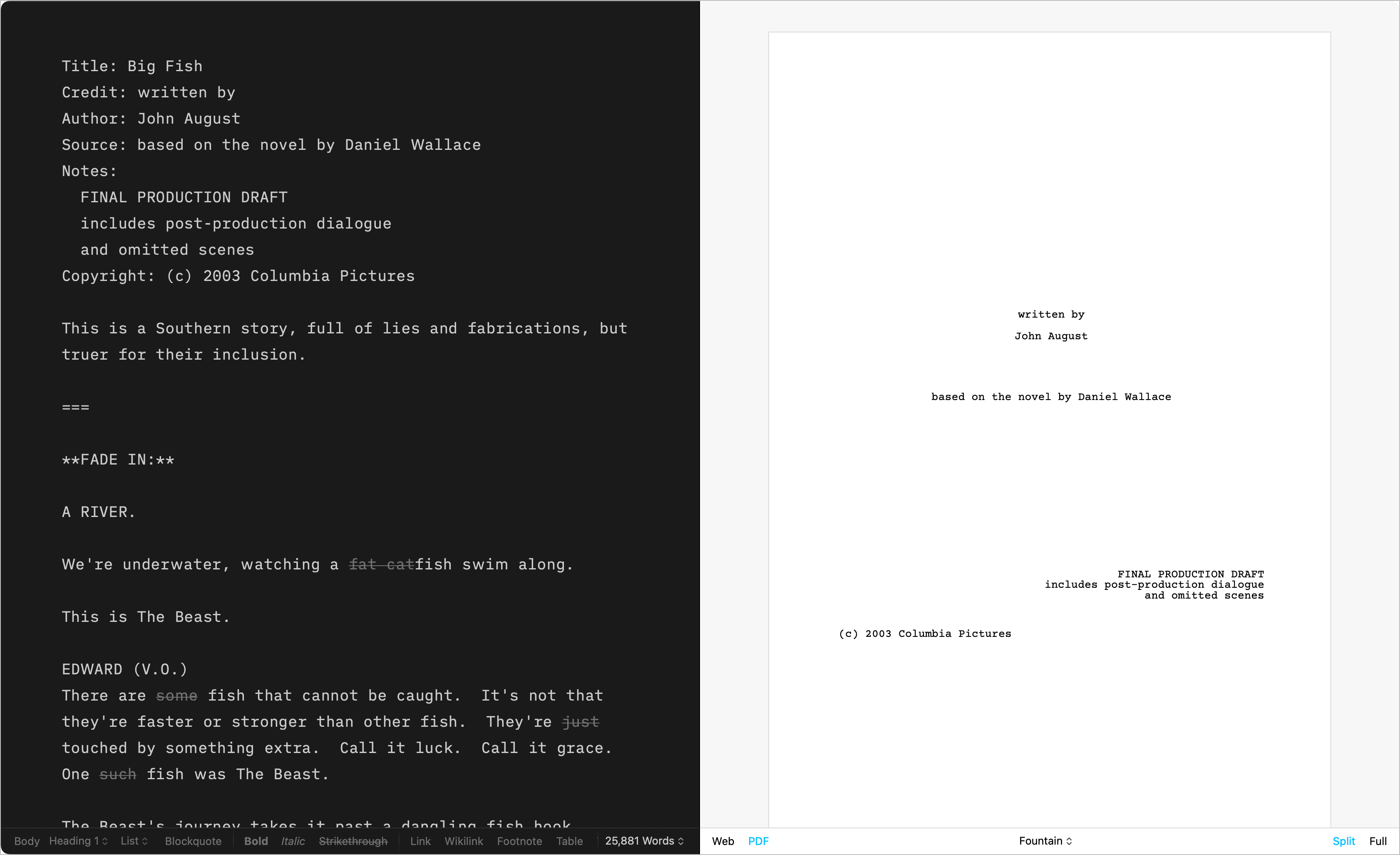
Chess
Log your chess games | Download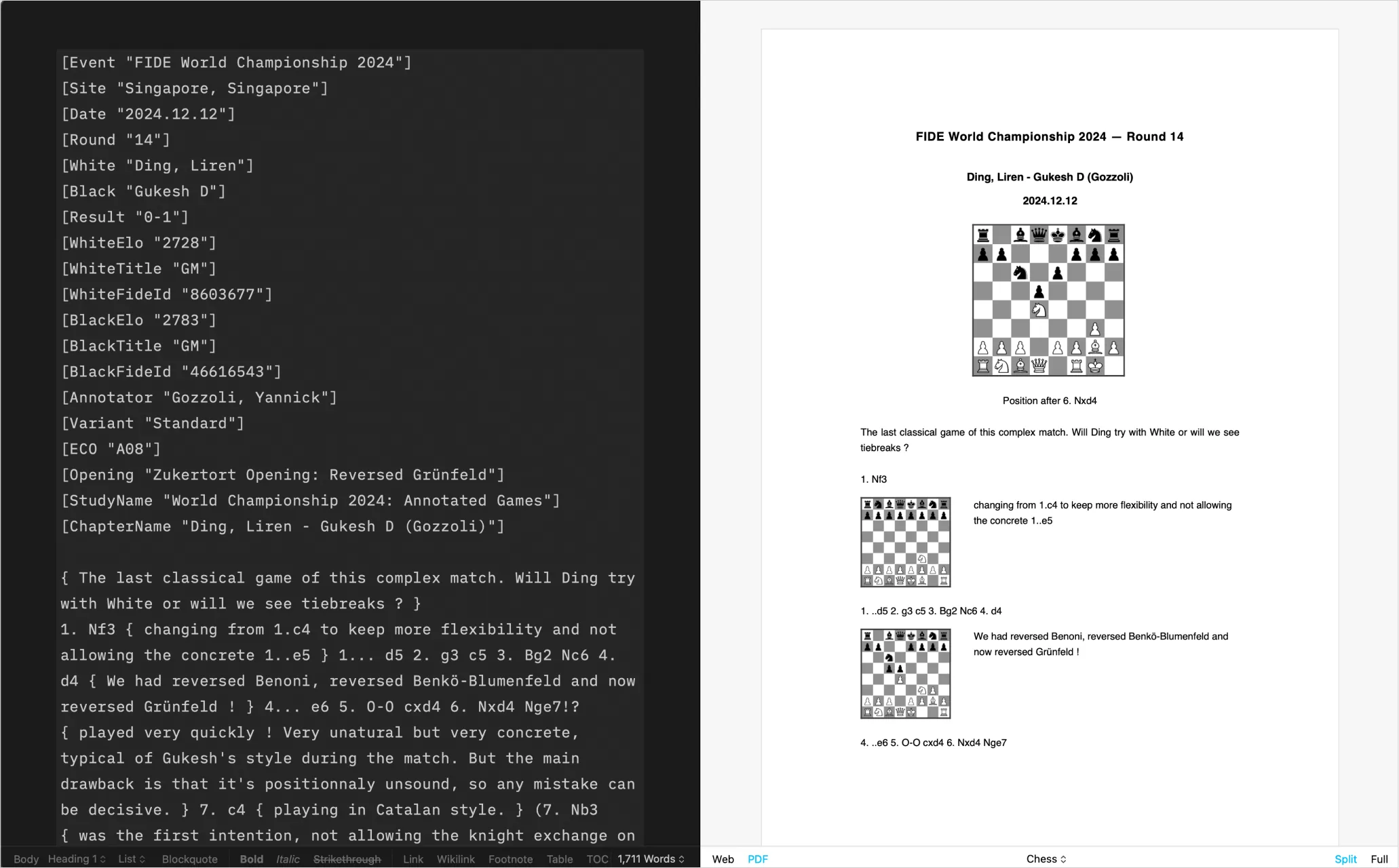
Create Your Own
CSS and HTML DIY | Learn more
Installing Templates
Please follow these steps to install additional templates on iPadOS:
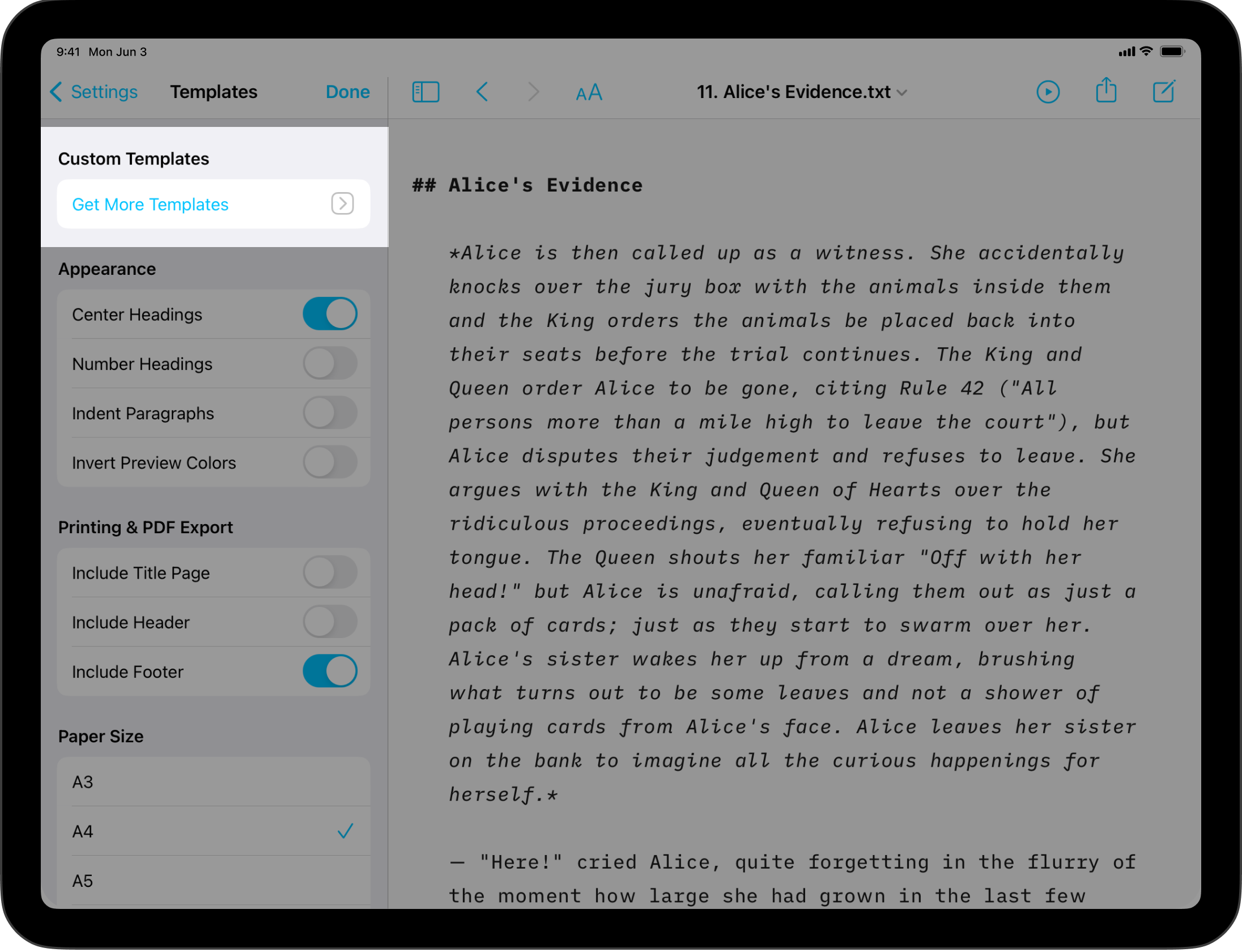
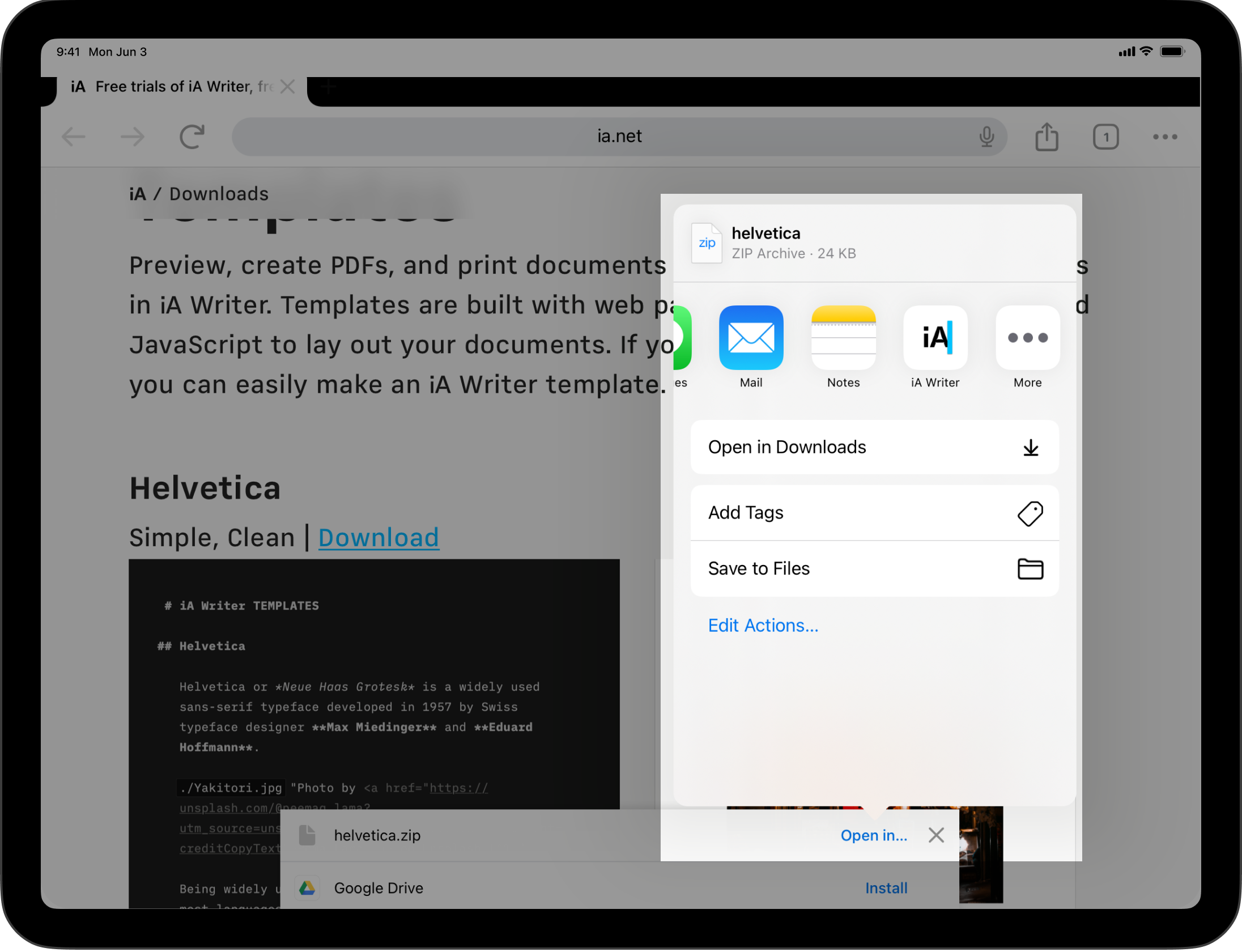
- Go to Settings/⚙️ → Templates → Custom Templates
- Click on Get More Templates
- This will open the Downloads page of our Website
Once you are on the iA.net website:
- Select the template you wish and click on Download
- iPadOS will ask you where to open the Download, select iA Writer among your apps
Delete The Template
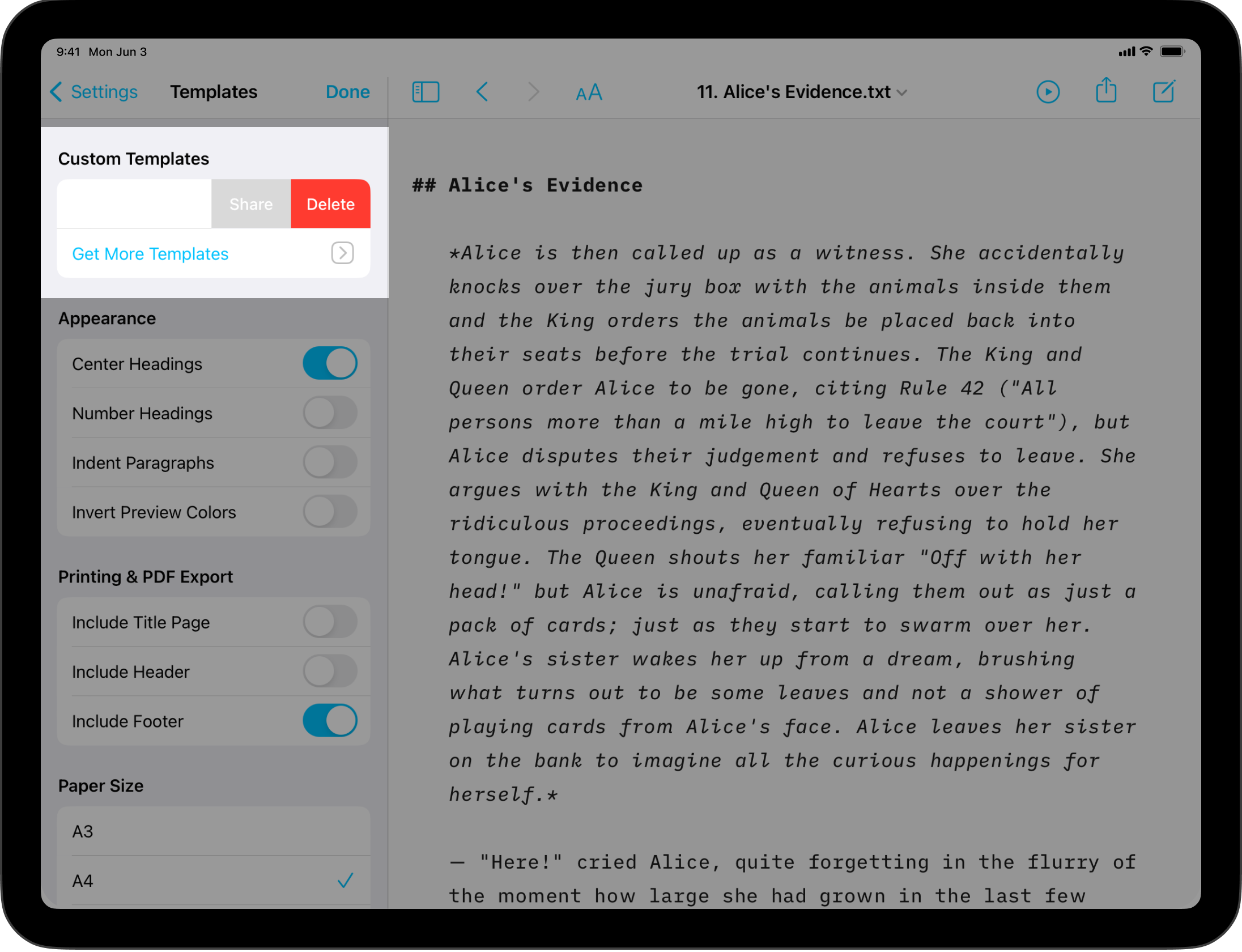
If you ever would like to remove a Custom Template, go back to Settings/⚙️ → Templates → Custom Templates then swipe to the right on the template you would like to delete.
Custom Templates
Users comfortable with code (CSS, HTML, and JS) can create custom templates tailored to their own tastes.
For more on this please see our dedicated page: Custom Templates.
It is also possible to override some of the CSS for a selected template by adding an HTML style block in your document.
<style>
  @media print {
    body {
      font-size: 25pt;
    }
  }
</style>
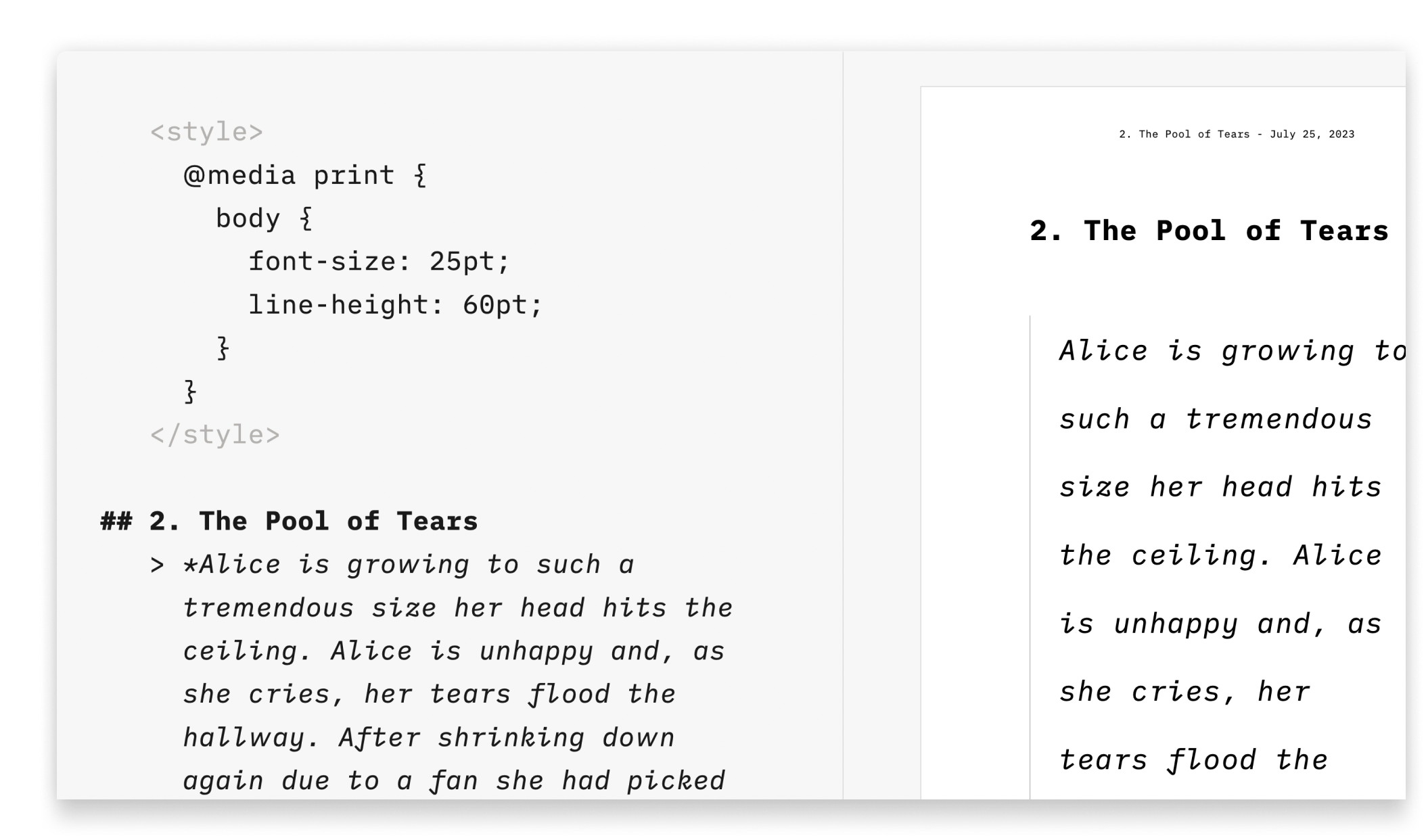
This solution is great for users who aren’t comfortable with code or those who just want to add a few changes (font size or font color for example), without creating a template.
Preview
Modify the Preview
To see your formatted text and to change its look, open Preview.
Export, Share, Print
Learn how to export, share and print your iA Writer documents.
Custom Templates
Create iA Writer templates in your own style.
Blog
How to to draft blog posts before uploading them to your website.