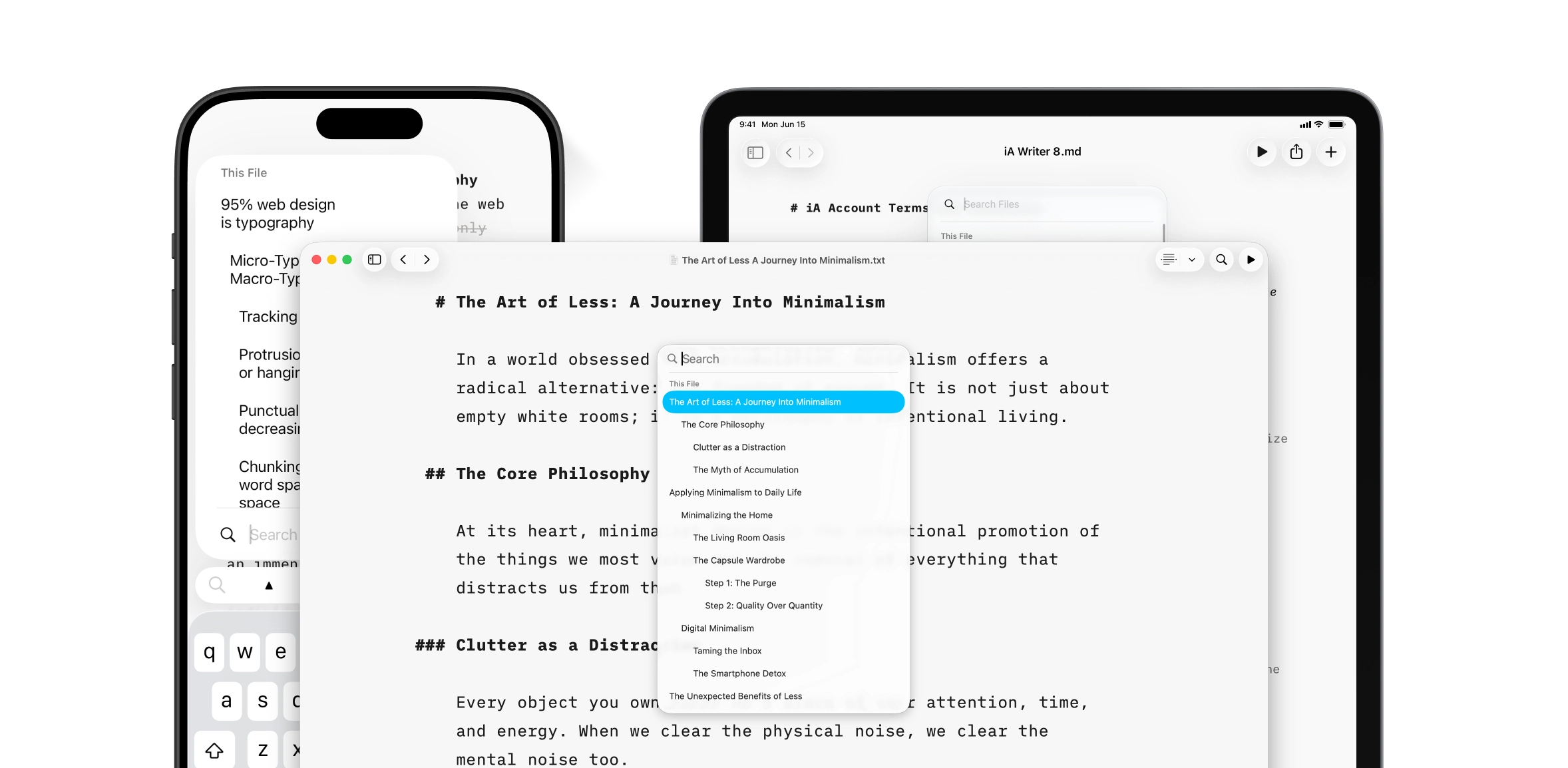
iA Writer 8 unites Search and Document Outline, all in Apple’s Liquid Glass interface.
When we write, we don’t think in terms of search, navigation, and file management. We think: Where am I?, What have I already said?, Where was that word? iA Writer 8 merges search and navigation in one place.
Through the Looking Glass
Document Outline is now built directly into Search. It took some time to figure out how to combine outline, search, and find in document and across library. And then we had to make sure that it is performing in large document libraries. You don’t have to decide whether you want to search, navigate, or manage files anymore. Simply type what you’re looking for:
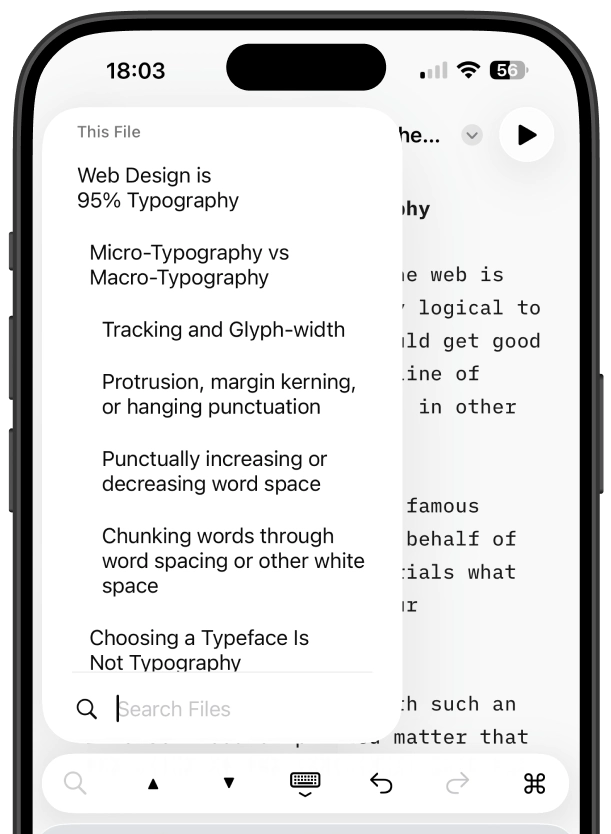
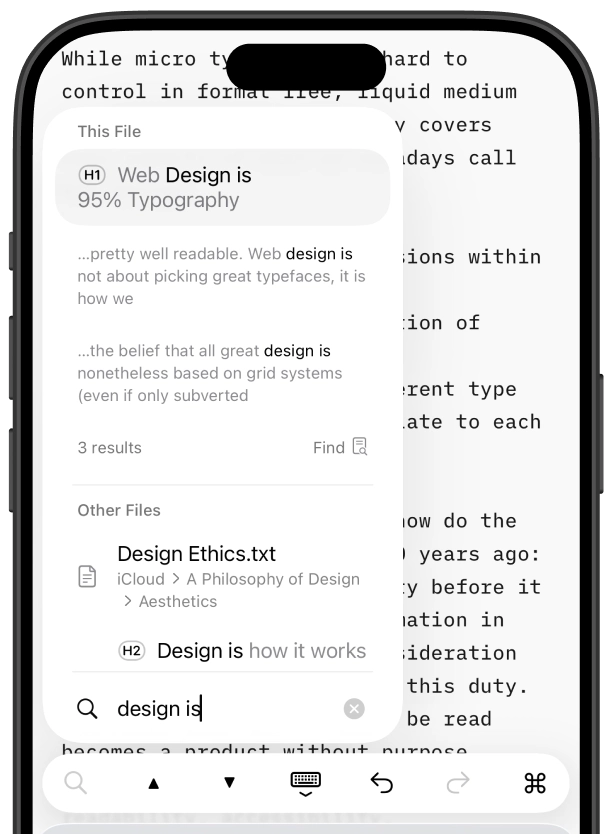
Some of you may already be familiar with the ⇧⌘O. It has been used for Quick Search for quite some time. Use the arrow and return keys to jump to any heading, filename, or text search result.1
Through Liquid Glass
Liquid Glass is the biggest visual change for the Apple platform in decades. We spent a year adapting iA Writer to the new design language.2 Our goal was to make iA Writer feel completely at home on OS 26 and later3 while preserving the unique focus that defines the app.
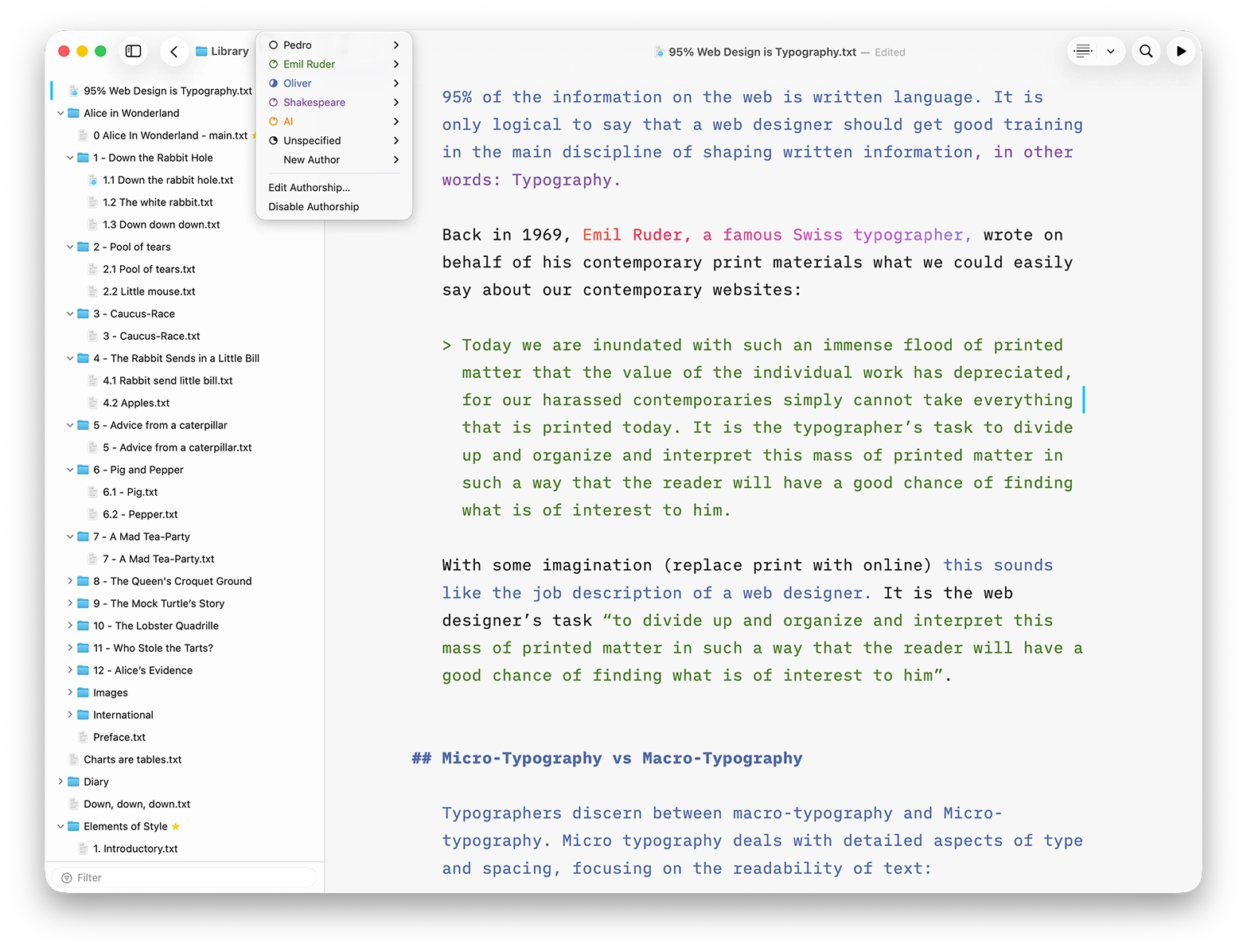
The new design language invited us to rethink and polish every button, every panel, and every color. The list of improvements is so long that writing it down would delay the release for another week. Here are three of the most notable changes:
1. Compact Library
Hide dates and text excerpts to see a new compact layout that makes it easy to browse large collections of notes. Favorite files are now marked with a star so they stand out.
2. Clear Authorship Menus
Authorship menus now display author colors directly in the interface. When several people work on the same document, it is easier to see who contributed what without opening additional views or menus.
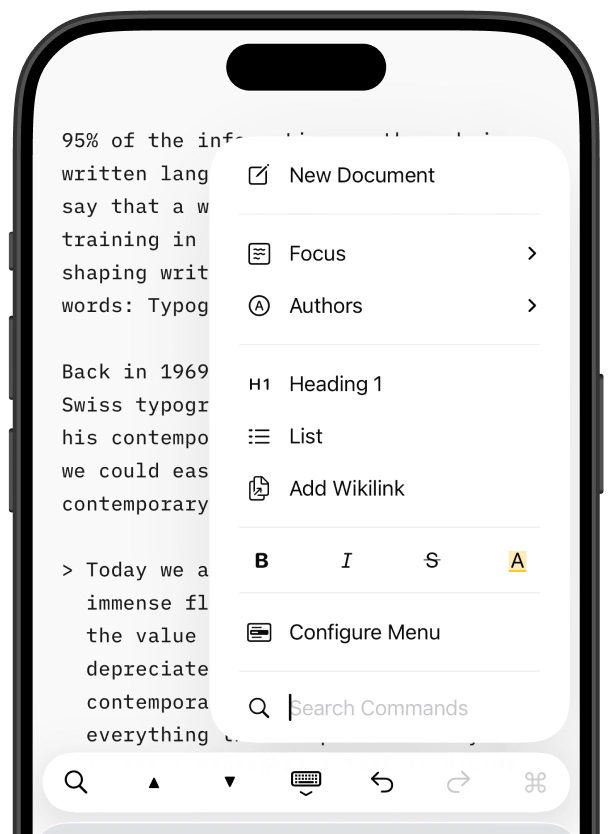
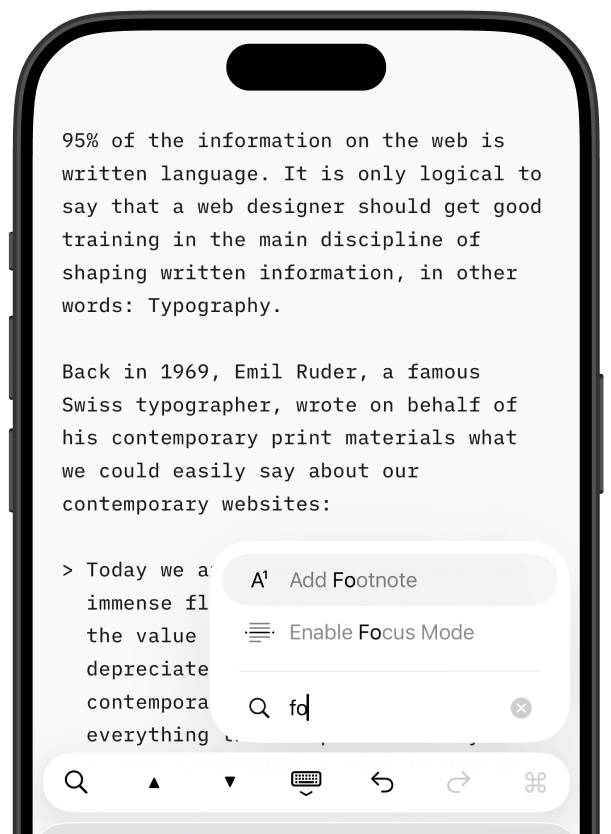
3. Fast Command Palette
iA Writer already contains many powerful features. Finding them can sometimes take longer than using them. To access it on iOS and iPadOS, tap the command icon. On macOS, you can use the shortcut ⇧⌘P. Then simply type what you need and press Return.
Try it now
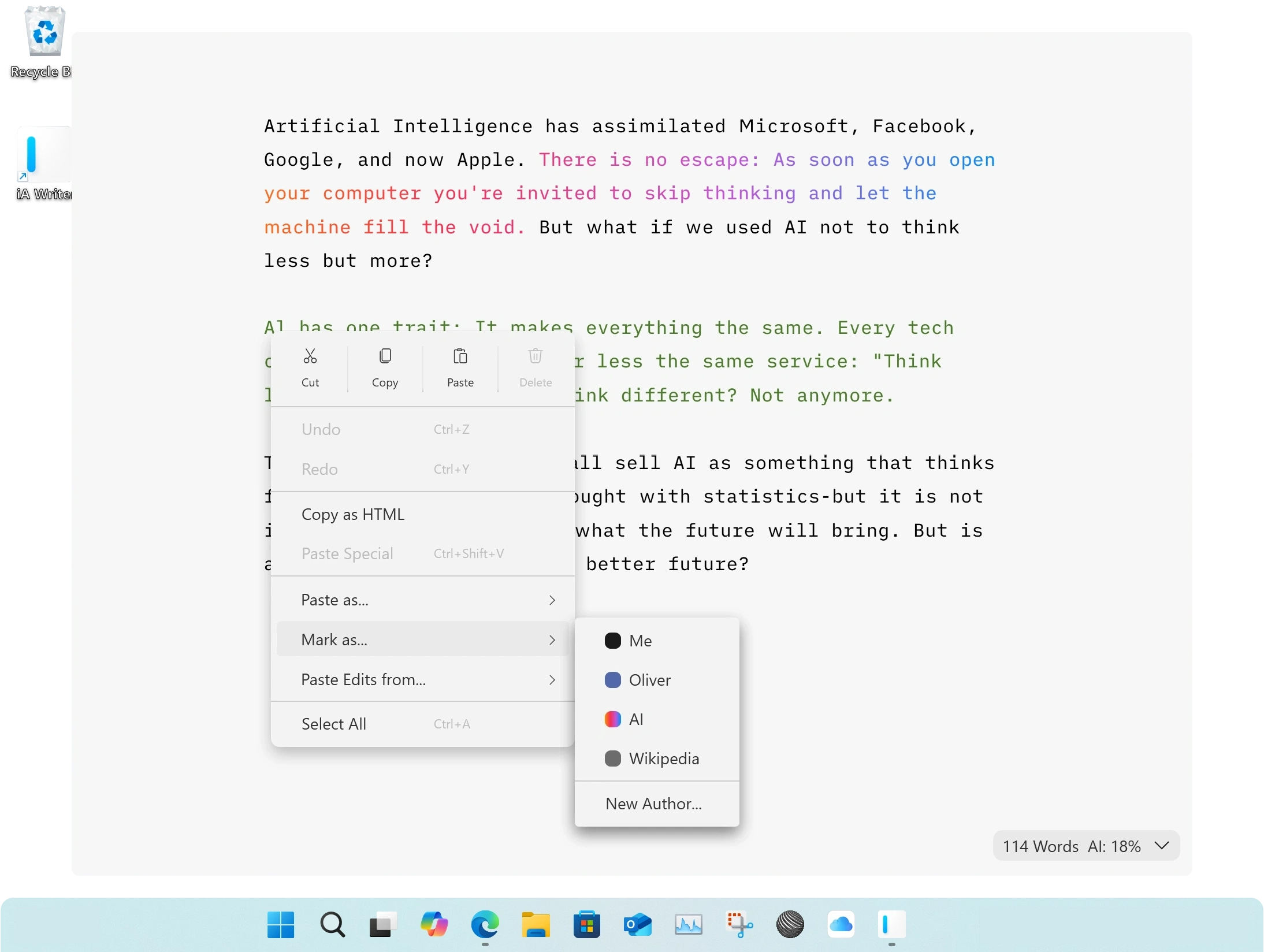
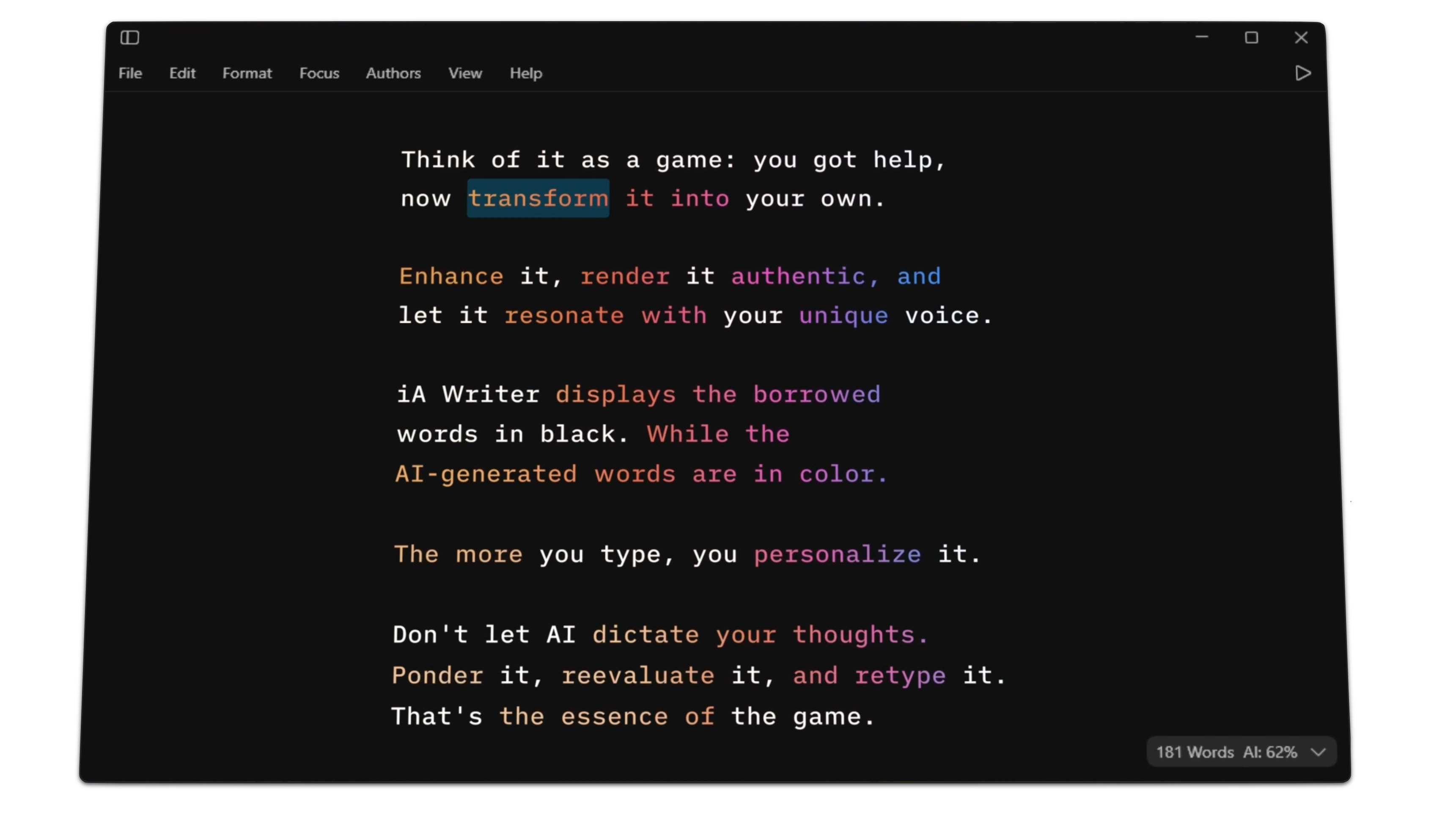
iA Writer 8 combines search and navigation into a single place. Open Quick Search, type a few letters, and jump straight to what you’re looking for. All of this comes in Apple’s Liquid Glass design language. The update is rolling out now for macOS, iPadOS, and iOS. A new Windows version with Authorship is available as well.
Writer
Free Trial Included

Mac
One-time payment

iPad and iPhone
One-time payment

* * *
-
Structuring a document requires a different mindset than navigating. We think it deserves its own, separate solution. ↩︎
-
The keyboard extension predates Apple’s own keyboard toolbar. Liquid Glass changed the visual relationship between the keyboard and the extension enough that we had to rethink parts of the design from scratch. ↩︎
-
We made sure that Writer looks great on OS 27 too. ↩︎