iA Presenter
Turn Text Into Slides
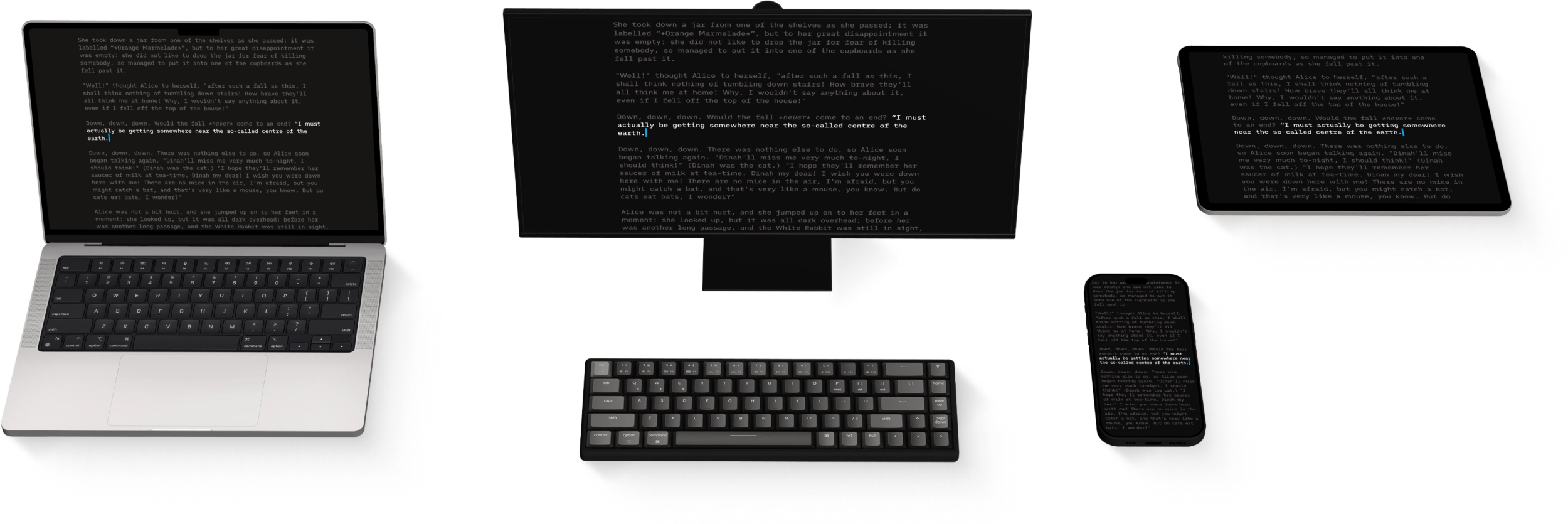
Focus mode for Windows emphasizes the active sentence or paragraph while eliminating distractions, so you can concentrate on the current task.
According to user feedback, this feature really shines when used in full-screen, dark mode. We suggest that you test both dark letters on a white background and light colors on a dark background to determine which option works for you.
You can enable/disable Focus Mode from:
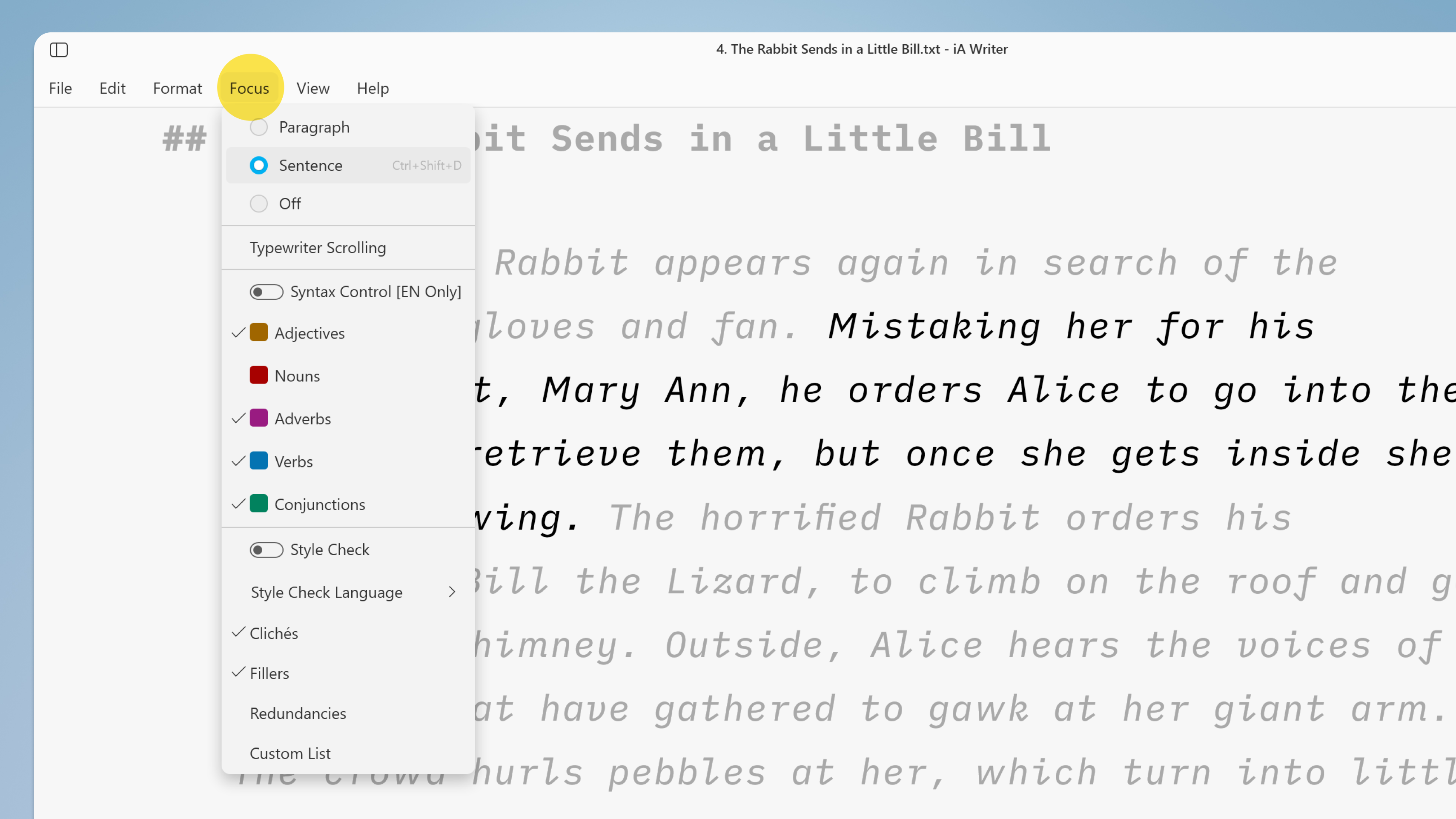
Focus Mode has 2 different settings and a scrolling option.
The active sentence is highlighted while the surrounding text is dimmed.

The active paragraph is highlighted while the surrounding text is dimmed.
Moving the cursor to a different paragraph makes it the active paragraph.
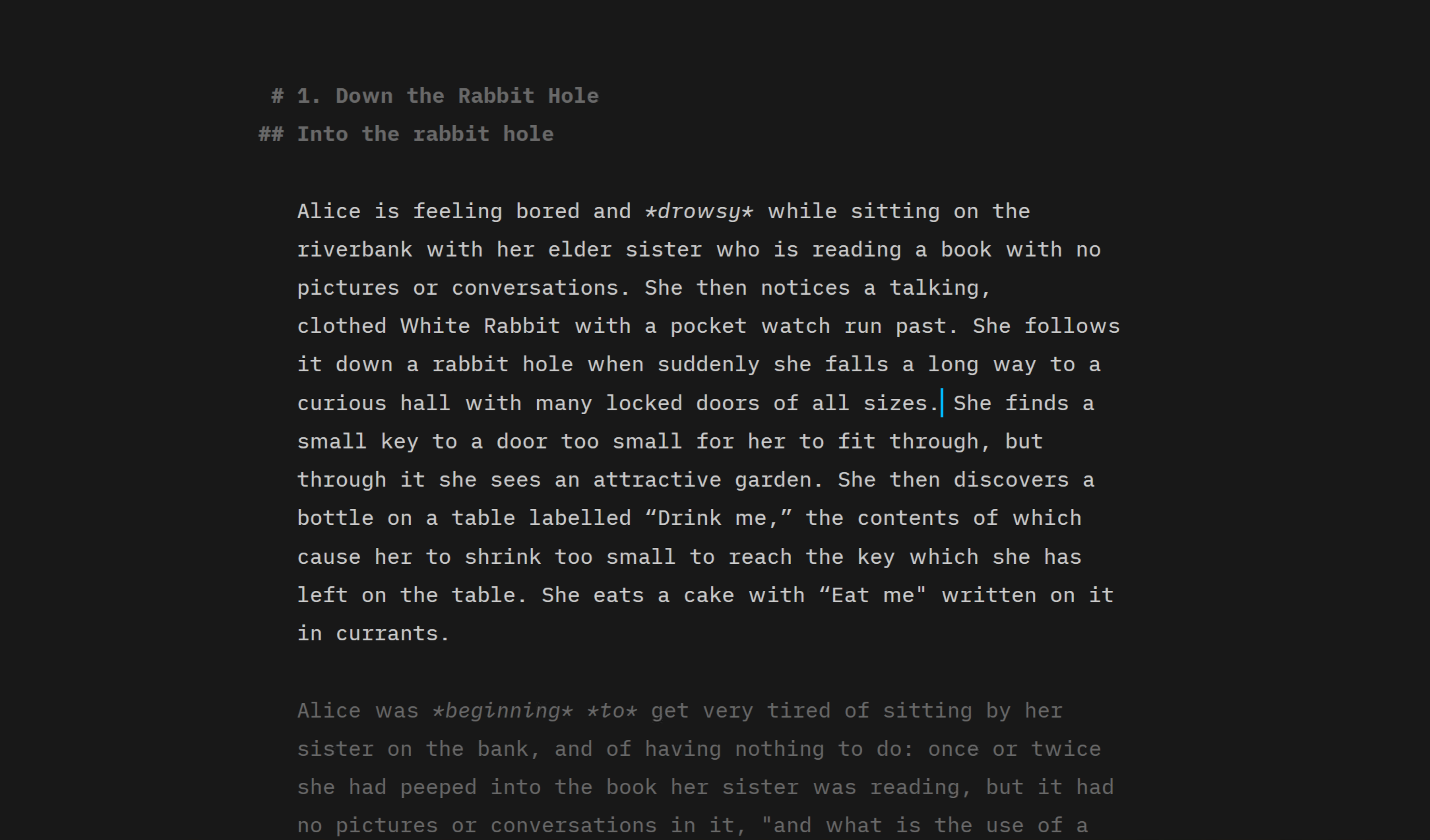
Unlike the two previous options, the text is not highlighted or dimmed in this mode.
The cursor remains vertically centered in the Editor when typing or moving up or down in your document. The experience is similar to what you would have with a mechanical typewriter.
Turn it on or off with Focus → Typewriter Scrolling. Typewriter Scrolling can be enabled independently of other Focus Mode or Syntax Control options.

Focus Mode is meant to be used during the writing/creation phase and for the best experience we recommend toggling it off during any editing phases.
A conflict between the area you will select to edit and Focus Mode’s attempt to vertically center the cursor might result in the screen jumping vertically.
Focus Mode is just one aspect in Writer that helps keep your mind on your text. Learn more in these related blog posts:
Highlight the text you craft yourself and keep track of your sources, artificial or natural.

A personal editor-in-chief on your device, carefully reviewing your text for redundancies, clichés, and filler words.

A more structured view of your document will help you improve your writing style.
From word count to estimated reading time, document stats help you stay on top of things.

A simple key-value format for storing additional information about a document, only visible in the Editor.

Auto text completion and transformation: focus on your writing, without getting bogged down by minor details.