 “My favorite iOS app for writing in Markdown, without question, is iA Writer. iA Writer is just beautiful. To me it’s the gold standard for Markdown syntax styling — great colors, real italic and bold styling for _italic_ and **bold** spans, and, my very favorite touch, outdented #’s for headings. iA Writer is even so presumptuous as to only use its own custom typefaces: Mono, Duo, and Quattro. But they pull it off — all three of iA Writer’s typefaces are very good (I’m a Duo man myself). The best way I can put it is that iA Writer is a classy app. BBEdit and MarsEdit are like pint glasses or coffee mugs. Occasionally, though, the mood calls for an elegant champagne flute. That’s iA Writer for me.” –John Gruber, Creator of Markdown
 “Like many professional writers, I reluctantly used Microsoft Word, and Apple’s Pages worked slightly better for me, but I still felt that it had too many distractions. When I write, I want to be able to concentrate on ideas, words, phrases and storylines. The last thing I need is software nagging me with features irrelevant to the writing process. Since I discovered iA Writer, I’ve used it as my main writing tool. It has the simplicity of a typewriter, which is why I love it. It’s just letters, sentences and paragraphs that form angles, headlines, narratives, articles and scripts. There’s no noise, no interference and no clutter. There’s also no hiding from what you really need to do, which is to wrestle with words and craft a compelling read.” –Dimitri Michels, Senior Copywriter, Amsterdam.
 “I’m not a professional writer, but I write for recreation and the cleanness of the iA writer platform really helps me get into a mood where writing is relaxing. I used to write in MS Word, Pages and Google Docs. But writing felt very structured and less driven by creativity. After finding iA Writer, writing has become more of a flow. I find I’m not concerned at all by end formatting or choosing a font. And I’m not distracted by menu bars, which is a plus when working on a smaller screen like an iPad Pro.” –Kenneth Saw, Project Manager, Australia.
 “My creative writing work was a disorganized mess of files before iA Writer. Finding iA Writer brought clarity, organization, and regular, focused writing. I have written the best poetry of my life in iA Writer.” –Dan Knauss, Web Designer, Writer, Canada.
 “As a volunteer, I teach a course in programming and general nerdiness to a group of children on the autistic spectrum. It turned out that it wasn’t all that easy to find the right course material and I ended up writing it myself and turning it into something of a proper book. Seeing the children actually use my material and improve themselves, having fun with it, changed something in me, but I think also in those children. Some of them really found their future in what we were teaching them. I doubt that I would’ve undertaken writing that course material if I wasn’t confident that my editor wouldn’t be in my way.” –David van Gemeren, Creative Director, Netherlands.
 “Before I started using iA Writer I was, to put it bluntly, all over the place and too easily distracted. Writer changed all that for me. I immediately fell in love with the beautiful streamlined look and feel of the app. No distractions, a beautiful uncluttered look and an elegant typeface. This all meant that the writing flowed more easily. The year after iA Writer was launched, I used it to write a story which was performed on the radio, and at a literary festival, winning a major radio award here in Ireland. That story pretty much was the real start of my writing life. Since then I have had many short stories, poems and non-fiction articles published and broadcast on national and local radio.” -Patrick Griffin, Writer, Ireland
 “Before iA Writer, I didn’t really write much. But at some point I was looking for a simple Markdown editor. Three years later, I find myself using this editor to think. I write my process, then grind over it to find flaws until I make things clear. The documents I deliver to my team benefit from this too. But the outcome I had never expected was something else. I just began writing fiction. I can not recall why or when, I had not put two words together for pure leisure probably since I was twelve, but suddenly, I felt compelled, there was something inside me trying to get out, and now a monster of hundreds of thousands of words is taking all my free time, and I am happier than ever. I started writing a thriller, spies in the middle of a made-up war in the nineties. But this year real life struck me hard and I switched to romance, looking for something cheerier. Also with spies, of course. One can never get enough spies in a story. I will never know whether iA Writer had anything to do with this or not, but I feel confident it did because I had not felt so comfortable using a piece of software before. It doesn’t get in my way, it is calm but inviting, inspiring in its raw elegance. It just feels right. I dare to say iA Writer helped me see how much I can love writing.” -Inmaculada Bermejo Salar, UX Designer, Writer, Spain
 “I’m dyslexic, and I found other writing tools such as Pages and Microsoft Word very difficult to use. I also work as a digital designer, so I spent a lot of time instead of writing trying to make the page look pretty – this was probably a coping mechanic lol. I’ve been using iA Writer for about two years now, and personally, I find it much easier to write. Markdown forces me to focus on my writing, making the process a lot easier for me. I’m no longer worried about fonts, layouts, sizing, etc. I also love the syntax highlighting tool – it really helps me focus with my dyslexia; as sentences become colourful, each word becomes easier to distinguish. I feel a whole lot more confident writing nowadays now that I have iA writer. I have both the iOS and Mac versions. As both versions work together, I find myself confidently writing on my iPhone / iPad, knowing that I will pick it up once I’m back on my Mac – it’s great!” –Rizwaan Akhtar, Digital Designer, United Kingdom
 “I write academic papers, translations, book chapters, and the like using iAW. Before switching, I wrote much less frequently and in lesser quantities than I do now. The beauty and clarity of the tool imparts a measure of beauty and clarity to my prose. The medium is the message, as Marshall McLuhan said. I think his insight proves true in my particular case insofar as iAW speeds up my thought, declutters my awareness, and draws my attention. The tool itself reminds me of my favorite book on writing: Strunk and White’s _Elements of Style_, particularly Strunk’s rule Omit needless words. By omitting all that is not needed in a writing tool, the tool itself becomes as concise and elegant as the prose that it is meant to capture. Now, even in the midst of academic administrative duties, I find it possible to write at least two serious original conference papers a year, and this year I have already managed to double that productivity. iA Writer is easily one of my most important and beloved tools.” –Andrew Hayes, Division Dean, Associate Professor, Texas
 “Before I found iA Writer I used to write much less and the tools I used to write on my computer were confusing and frustrating. These days, I use iA Writer for absolutely everything: from drafting a short email, making to-do lists, to outlining a major article or book chapter. I can’t begin to describe the pleasure I get from an evening writing session, laptop sitting on my uncluttered desk, iA Writer on full-screen + dark appearance + focus sentence mode. The blue cursor blinking at the centre of my screen triggers a deep desire to put words down, follow a train of thought, elaborate on an idea… I have been trying to significantly cut down on my screen-time, but I can’t imagine my life without iA Writer; it is an integral part of my workflow as a writer (I’m a professor, so I have to write papers and prepare lectures constantly). iA Writer is the perfect tool to draft a text. It is a pleasure to use, like a perfectly sharp knife. I wrote my entire PhD thesis on iA Writer. It felt like discovering a magical sword on the third-act of a hero’s journey. Thank you for all your work through the years. iA Writer has changed my relationship with writing; I feel the same connection to this software that old-time writers used to feel with their typewriters.” –João Ferreira, Assistant Professor (Design), Portugal
 “Discovering iA Writer and Markdown changed my life! It was so clear and simple yet super efficient. I often have problems concentrating for a long period of time and get massive headaches. I found myself writing faster using iA because I’m not bothered by formatting or exporting. I just have to write my stuff and I know it will be fine. I love the minimalist style which is kind with my eyes and focus mode, like a typewriter, reminds me of when I was playing with my grandfather’s. This year I left a job I didn’t like to become a full time freelance writer and you played a great role in this. You help me to stay focused and efficient without distraction. It’s precious nowadays. Because of this, I have more time to spend with my family. My sister lives in Switzerland and my writing best friend in Japan. It makes me smile to see iA is like us.” –Cécile Biaudet, Writer, SEO, France
 “Astonishingly simple. Everything goes away except for the writing experience.” – Stephen Fry describing his iA Writer experience in 2010 when asked about his favorite apps on the iPad
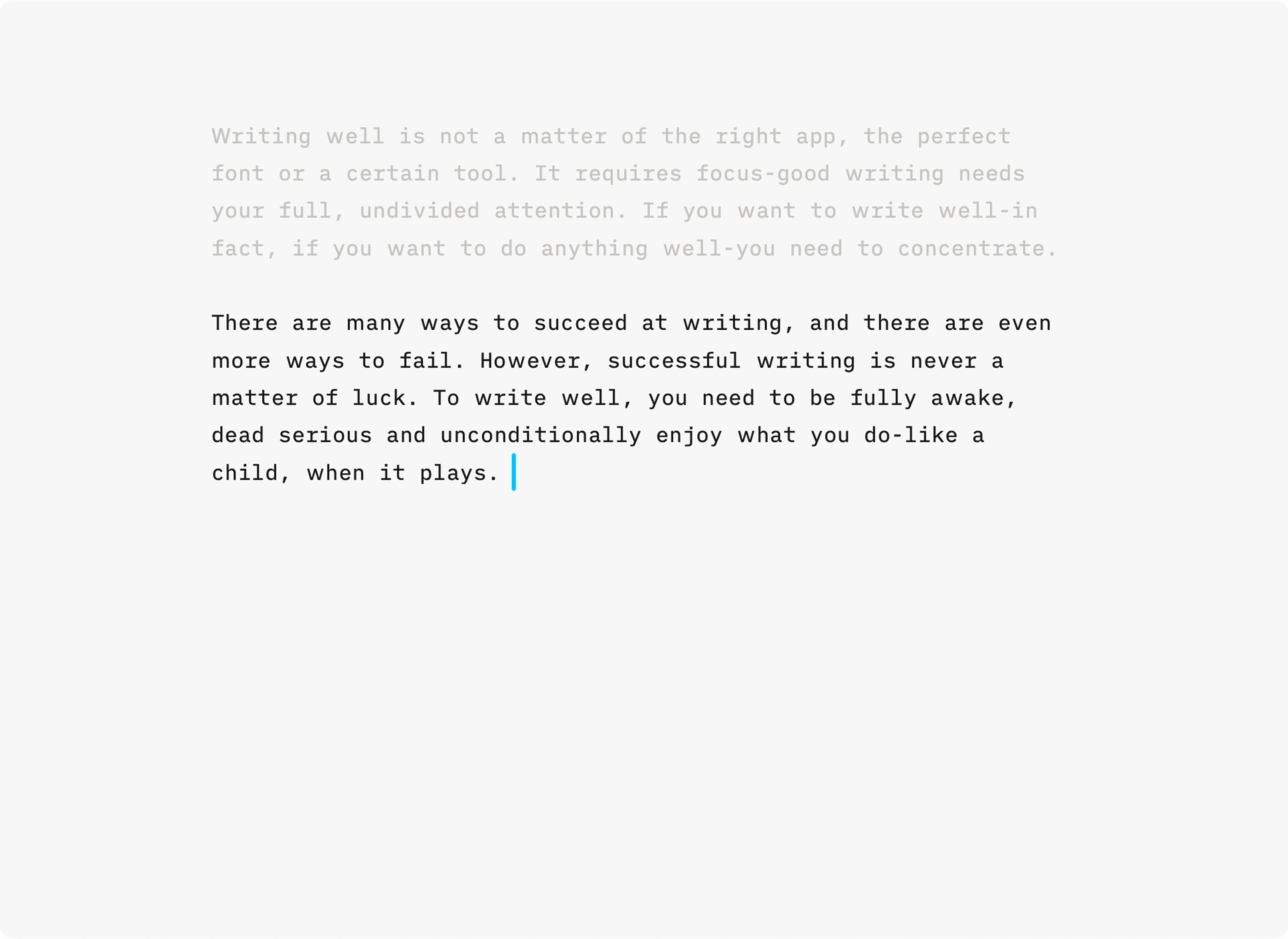
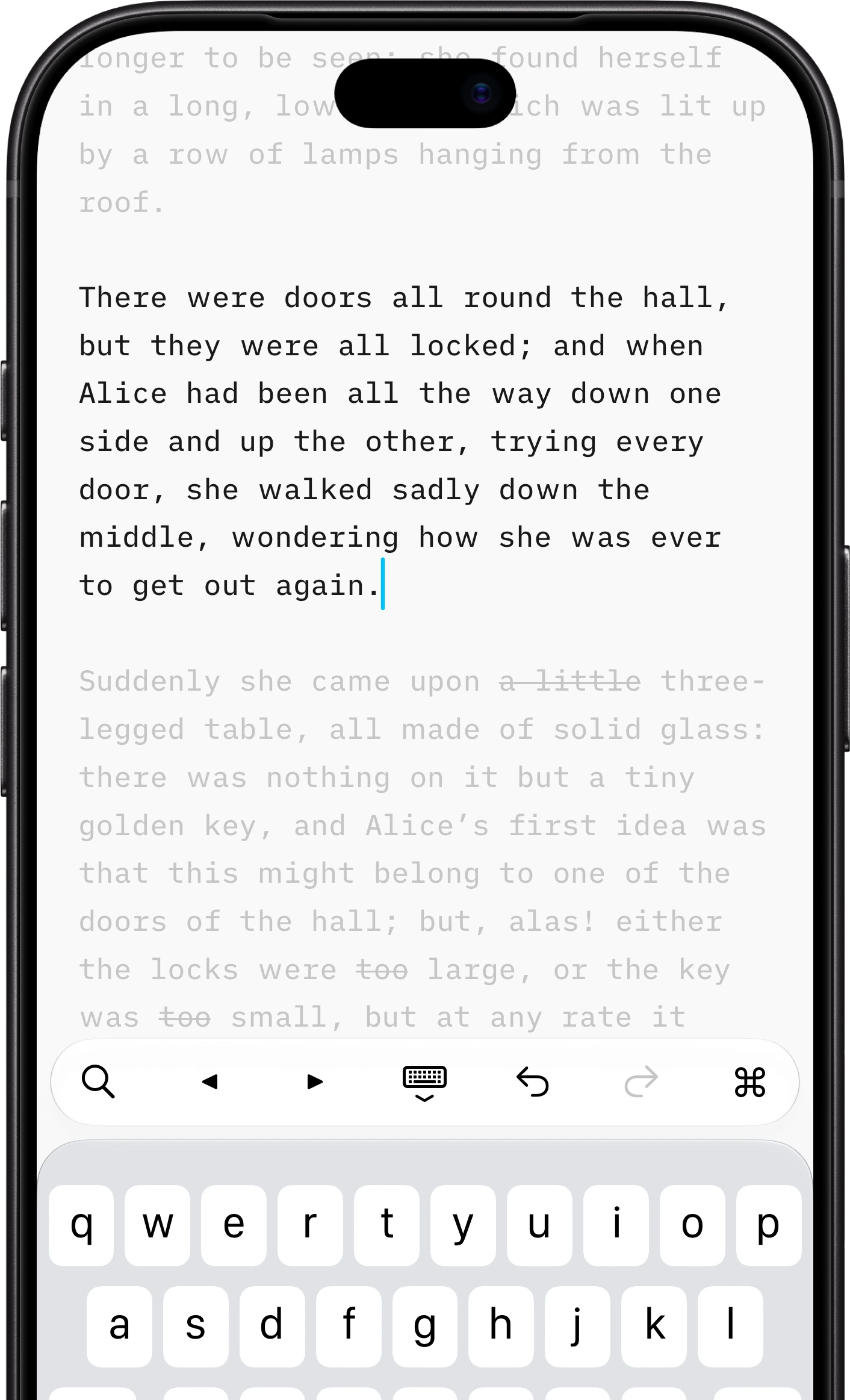
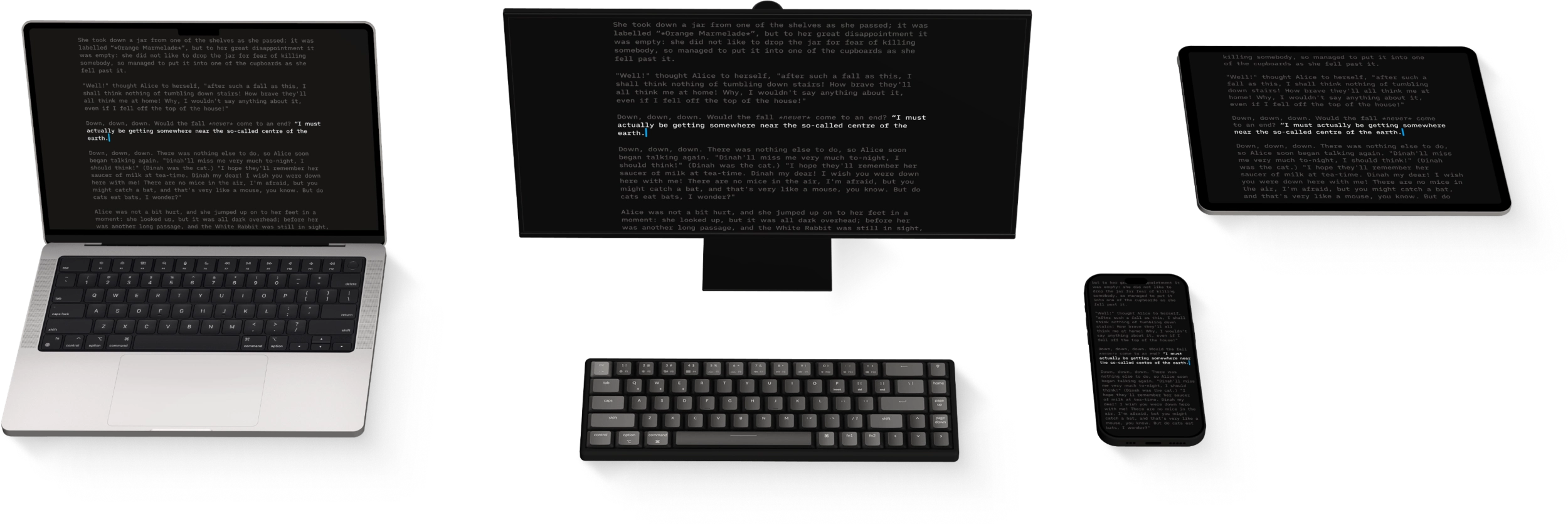
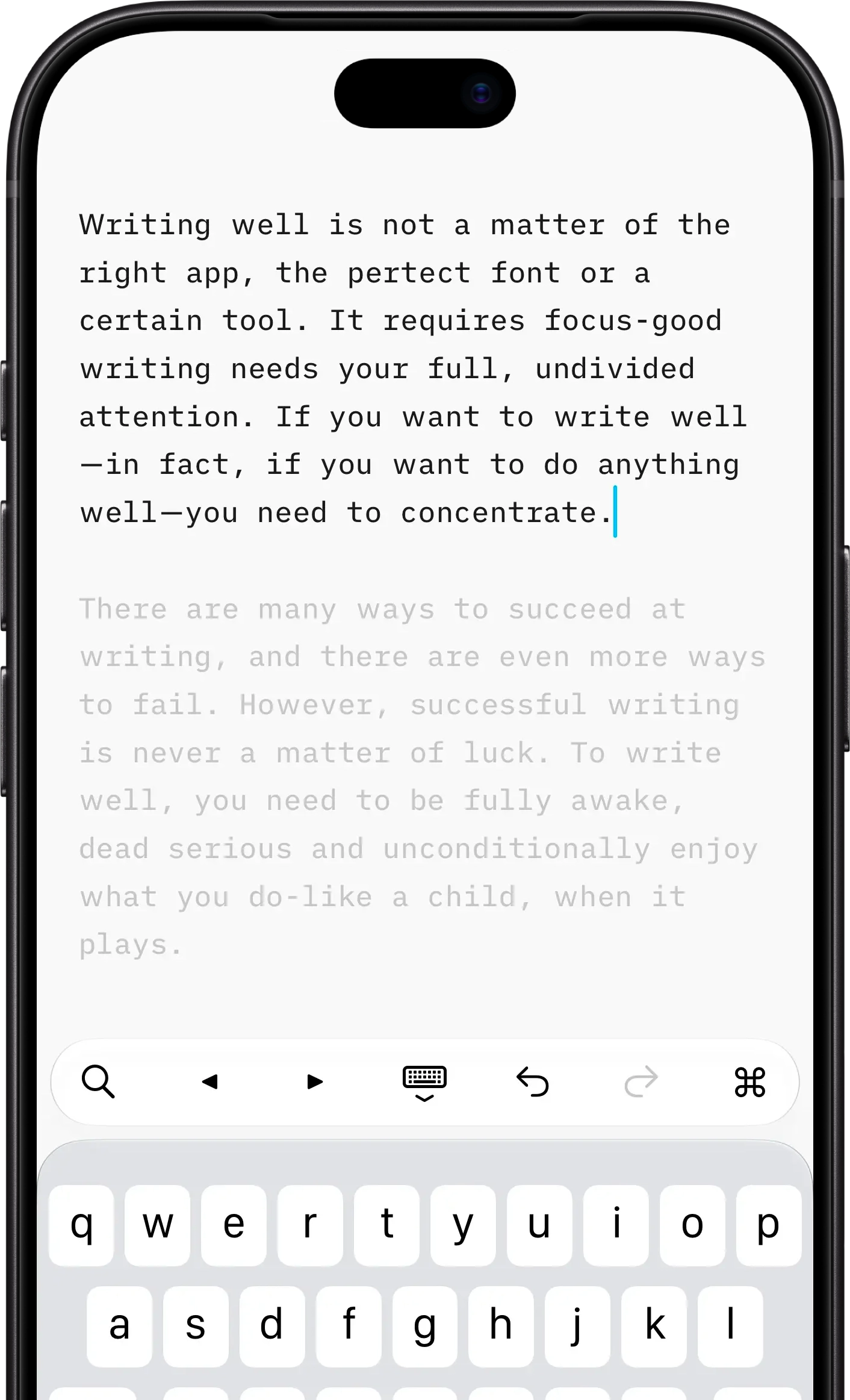
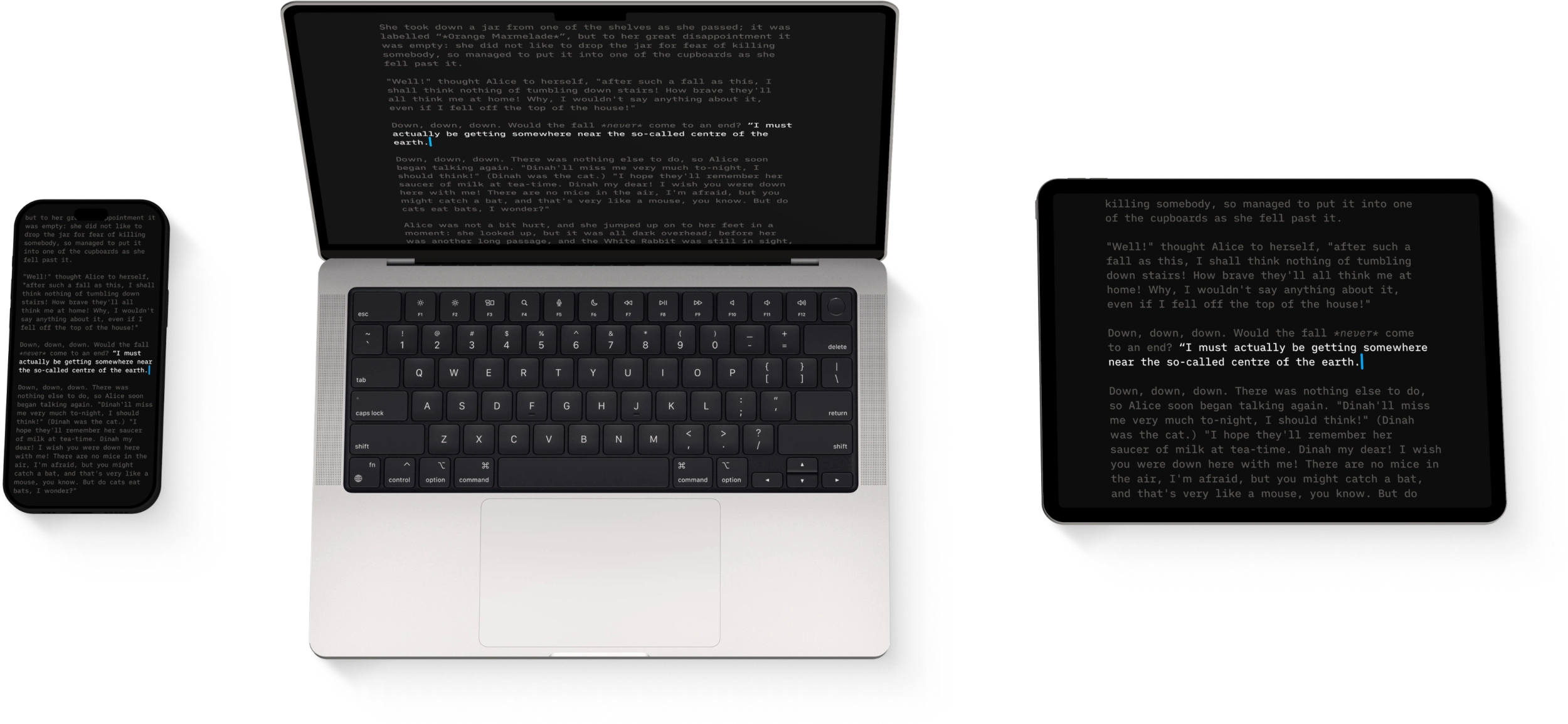
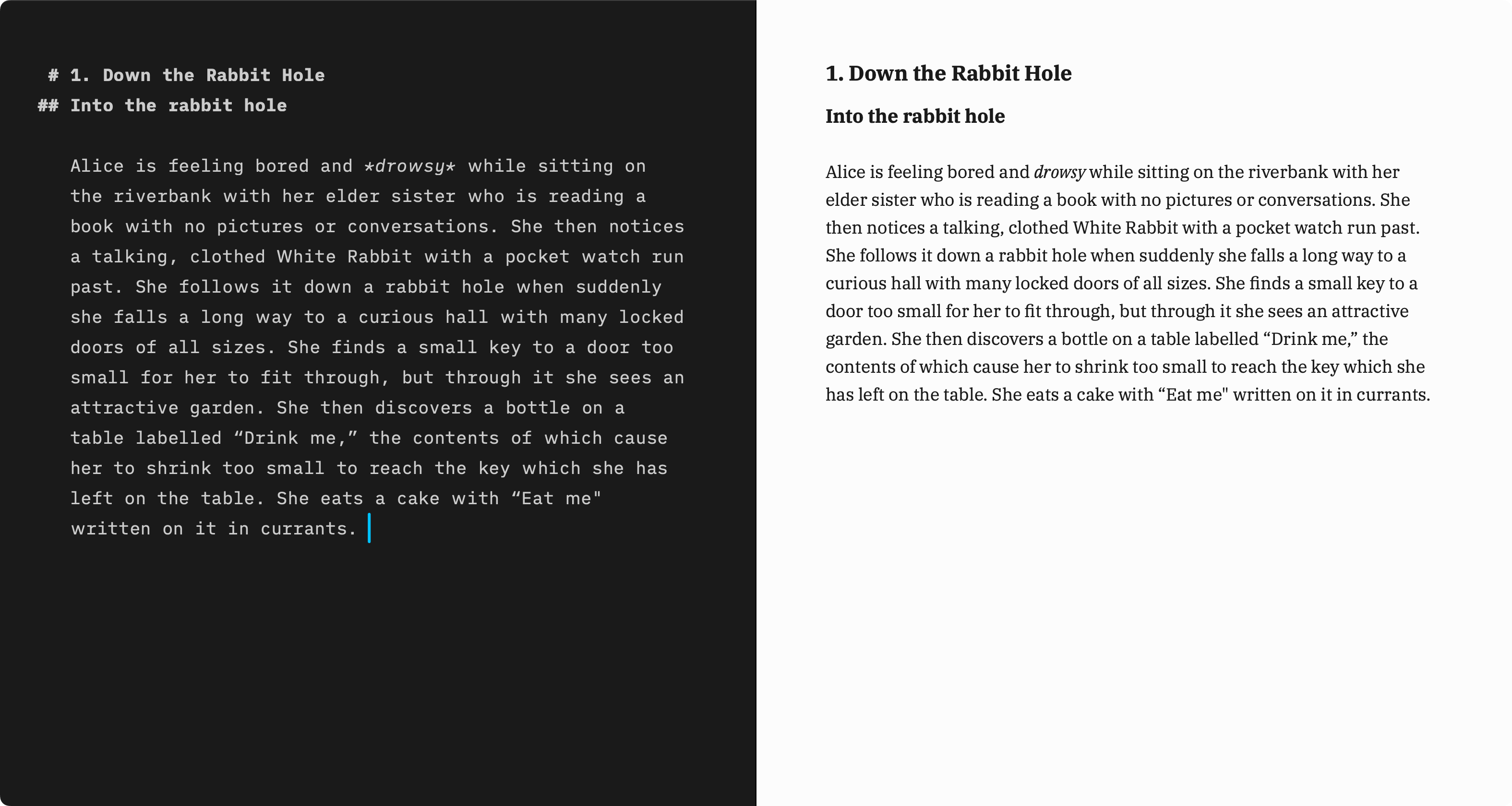
 「如果想找一款介面更簡潔的寫作應用程式 […],不妨試試 iA Writer,畫面上幾乎沒有按鈕、控制項之類的雜物。從介面到字型,它都借鏡了傳統打字機。最巧妙的功能是『專注模式』:除了正在寫的那一行或那一段,文件中的其餘文字都會淡化顯示。就像使用打字機時,目光會自然停留在紙上剛打出的字上。iA Writer 還有一項巧妙的功能:用不同顏色標出形容詞、名詞、動詞等,幫助你避免過度修飾。預覽模式簡潔清楚,可以看到文件按傳統書籍格式印出來的樣子。應用程式也具備尋找及取代等常見文字處理功能,還能把文字匯出為 Microsoft Word 等文書處理軟體相容的格式。」 –〈如今,在地鐵上也能寫出偉大的美國小說〉
 「不論是學生、專業寫作者,還是有志成為作家的人,面對空白的一頁,都會感到無比自由,也可能無比忐忑。iA Writer Pro 把這種體驗搬到螢幕上,隱藏其他應用程式和選單列,讓使用者免受干擾。它能做的還不只這些:詞性標示功能會用顏色標出形容詞、名詞、動詞、副詞等,幫助你把文章寫得更清楚。刪去多餘的修飾語,文字就更精煉;用好動詞,句子就更有力。」 –〈新 Mac 值得安裝的 10 款最佳應用程式〉
 「iA Writer 是過去幾年裡最成功的 iPad 文書處理應用程式之一。它是一款簡單的工具,去掉了複雜軟體中那些選項、字型選擇、干擾和校正功能。它把一件事做得很簡單,因此贏得了許多使用者的喜愛。開發者 Oliver Reichenstein 把它比作瑞士刀世界裡的一把手術刀。iA Writer 證明,簡潔易用的設計能為介面、應用程式或服務帶來商業成功。即使你剛入行,面對的是軟體業的巨頭,這一點也一樣成立。」 –〈極簡設計總能勝出〉
 「Writer 不是 Pages 那樣的桌面排版應用程式。如果說文字編輯器的作用是方便你修改、重排已經寫好的文字,那麼它甚至算不上文字編輯器。開啟『專注模式』後,連拼字檢查和剪下貼上都沒有。它只讓你寫——在這一刻,寫下這個片語、這個句子、這個詞。正如開發者所說:『我們的想法是,在你寫不下去時開啟它,把其餘的一切都擋在視線之外。』可自訂的地方不多,但這正是用意所在。別再花時間調整頁面邊界、挑選字型了。我們已經替你選好,也已經針對你的螢幕做好了最佳化。」 –〈Writer for iPad:專注、美感、簡約〉
 「……簡潔、沒有干擾的環境……專為 Markdown 愛好者打造的純文字編輯器。」 –〈讓寫作更有說服力的工具〉
 「iA Writer 最主要的功能,就是沒有太多功能。這個程式基本上就是一個白色長方形,使用者用一套專門設計的等寬字型打字,除此之外幾乎做不了什麼。沒有頁首、頁尾、繪圖工具,也沒有喋喋不休的迴紋針小幫手。極簡的介面使用 Markdown 這種簡單的格式標記語言,透過特殊字元設定粗體、斜體或其他格式。這樣一來,寫作者的雙手可以留在鍵盤上,心思可以留在文字裡。」 –〈「零干擾」裝置會改變我們寫作的方式嗎?〉