iA Presenter
Turn Text Into Slides
Language availability of iA Writer varies across platforms and features. Below is a detailed breakdown for iPhone.
The languages in which you can customize the app’s interface –also known as “localization”– include:
En |
English | English |
De |
Deutsch | German |
Jp |
日本語 | Japanese |
Fr |
Français | French |
Es |
Español | Spanish |
It |
Italiano | Italian |
Ru |
Русский | Russian |
Zh |
简体中文 | Chinese, Simplified |
Zh-Hant |
繁體中文 | Chinese, Traditional |
Kr |
한국인 | Korean |
Pt |
Português | Portuguese |
iA Writer will automatically use the system settings, but you can designate a different language for the app.
To do so, go to your iOS Settings: System Settings → iA Writer → Language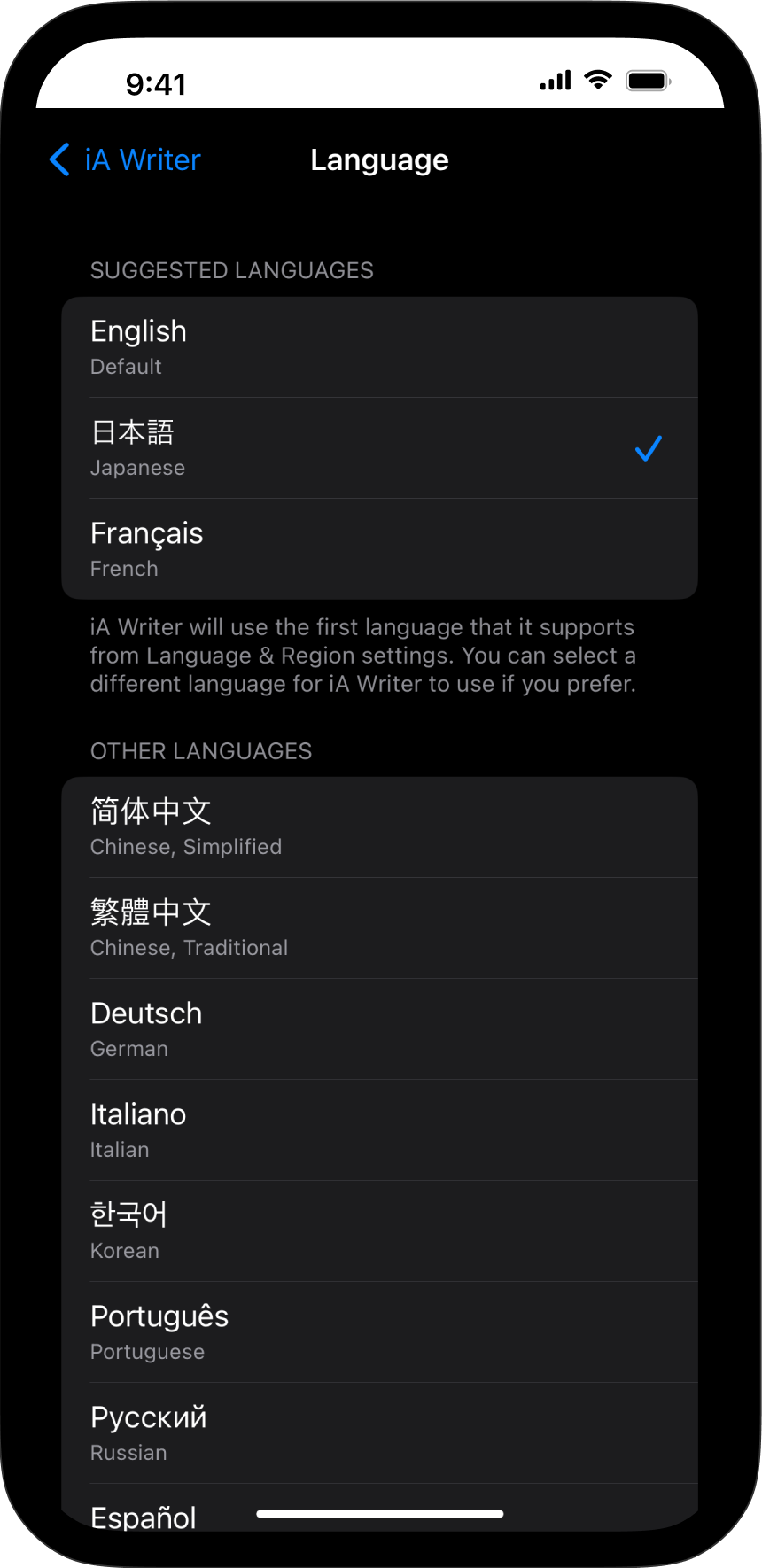
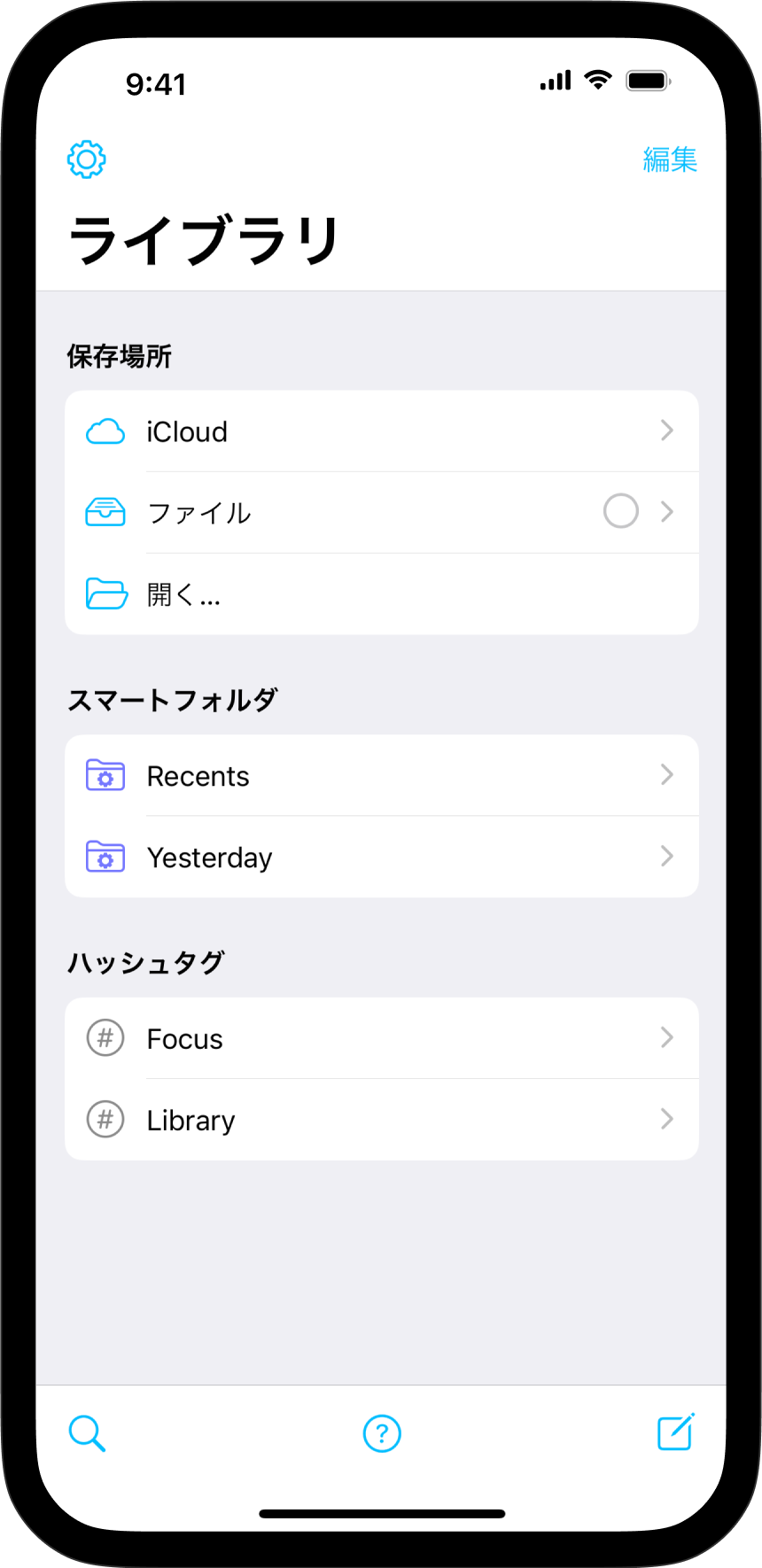
iA Writer will automatically use the system settings defined in Language & Region. Here as well, you can designate a different language for the app (see above).
Tip
Presence of 3rd party spelling and grammar tools/ plugins (e.g. Antidote, Grammarly) may impair the functionality of system options. If you notice an issue with spell check, try first to deactivate tools such as Grammarly.
Syntax Highlight provides a structured view of your document. It helps in improving your writing style by using different colors to highlight various parts of speech.
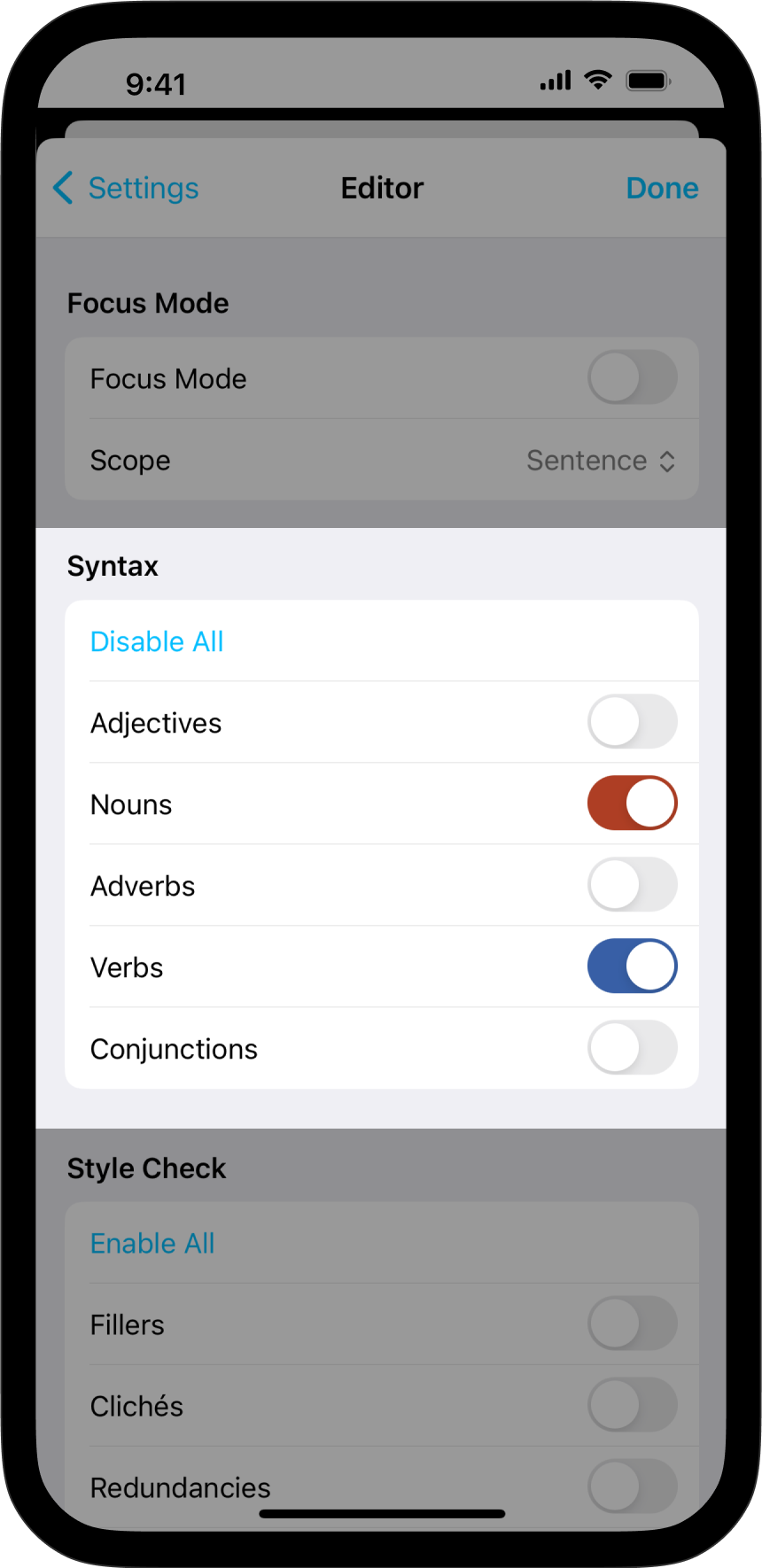
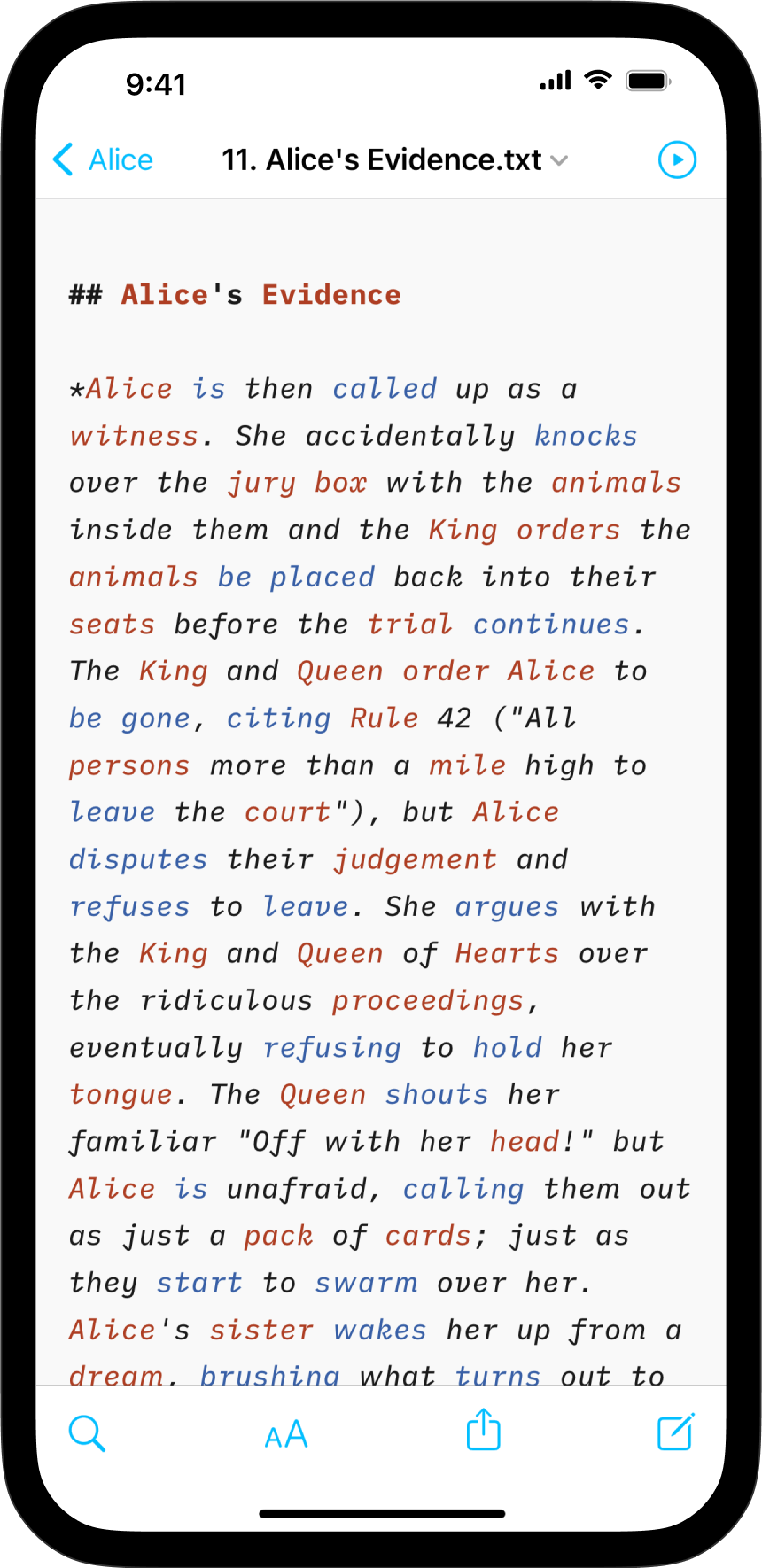
Supported languages for Syntax Highlight:
En |
English | English |
De |
Deutsch | German |
Fr |
Français | French |
Es |
Español | Spanish |
It |
Italiano | Italian |
Ru |
Русский | Russian |
Style Check acts as your personal editor-in-chief, detecting redundancies, clichés, and filler words as you type.


Supported languages for Style Check:
En |
English | English |
De |
Deutsch | German |
Fr |
Français | French |
Es |
Español | Spanish |