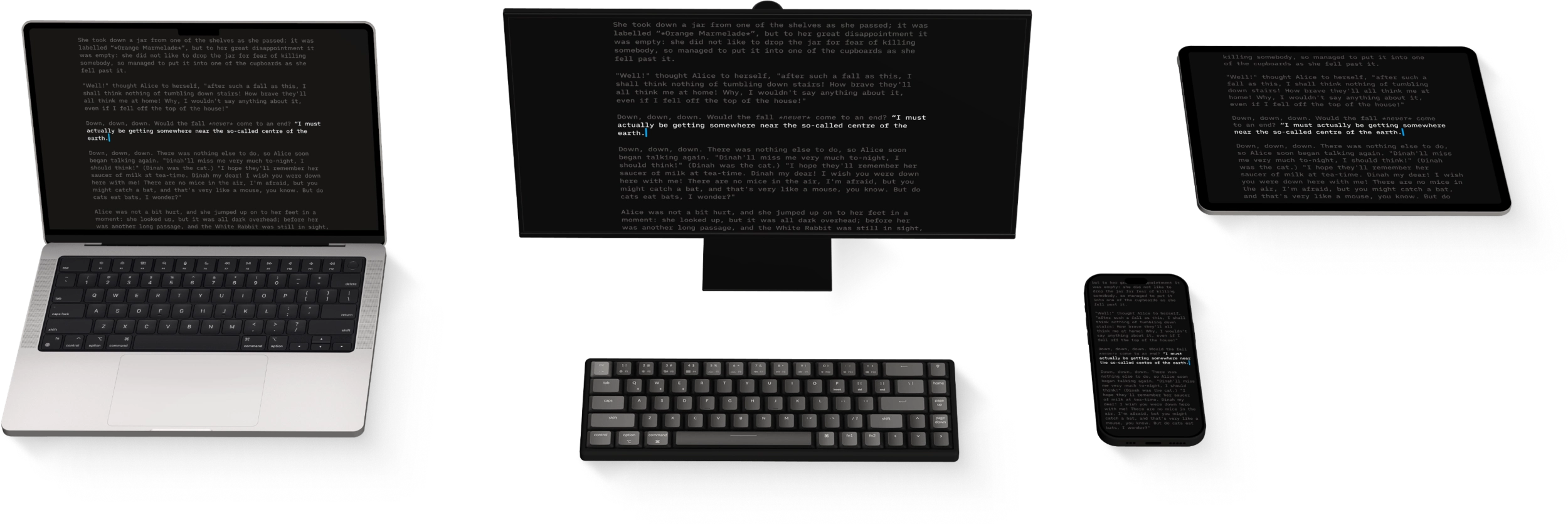
iA Writer includes a number of keyboard shortcuts.
With a keyboard connected, you can see the available shortcuts in iA Writer at any time:
iPadOS 26 and later: open the menu bar. Swipe down from the top of the screen, or move the pointer to the top edge. Each menu lists its commands with their shortcuts.
iPadOS 18 and earlier: press and hold ⌘ to see the shortcuts for the current screen.
These shortcuts can be roughly divided into the following categories:
Files
⌘N
New
⇧⌘N
New Window
Quick Search
⇧⌘O
Quick Search
⏎
Open file or activate action
⇧⏎
Open file in new window
Navigation
Links
⌘⏎
Open a link in Editor
⌘-click
Open a link in Editor
click
Open a link in Preview
When You Open a Link
Wikilinks
Open a document or create a new one, ready to type
Text content blocks
Open a document or create a new one, ready to type