Legacy Apps

As announced (Sept. 2024) iA Writer for Android 3.1.4 has been removed from sale.
iA Writer for Android 1.5.2 has been retired from development and distribution since 2020. While the app may continue to function on legacy devices and OS for which it was developed and tested for, it is no longer supported.
Since the creation of the app, there have been significant changes to Android versions and the underlying frameworks on which iA Writer 1.5.2 was originally built.
Potential Issues
iA Writer 1.5.2 is no longer updated and is susceptible to potential issues arising from Android updates. The risk of encountering functionality impairments increases with each new system update.
From user’s reports, we know that some 3rd party integrations (like Dropbox file storage) are no longer compatible with recent Android versions and have ceased functioning.
Backing Up Files
In the case of a legacy, non-supported app that might cease functioning, frequent backups and/or enabling Cloud Storage Provider is a must.
Private
In-app storage.
As long as the app is not removed/reinstalled, you should be able to access in-app files as you did before.
Public
Files stored in this Location may no longer be accessible in-app due to Android restrictions. These files remain accessible outside of the app in your device’s file system’s Documents folder. This is the folder path: /storage/emulated/0/Documents/iA Writer
Going Forward
At the moment development is frozen for iA Writer for Android 3.1.4.
iA Writer for Android 1.5.2 is unsupported and no longer receives updates. As time goes on, it will become incompatible with newer Android versions and hardware.
Removal/uninstall of either app without exporting, backing up or transfering documents will result in documents being deleted. We highly advise regularly backing up documents, especially before attempting any system updates.
 Help
Help

FAQ
Below are answers to common questions. Everyone is special, but most questions that we get overlap.

Troubleshooting
Here are some things you can do if iA Writer acts in unexpected ways.
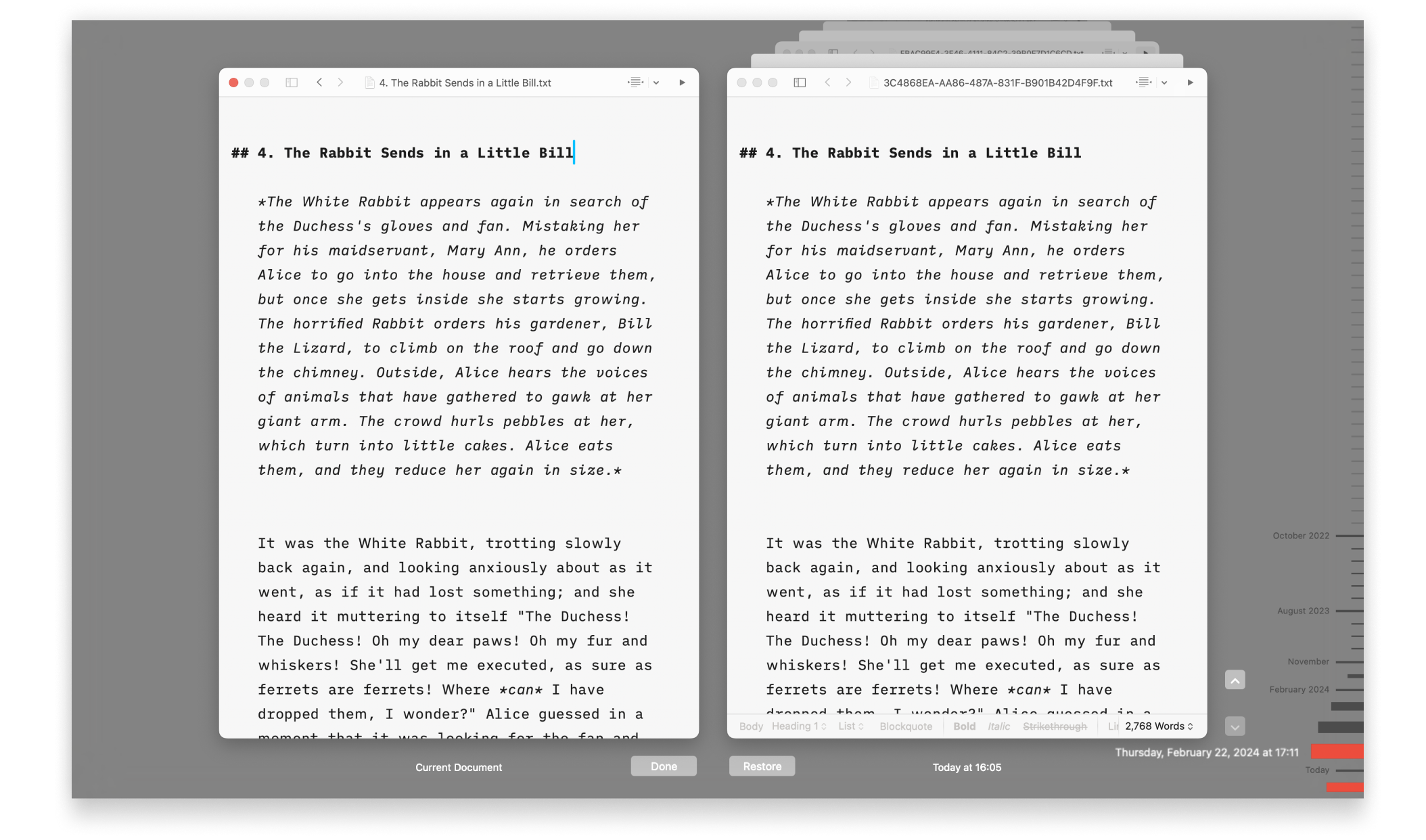
Backups and Recovery
Lost progress in a document? Regret deleting that paragraph? No problem!

iCloud
iA Writer is file storage provider agnostic but we recommend iCloud for the best experience across most devices:
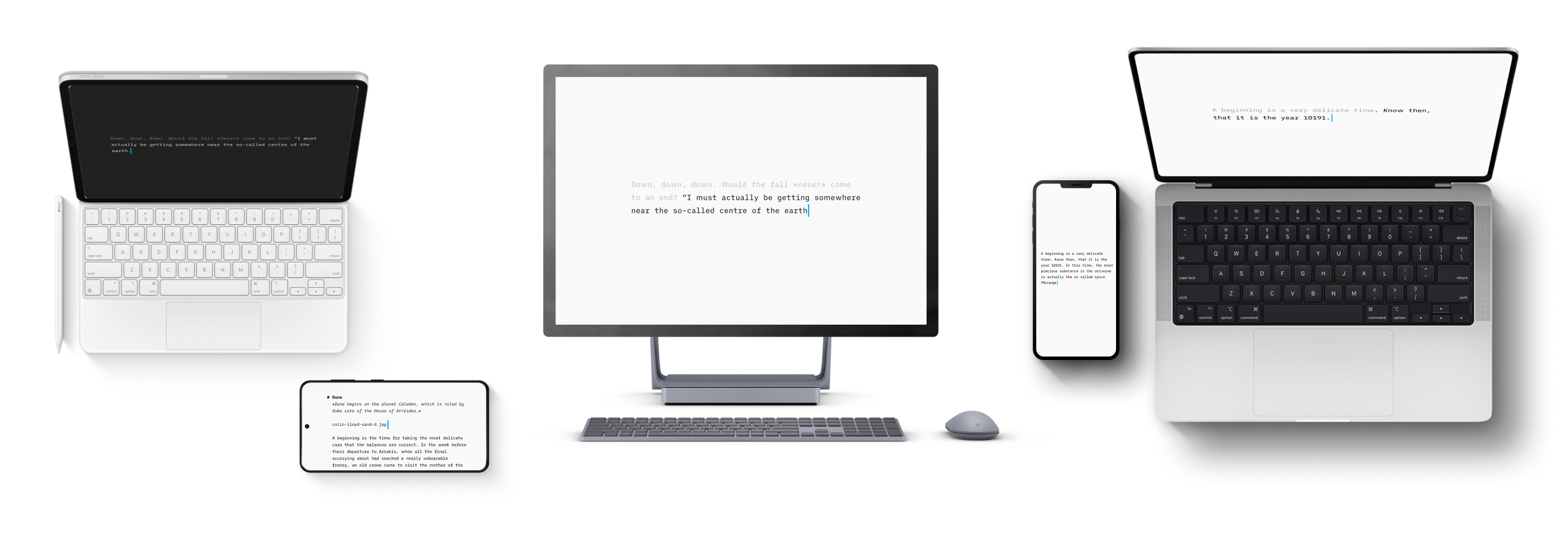
Version History
Scroll through the history of our apps, version by version, platform by platform, update by update.
Accessibility
We want our products to be enjoyed by the widest possible audience.
URL Commands
Open iA Writer from other applications on both macOS and iOS, and perform specific actions on opening.


