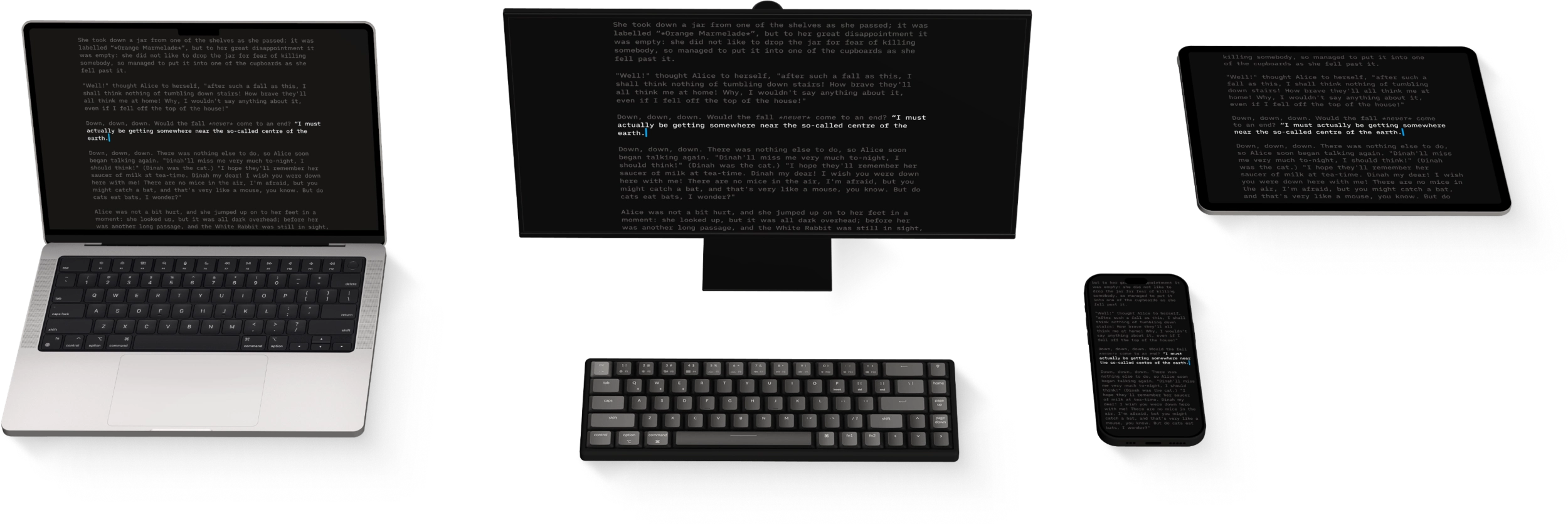
Legacy Apps
iA Writer Classic (2.1.6) launched in 2010 and was actively developed until 2016. Before its retirement from development and sale, the app was tested with macOS 10.11 (El Capitan), iOS 10, and Apple hardware available up to 2016.
Since then, Apple’s operating systems and the frameworks on which the app was built have changed significantly. The iPhone and iPad app also predates the iOS Files app, introduced in 2017.
iA Writer Classic is no longer developed or supported. With every system update, the risk of impaired functionality increases.
Potential Issues
On newer Macs, iPhones, and iPads, iA Writer Classic may not work as expected or may fail to open. Devices restored from iCloud or iTunes backups can also restore the app onto hardware or an operating system with which it is no longer compatible. Some compatible devices may regain functionality after reinstalling the app. Back up every document before attempting this to prevent data loss.
Backing Up Files on iOS
Before troubleshooting, back up every document. Locally stored files on iOS are erased when the app is deleted. iA Writer Classic supports transferring locally stored documents through iTunes File Sharing:
- connect the device to a computer running iTunes
- select the device, then open File Sharing
- choose iA Writer and copy the required files to the computer
💡 On macOS Catalina or later, the device appears in Finder. Files can be dragged from there to another location on the Mac.
iCloud
- sign in at icloud.com with a desktop browser
- open iCloud Drive → iA Writer Classic
- select and download the files
Restoring Functionality
On compatible devices running macOS 10.11 or iOS 10 and earlier, reinstalling the app from the App Store may restore functionality.
Before Uninstalling
- open App Store → Account → Purchased
- verify that iA Writer Classic appears in the purchase history
- back up or extract every document using the steps above
Reinstalling
After completing the backup, delete the app and reinstall it from the App Store’s Purchased section.
💡 You must be signed in with the same Apple ID and in the same country or region as at the time of the original purchase. The app may eventually cease to be available from purchase history.
Android Legacy Apps
iA Writer for Android 3.1.4 was removed from sale in September 2024. Version 1.5.2 has not been developed or distributed since 2020. Both versions are unsupported and may become less reliable with newer Android versions; some third-party integrations, including Dropbox storage, no longer work on recent systems.
Backing Up Android Files
Files in private in-app storage should remain accessible while the app stays installed. Public files remain available outside the app in the device’s Documents folder:
/storage/emulated/0/Documents/iA Writer
Removing or reinstalling either Android app without first exporting, backing up, or transferring its documents will delete those documents. Back up files regularly, especially before system updates.
The current, fully supported version is iA Writer.
Help
Troubleshooting
Here are some things you can do if iA Writer acts in unexpected ways.
Backups and Recovery
Lost progress in a document? Regret deleting that paragraph? No problem!
iCloud
iA Writer is file storage provider agnostic but we recommend iCloud for the best experience across most devices:
Version History
Scroll through the history of our apps, version by version, platform by platform, update by update.
Accessibility
We want our products to be enjoyed by the widest possible audience.
URL Commands
Open iA Writer from other applications on both macOS and iOS, and perform specific actions on opening.
Apple Shortcuts
Shortcuts are a powerful automation tool that saves time and helps you focus on writing by avoiding repetitive busywork.